_2d2230.png)
_5a42ce.png)


james.wilson
Admin
-
Joined
-
Last visited
Everything posted by james.wilson
-
No worries, the client loves the system and we’ve still got spares from donkeys ago so still service it! Good job it needs to be future proof. At least it's important to them
-
I dont have it but it probably wont work unless you have an old windows 98 etc laptop
-
Yeah I am. I wonder if they are just finding valid email addresses
-
-
Depending on their age etc you could leave them in place. Being a galaxy they will currently be wired eol 1k 1k. Need to check your new panel will support that or you may need to chnage the jumpers/resistors inside the detectors. Ion is a good panel but iirc the wireless side is 1 way (but im not sure never fitted one) You can diy anything but im sure you have seen diy in your profession. Some or ok some are terrible Be cautious with this. All apps running cost is either funded by product sales or fees. An alarm system notification cloud is a more critical system than say a lighting app or heating etc. If it goes down for a week it doesnt really matter. On an intruder alarm systm it matters a lot. Also free systems tend to be obsoleted quicker than fee based ones as additional income is required to fund it forcing new equipment to be installed and mroe ewaste. This is common in the home automation sector.
-
Genuine Eaton Cooper Scantronic Proximity Fobs Compatible Eaton Cooper Scantronic Proximity Fobs Both have unique id's
-
And knackered the Bananas
-
Bet you wish you had that on video
-
-
-
OP it looks like you had the tamper disabled or linked out on your SAB. Al is showing what needs to be done to rectify it. I also assume it was linked out for a reason. Either though lack of knowledge or because of an issue they didnt want to tell you about. If the issue remains then wiring it correctly will give you a fault that previously looked ok as you had no fault. You still did it was just bypassed
-
they banned in Canada?
-
Just seen this. Canada has ordered Hikvision to cease business in the country on national security grounds. Is it still banned in the US? https://www.reuters.com/sustainability/society-equity/chinas-hikvision-says-it-is-challenging-canadas-shut-down-order-2025-07-07/
-
I have various email servers that arnt free. but willing to let active trade members use em
-
Or get a bit of kit similar aged to your phone
-
I wrote this some time ago before I added to the app. Plus my NSI inspector wanted something to use when auditing. Its to perform the battery size calculation for Intruder alarms EN50131 Battery Calculator – Secure It All
-
Is product available that is graded? If yes then you cant use, if no then it would yes Also there may not be a EN for that detector (id of thought it would fall under shock though)
-
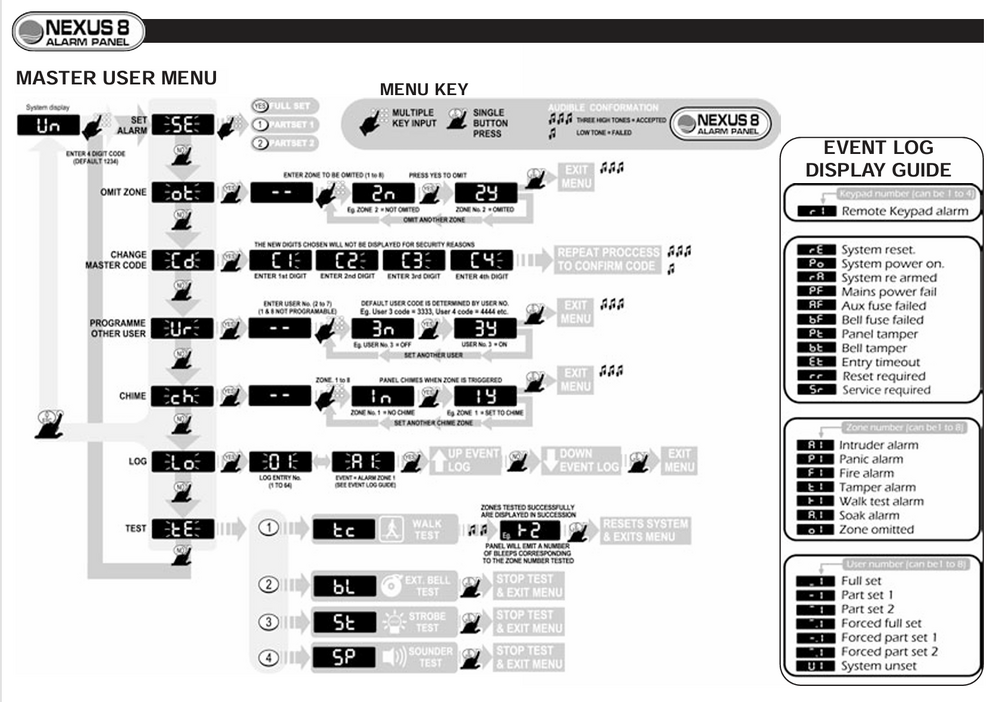
this shows the process
-
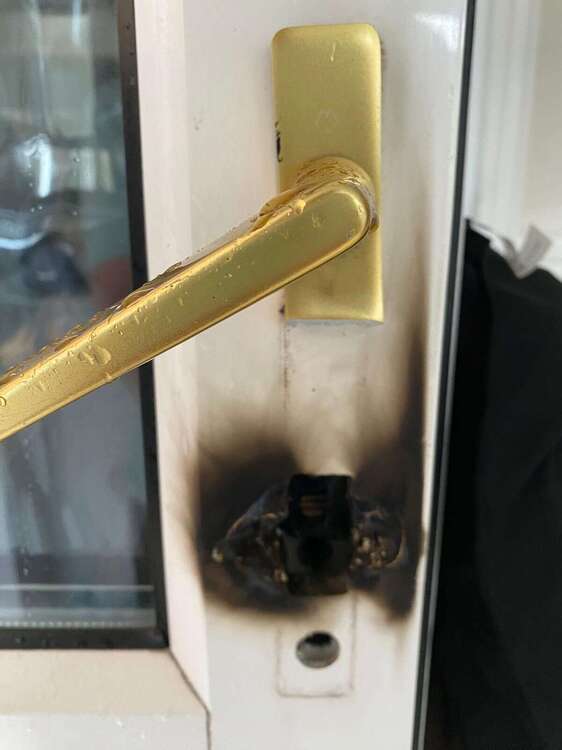
Snapping yes. I assume this is to defeat anti snap cylinders
-
Check the relay is firing with a meter
-
You can 2 stage arm etc but you can also disarm with the shunt lock. I'd want a local sounder but notification wise depends on signalling and total sounders
-
If there isn't a standard in the suite then you do indeed use the previous std.
-
Or get better equipment
-
It should recharge within 24 hours. Also needs to, to comply
-
The piezo side is quite high voltage id be cautious. Just get a new one