_2d2230.png)
_5a42ce.png)

SubbyFS
Newbie
-
Joined
-
Last visited
-
Hi All, Where do you get your Fire cert templates from for design, installation, commissioning etc? thanks
-
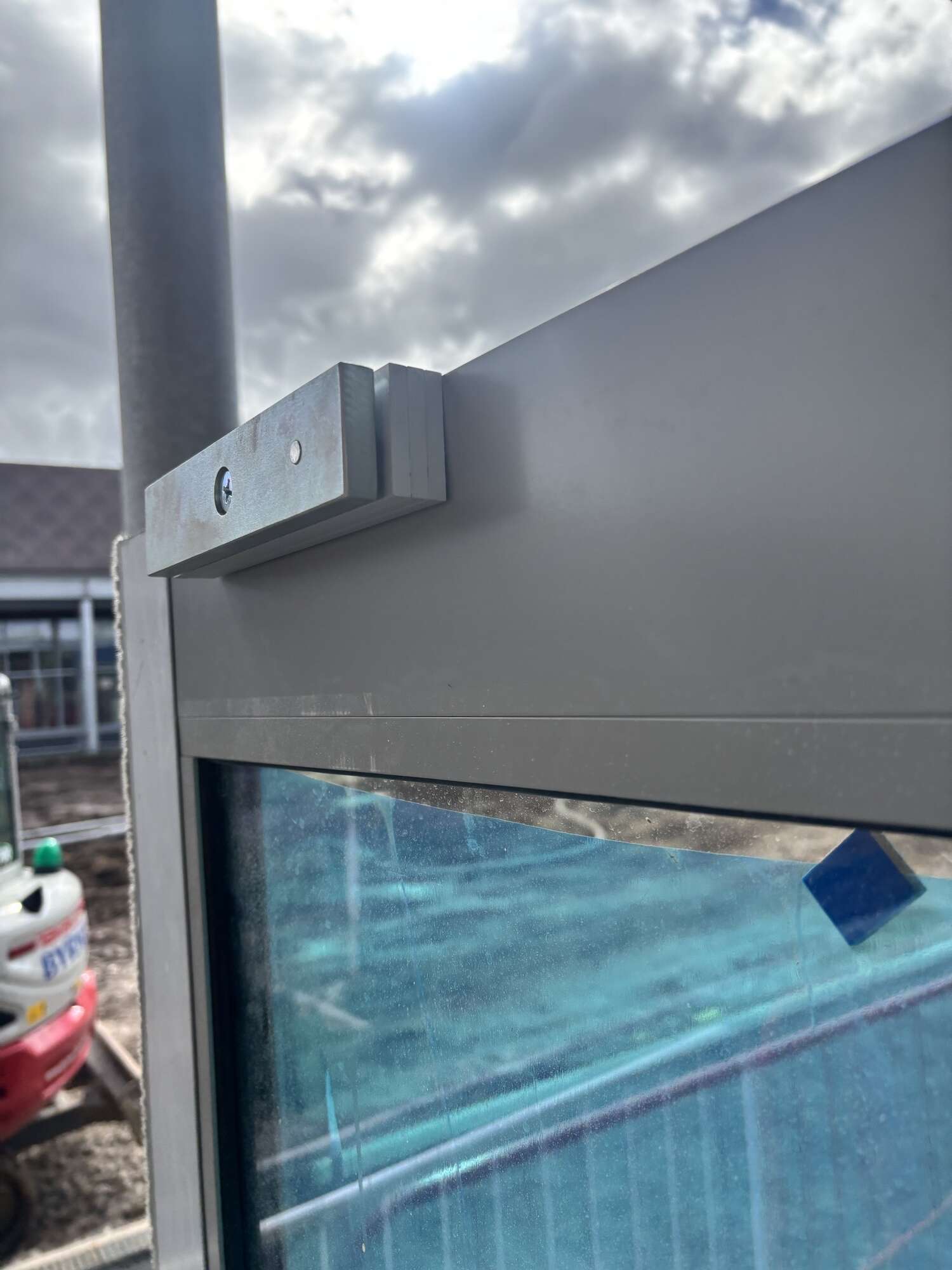
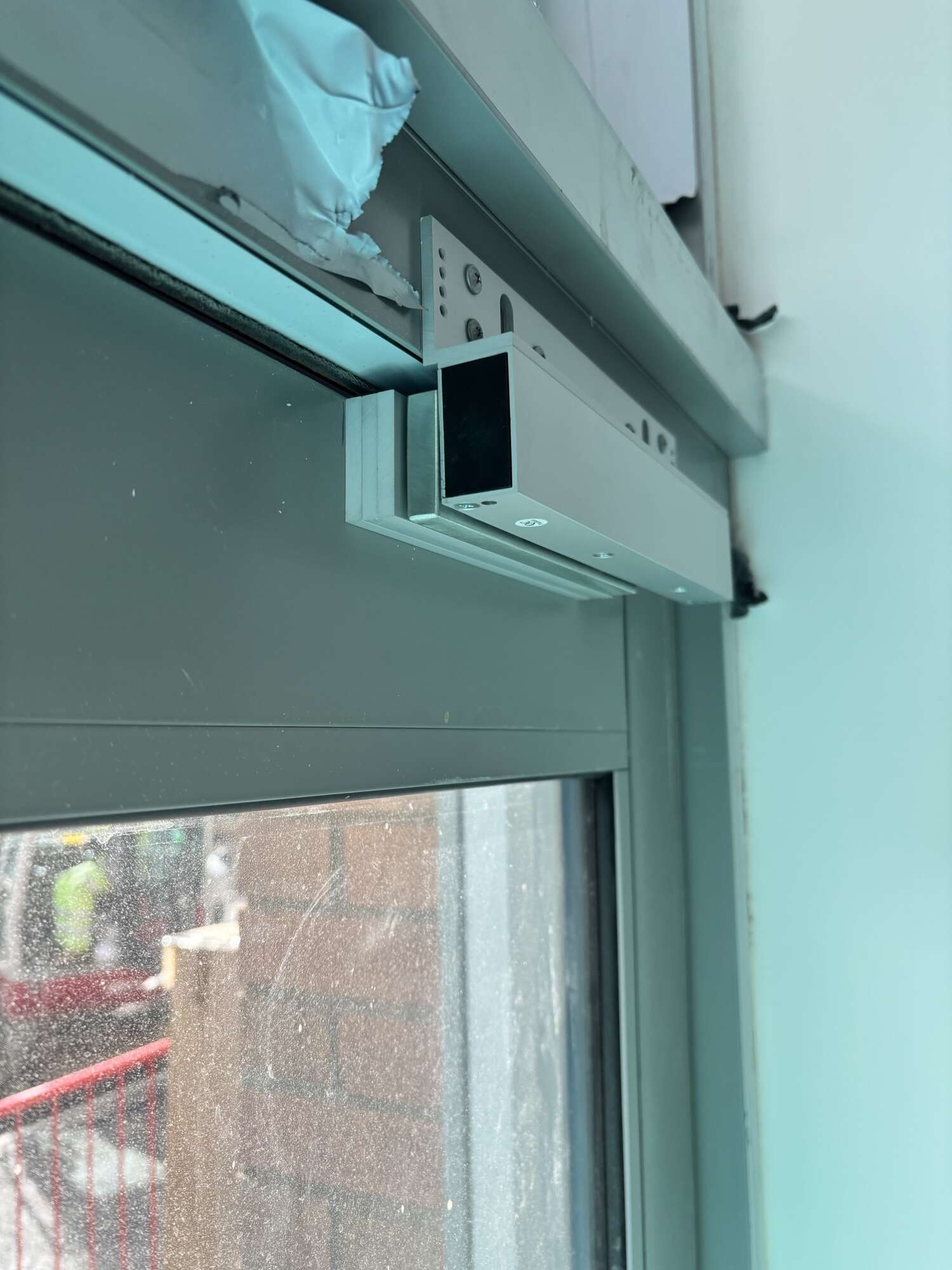
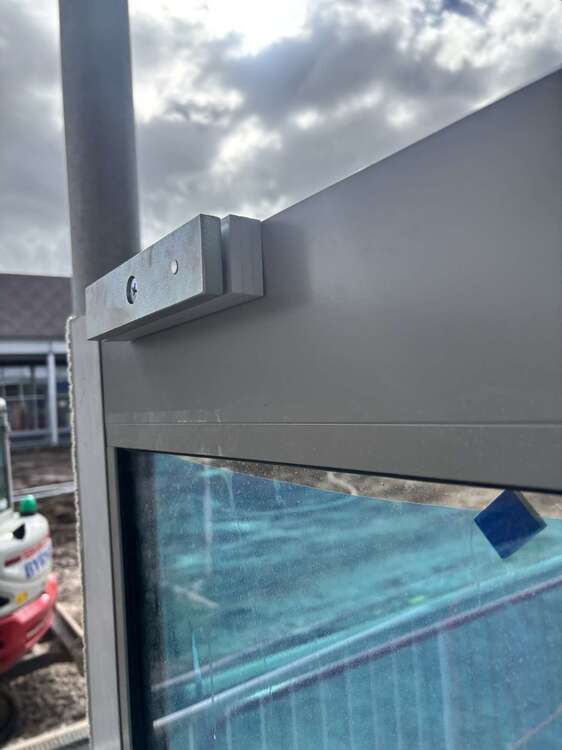
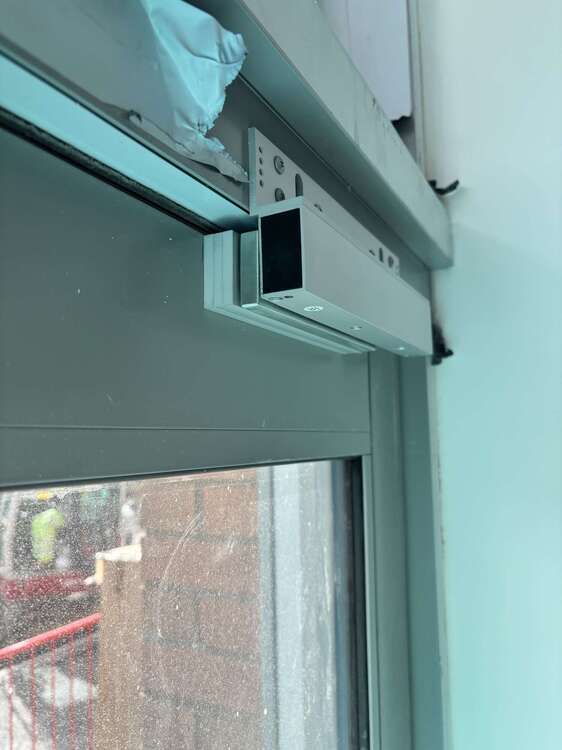
Evening all, can anyone offer any solution to the access control door picture attached? Currently having to use 3 armature plates to pack the magnet out to meet the lock, wondering if anyone has encountered this and if there’s anything on the market to assist? TIA
-
Thanks for the reply. I'm guessing I’m just misinterpreting the attached? Aslong as the company who’s contracted to install the job is Bafe registered that covers it? BAFE-SP203-1-Version-8-0-Guidance-Note-Sub-Contractors.pdf
-
Evening All I have decided to go subbying after 15 years within the industry, and looking for some guidance in regards to installing fire alarms. If you are sub contracting to a company that are Bafe registered, does the sub contractor have to be Bafe registered in order to install?