_2d2230.png)
_5a42ce.png)

al-yeti
Trade Full Member
-
Joined
-
Last visited
Everything posted by al-yeti
-
You servicing it right?
-
Lol
-
Good job And probably needed the battery anyway
-
Might ring a while that as possibly not that old , you got procedure tho
-
Pictures would help if you can post them
-
Ok usually the hkc is already wireless capable Yes you will trigger the bell, if setup correctly it will ring and cut off after 20mins , and you don't disabled it permanently it may randomly trigger If not set up correctly it will ring for longer maybe hours days until you disable it Battery Mains External bell sab Internal bell sometimes sab All need disconnecting, Don't do it at night lol
-
Do you want try and fix it ? Maybe some pictures will help On another point do you think it's reasonable to ask on a forum how to disable an alarm system , even if its simple in some ways.......
-
Yes compact smaller and do as little as possible One thing I need to not mix up my connectors lol
-
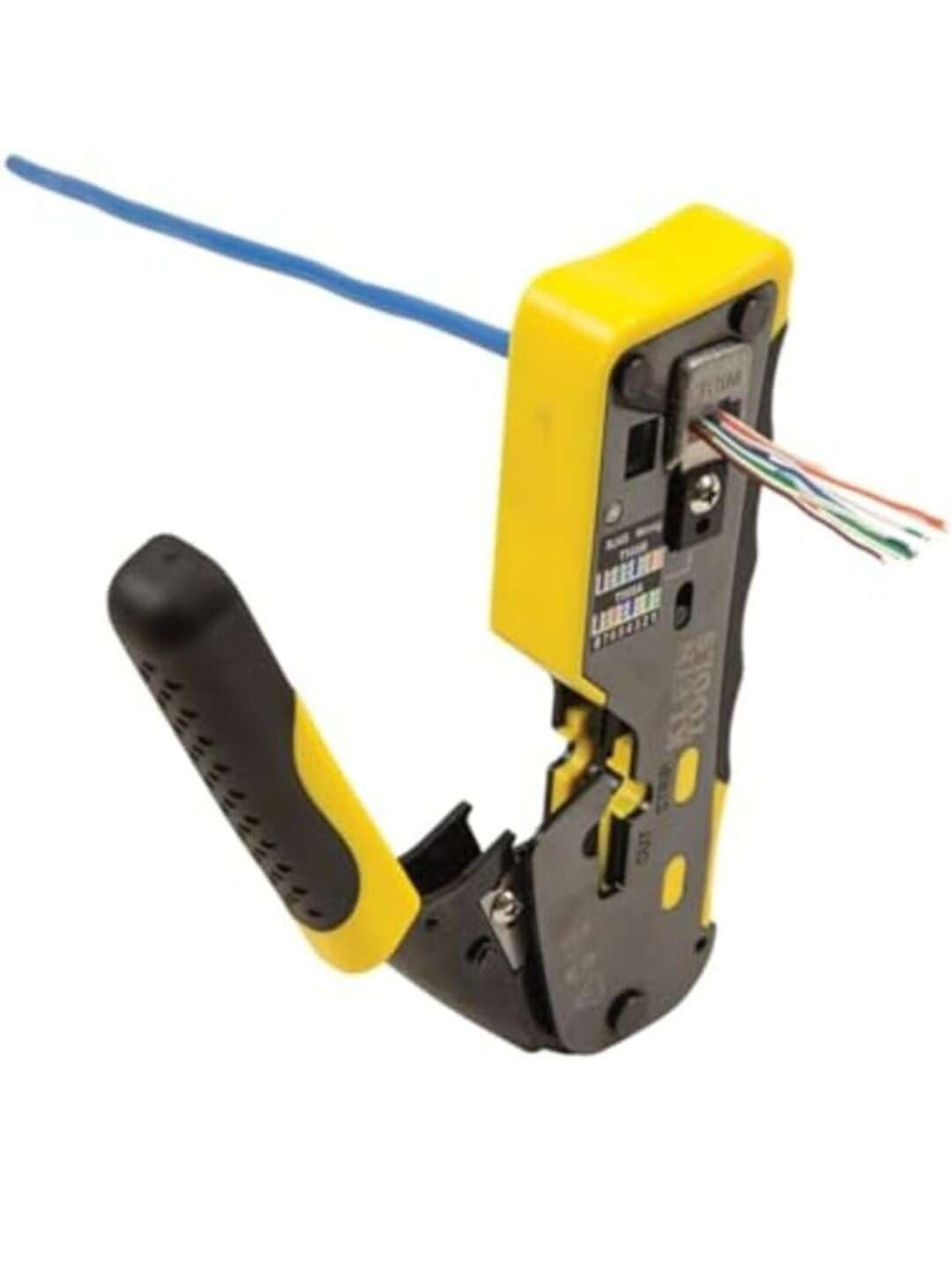
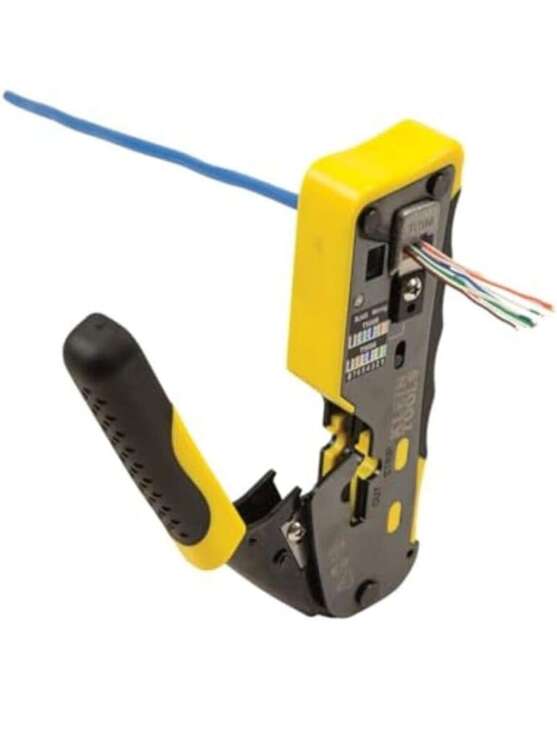
Yeah probably I wouldn't pay full price of course for the Klein, hull effects you this way...
-
I got an orange one like this aswell I find I use different ones for different cables depending on how it's going wrong lol
-
Ok so the 12v line is failed , and you say battery ok? ( Battery could still be a problem , volts ok no current ) What happens if you disconnect the battery and PIR and bell Loop the tampers and restart , only battery fault? Or DC fault also remains?
-
Pirs all working? If so board is shot possibly
-
Is main system battery ok?
-
Well sounder stops right ? Can't you put a sounder closer to the front door
-
As jw suggested if you disconnect the trigger from Rio connection 1 and force to ground , does the bell ring? If it does then you have programming issue Try Rio 0 position 1 without changing it's settings after that maybe
-
You mean the bell itself right
-
I think then in your case you need the sounder on at exit fault , provided you can hear it when closing the door I heard things like people coming home and the exit tone still going because the exit contact didn't open let alone close lol and they never bothered to wait for the system to arm , some texecom systems have a very low volume on keypad does a funny sound on set , although galaxy speaker does that double tone high pitched to tell you it's set , Modern insulated windows doors etc makes it some times difficult to hear
-
Usually internal sounder, but you can have that off Amount of messages you get cheaper WiFi connection no? Means you have no set unset fault messages right?
-
Yes sounds about right , it didn't arm when you left and your not recieving SMS that system armed ? Exit delay can't remember lol Out of curiosity your using the app aswell right ?
-
Are you sure the output is set to the word siren can you check exactly what it is? And you are on Rio one not zero, on the right output
-
I have used different types , London tho , never had an issue except a cheaper version died after 10 years , used different types of IP box
-
Scantronics will give you both wired and wireless solution , enforcer I personally think more complicated If you use FSL on the zone selection you will know which wires are faulty to an extent , and you can always put wireless in those locations
-
Wonder if it's two man call out plus Turkish kebab , McDonald's for you tho
-
No flex20 app future will give you headache Better scantronics ion40 for DIY has free app for now
-
What about risco installers?