_2d2230.png)
_5a42ce.png)

AlarmALot Systems
Member
-
Joined
-
Last visited
-
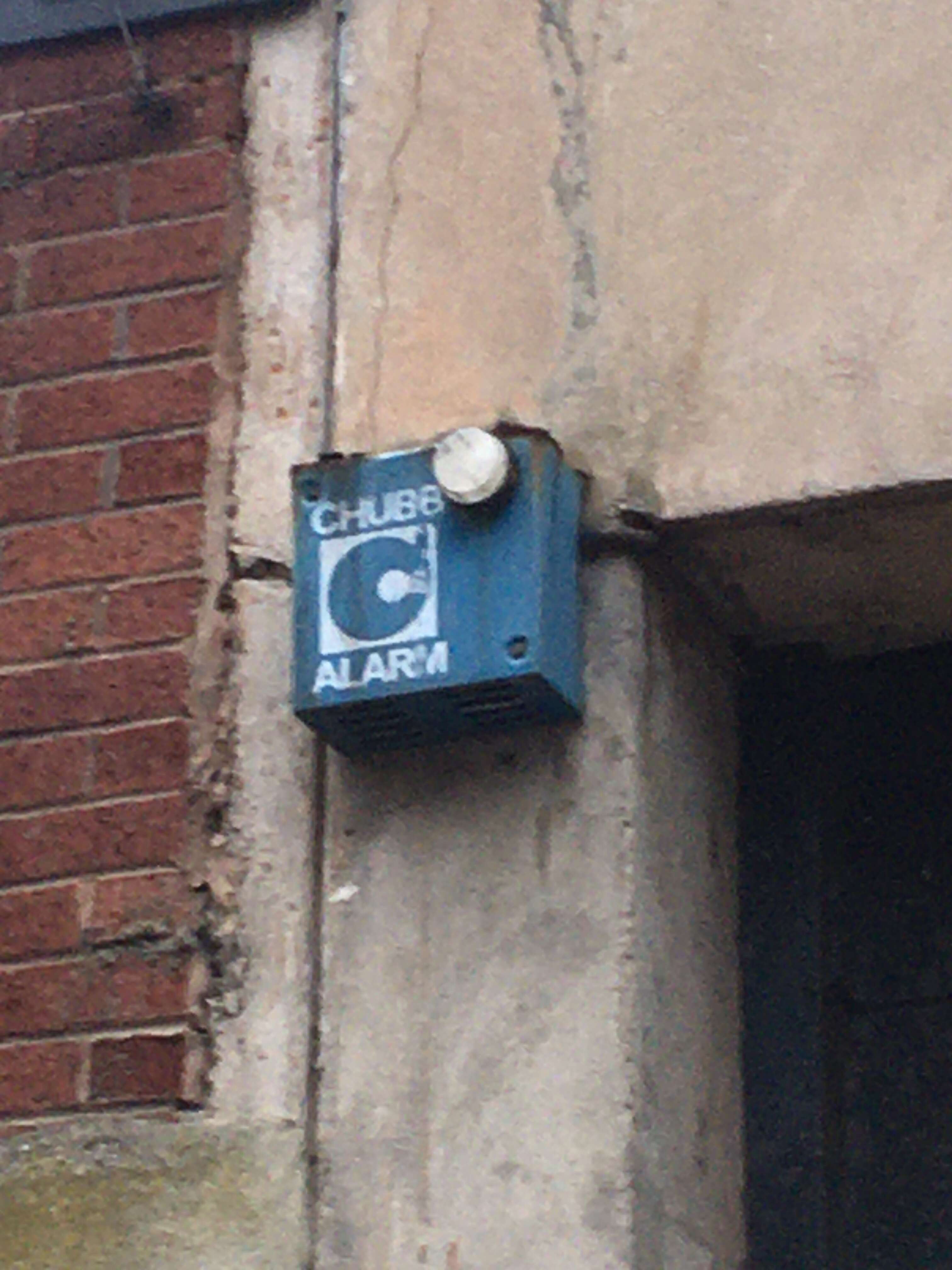
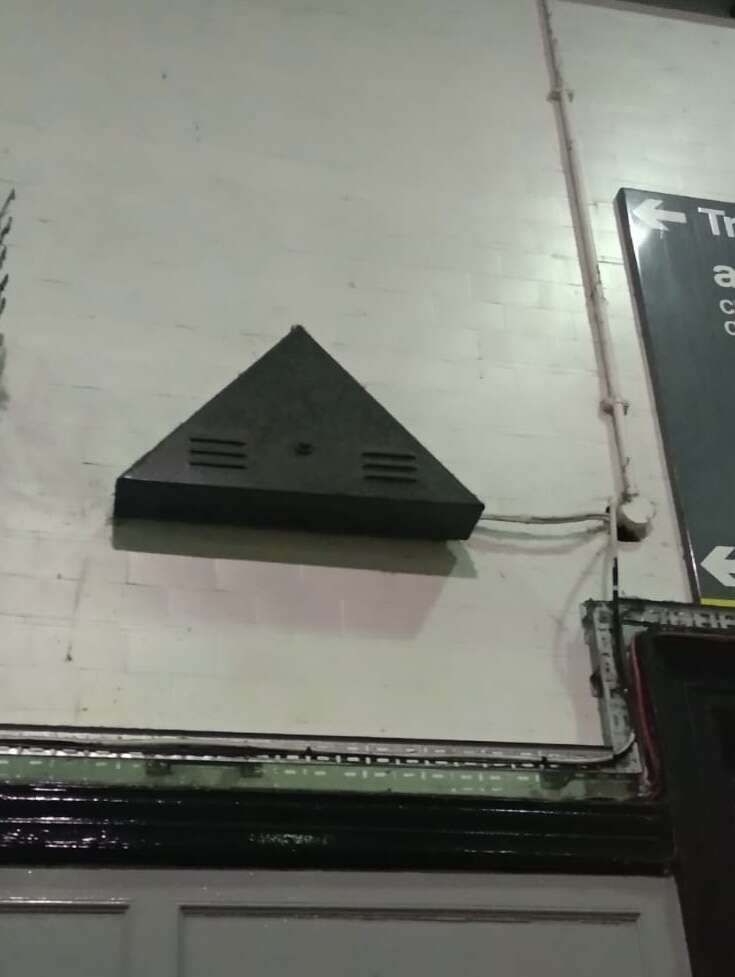
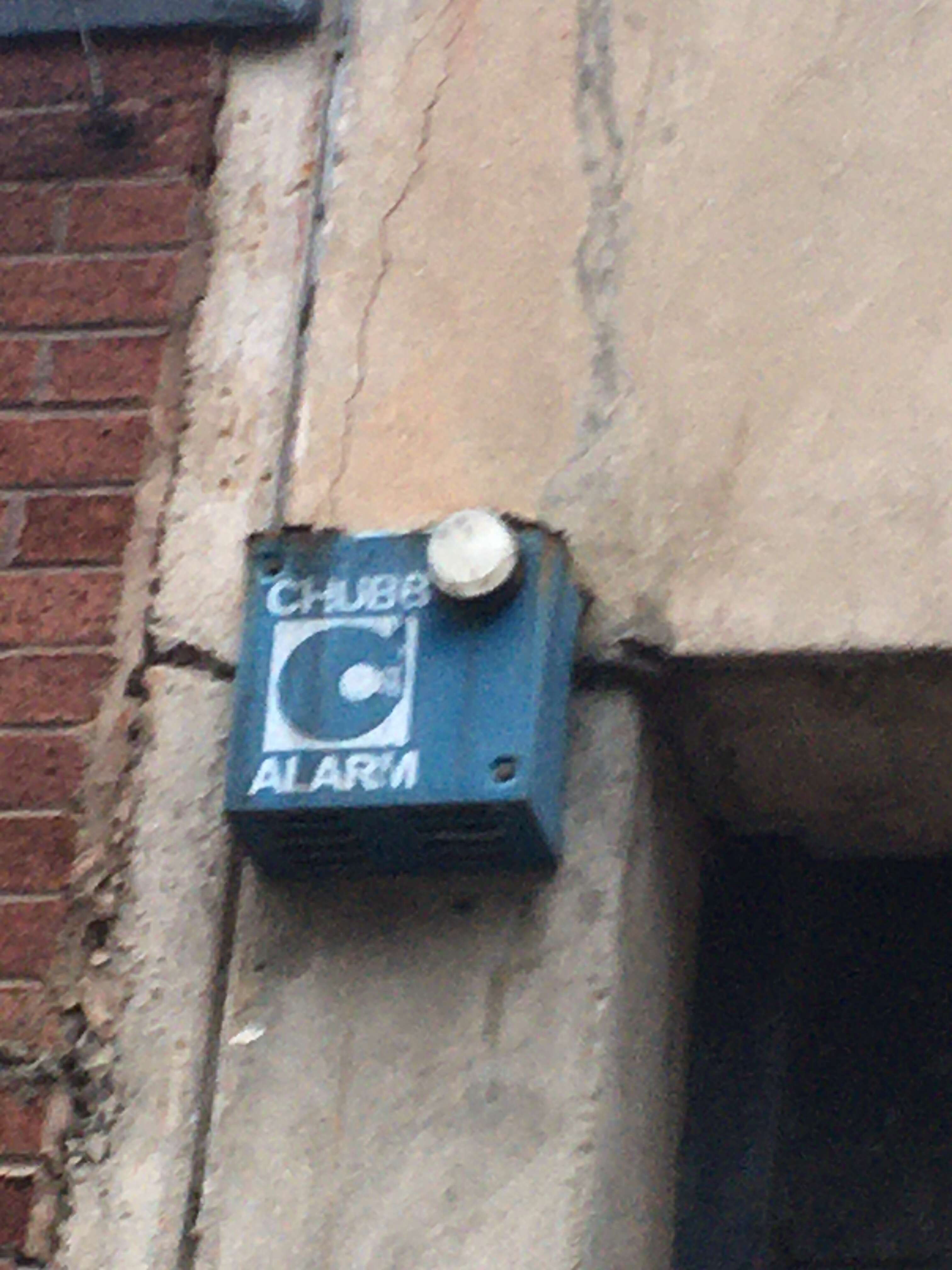
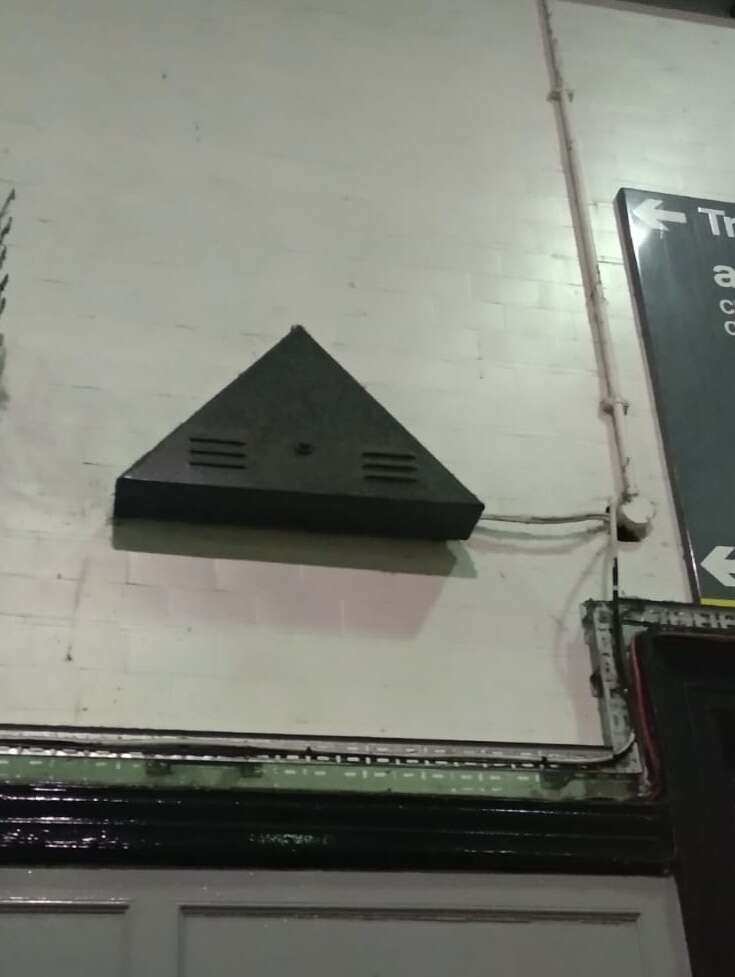
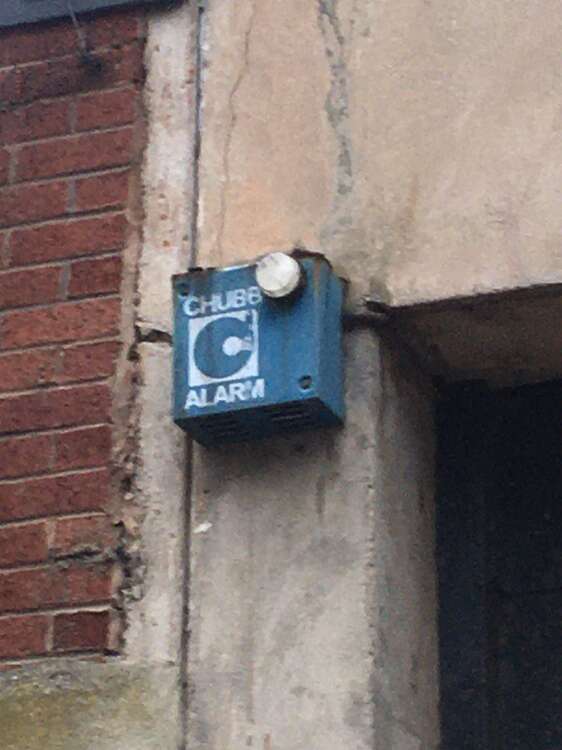
AlarmALot Systems replied to AlarmALot Systems's topic in Vintage For Sale, Items Wanted, auction linksSilly me posted it on the wrong topic page - but here’s some more pictures. If anyone has any old Chubbs stuff like this that they don’t want anymore, I may be interested!
-
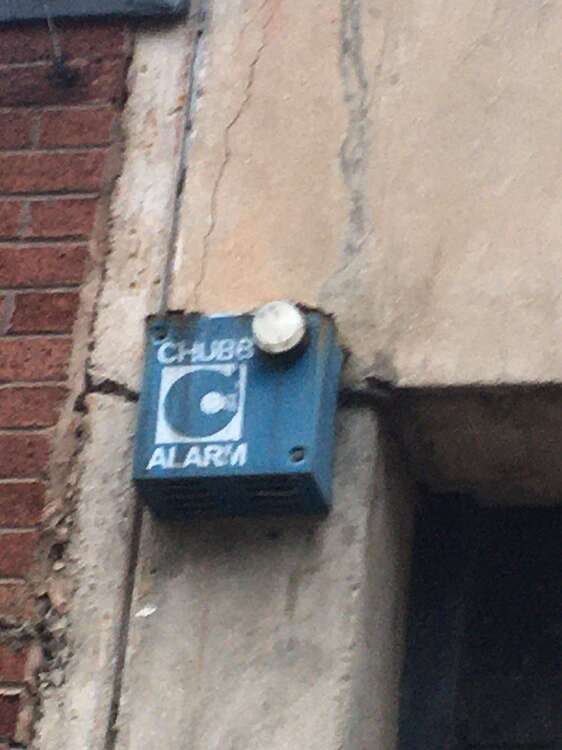
Here’s some pictures of some old Chubb boxes that some people may find interesting.
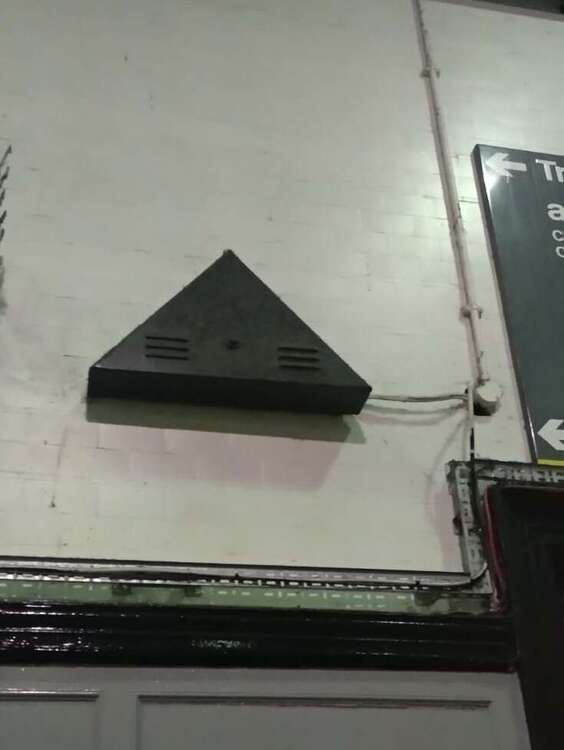
-
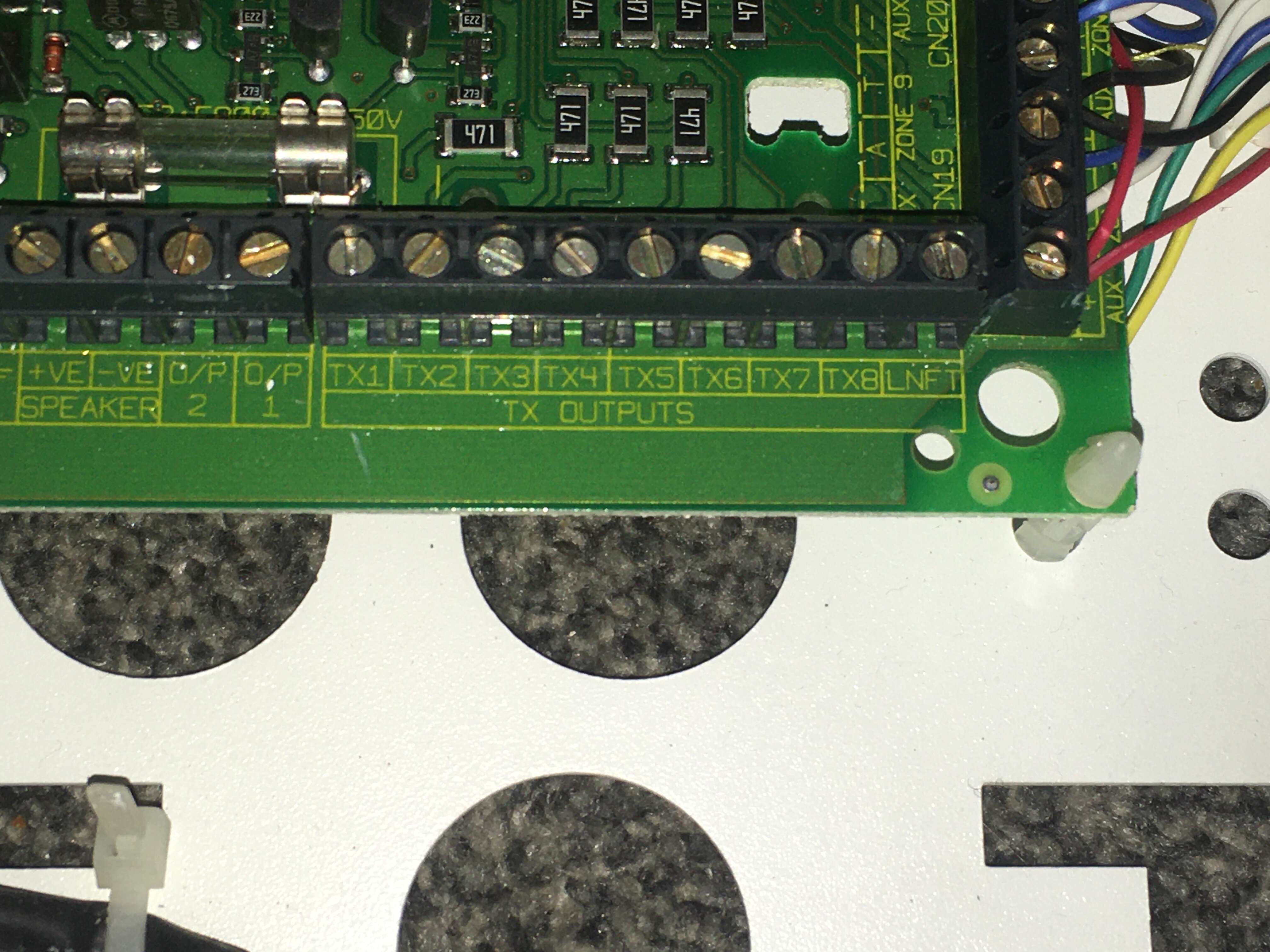
Hi. I am searching for someone who may know how to diagnose a ‘line fault’ on an old Balmoral panel. Unfortunately, I haven’t been able to find an engineer manual (or a user manual for that matter) so I was wondering if anyone knows about these panels. I suspect it will be to do with comms or data? I have gone through the programming/engineer options but to no avail. I am aware that engineer manuals cannot be published publicly on here. BTW I collect alarms hence why I have such an old panel. Thanks.
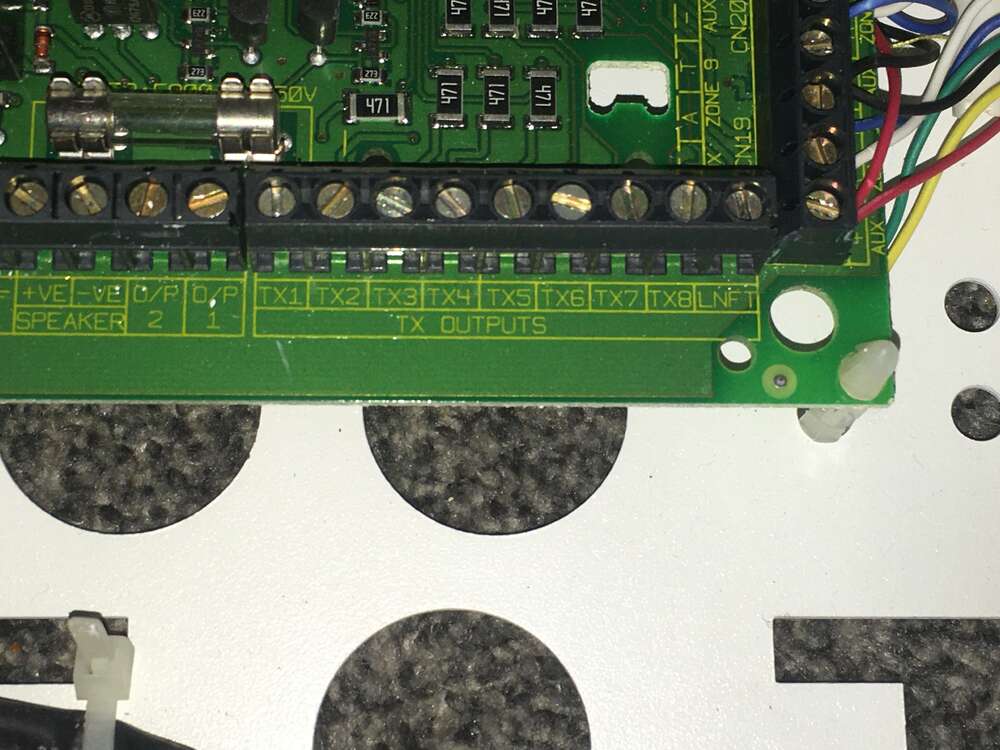
-
 Haha I completely forgot about that comment I made. Completely forgot I posted it last year
 -
-
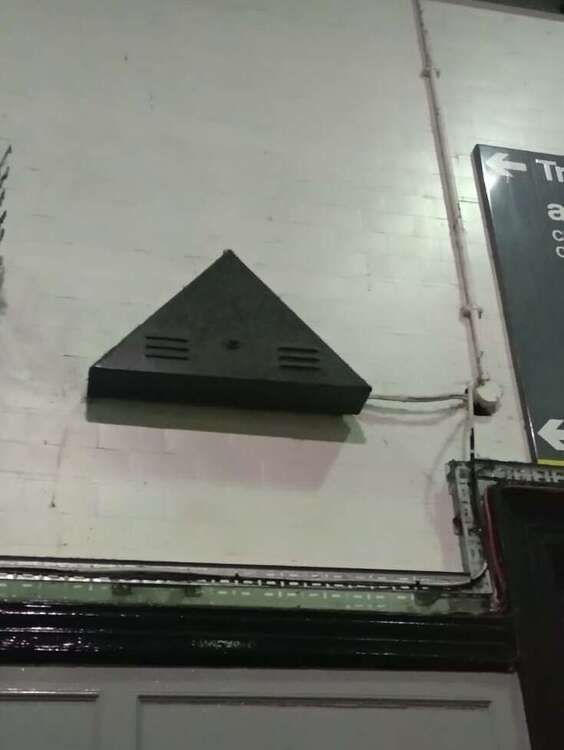
When I said Flashguard I think i was referring to the early 1990s Volumatic/Klaxon ones like the XL Plus etc. That’s just what I was told by someone who used to work for CQR. On a different note, does anyone know the actual model for the CQR Anti-Foam bell box? (Shaped like a tombstone with vents in the bottom - circa early 1990s.) I was told a while back that it was known as the SO005 but that seems like a bit of an odd name! (I’ve attached a picture of one).
-
-
For some reason the Integras I’ve seen all have Cequra boards in them. Did they develop the Cequra first? I think the Integra came out in 1991 to compete with the Flashguard.
-