_2d2230.png)
_5a42ce.png)

norman
Global Moderator
-
Joined
-
Last visited
Everything posted by norman
-
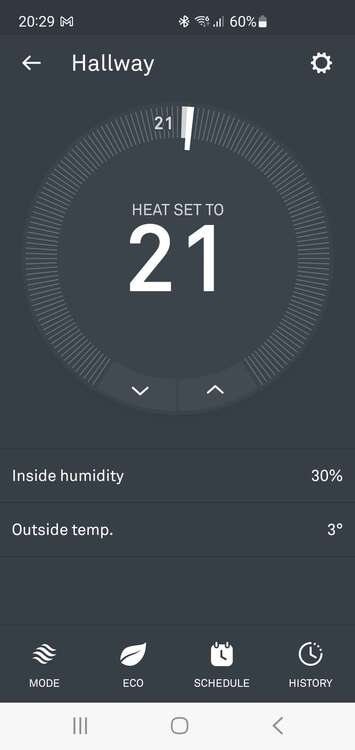
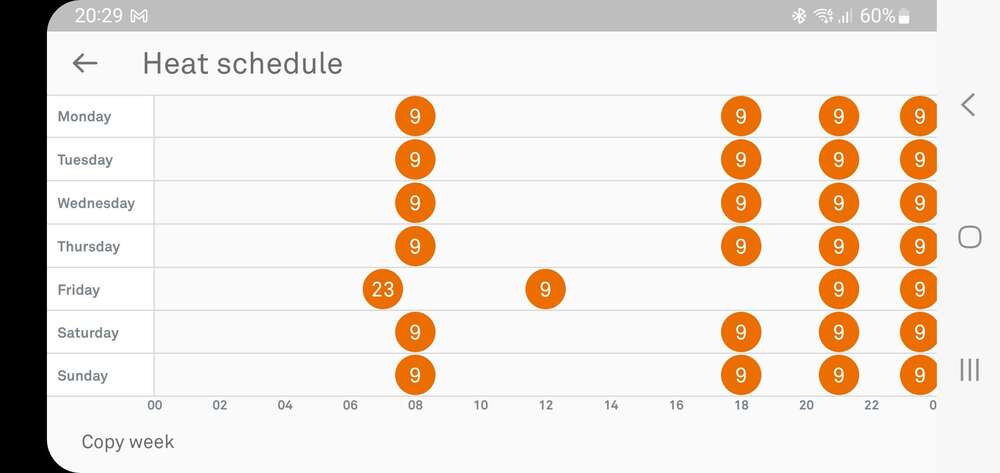
Really simple app.
-
Yeah this is the second one we've had at home, probably had them around 7 years too, really nice quality and feel ime.
-
Have nest in the house and in the office.
-
They've been obsolete for years, you may drop on a second hand one but could be back to square one. Better updating the system to something more modern imo.
-
You sure there's no components under the wrap.
-
Get the UV out and I bet that looks like a crime scene.
-
Is it Del Boys Capri Ghia?
-
Speak to your insurer, ask for their guidance and make sure you get it in writing.
-
Reviews won't buy your fancy dress costumes.
-
I read it as taking them in part exchange, like a backstreet car lot.
-
What was it like before you got there?
-
No
-
They'd wired some, so yeah probably lol. It was discovered pretty quickly tbf.
-
Once went to a new, large secondary school where the subbies had just screwed up the detection and not wired it. Must have been 30 detectors in total.
-
At least with nothing, you won't ever rely on it.
-
Or its just 2/3 different answers...
-
Yeah, King caps lock.
-
I'm in Mallorca ?
-
Yeah I read that but didn't know if it was applicable to all his cb without directly saying so, doubt his site would generate any new business.
-
So he's jacked then?
-
So any old shitty Gmail account?
-
Suspect the two T's are just a volt free switch.
-
T + - T T
-
Ah, I was going by the placemats...
-
Mr Chu's?