_2d2230.png)
_5a42ce.png)

Chris Beeching
Newbie
-
Joined
-
Last visited
-
Thanks for the reply. I do have electronics knowledge, but what concerns me is resetting the system once it's all powered up without setting it off. The manual doesn't have much info which is helpful for a factory reset, and Intellisense (whoever they are now) are seemingly difficult to find. If I get it powered up, but still can't get into the system I'm not really any further forward.
-
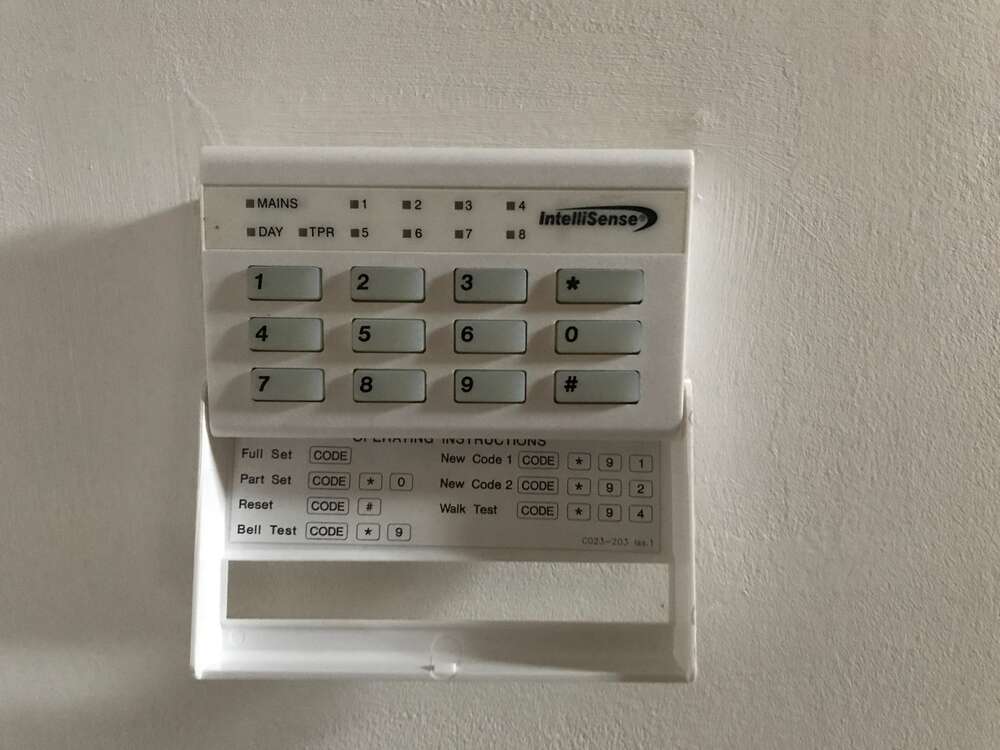
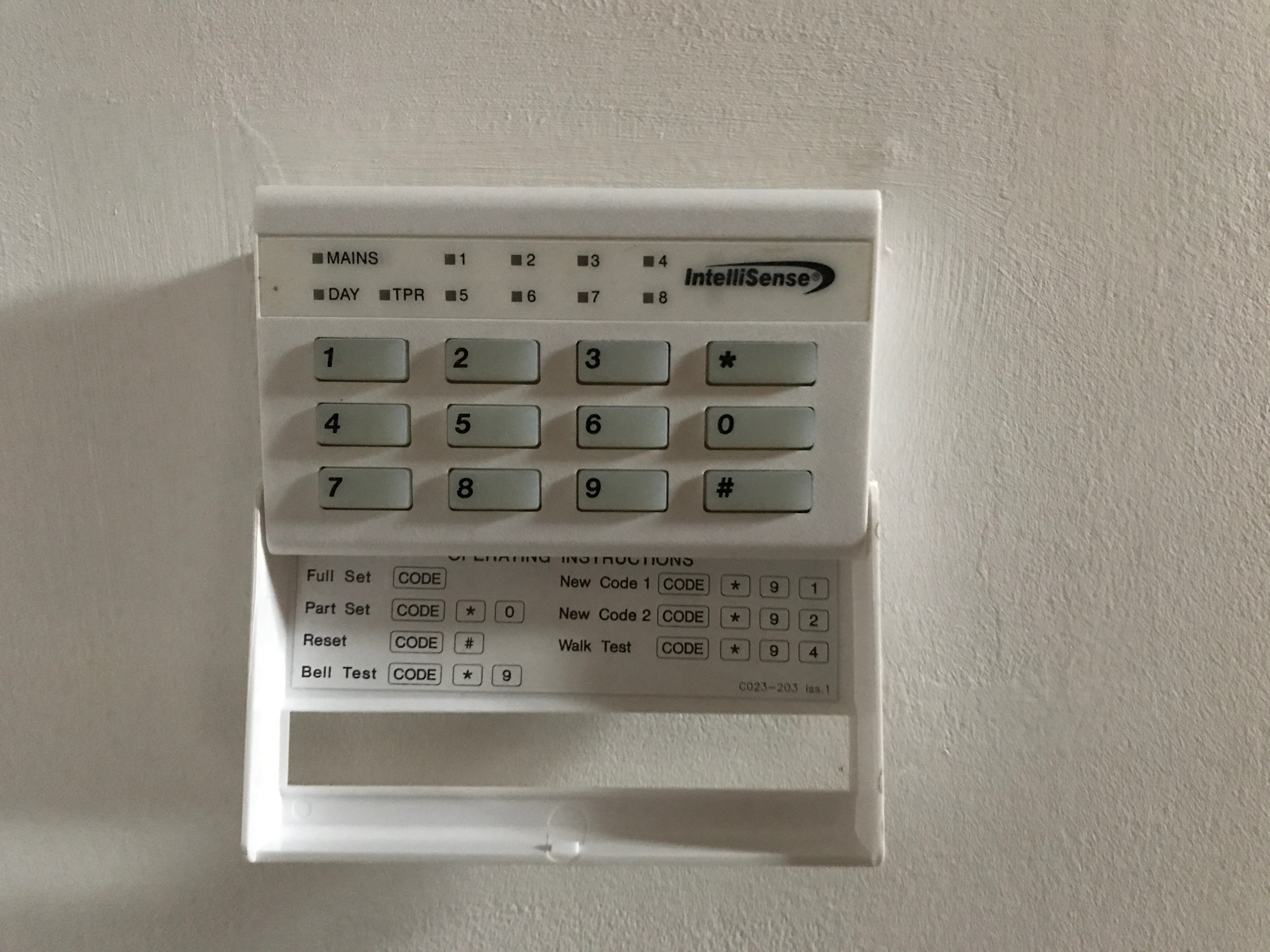
Hi there. We recently moved into a house (new to us) which has an Intellisense alarm keypad, a (as far as I can see) Securit 800L / ST800L+ system and a ‘box’ on the outside wall of the house. There are various sensors dotted around the house which all seem to be live, flashing red when movement is detected. There is also a mains-powered fire alarm detection system which may or may not be linked…... However, there do not appear to be any lights lit on the keypad (which suggests it’s not powered up), and when we asked the previous owners they said they never had a code, and never used the alarm. I tried telephoning the number on the exterior box, but the number is no longer in service. Also none of the numbers for C&K Systems work, nor does their website or e-mail address, so I assume they're no longer with us. Obviously we’re not keen to ‘fiddle’ with anything, and so far a manual ‘override’ of previous settings seems to be quite hard to find. We’re not after a system which alerts the police necessarily, but simply one where we can set it, and if someone breaks in will sound an alarm. Is this likely to be an expensive ‘fix’, or is 'someone' able to give me some guidance so I can get it working myself, please? I'd prefer to understand what system I have, do a full 'back to factory' reset myself, and start from ground zero. Pic of keypad attached for info.