_2d2230.png)
_5a42ce.png)

Imnotshankled
Member
-
Joined
-
Last visited
-
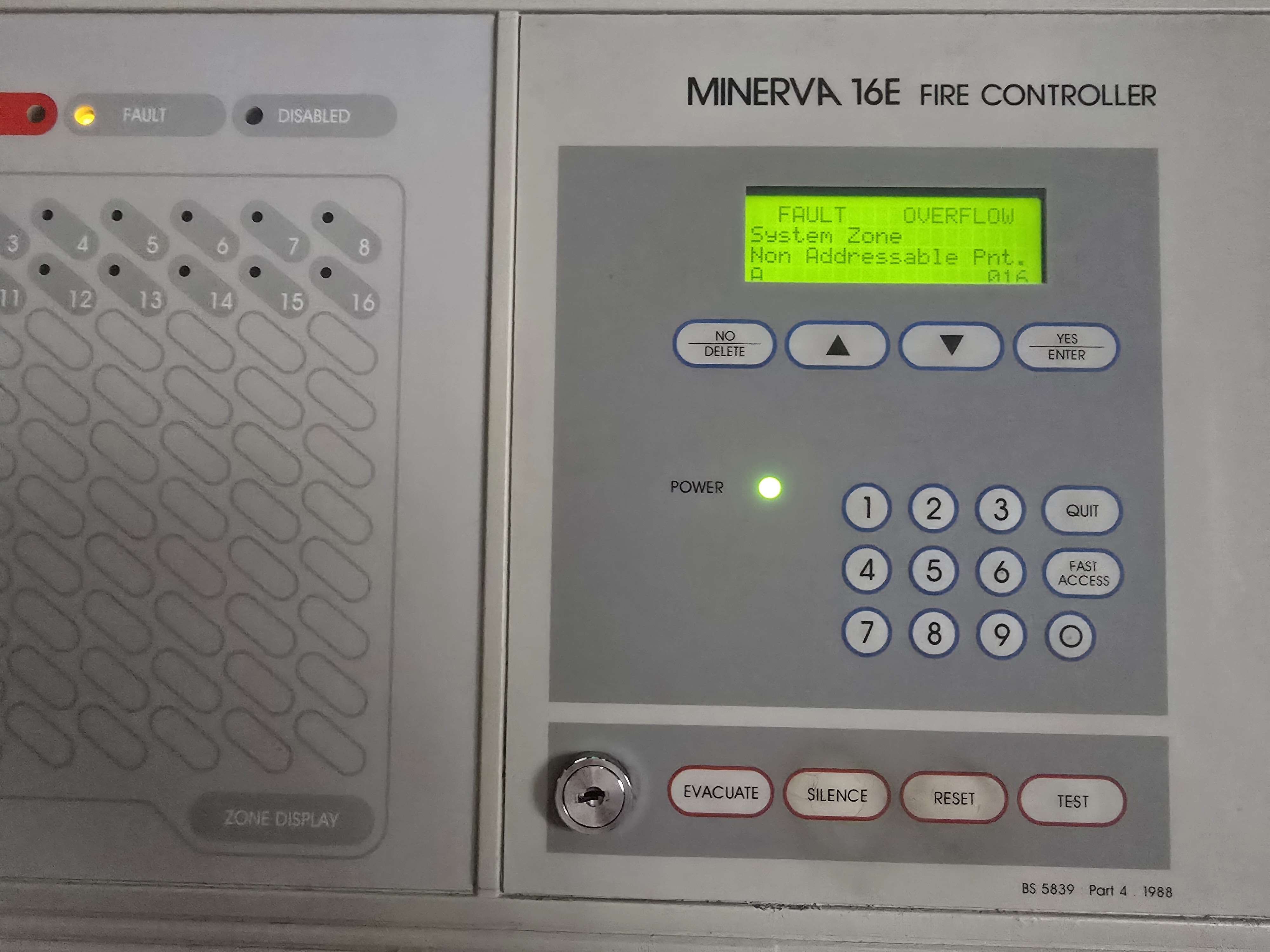
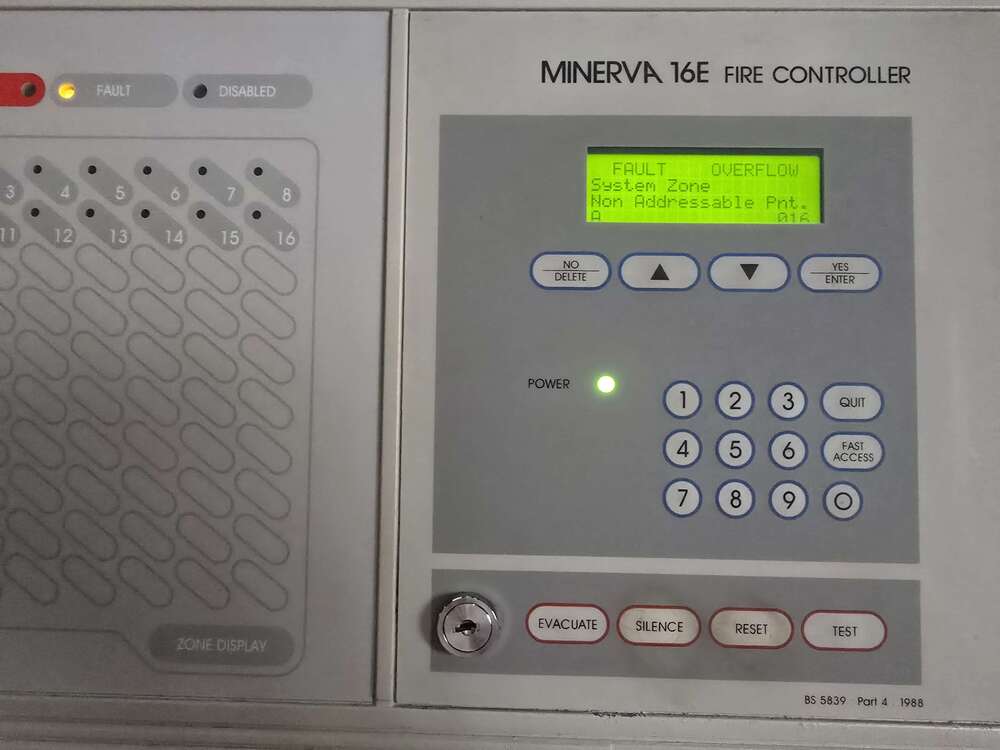
Recently got a minerva 16e not sure how you add or delete addresses on this panel ive been given a 6 digit code but cannot find anything to program this panel
-
Thank you and oh no the evil mod team lol
-
Ankle tag & 7too7 curfew ? Nah am living in a abandoned hospital my mate bought though Its so old the only manuals i can find are in French
-
Still seems the same to me
-
Im back after 3 years Was wondering if anyone had the installer manual for a scantronic 4700 never seen this panel before and cant find any information on it
-
I already bloody have a Nissan
-
Panel low voltage
-
Yes
-
I might have a spare
-
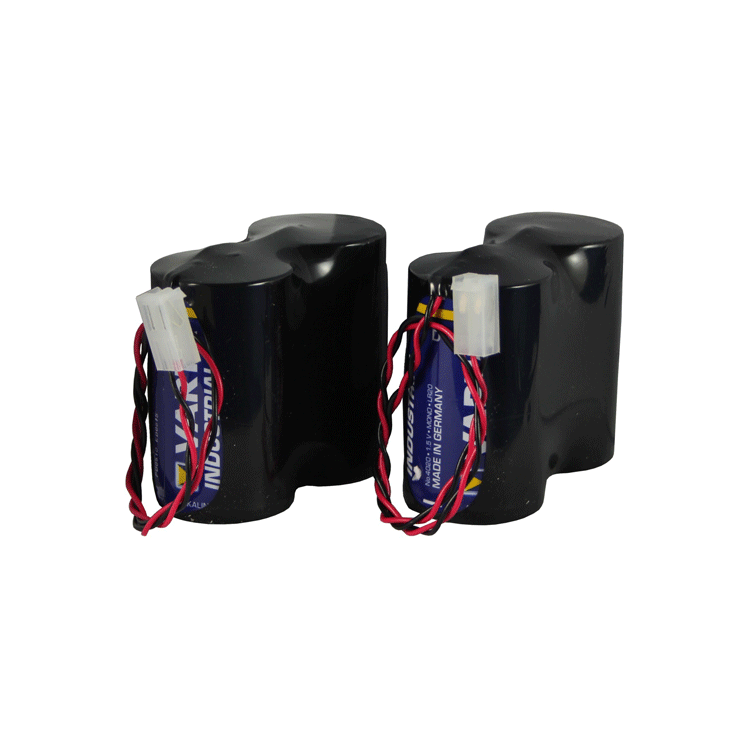
Plain old varta alkaline d battery's in some plastic wrap and a little bit of wire

-
Yes
-
They are actually plain old alkaline D batteries
-
Meh I'll think I'll stick with the trolley
-
To cheap to install 2 diodes on the SAB eh
-
On all my experience nothing will happen and its a matter of hours not months The comfort LEDs will flatten the battery's remaining charge