


_2d2230.png)
_5a42ce.png)

lymebayalarms
Trade Full Member
-
Joined
-
Last visited
-
Clear 11 hours rest before starting work the next day. ?
-
Hi, PM me further information.
-
Howdo, Been a while since I have frequented these pages...have I missed much?! I am looking for work overseas, either EU (not getting into the whole debate!) or further afield ideally contract. Any recommendations for sites/agencies to visit? Anyone had any experiences good or bad?? Feel free to share! Thank you people!
-
Opener...
-
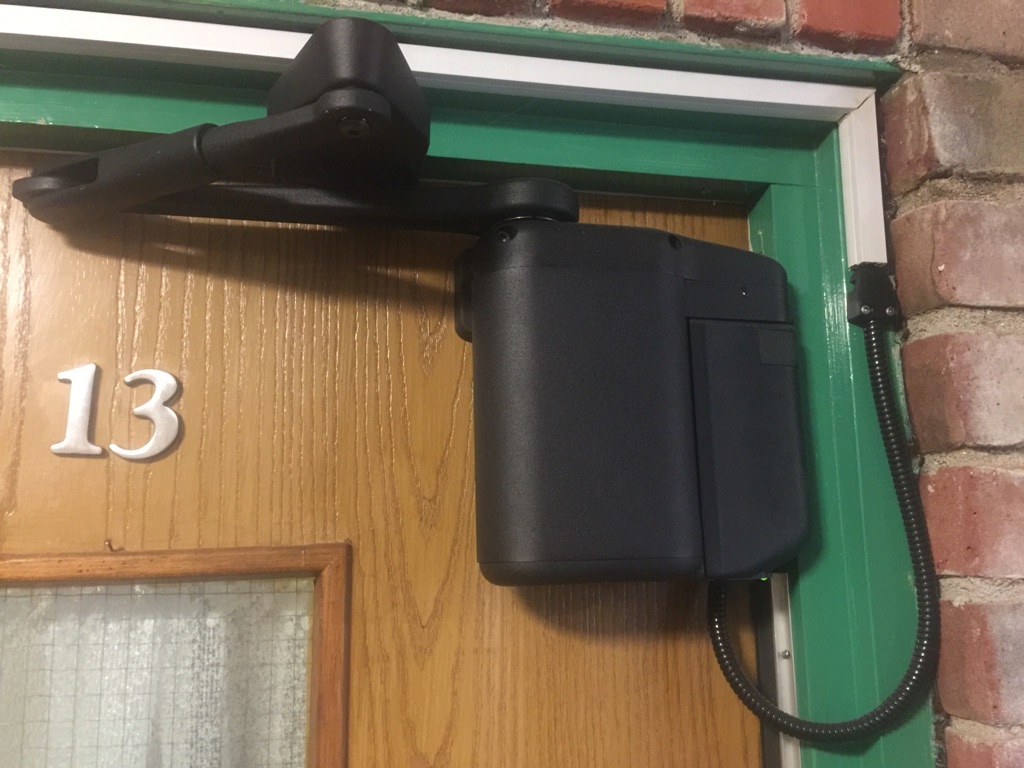
Second that. No point complicating things as previous.Have you checked the UDL password is correctPersonally, I have now stopped doing any Fire with a sleeping risk now... rarely find a compliant install and have found most owners are looking at the bottom line for compliance. Seen some real gash over the last few year, 1 zone covering 9 flats on 4 floors to no services for 12 years plus... work on the opinion now that if the owner has that little respect for fire safety I am not interested. So, on that cheery note... Dont quote it with out a walk around of each site, open some panels have a look at whats what, check the paperwork on site to see what order its in....cover you **** or risk getting it ****** when you drop the soap!Tidy looking unit, what's the cost roughly?Missing Kiss of, prob due to poor line condition or installer has set the system up incorrectly. Dues it happen on every signal?


Important Information
By using this site, you agree to our Terms of Use.