_2d2230.png)
_5a42ce.png)

al-yeti
Trade Full Member
-
Joined
-
Last visited
Everything posted by al-yeti
-
Yeah quantum 70 onboard H is an orisec dude tho ....
-
Serage cheaper maybe
-
Actually forget that, you're better off with the dahu bell, hikvision doorbell which has on they do various but I'm not sure what you mean by single channel playback as the hic and other recorders do playback more than one channel I assume you have a limited budget which is fair enough
-
dB, is it Poe ?
-
Then as above you need onvif which uniview probably will work better than serage , latter being total junk and uni more or less copy of hik
-
I didn't think you needed to do that him dB to hik dVR/NVR? Actually the dahua doorbell is pretty good
-
I think any , but have to connect it manually on the NVR on spare channel using it's IP address etc Hik connect as seperate unit for the call ring features Hate hik lol
-
Public
-
RF built WiFi/ Lan/ gsm choice
-
Yeah ok ok next time
-
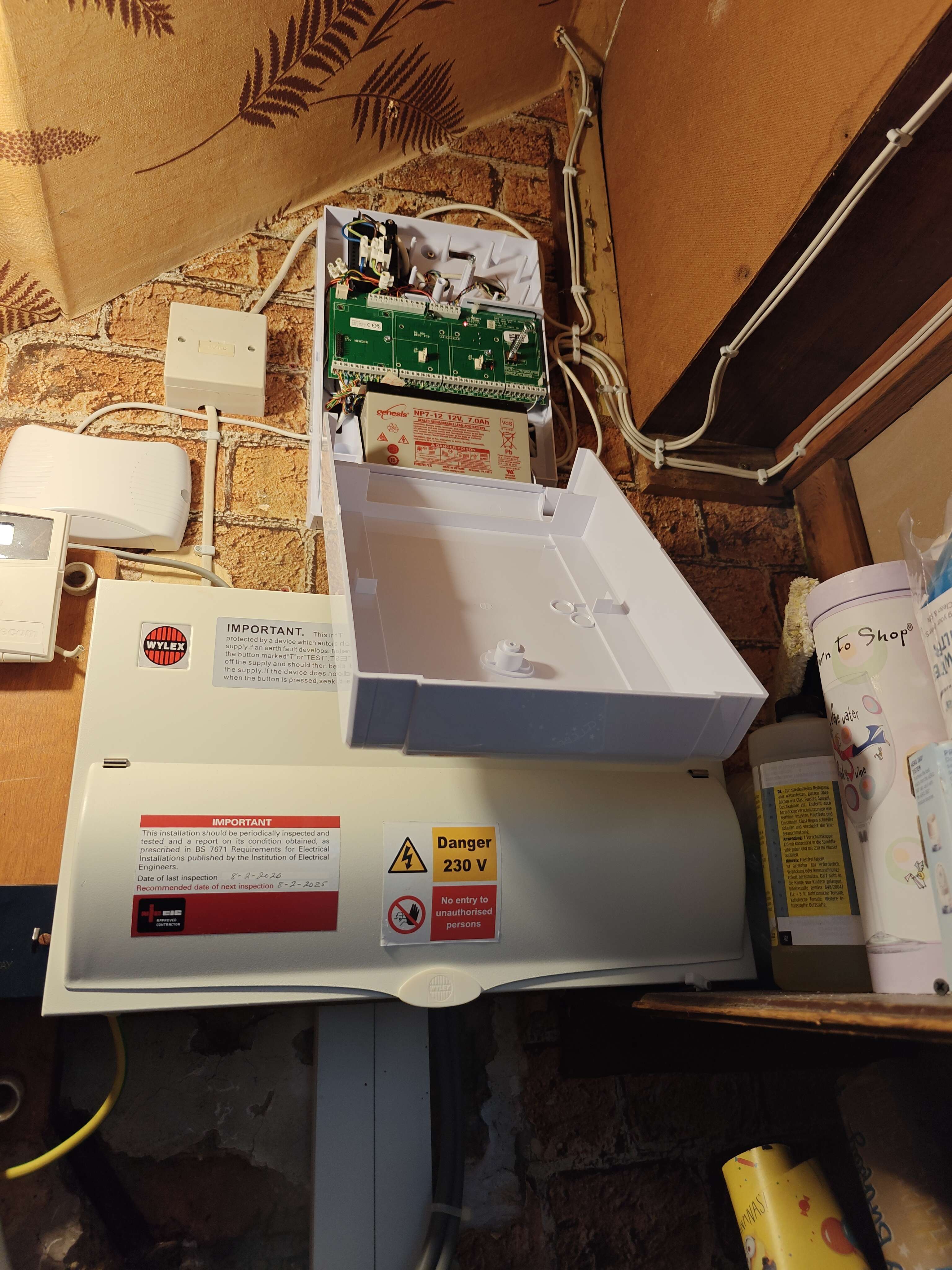
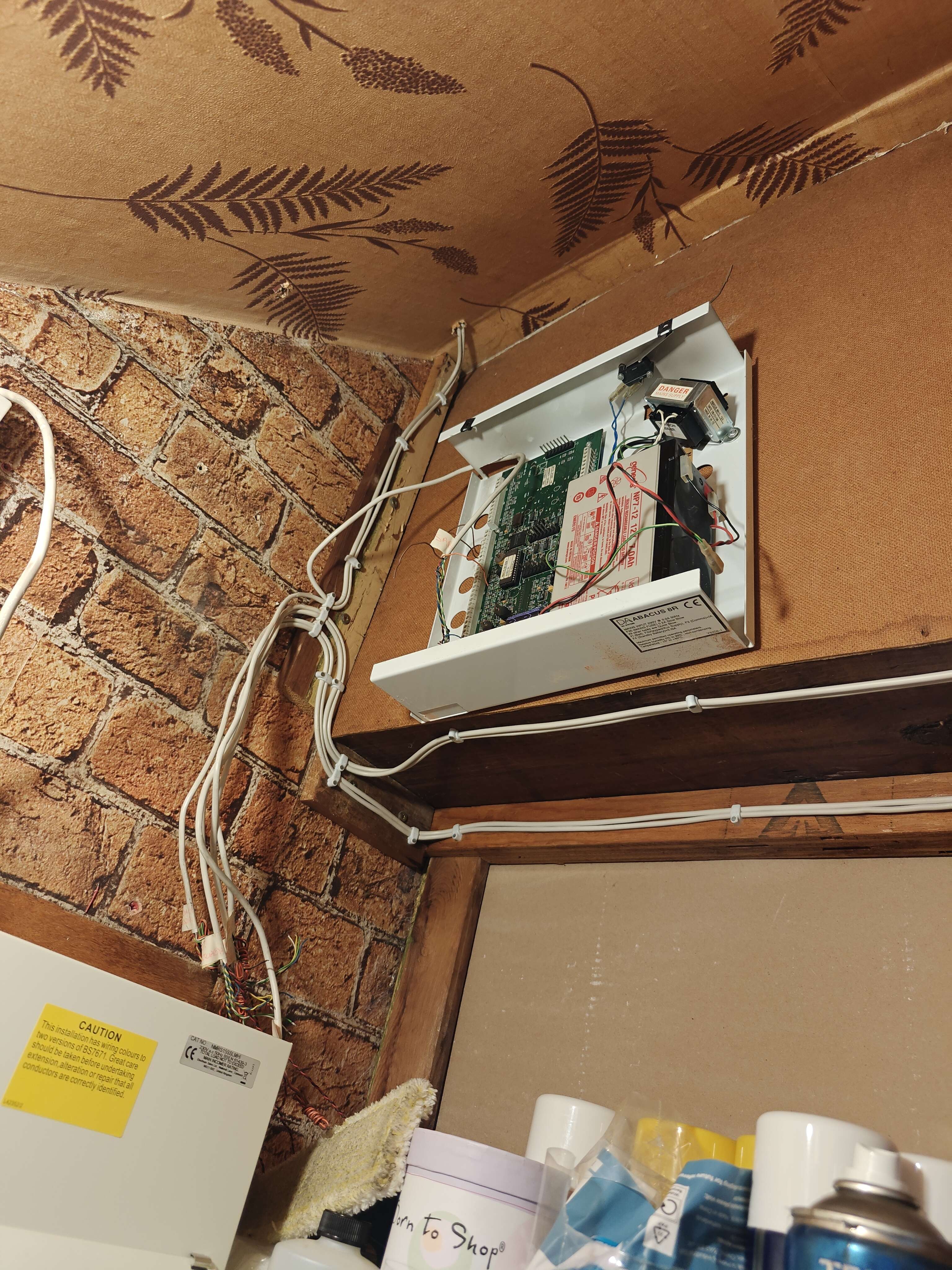
NOT Pretty but getting there after a few clips and cable ties Mr H what you think ? If passes you then I need try worse 😂
-
Basically took 20seconds once prepped
-
Bell on battery , but I am feeling nervous already
-
So those mains suppressor things won't help on the panel end in this case ?
-
Although bell can be reconnected within a min or two of you skilled enough I would have let the old panel hand some how cut the plastic or something got the new back plates in and powered up may odd disconnect but it would have been quick 15min ringing you letting the kettle boil 😂
-
Depends how it's all wired tho, if your going to take time you can disconnect and send power to it via a battery , otherwise as above I guess Keep windows and doors closed that way it doesn't bother you lol
-
So good thing the alarm is not using your WiFi right?
-
Irish tat will do devices off any cable lol Or 10 off each leg 🍗
-
Seems the euro76 is best option although I'm don't know much about it, ion 10 is pointless if you need expanders and wireless bits to add on later You will end up taking the ion 10 out Wireless is not an issue if you know what to do with it as above mesh systems make this problem mostly a thing of past
-
Lol ok as if saying I am in London is really going to effect anyone On a side note , your not asking for anything DIY above , so the convo is an overkill Just get quotes in and get an alarm fitted (but stay away from risco)
- 16 replies
-
- texecom
- premier
- veritas
- wired alarms
-
Tagged with:
-
What area are you in? Maybe there's a scantronics person someone knows here in that area
- 16 replies
-
- texecom
- premier
- veritas
- wired alarms
-
Tagged with:
-
-
Galaxy guy has the solution Cannot he just set it as a silent pa and link it to a zone and trigger to any Sia device and outputs?
-
What's the end result your trying to achieve? Let zone know when kettle is boiled? Just joking What you want to do with it
-
Not linking the zone?