_2d2230.png)
_5a42ce.png)

Foggy321
Member
-
Joined
-
Last visited
-
Yes its CAT5PE
-
My current Hikvision cameras are quite old, they are 3MP turrets and the IR is pretty rubbish at night so I'm thinking of replacing them at some point. Are the newer Acusense Hikvision turrets any better?
-
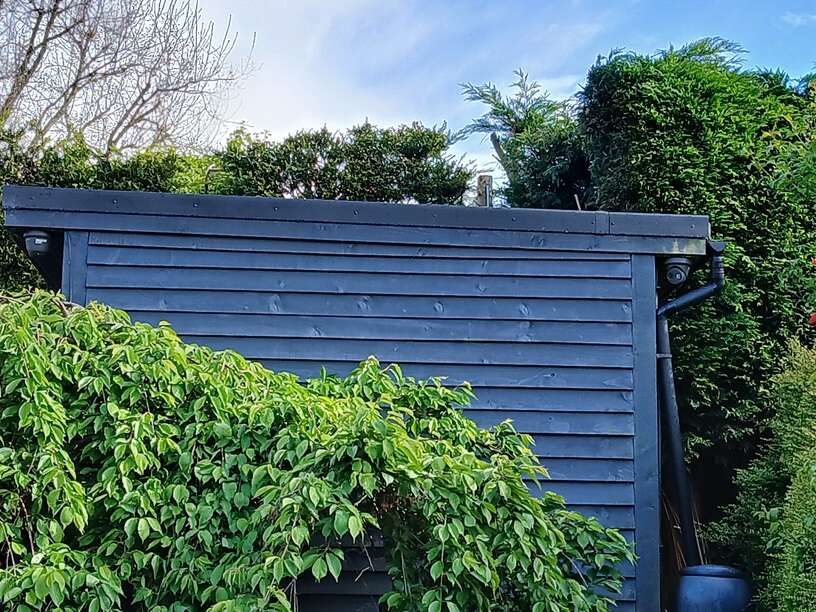
I've managed a temporary fix with a cheap coupler and covered the ducting with a bigger piece, I've ordered a IP67 one which I'm hoping will fit in the bigger bit of ducting then I has going to jubilee clip either side, it's a bit of a cowboy job but hopefully it will work as the camera is now working. If it fails I was going to try using that haydon splitter from the camera working on the left of the second picture
-
Thanks for your reply, is that all of them or just the Haydon ones as I can see more expensive ones from Vigitron https://netviewcctv.co.uk/vi00103
-
Could you send me some links as I've Googled it and I get a loads of results
-
My email is a gmail not a business one, I set it up when I bought my cameras from them so I don't get marketing emails. If the splitters are tat I won't use them
-
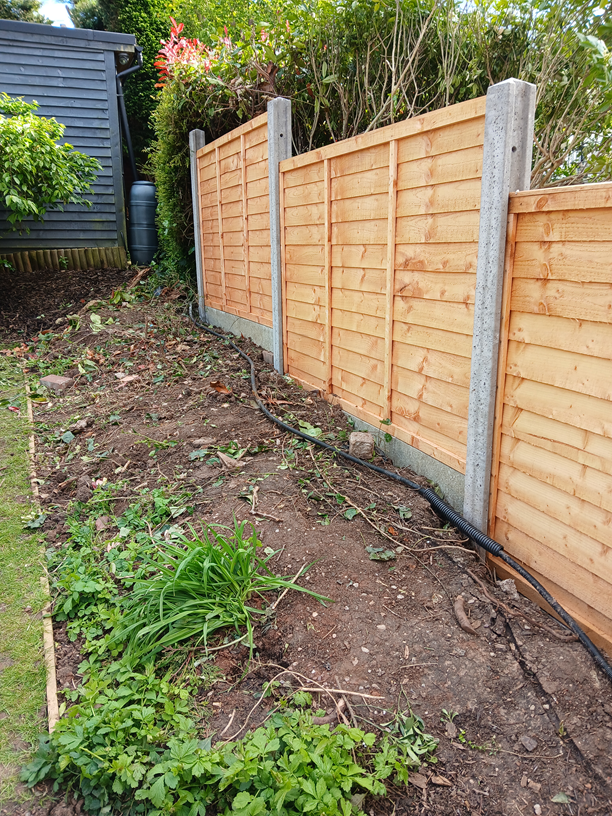
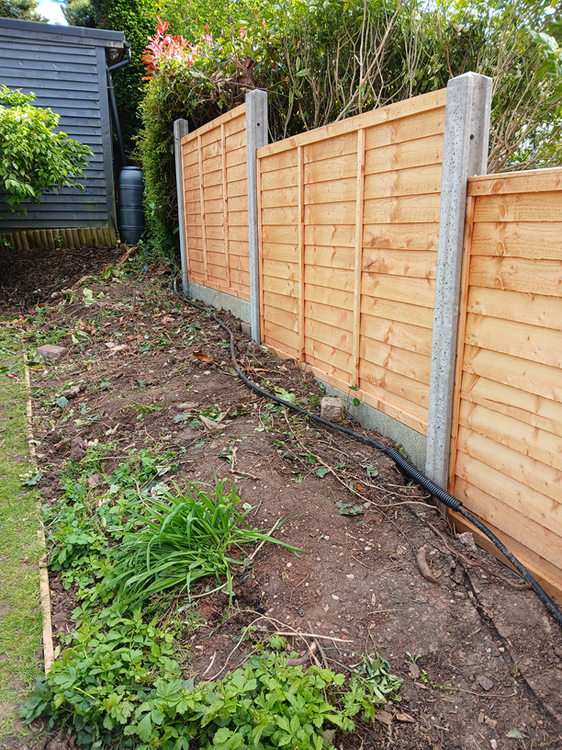
I've recently had work done on our house and forgot to tell the builder about the cable to one of our cameras that was buried in our garden and it's well and truly knackered, rather than have the ball ache of recabling it I've just found something that I think might might work as we have another camera that's close by, has anyone used them and are they reliable as it seems quite cheap for what it does? Haydon POE Multiplexer Pack of 2