_2d2230.png)
_5a42ce.png)

Imnotshankled
Member
-
Joined
-
Last visited
Everything posted by Imnotshankled
-
EE is the entry exit zone and ET on the keypad is exit terminator so it can be quite confusing If you thought that was embarrassing you should have seen my alarm service last week
-
Have you powercycled the panel
-
Cough Mr? Veritas God
-
Well I'm mainly reinstalling it or reprogramming it
-
I have taken over tons of DIY sites where customers do this they don't care
-
Tbh it's not that hard to make a installer account I never really understood the point of these
-
The DIY tat is **** For the alarm recommend texecom ricochet kit with a smartcom Cctv I recommend qvis for Cctv
-
You can have a knife fight but only with plastic knifes
-
I believe only the 900 and 2500 could run prox tags
-
Dammit I ruined my reputation
-
You can't on the power g series
-
Found him

-
Can you send a picture
-
Also make sure in site options that use level set is off
-
What you want to do is called partitions The easiest way to do this is to assign each zone to either set A or Ser B then give the customer a code that can only set that area
-
Well mines not worth more than a sheet of single ply toilet paper
-
Well you lucky git I spent today replacing a panel with 40cm clearance between a wall and a red hot freezer back Tomorrow should be a easy job replacing a exploded veritas 8
-
The lights
-
Can't complain got a galaxy 512 in crewe
-
Yes
-
Is it just me or has there been a decrease in quality on channel led emergency lights I recently had a few dead on a site during a test
-
OK perfect time to buy all of data diffusions contacts
-
Has anyone seen @datadiffusionhere anytime recently
-
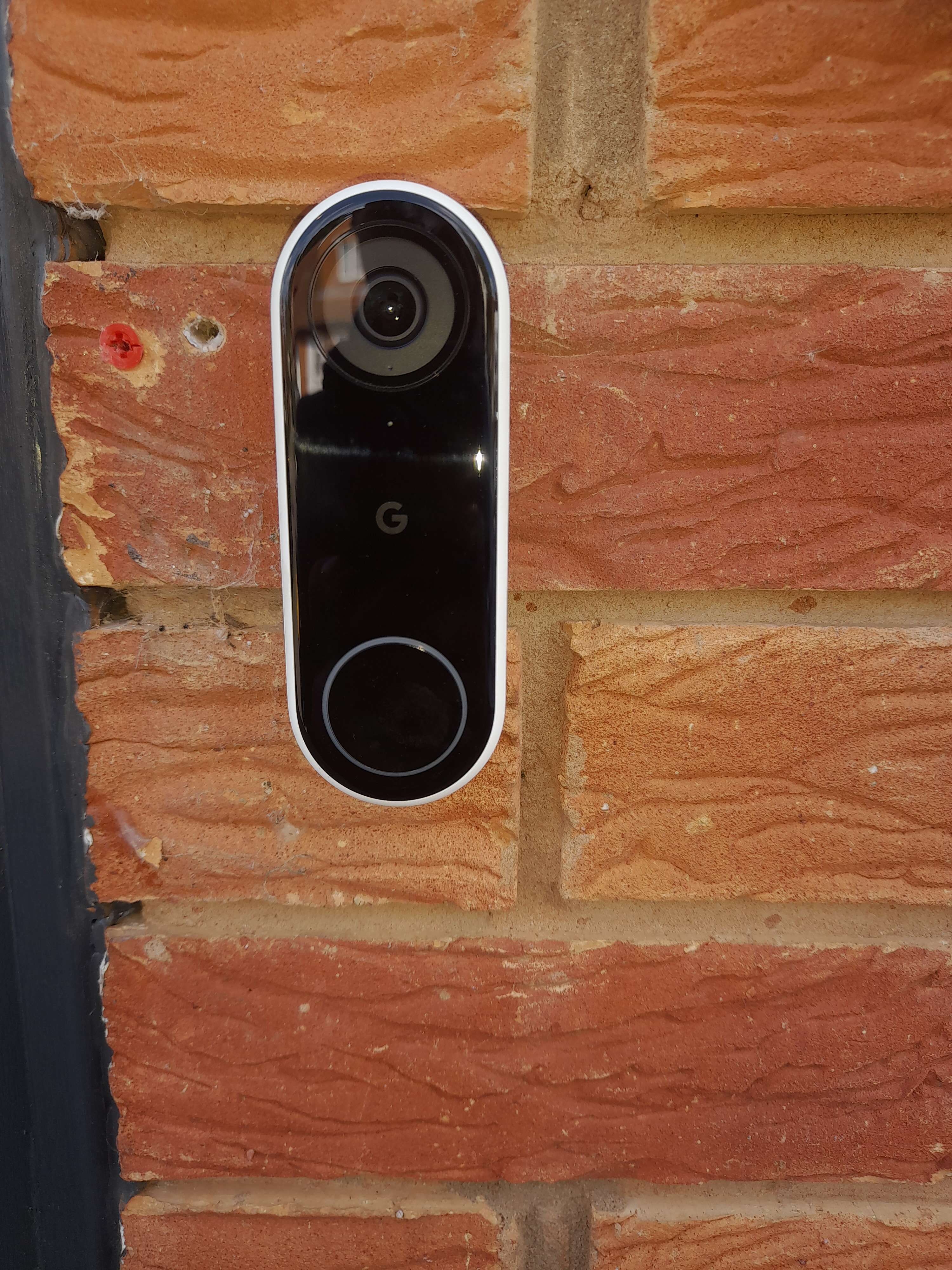
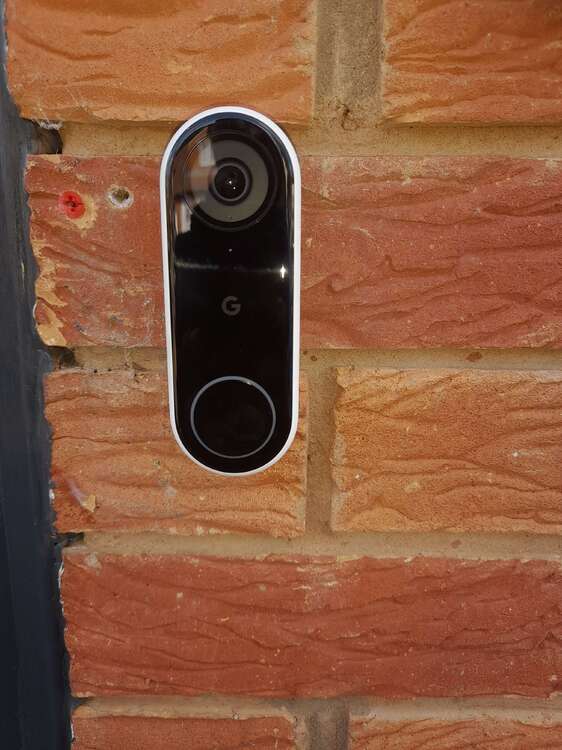
The one I had the best luck with was the Google nest one
-
No The lottery numbers are 06,15,195,the letter g, and a drawing of a dog