Skip to content
View in the app

A better way to browse. Learn more.

Security Installer Community

A full-screen app on your home screen with push notifications, badges and more.

To install this app on iOS and iPadOS
  1. Tap the Share icon in Safari
  2. Scroll the menu and tap Add to Home Screen.
  3. Tap Add in the top-right corner.
To install this app on Android
  1. Tap the 3-dot menu (⋮) in the top-right corner of the browser.
  2. Tap Add to Home screen or Install app.
  3. Confirm by tapping Install.

MrHappy

Global Moderator
  • Joined

  • Last visited

Everything posted by MrHappy

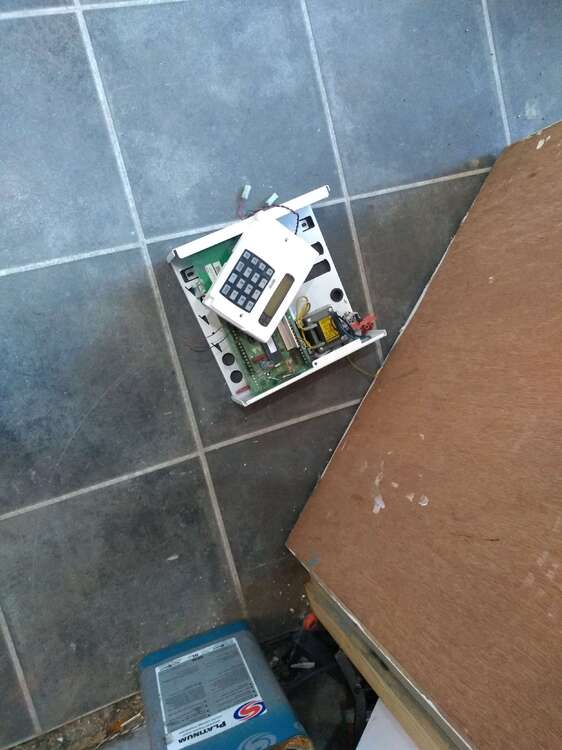
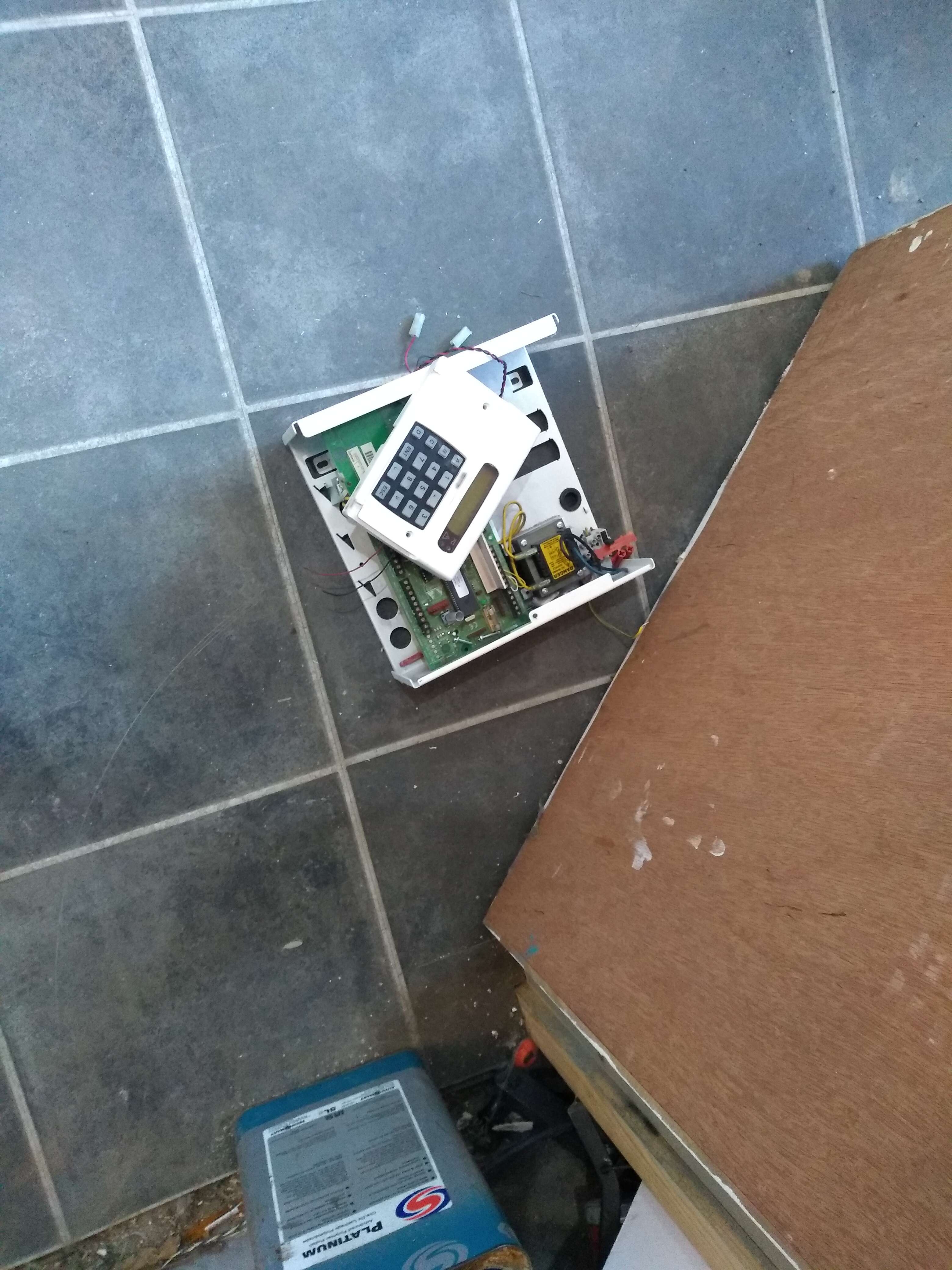
  1. photo ?
  2. Its all bollocks, Tat like Yale or ADE sell very well & do it outside of any EN std ? the 3rd biggest economy in Europe is Britain Britain is a crime ridden crap hole & probably the largest world market for domestic alarms ? What European brands exist in the UK, Bosch / Siemens ? Neither is major play within the UK or Europe & I assume are more interested in the US market ? Meh...
  3. nah, the "fuses" on the board are in the same places a glass fuse would be on the board marked F2, F3, F4... whatever the ac in & the battery connections don't look factory ?
  4. nah, @logan is your only hope....
  5. did he not get the dog ?
  6. you do chat shit.... ADT employ the very best & sometimes the very worst engineers, However there the market leading co. why don't you try & get a job there & get some real world experience of alarms ?
  7. yes if you have posted your serial no for your bell box we could have located it on the internet, selected abba on your alexa & turn the central heating up to maximum...
  8. John have you been called a recently ***? A user manual is for the user an installation manual is for the installer, When I purchased tat like an xm6 it came with an installation manual, an advice note & an invoice.... none of these document have ever been given to the user of the alarm.... now, why would I imply your a ***? Try typing xm6 engineer manual into google...... if you can't find the book you must be a proper ***...
  9. I asked which is very different from being told... You started growing a thicker skin yet?

  10. Or its a co. form Essex that mostly did the safes & alarms for book makers, there's a couple of those boxes on pubs up here....
  11. they used to be £100ish IIRC, other common uses where limpets or fire door/ loading doors
  12. a common use would be a 24hr circuit on say a wine / spirit store in the cellar in public house anyone opening the door would set the alarm off, a zone omit module would permit authorised people to use set the 24hr circuit & access the store. There a 2 types, one with key on the front & one controlled by an external switch normally a 5 lever chubb lock in the door The common method was contact on the door with cc wiring inside under hardboard, operating the chubb lock turned off of the circuit secure the lock on the door turned the alarm back on
  13. its a zone omit module, do you not know what there common use is ?
  14. May is different from definitely.... I have no admin rights admin is complex, should we make the effort for 1 poster? I asked somebody to not down vote your content, they kindly agreed not to down vote your content. No action taken, no threats implied ect... Grow a thicker skin life is too short...
  15. How many speaker or external Sounders are you using?
  16. google.... are planning to run your 2 keypads, zone expanders, external sounder(s) & internal speaker all off the endstation ?
  17. no, its deffo skip fodder
  18. It would appear gt600 is still in production, new endstations or even pcbs are still there to purchase Ripping it all out is going be pricey...
  19. IIRC the engineer & user manual eas the same bit of paper...# Given the age of the controls.... its skip foder...
  20. Something that mong sparky could fit ? Optima....
  21. the pizeo is replaceable, your installer should be able to replace for a few quid + the visit the current version of the controls supports the existing devices

Account

Navigation

Search

Search

Configure browser push notifications

Chrome (Android)
  1. Tap the lock icon next to the address bar.
  2. Tap Permissions → Notifications.
  3. Adjust your preference.
Chrome (Desktop)
  1. Click the padlock icon in the address bar.
  2. Select Site settings.
  3. Find Notifications and adjust your preference.