Skip to content
View in the app

A better way to browse. Learn more.

Security Installer Community

A full-screen app on your home screen with push notifications, badges and more.

To install this app on iOS and iPadOS
  1. Tap the Share icon in Safari
  2. Scroll the menu and tap Add to Home Screen.
  3. Tap Add in the top-right corner.
To install this app on Android
  1. Tap the 3-dot menu (⋮) in the top-right corner of the browser.
  2. Tap Add to Home screen or Install app.
  3. Confirm by tapping Install.

TexuserSA001

Member
  • Joined

  • Last visited

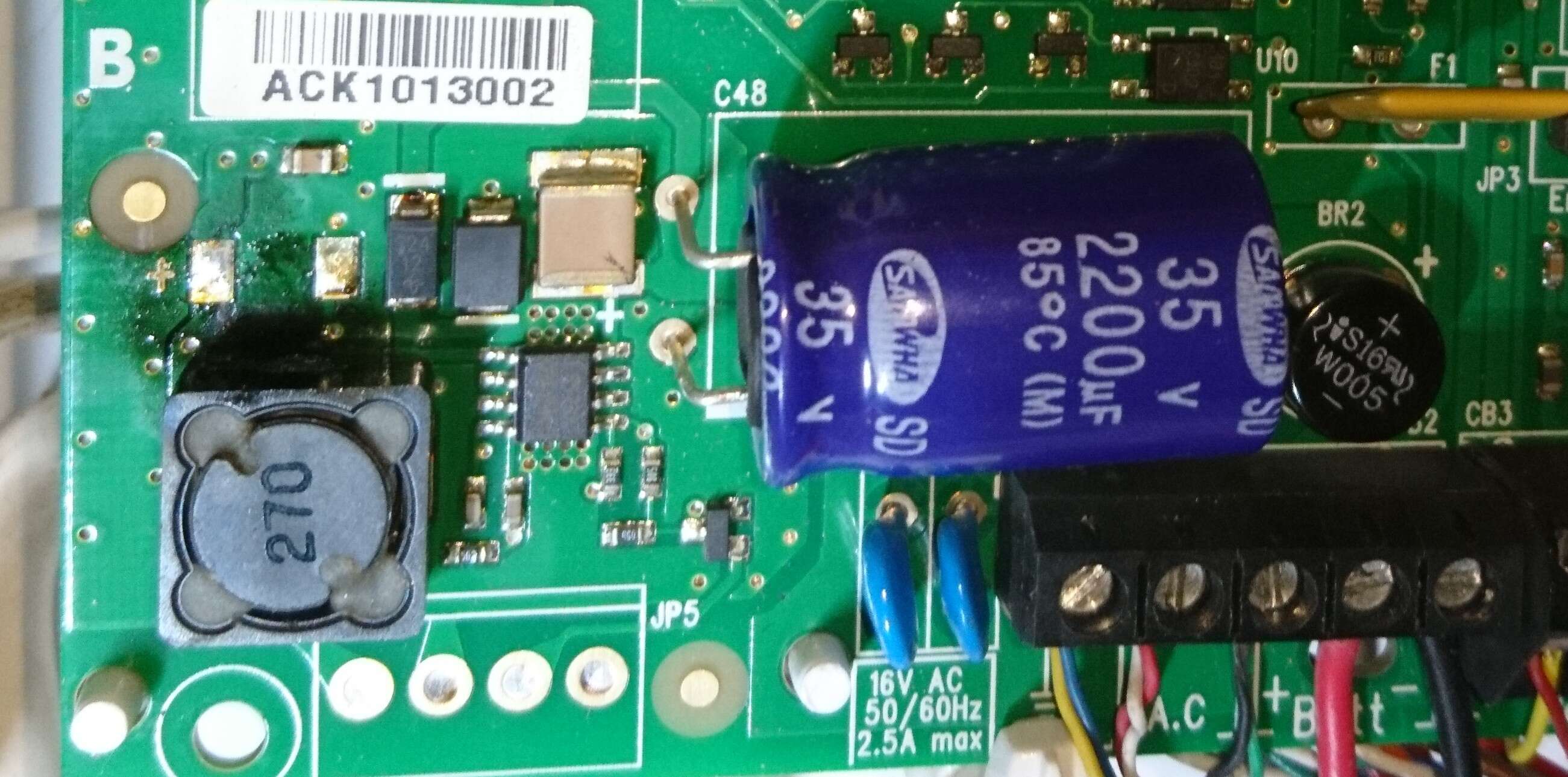
  1. Close-up view of the damaged area... The silver points must be the burnt soldered connection points. I think it got very hot...
  2. Could it caused by my additional power supplied to the battery. See attached drawing. I tried to have some extra backup power supply to the alarm: Extra 12 V battery, charged by a solar panel charger. I did connect the alarm, to the load connection of the solar charger, with the diode in series.
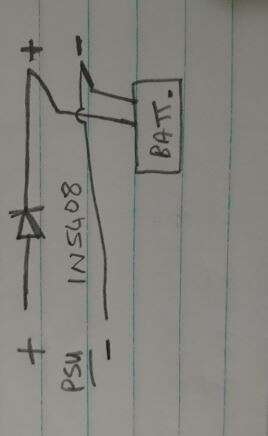
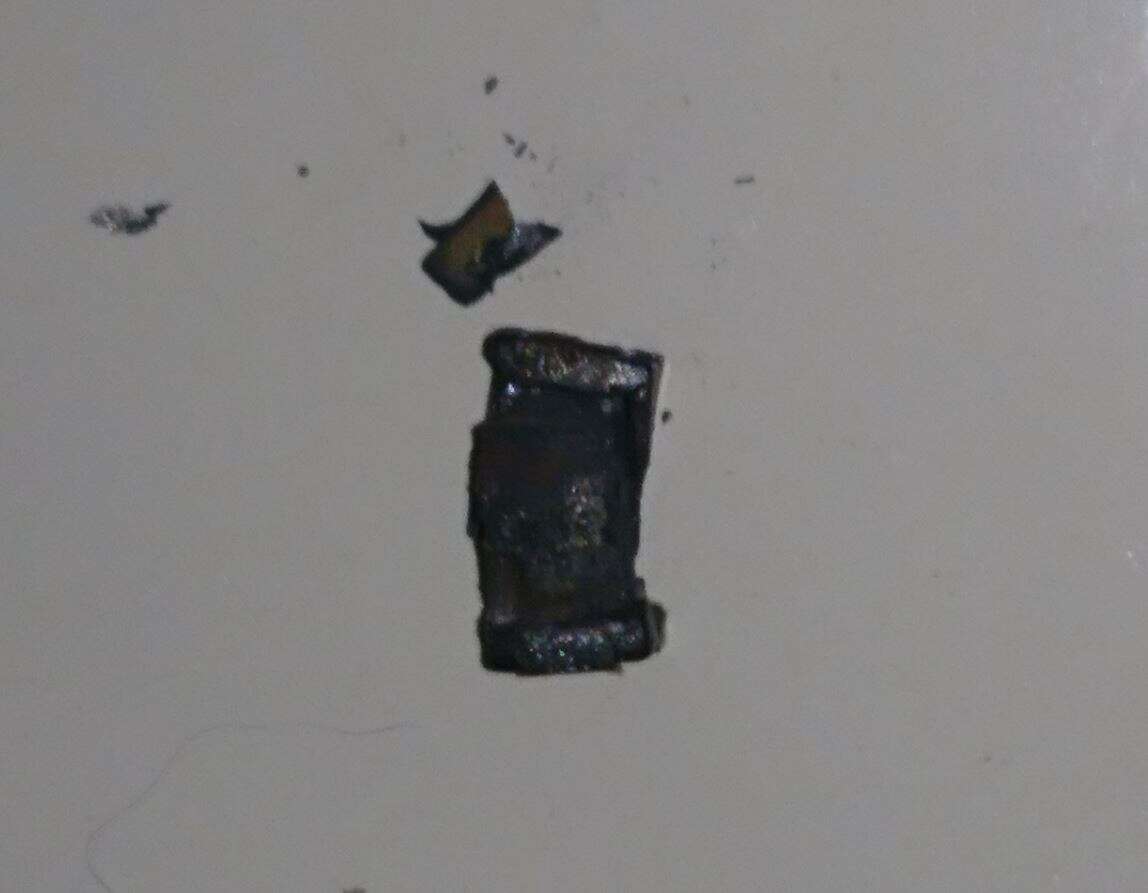
  3. I found some bits in the box. And the battery does not charge...
  4. I found the site have some good discussions.
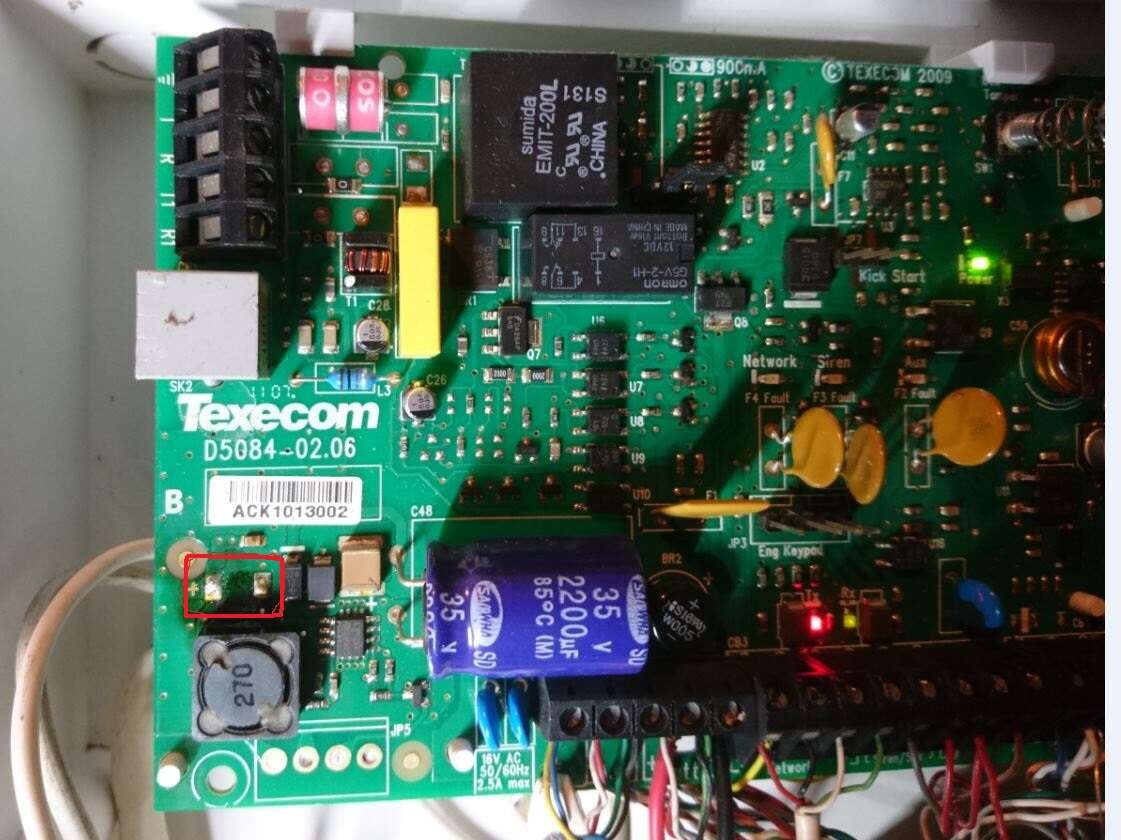
  5. Hi, my alarm system gives a SERVICE" alarm at random times. If I understand the table correct, it relates to a fuse. The fuses seems to be not that "visible". On inspection, I found a loose component, and would like to identify that. Regards.

Important Information

By using this site, you agree to our Terms of Use.

Account

Navigation

Search

Search

Configure browser push notifications

Chrome (Android)
  1. Tap the lock icon next to the address bar.
  2. Tap Permissions → Notifications.
  3. Adjust your preference.
Chrome (Desktop)
  1. Click the padlock icon in the address bar.
  2. Select Site settings.
  3. Find Notifications and adjust your preference.