_2d2230.png)
_5a42ce.png)

Shaunb1905
Trade Full Member
-
Joined
-
Last visited
-
Just stick some grade F, Aicos in. About £50 each. Job done
-
They will never be able to police this. Will only come about when you try sell your house surely?
-
Remember a few years ago, customer called us out because their alarms bleeping. Was someone’s hair straighteners, which were left switched on!!
-
Is it not zone 200? Output group 199?
-
Easy enough to do through programming
-
-
Travel distance doesn't seem to be more then 45m or reduced to 25 for special hazards?
-
As above A lot of the time I find L3s can be very similar to L1 depending on the layout so I just go L1 anyways
-
What’s the issues?
-
Is that what they charged him or he’s trying to charge you? Have you counted the devices or have you seen the certs? Only asking because if, like you say you have a suspended ceiling, they may have installed detection or even a smoke beam above?
-
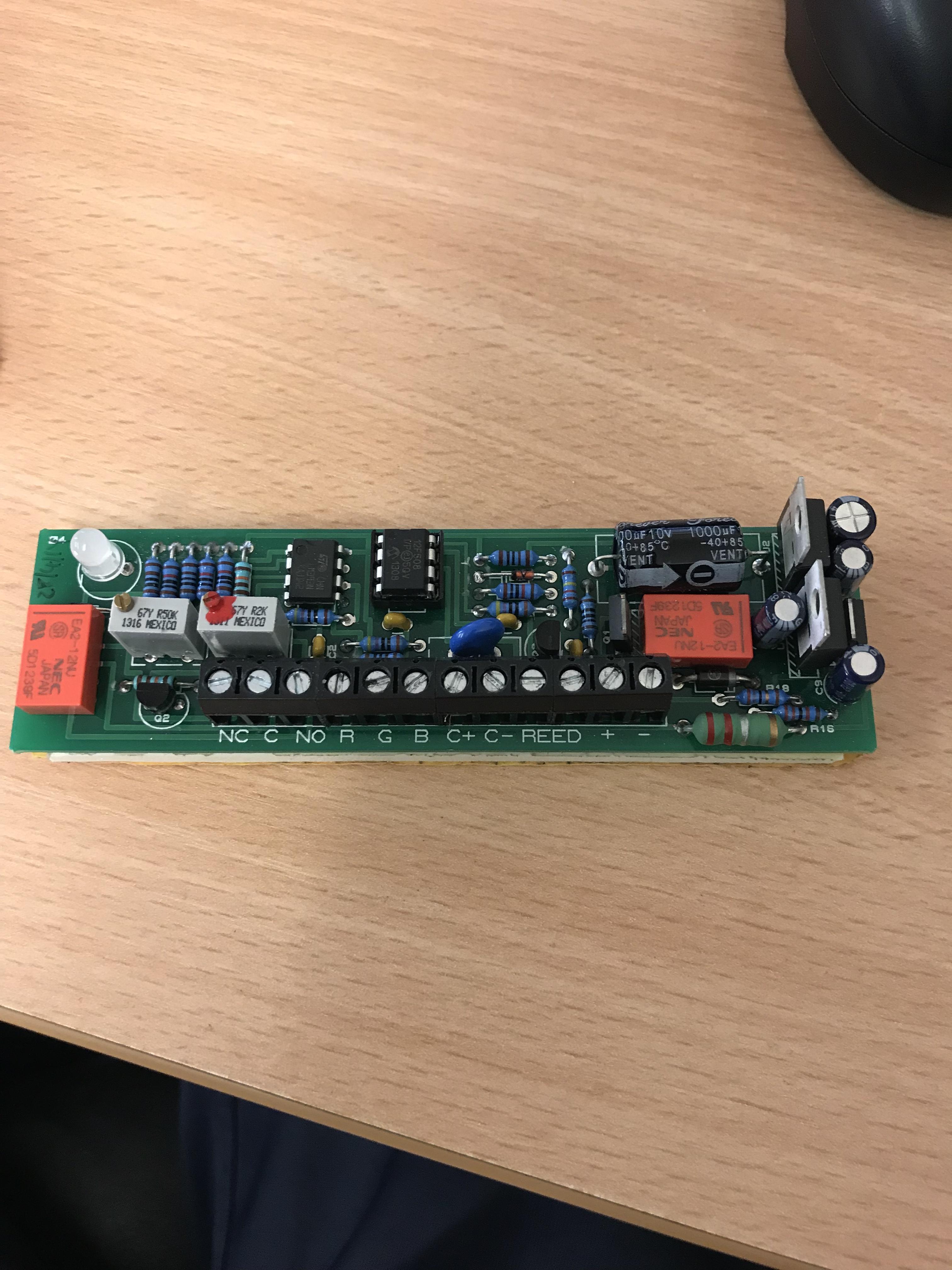
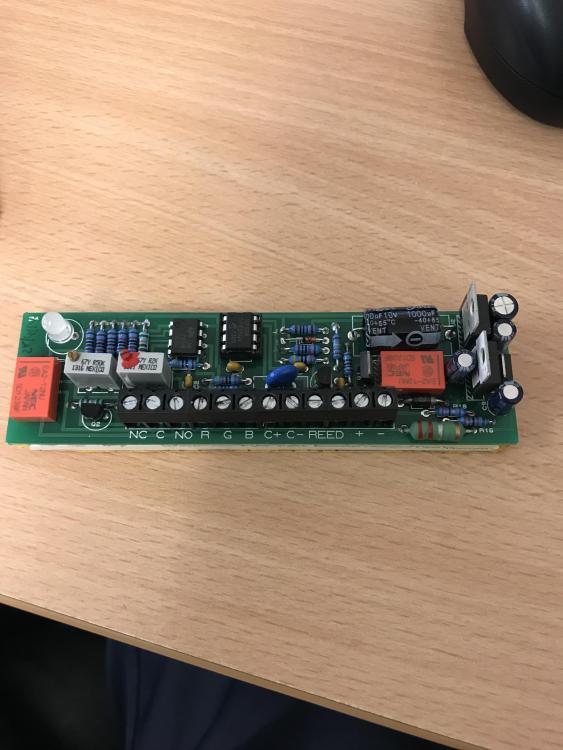
Morning chaps. Does anyone have any idea where to get one of these from? Thank, Shaun
-
Are they integrated or ancillary base sounders?
-
Hello, A Dell for me See what I did there?
-
I meant PSU sorry
-
I'm sure they're is a conventional sounder capable, so just stick a sounder controller on the loop (psi needed) and good to go