


_2d2230.png)
_5a42ce.png)

PeterJames
Admin
-
Joined
-
Last visited
Everything posted by PeterJames
-
The news just seems so panic panic panic nowadays, shortages in the shops causing panic buying during Covid, after that it was the fuel shortage everyone panicking to buy fuel all fuelled by the media (excuse the pun), and whats with the red pictures of the UK on the weather announcements? A few years ago that would have been a few jolly pictures of the sun in different places. Yeah it was hot today and maybe on paper hotter than any known recorded temperature but does it really warrant all the drama causing panic buying of ice cubes? They have been going on and on about inflation but I have not seen any changes in selling stuff, if anything I am selling more than I ever did, and many of my customers are expanding their businesses not the other way around ( I think most of em know something I dont ). I think the media has gone all snowflake on us, causing more grief than it should.
-
The only place oop north thats a bit scary is that big shopping centre in Manchester on a Saturday, I liked Leeds even if it did have more than the national average of "Game" shops for one high street. I quite liked York too
-
Ive been to Leeds!

-
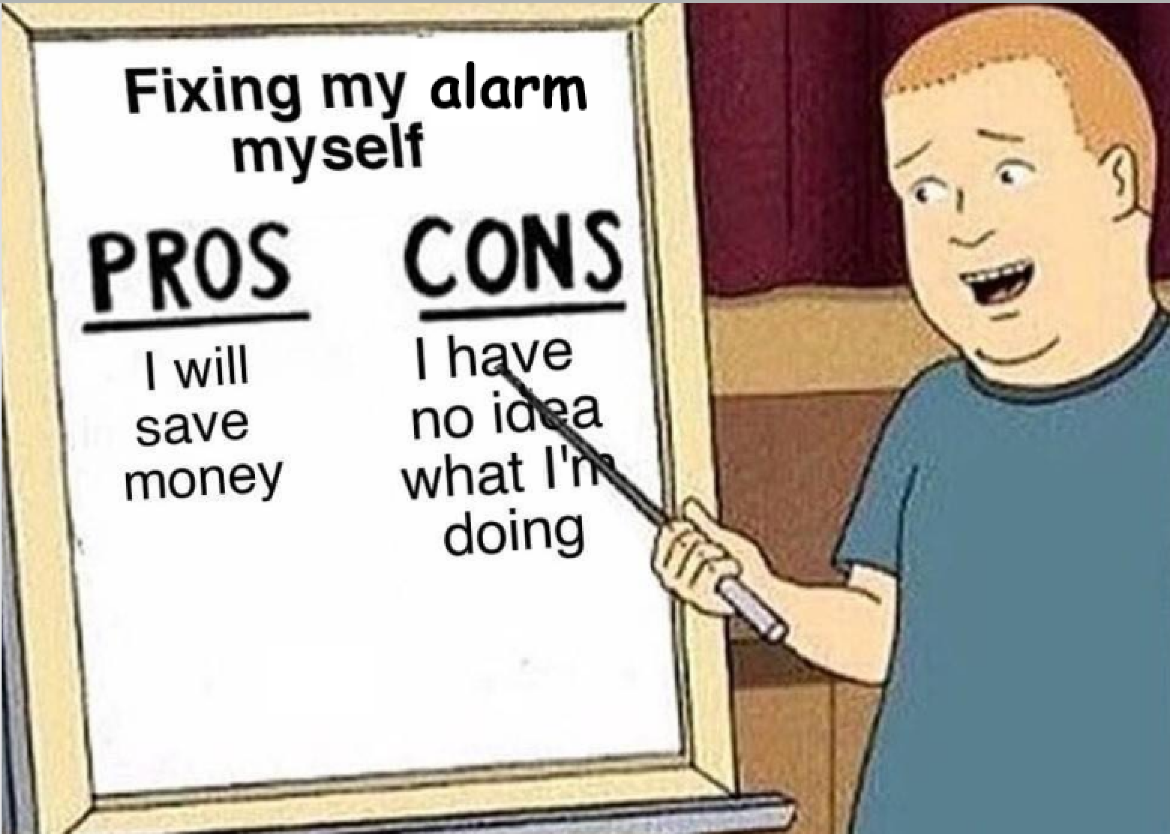
Its the only way to go imo learning from your own mistakes is much harder than gaining knowledge from someone who has already made the mistakes
-
You need an engineer to default the codes for you, great panel in its time, but 30 years old now.
-
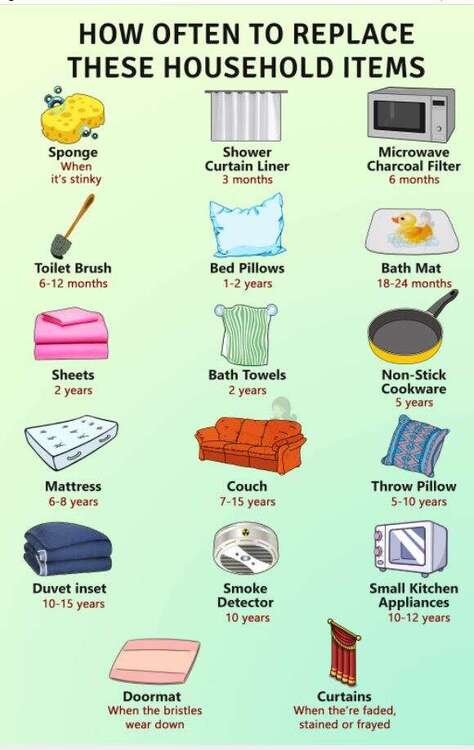
Bros? or Gary Glitter?As an ex smoker I do find it weird that anyone wants to smoke in this day an age, I can replicate the high from tobacco by just holding my breath for a bitProbably the best thing to do is to get three quotes. I would advise that you pick three accredited companies either ssiab or NSI gold https://www.nsi.org.uk/ https://ssaib.org/ you can search for local companies with your postcode on these sites Any good company will be able to tailor the alarm system to your needs and will give advise on how to make it simple to use. Most companies will have their own preferred brand that they like to install, we could all start recommending different brands here but it would just confuse you if installers in your area dont use these brands and recommend something else. Once you have your quotes come back here for more advice if you need itIt shouldnt ring straight off you should have time to enter and switch the alarm off. try arming it when you are already in the property and then walk in front of the detectors, either that or do a bell test from the panelI saw this today and it made me think. Today I talked someone through the log on an Ab72 that panel is 25 to 30 years old. We have allsorts of older panels out there all in good working order, It goes to show a serviced system last way beyond its life expectancy. But it always surprises me when a customer complains that their 30 year old panel needs to be replaced, Ill send them this picture the next time it happens.
 There is a battery in the bell as well. But if you are worried about burglars breaking in opening up the alarm box and ripping the battery and mains off ( if they did this the bells would still continue to ring assuming the system is serviced)then maybe you should consider a monitored alarmADT dont always have live bells mostly they are decoysDont rely on the free app, if they are not getting paid for it they are not going to be in any hurry to fix it when it goes wrong. Many of the manufacturer's have learned it costs a fortune to run a server for hundreds of thousands of alarm system apps and are now charging for itDepends on the environment, sometimes a quad is much better than a DT. Should only really use DT's in hostile areas like garages and warehouses, I wouldn't put one in my front room.Hi and welcomeWhen was the last time the panel battery was changed?I didnt say I didnt like it, just bantering with you thats all no offence intendedYeah Yeah we can all remember putting the needle in the right place to reset an alarm, then later rewinding the 4 trac to reset, tell us something we dont know!Also are you sure that its the strobe and not the deterrent leds, leds are supposed to flash all the time





Important Information
By using this site, you agree to our Terms of Use.
Account
Navigation
Search
Configure browser push notifications
Chrome (Android)
- Tap the lock icon next to the address bar.
- Tap Permissions → Notifications.
- Adjust your preference.
Chrome (Desktop)
- Click the padlock icon in the address bar.
- Select Site settings.
- Find Notifications and adjust your preference.
Safari (iOS 16.4+)
- Ensure the site is installed via Add to Home Screen.
- Open Settings App → Notifications.
- Find your app name and adjust your preference.
Safari (macOS)
- Go to Safari → Preferences.
- Click the Websites tab.
- Select Notifications in the sidebar.
- Find this website and adjust your preference.
Edge (Android)
- Tap the lock icon next to the address bar.
- Tap Permissions.
- Find Notifications and adjust your preference.
Edge (Desktop)
- Click the padlock icon in the address bar.
- Click Permissions for this site.
- Find Notifications and adjust your preference.
Firefox (Android)
- Go to Settings → Site permissions.
- Tap Notifications.
- Find this site in the list and adjust your preference.
Firefox (Desktop)
- Open Firefox Settings.
- Search for Notifications.
- Find this site in the list and adjust your preference.