_2d2230.png)
_5a42ce.png)

MrHappy
Global Moderator
-
Joined
-
Last visited
Everything posted by MrHappy
-
-
The maint money keeps an alarm co. in business Whats the maint cost £100+vat a year ? Everything from a co. will be grade 2 You'll only get a Grade 3 wired alarm. Anything more than an app with need maint + mon Pyronx app has annual fee, which is why its better than the other 2 I use. A co. may not wish to provide an app with no maint fee
-
-
I have the misfortune to be Wandsworth on Tuesday.... I buy std lithium battery's at £1+vat, proper copper 8 core cable is £33+vat a coil Wiring domestic alarms is work for keen young men... they stopped making them a long time ago Unless it a building site I'd expect a complete disinterest in offering a wiring alarm or premium over a wired system
-
Lots of stuff is product dependent, Is your firm a pyronix user ?
-
There are also lots of terms which mean the same thing Double Balanced Fully Supervised Loop Double End of Line Same thing called different name by different intruder alarm makers
-
Everything is a switch.... You always ask questions on an internet forum ? eg- my employer fits Kentec Sigma Fire alarms, could anyone describe how the fire relay works on the control panel & what it could be used for ? A relay is switch operated by circuit board aplying voltage, (in the same manner as you operating a light switch at home by hand) There are 3 screw terminal on the pcb mark NO/ C /NC Normally Open Common Normally Closed Measured with multi meter on Ω's you will have a circuit between NC & C in its normal state (light switch on) Measured with multi meter on Ω's you will not have a circuit between NO & C in its normal state (light switch off) When the Panel is on Fire the Relay operate & the state is reversed Measured with multi meter on Ω's you will not have a circuit between NC & C (light switch off) Measured with multi meter on Ω's you will have a circuit between NO & C in its normal state (light switch on) A practical application is door retainer for a fire door, its need power to hold the door open on magnet, other wise the overhead door closer pulls the door shut The positive voltage is switched by the NC/C terminals on the fire controls When the controls are normal the switch is closed When "in fire" the switch is open so there is no power for the door retainer Once you have an old panel you can faff around & work out whats what. It much easier on a bench than...

-
I currently think of the business there once was, say a regional alarm co. or a regional bakers... Google results for thing that where once everywhere can be quite sparse
-
Stick it on ebay & report back how well you did ? I don't you'll find a buyer on here.....
-
It's an just an alarm., it not a costly upgrade like getting rid of the wife...
-
appears to this sorta tat- https://www.tradeindia.com/products/wireless-alarm-system-3164699.htm with their sticker on it - https://www.securitysystemexperts.co.uk/business/securahomesl
-
The link is there..... the file is not. You could probably pay a man to put some decent controls in for the same price as Samsung 50" telly ?
-
-
I'm not really keen on alarms...
-
I struggle to hear 1 pyronix ewd unless I open the front door, Where Gardtec sounders so much better that now I'm deaf ?
-
https://www.securitywarehouse.co.uk/catalog/intruder-alarm-equipment-c-36/intruder-alarm-ancillaries-c-36_46/pyronix-euro-zem8-psu-grade-3-p-4082.html 3 zones as bell tampers 3 outputs as sirens (the strobe flashes when the bell rings)
-
Hugh, I'm going with 1 x Plaggy enforcer controls & NOTHING as wired devices on the system ? Supervision fault, what's the signal strength of each radio device on the system ? Are all batteries 2yrs old or less, when they are replace spin them around in the holder to ensure there are go contacts If the house is not 'kin massive & the controls are no in silly place eg in cupboard surrounded by display cases of lead painted figures or something Swap the device far away for an identical item which works fine in a different location, ideally the item which drops of in location A should drop on in location B, proving the device is duff... chances are all the hardware is fine & its an issue with the environment of the installation ?
-
250 minutes ?
-
its probably all radio tat ??
-
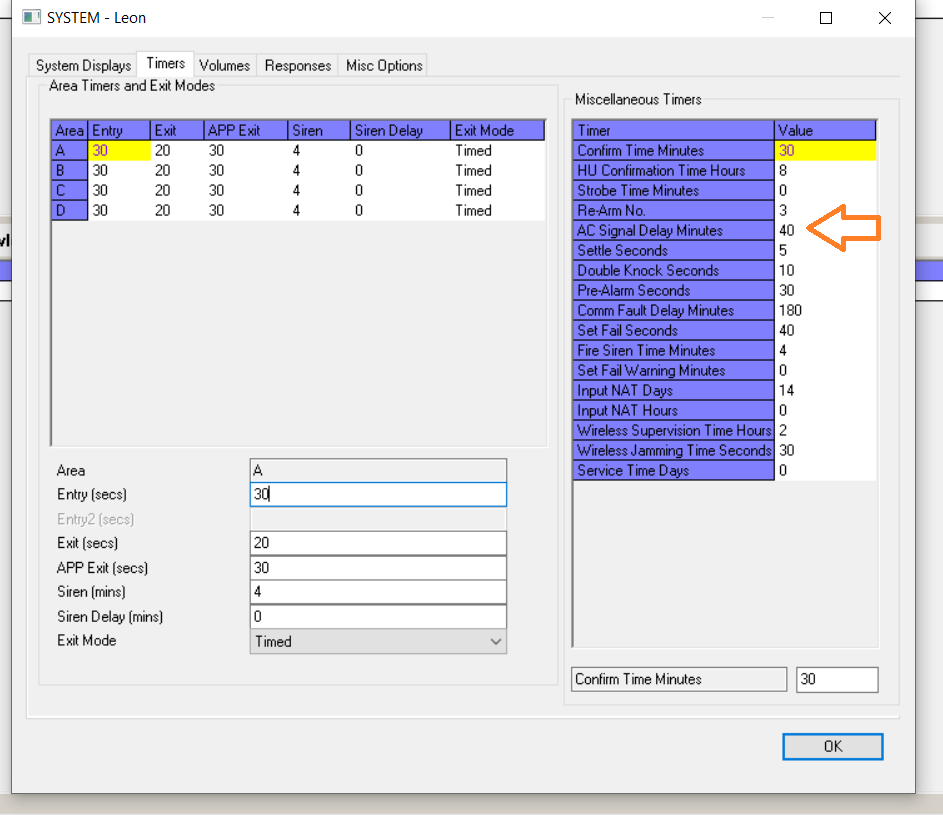
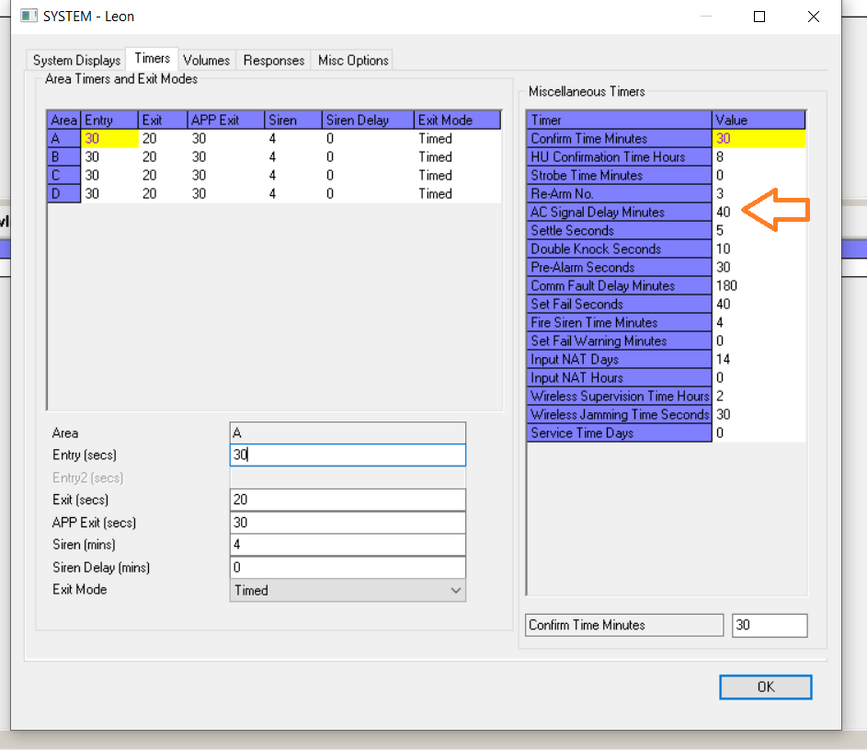
I'd assume the spark may have tested a new spur with your controls attached I have spare psu's, I did have issues some years ago, they go funny before failing... The logs show 1 mains fail & loads of tampers & supervision faults ? Is the sub seeing unreset faults when they put their code in for another tamper or supervision fault?
-
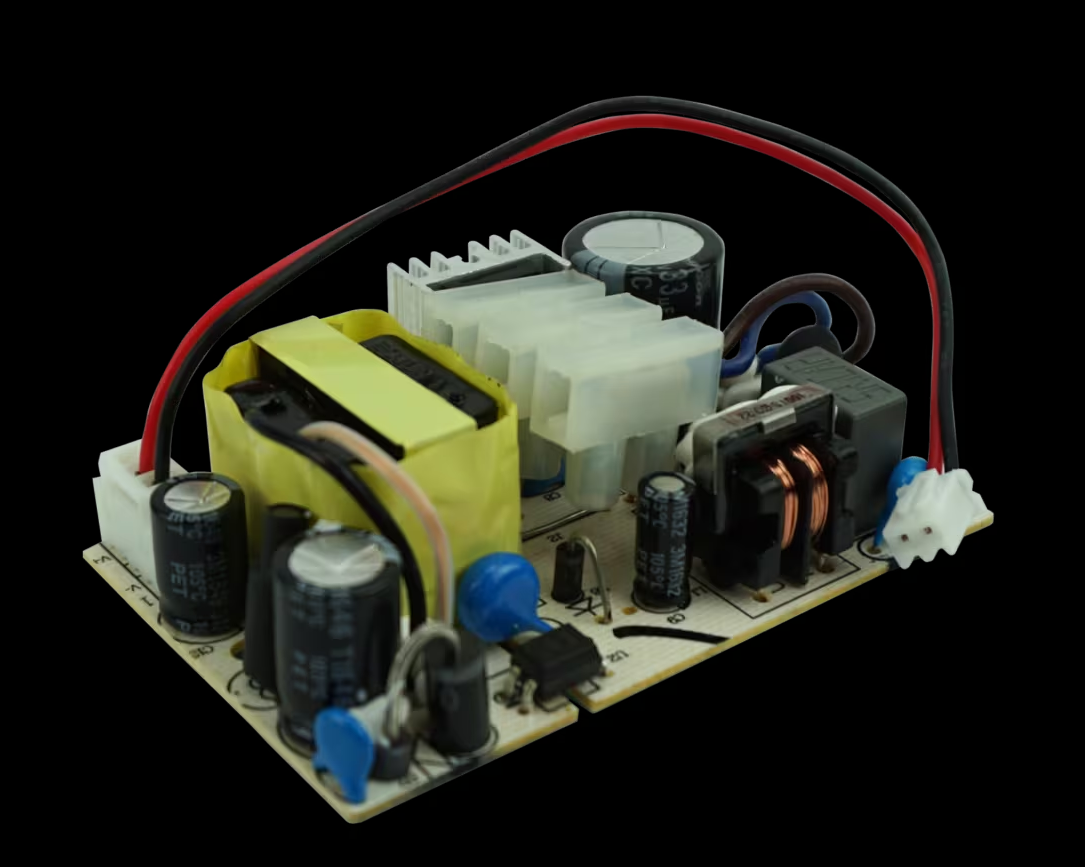
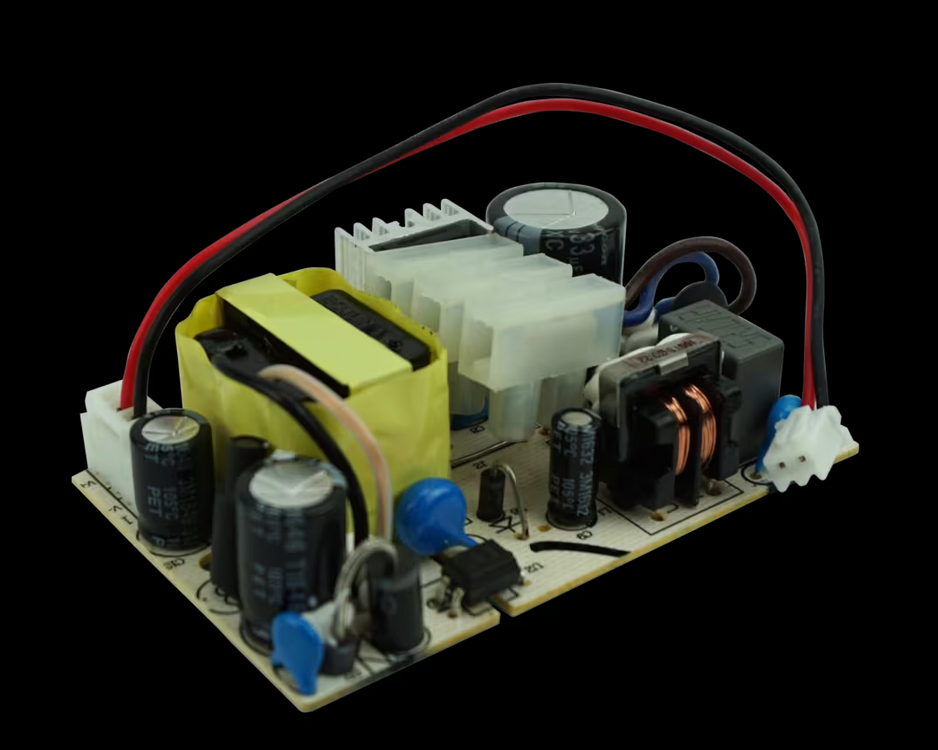
replace the switch mode psu
-
lucky you, I can recall a house building using these cira 1995 !
-
needs a licence form risco
-
It's on an old CD with the regal safe stuff....
-
personally I'd smash the panel to bits with a hammer then set it on fire to ensure its dead RS125EngineerManual.pdf