_2d2230.png)
_5a42ce.png)


james.wilson
Admin
-
Joined
-
Last visited
Everything posted by james.wilson
-
that looks like a 16 plus. Pretty limited and very basic panel. Is obsolete but if its been looked after is useable. Or put a flex or a 2-20 in its its place. YOu can then reuse your keypad but id update your detection, bell etc
-
-
its a galaxy keypad, will work with any galaxy panel from now back to the old classics. they should be able to reset the whole programming. Whats the sticker on the panel say, im assuming its a gal 8 or 18. Maybe a 16+ either way its resetable but i would upgrade everything but the keypad if i was you. unless they just fit enforcers or ajax, if so id find another approved co that supports galaxy.
-
-
a modern galaxy would work with that keypad. The code on the disply is an anticode and will need to be disabled. Any company should be able to do that. A equipment upgrade would be a good idea anyway due to its age.
-
-
that is assuming all sites have a common engineer code. ?
-
The corcern is the installer is liable if your system fails to perform. I understand their position and they are correct. Don't know orisec and not sure it can be locked. I would. However if your out of support with your maintainer they should default the panel (at a cost if visit required). No your not locked into them assuming you own the hardware. But the programming may be theirs. A default protects everyone so that's the way to go
-
-
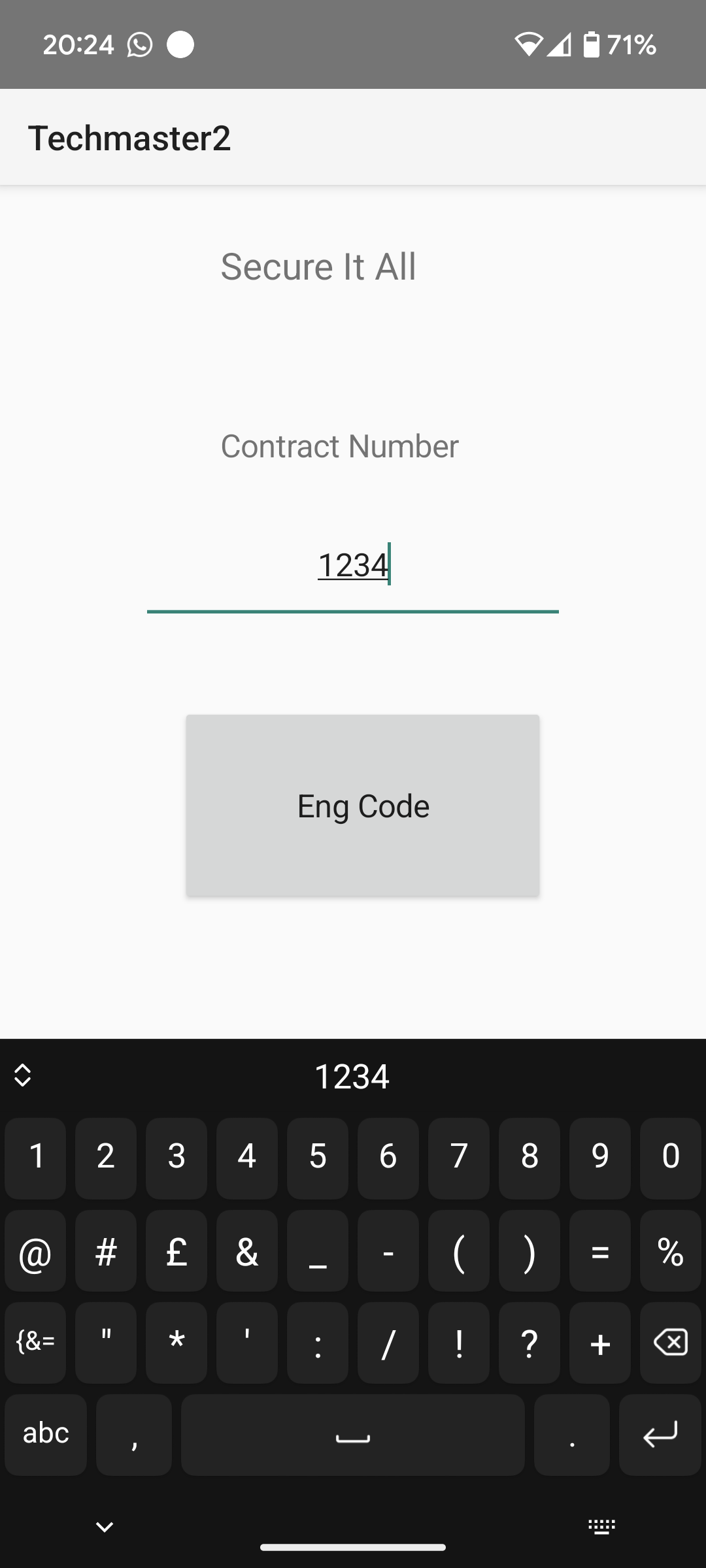
 APK file for the beta techmaster app. Work in progress
 -
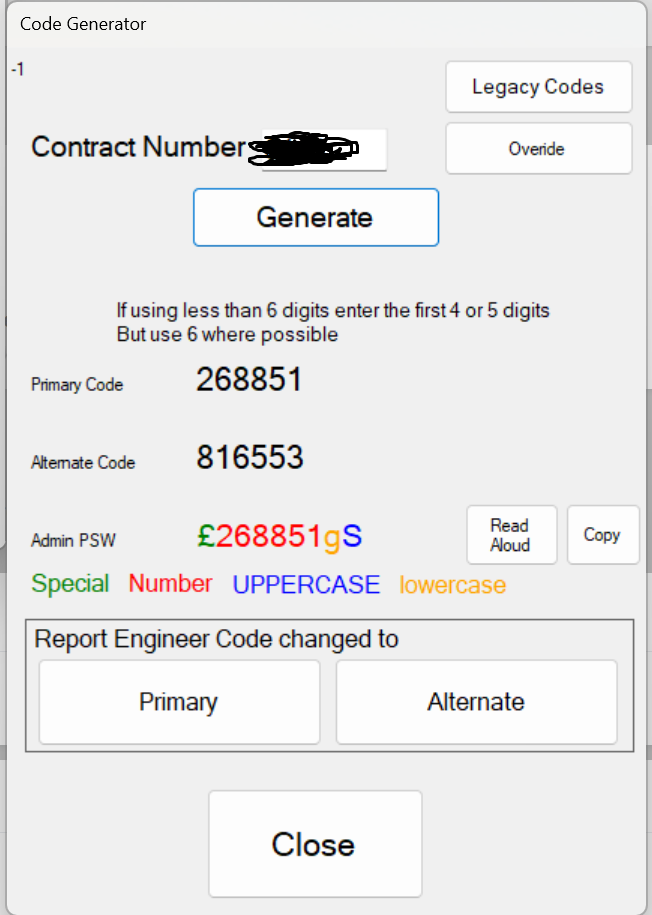
I have it working for me if there is any demand I'll take requests and add it to the play store. The windows one dynamically adjusts to 4 5 or 6 digits depending on the system type booked onto. The above screenshot was when not booked on, ie needing eng code for intruder when booked onto the cctv
-
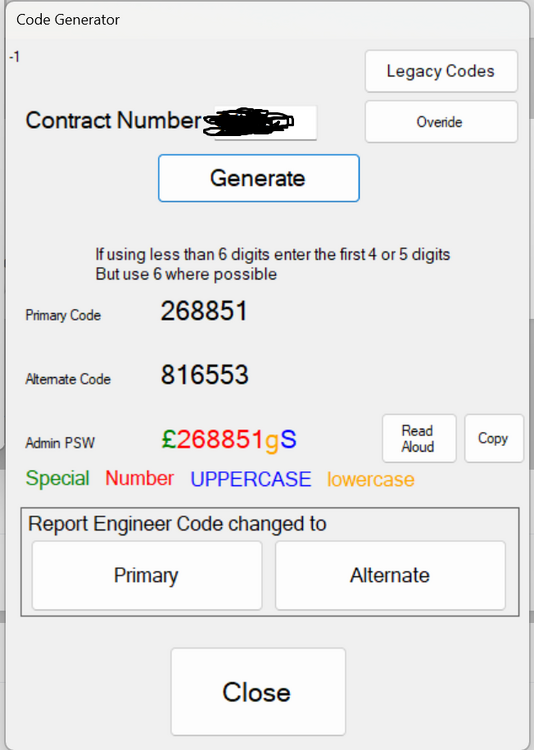
this is the windows one which is part of the full tablet app that runs the engineers fault finding tracking etc
-
for other people to use it i will need to make the 'seed' code selectable per install and will be 6 digits rather than 0-255 It only does pin codes on android at the moment not the cctv/pc/access control ones that require letters and special chars etc
-
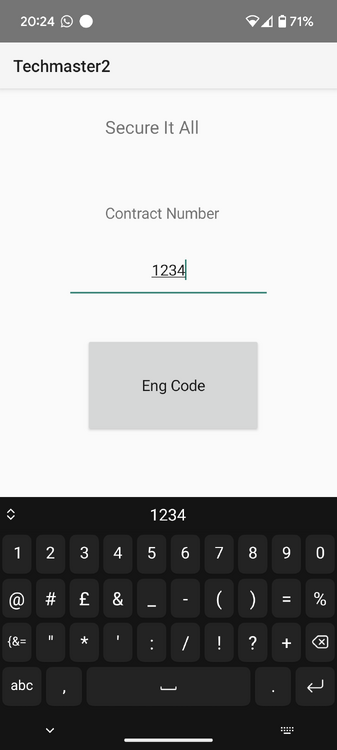
I have it working for me if there is any demand I'll take requests and add it to the play store
-
No not at all I use home assistant. It's free but I pay for it. If no one pays it fails to exist. Like cloud alarm platforms
-
Opps
-
I'd prefer a cable for all options. I don't see the advantage of CAT6 for cctv over CAT5. I'd also suggest that even if cctv per channel needs more that 1gbs that CAT5 will be 10gig. Copper wins imo over short distances over fibre. I reakon that's true for my lifetime
-
Not directly with anything decent. I'd seperate the issues. Diy you could use texecom with it's issues that would sort your detection. Then WiFi bridge your cctv
-
As anove
-
I'd go with a diy option we wouldn't but in your case you want the support if your emailing them already
-
None. The uneducated will say it makes a difference it won't. If you plan on breaking gigabit per channel I'd like to know how
-
al-yeti has trade status however alarrm inputs to use in the logic of the d/n/xvr and an output.
-
nothing anygood. Id use a wireless bridge between the buildings
-
Not in the panel programming. You would need to add a pulse relay or use a sounder with 2 different inputs
-
Why has noone thought of that before. So simple