Skip to content
View in the app

A better way to browse. Learn more.

Security Installer Community

A full-screen app on your home screen with push notifications, badges and more.

To install this app on iOS and iPadOS
  1. Tap the Share icon in Safari
  2. Scroll the menu and tap Add to Home Screen.
  3. Tap Add in the top-right corner.
To install this app on Android
  1. Tap the 3-dot menu (⋮) in the top-right corner of the browser.
  2. Tap Add to Home screen or Install app.
  3. Confirm by tapping Install.

kka

Trade Full Member
  • Joined

  • Last visited

  1. Kka

    kka posted a topic in Control Panels (Public)
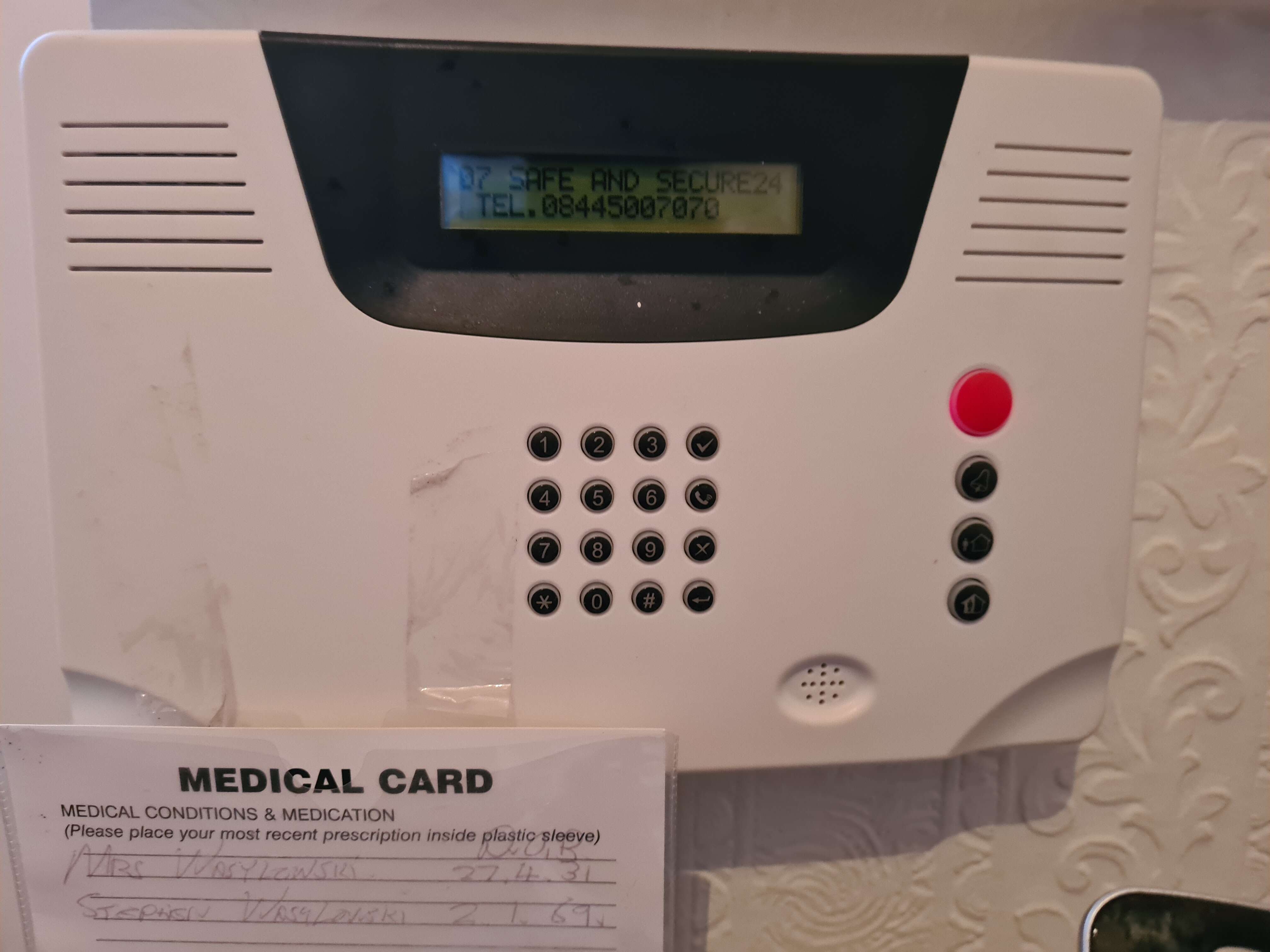
    What wireless panel is this please
  2. kka started following staller
  3. kka started following vedard
  4. kka replied to UPNADOWN's topic in User Manuals
    sorry, the alarm will need to be reset back to factory codes, you may require the service of a local alarms company. book it in for a service and ask about it then,check their prices over the phone. quite a common panel so should not be to much of a problem. beware of its age though, about ten years is a good age, so my advice, if its round about, it may well be more cost effective to think about renewing/ updating it.

Important Information

By using this site, you agree to our Terms of Use.

Account

Navigation

Search

Search

Configure browser push notifications

Chrome (Android)
  1. Tap the lock icon next to the address bar.
  2. Tap Permissions → Notifications.
  3. Adjust your preference.
Chrome (Desktop)
  1. Click the padlock icon in the address bar.
  2. Select Site settings.
  3. Find Notifications and adjust your preference.