


_2d2230.png)
_5a42ce.png)
UKAlarmGuy
Member
-
Joined
-
Last visited
-
In that case I would like to have my account here deleted as I am clearly not welcome here anymore
-
Recently got given a Friedland DC solenoid bell
-
Well that and because Honeywell era Gent is just meh
-
OK, I put Gent (pre-Honeywell) mainly because of the 34770 optical heat sounder
-
Favourite fire alarm brand? I have voted
-
-
Didn't get given the key, and the battery was removed so it's pretty much just a display item on my shelf
-
Oh cool, so its a custom made system, I will definitely keep it as it is extremely rare
-
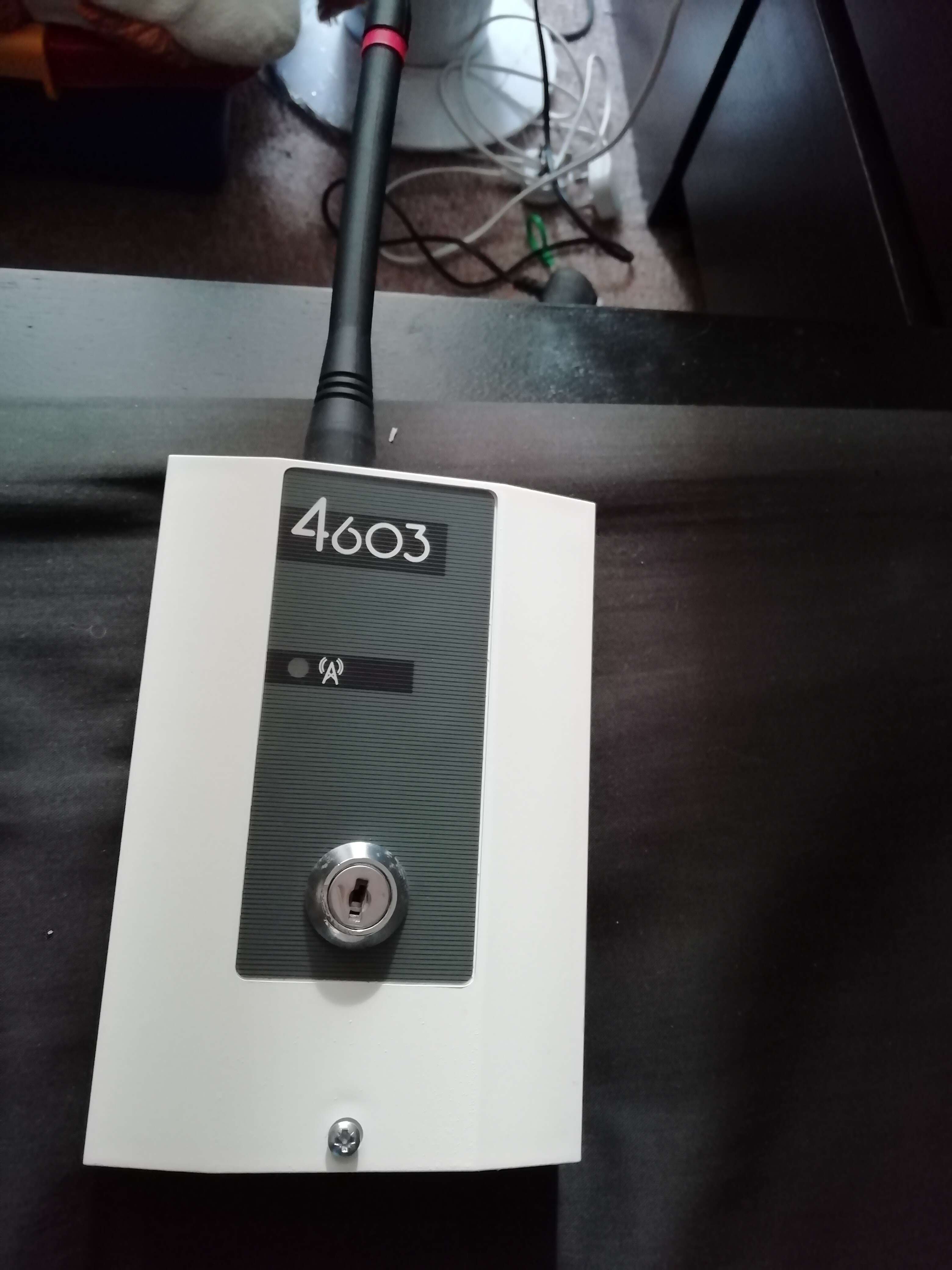
Also on the back it has a Cooper Security stickerIt was removed from a static caravan and Google doesn't come up with any info about them so I wonder if they were a custom made system or if Scantronic only produced a limited number of themRecently I was given a wireless Scantronic 4603 keyswitch burglar alarm panel for freeAlright, I'll tell you the real reason, I had my own furry forum and I approved a member who I regret approving, as they only joined to take advantage of me, which is easy to do thanks to being on the autism spectrum, they discovered what furries actually are (people who like anthropomorphic animals obviously) and was obviously anti furry, I regret that decision and I will never forgive myself for itI'll still occasionally post here, just not very often, reason why, I'd rather not talk about itI guess this is my goodbye for the time being, thanks for being a great community
Important Information
By using this site, you agree to our Terms of Use.