_2d2230.png)
_5a42ce.png)

Service Engineer
Global Moderator
-
Joined
-
Last visited
-
Hows about doin an iphone version james ?
-
 No way lol, we have recently taken over a large contract. This greeted me on my first fault finding expedition.
 -
 Really narks me, you open up the lid and get covered in Spaghetti.
 -
 Hate to see installs like this..
 -
Birds got to this Galaxy Access section of the IAS.
-
 Some Installers want sacking then shooting. How NOT to wire a Control Panel.
© © Dave Partridge
-
 A good example of a neatly wired Galaxy Alarm panel.
 -
 They managed to chop the bell cable - go figure.?
 -
-
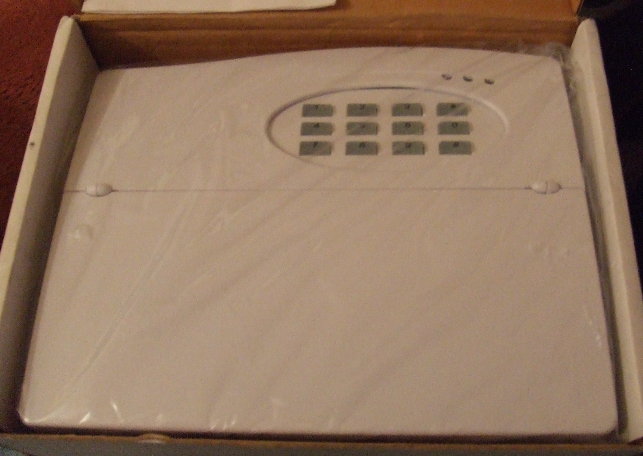
If simillar to the one above (That's a Challenger VIII), then it's Code then # key to reset.

-
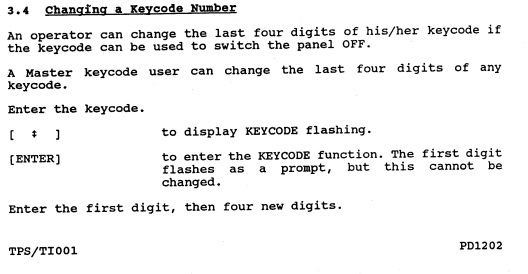
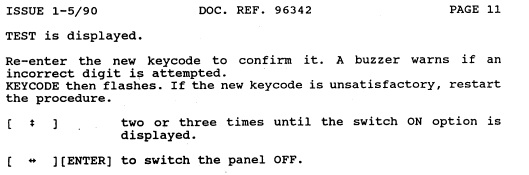
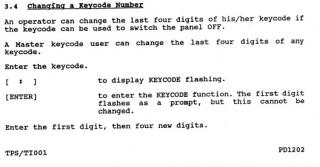
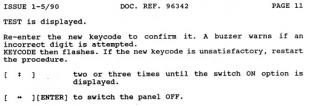
I only have the 1000 and 1600 manuals, dunno if they'd be of any use.? 1600 Code change Instructions: If anyone does have the 1500 manual(s) please upload them.?
-
My 1st install was an early Gardtec 580..??? The 1st type with the hard round buttons.
-
Added and Stickied..
-
Application Recieved & Installer manual sent via email.. Welcome to the Forums Peter.
-
Looks like 4.36 is possibly a step backwards. They did I believe have confirmation problems with 4.36, hense issuing thousands of updated chips to ADT with a version of 4.37.