Skip to content
View in the app

A better way to browse. Learn more.

Security Installer Community

A full-screen app on your home screen with push notifications, badges and more.

To install this app on iOS and iPadOS
  1. Tap the Share icon in Safari
  2. Scroll the menu and tap Add to Home Screen.
  3. Tap Add in the top-right corner.
To install this app on Android
  1. Tap the 3-dot menu (⋮) in the top-right corner of the browser.
  2. Tap Add to Home screen or Install app.
  3. Confirm by tapping Install.

Jack b

Member
  • Joined

  • Last visited

Posts posted by Jack b

  1. 11 minutes ago, sixwheeledbeast said:

    Self Contained Bell, uses it's own lead acid battery to sound the siren when triggered from panel.

    Self Activating Bell, uses the panel voltage to sound the siren when trigger is low, or "hold off" voltage is removed which "self activates" the bell from it's NiCd. Many modern SAB's have a SCB style mode.

    You'd find SCBs in chubbs, AFAs, brocks and all that and you'd find SABs in thorns, Abels, modern alarms, etc.

  2. 5 hours ago, sixwheeledbeast said:

    SCB where designed that way.

    Tamper return will be +ve if the HO is +ve, you can see the tamper link is still fitted

    I thought SCBs were the ones that had the voltage going directly to the bell box and when the alarm sets off, the hold off is cut sounding the bell using its own battery and SABs were the ones that had the trigger voltage?

  3. 8 minutes ago, sixwheeledbeast said:

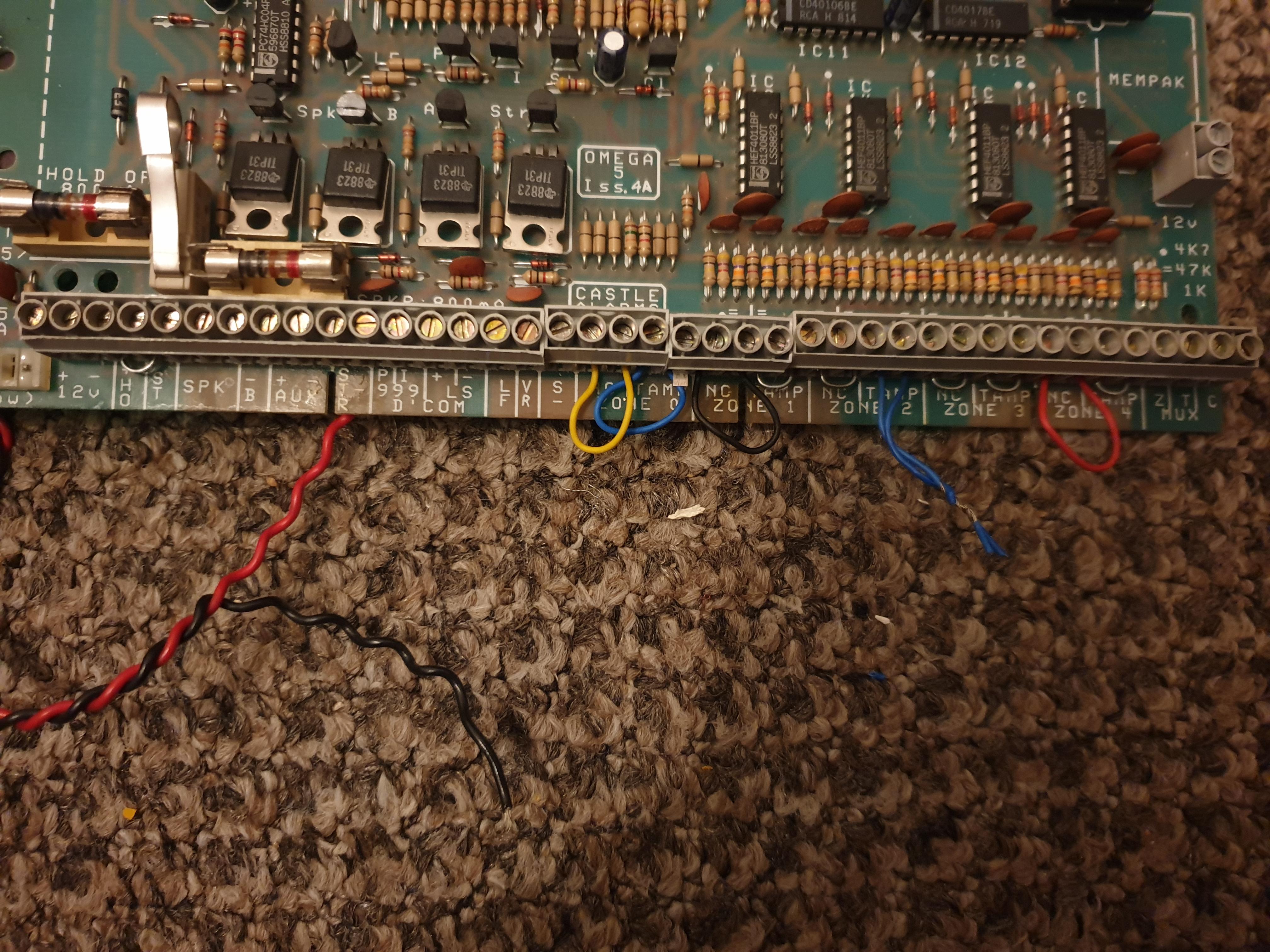
    I would test with a meter first but I assume:-


    12v+ = +ve

    12v- = trig

    HO = -ve

    ST = tamp return

    B = beacon? strobe


    Failing that the 999 D'COM terminals are likely negative sinking panic and intruder.

    The problem is the HO is not negative its positive 

  4. ·

    Edited by Jack b

    2 minutes ago, Specialist said:

    Have to ask: Why would you want to connect an alarm that old back up ?

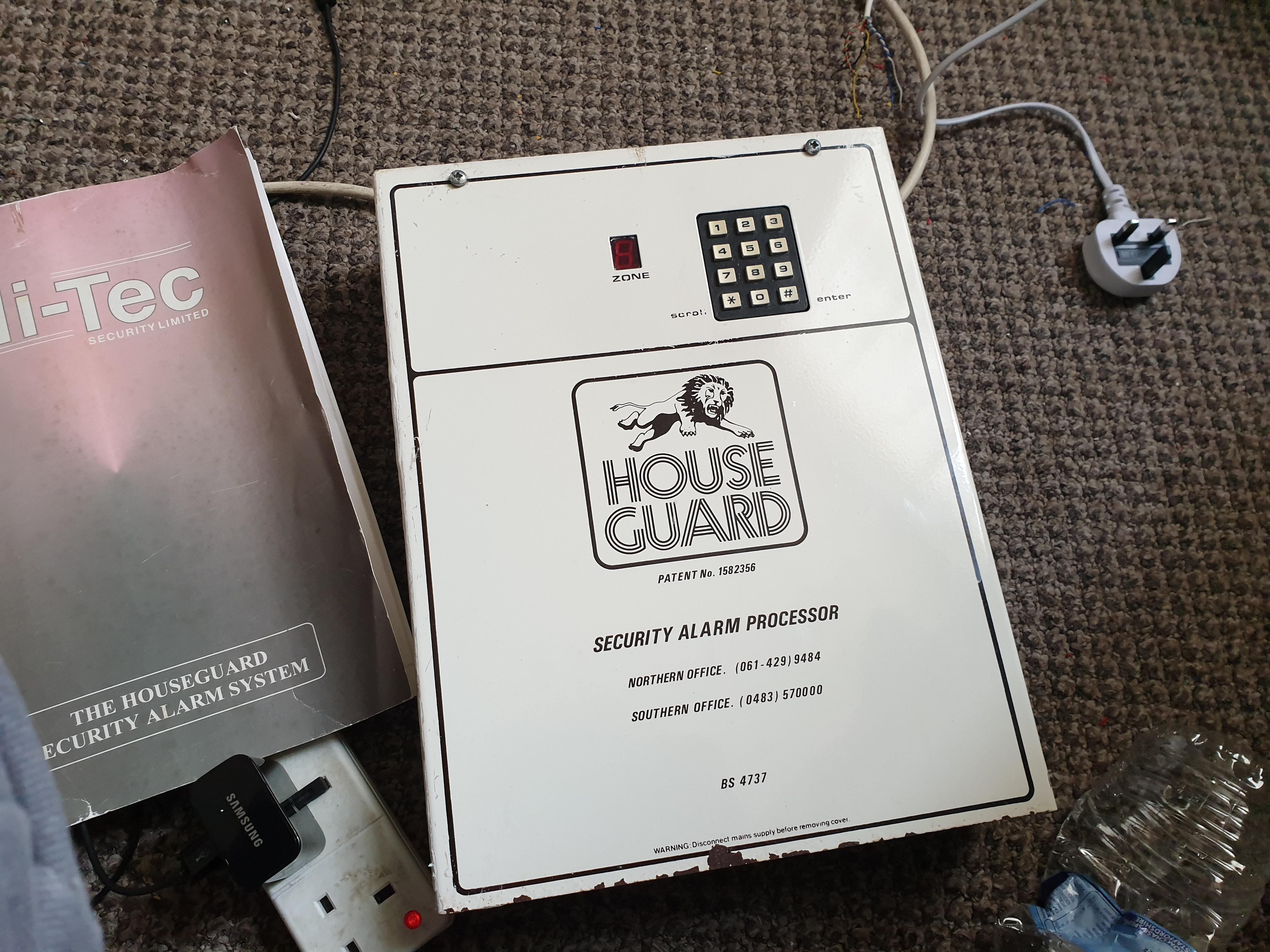
    Well because it looks pretty cool in my eyes and ive always wanted an early electronic display sort of panel in my collection of ye olde burglar alarms.

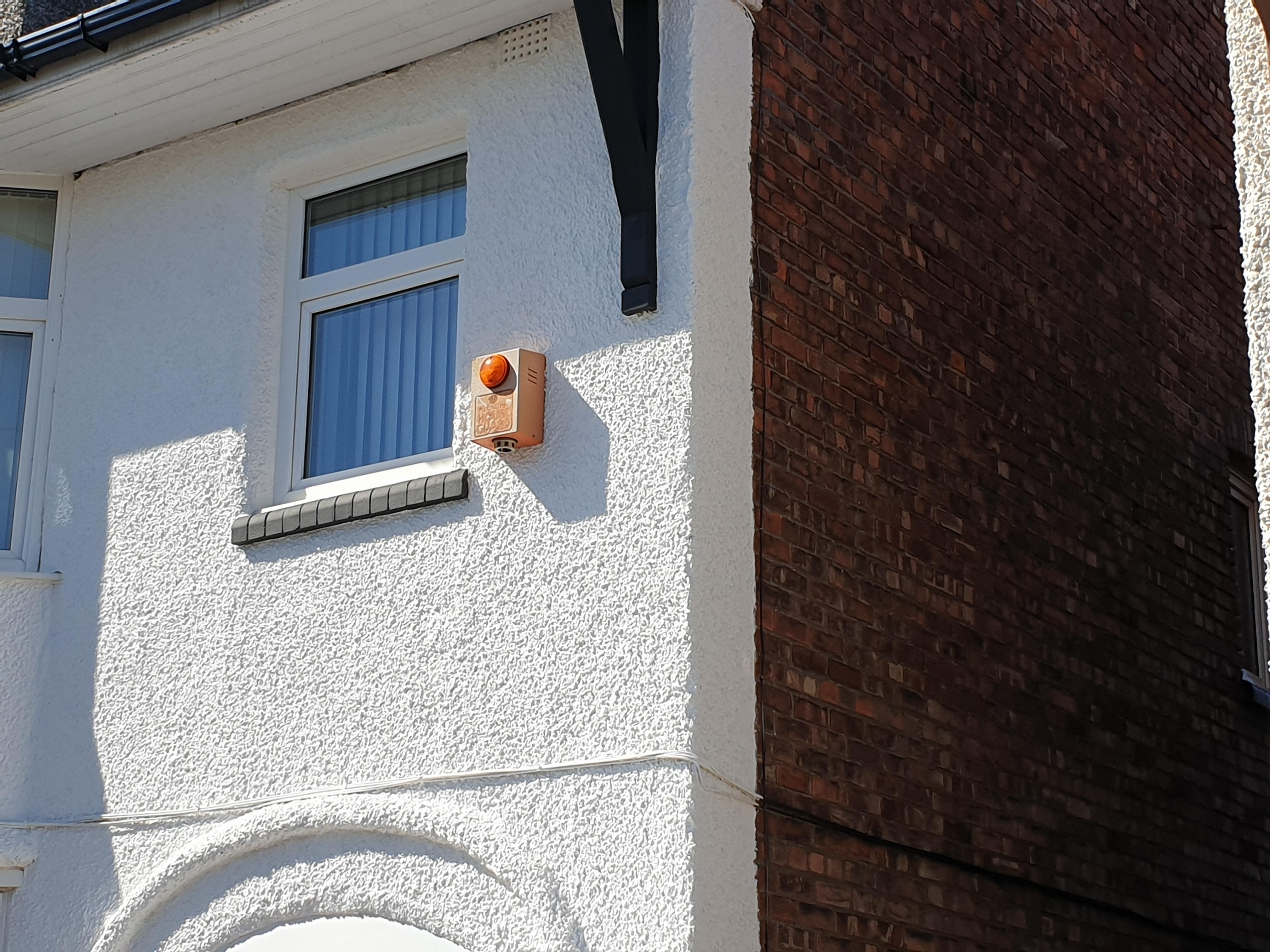
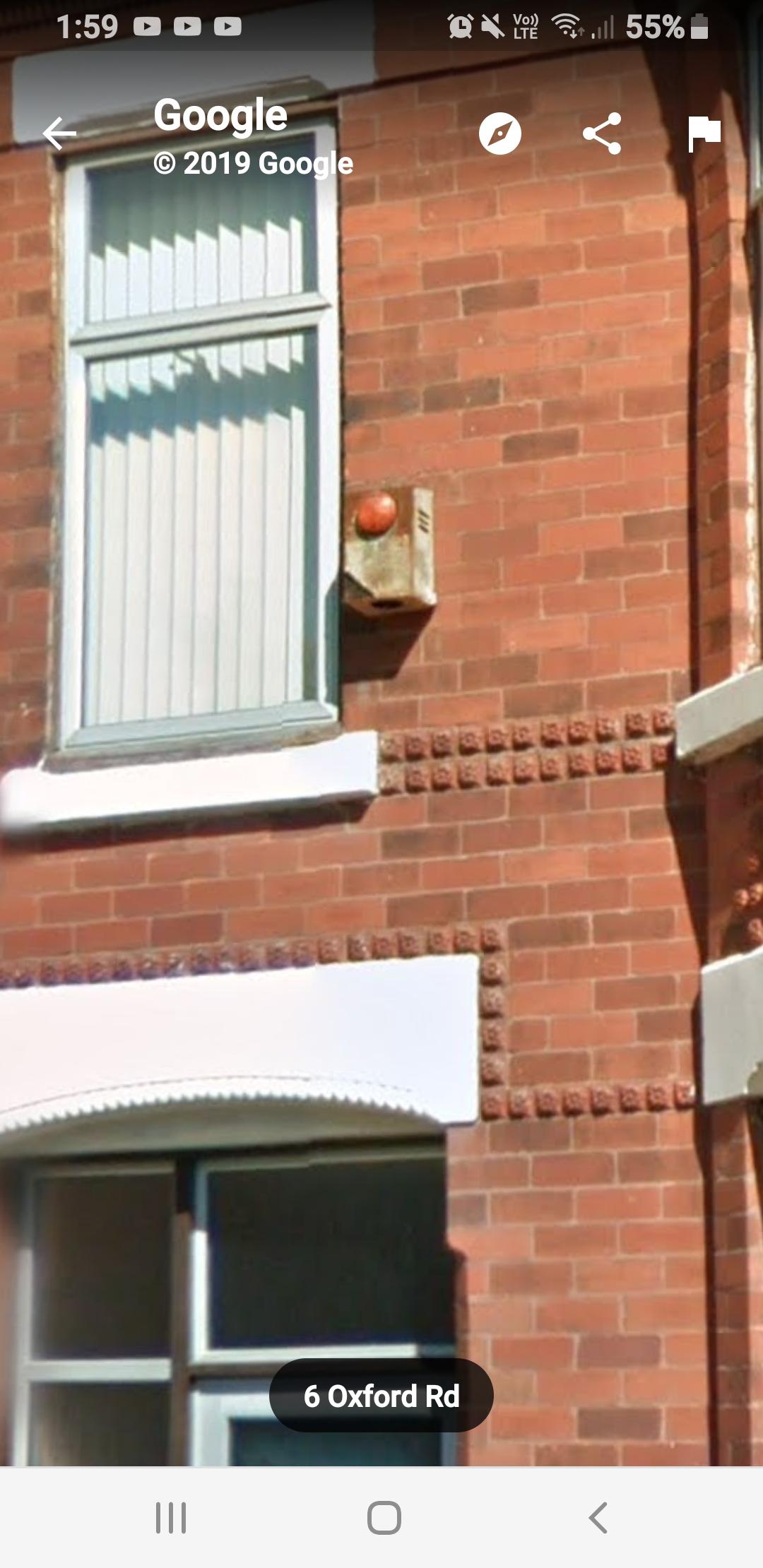
  5. On 19/06/2006 at 21:44, Guest Onzadog said:

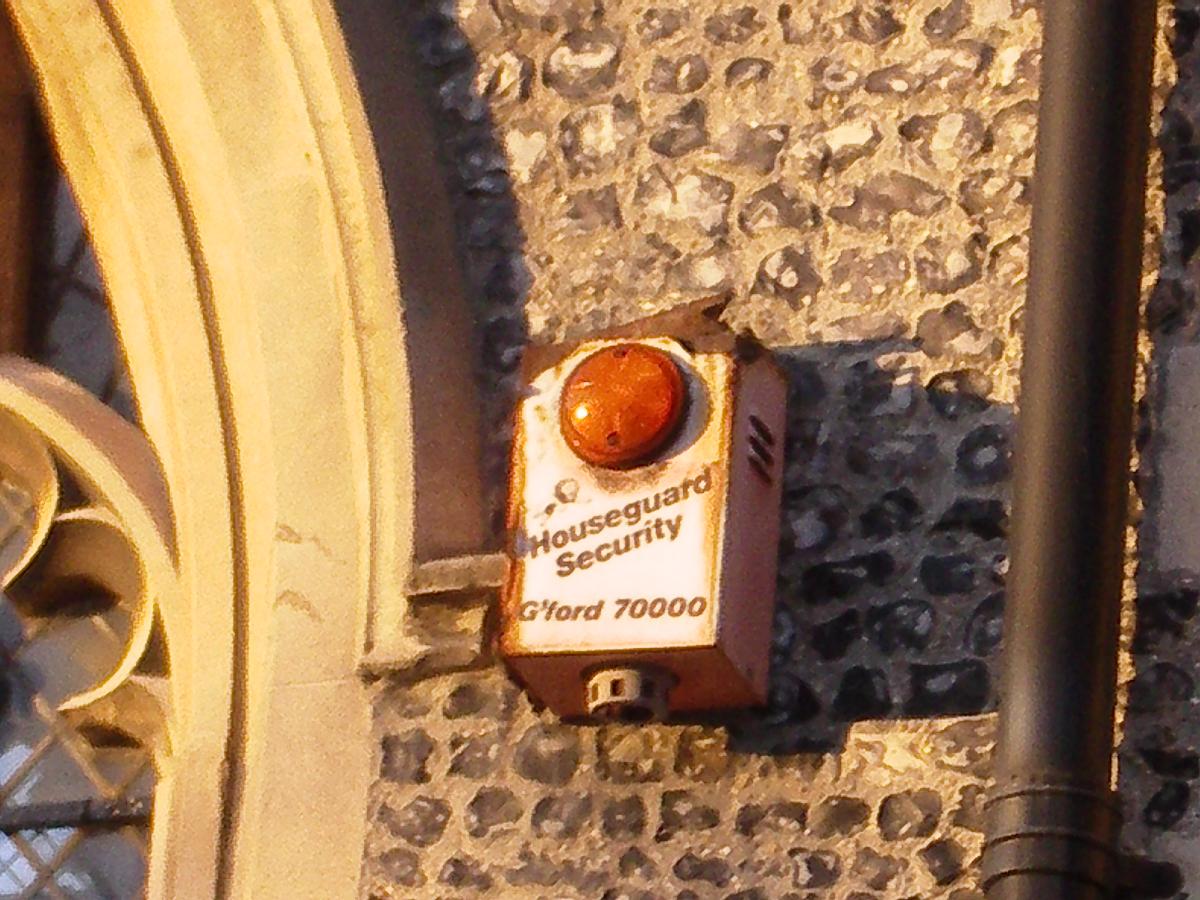
    It is an orange box, but not dayglo. Then agin, it's been up a good few years! Five vents on either side, does that narrow it down?

    Funny, to the untrained eye, a box is a box but seems you guys can tell a lot from the simple details.

    No sun bleached caps on this one though.

    Its got a cream horn siren inside and a cover tamper, some of the later ones had a mylar cone speaker on the mounting bracket facing downwards.

  6. On 21/11/2018 at 19:47, Gabs said:

    The idea was just for a microswitch to go straight to to SCB of my Accenta panel, I could route it through my SAB module, but it would just be two tracks, from one terminal block to another. Could be done with standard 6 core wire, too. 

    2 for the Tamper

    2 for the Hold Off voltage

    2 for the Siren 

    I think it would be 2 for hold off and the other two for tamp return and trigger, usually an SCB module would use the bell box battery to run the bell and a SAB module uses a trigger voltage to power the bell.

  7. 2 hours ago, goncall said:

    The pid connections are for connection to a pid(point interface device) bit like a galaxy rio ,used on very old ADT focus panels which were way ahead of their time back in the day 

    What is it used for?

  8. ·

    Edited by Jack b
    Messed up a bit

    2 hours ago, norman said:

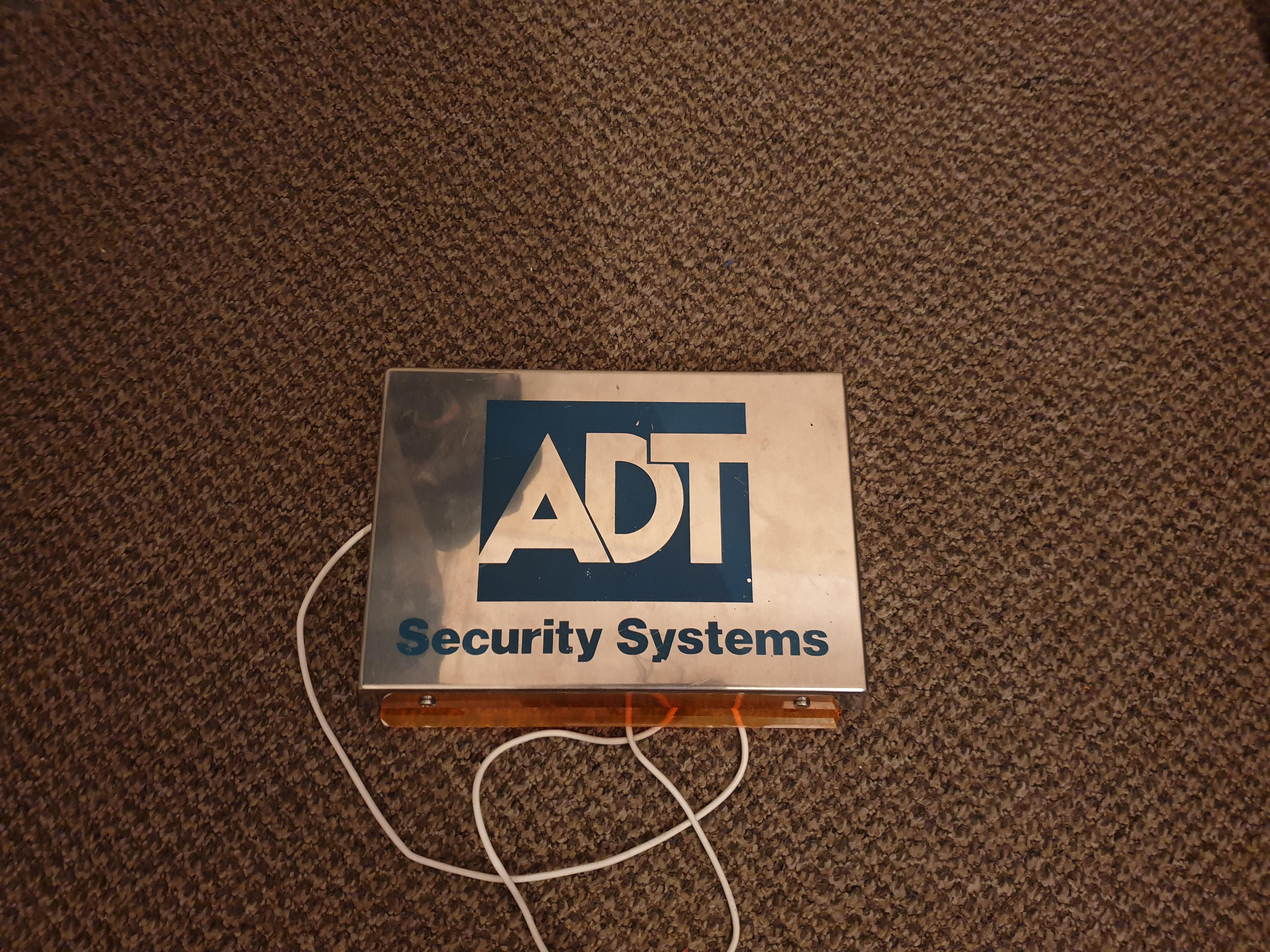
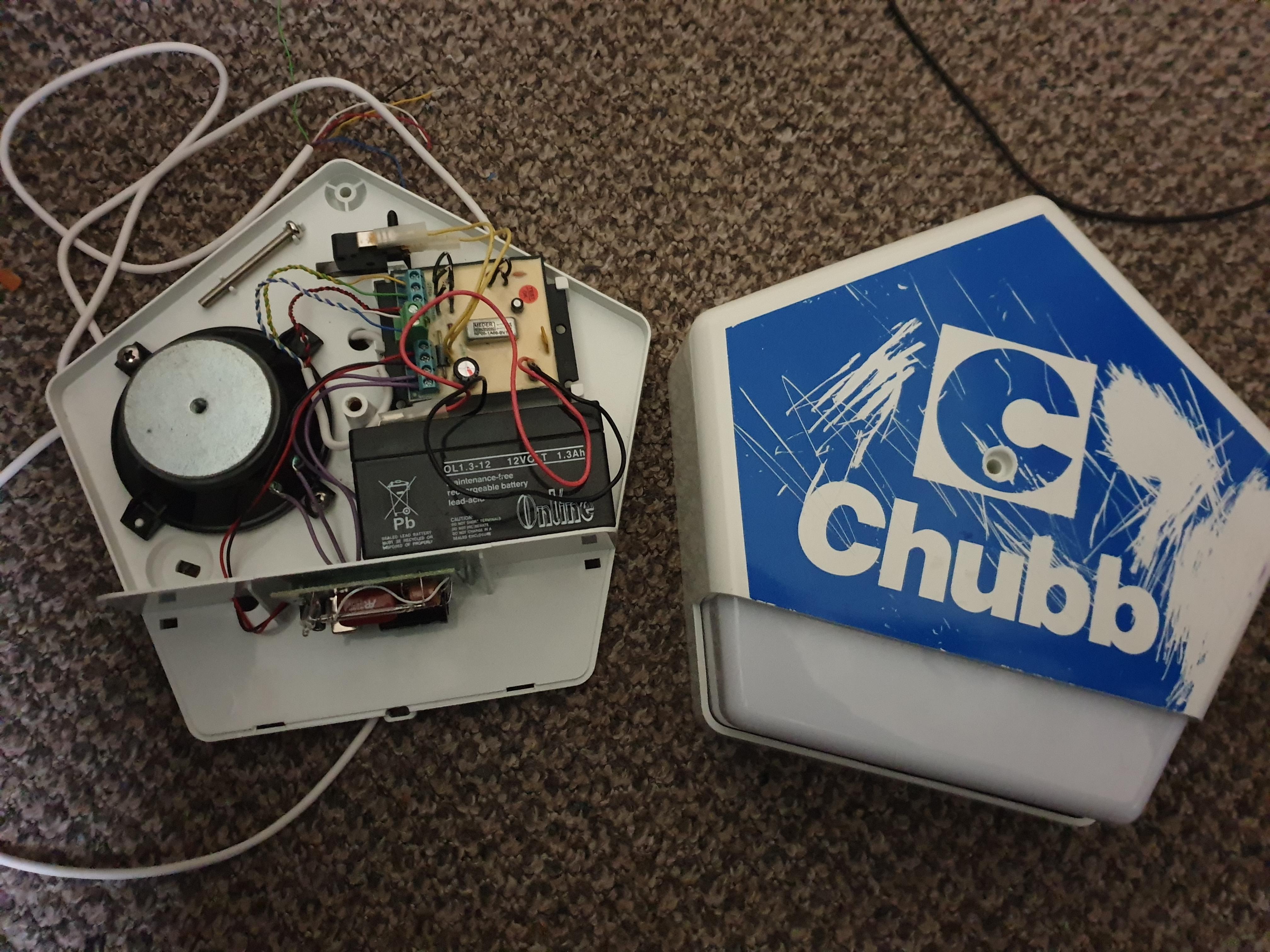
    It's an old ADT box, pre merger between Thorn and Modern when they went with the Elmdene Rapier for their HS applications. Batt shows 1993 so well before the 1997 (ish) merger.

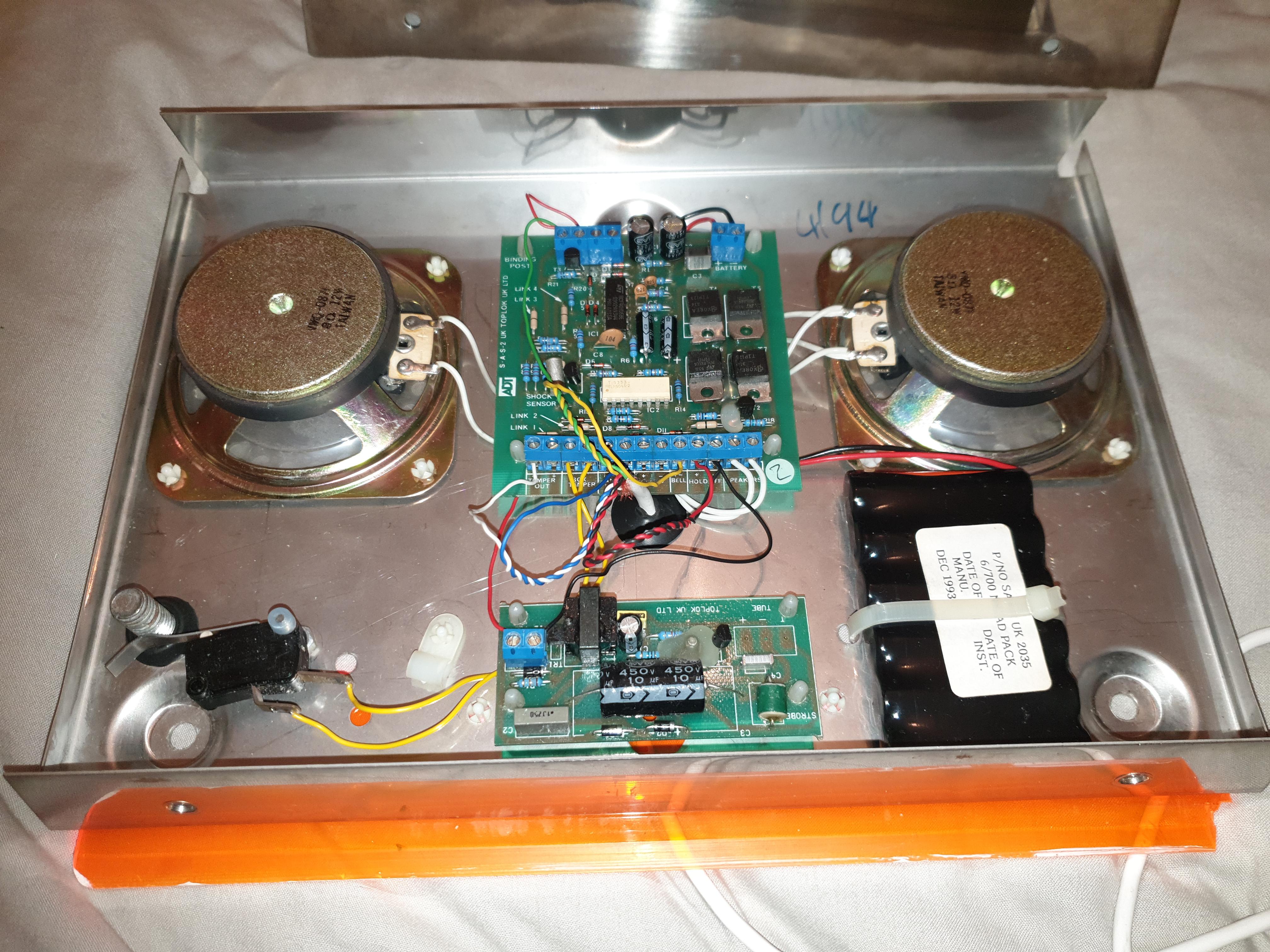
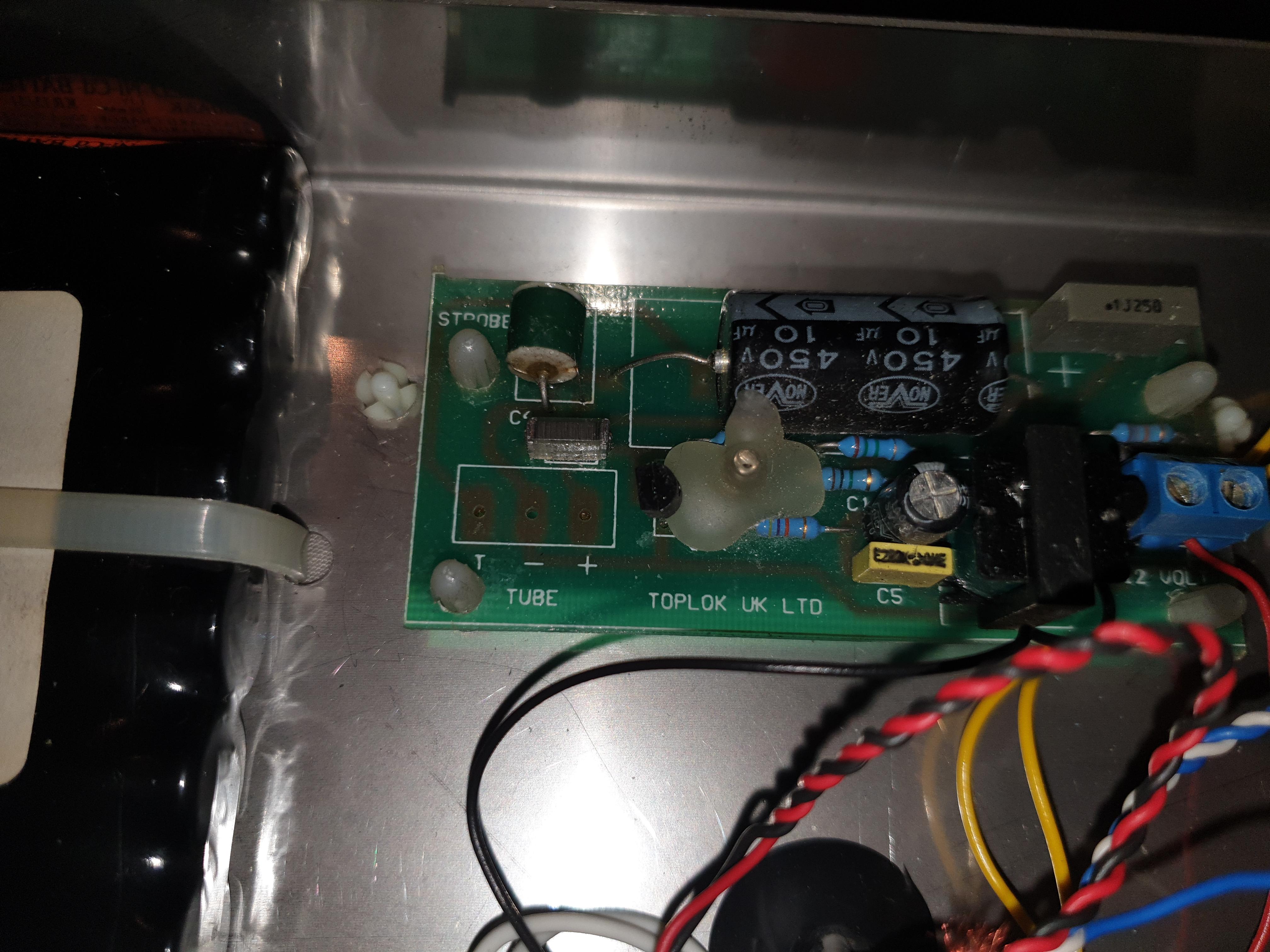
    Am i correct in saying that this is a toplok bell box or did toplok only make the circuitry?

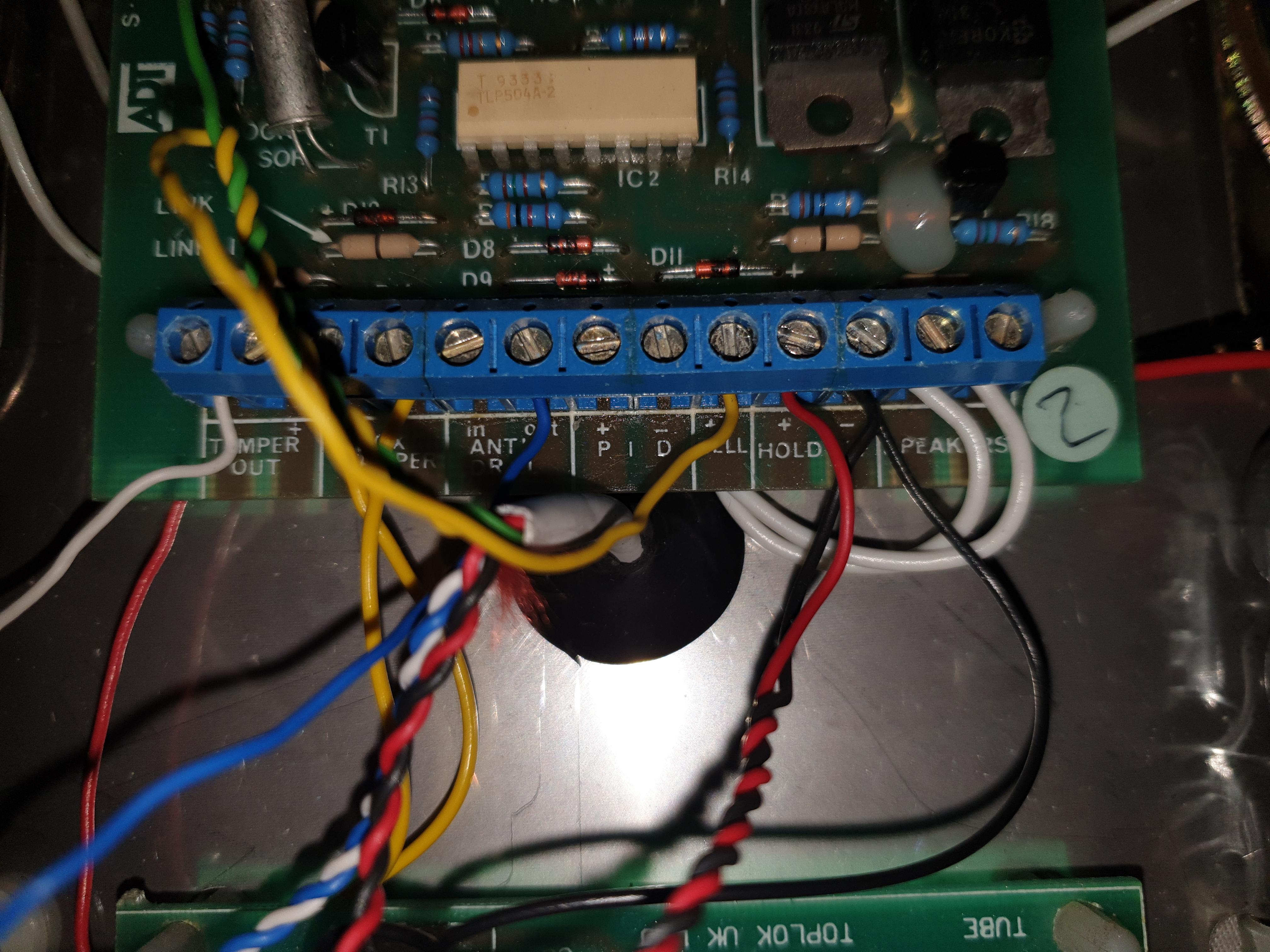
  9. Can any one help me with identifying a few of these terminals on this old ADT box.

    PID and anti drill.

    Also does the tube markings mean i can have an extra xenon tube for an inside flash if someone were to get inside the box?

    20190317_104059.jpg

    15535453209622089155632703761464.jpg

    15535453928253812085340837286861.jpg

    15535454223888141157309532581670.jpg

Important Information

By using this site, you agree to our Terms of Use.

Account

Navigation

Search

Search

Configure browser push notifications

Chrome (Android)
  1. Tap the lock icon next to the address bar.
  2. Tap Permissions → Notifications.
  3. Adjust your preference.
Chrome (Desktop)
  1. Click the padlock icon in the address bar.
  2. Select Site settings.
  3. Find Notifications and adjust your preference.