_2d2230.png)
_5a42ce.png)
Jack b
Member
-
Joined
-
Last visited
Everything posted by Jack b
-
Yeah, it's quite old. I didn't think the bell box design dated back that early. Plus it's plastic coated so I thought maby mid to late 70s
-
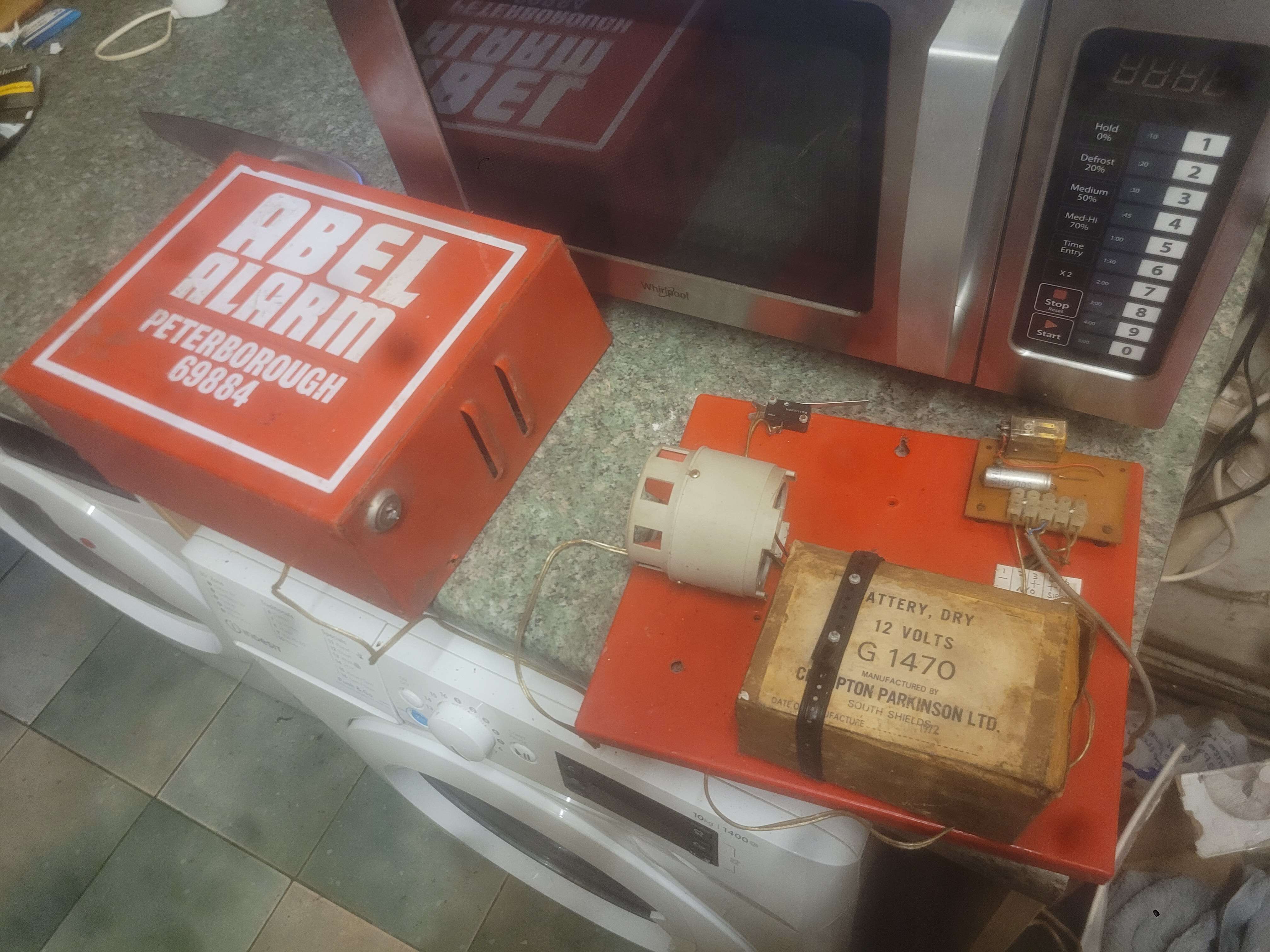
Bought this recently. It's configured as a tenement alarm. So the keyswitch on the side would arm and disarm the bell box. Very very old.
-
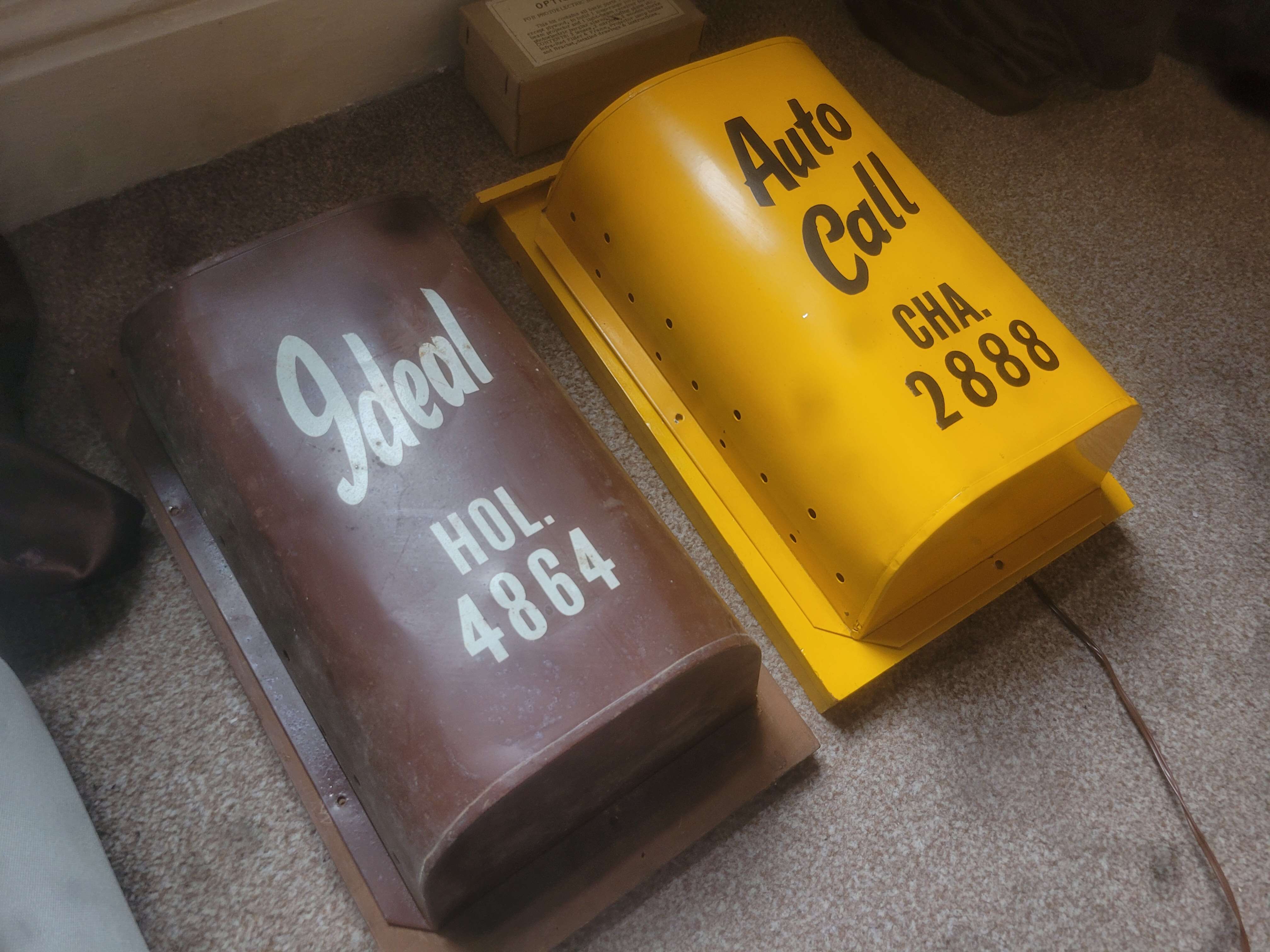
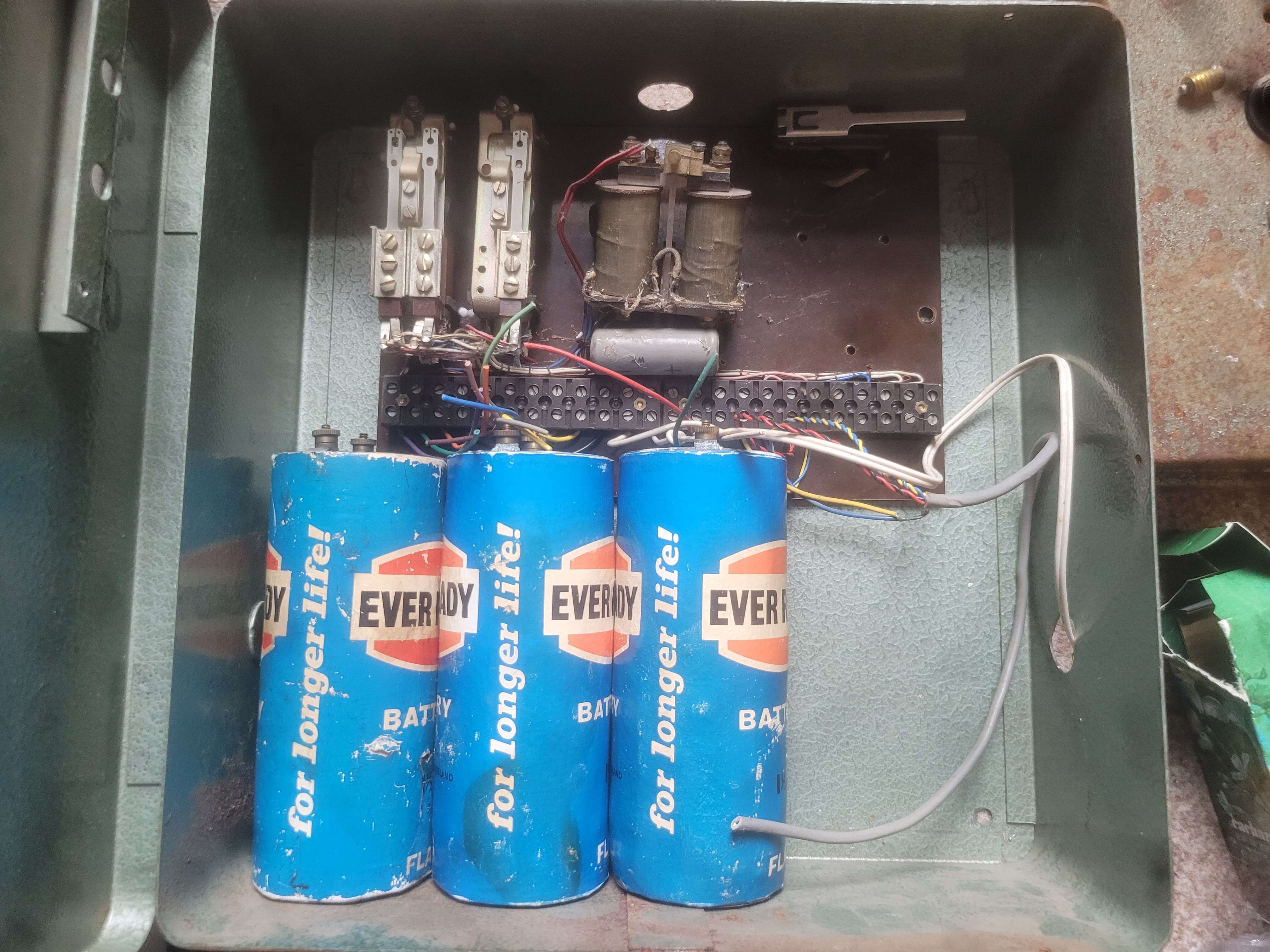
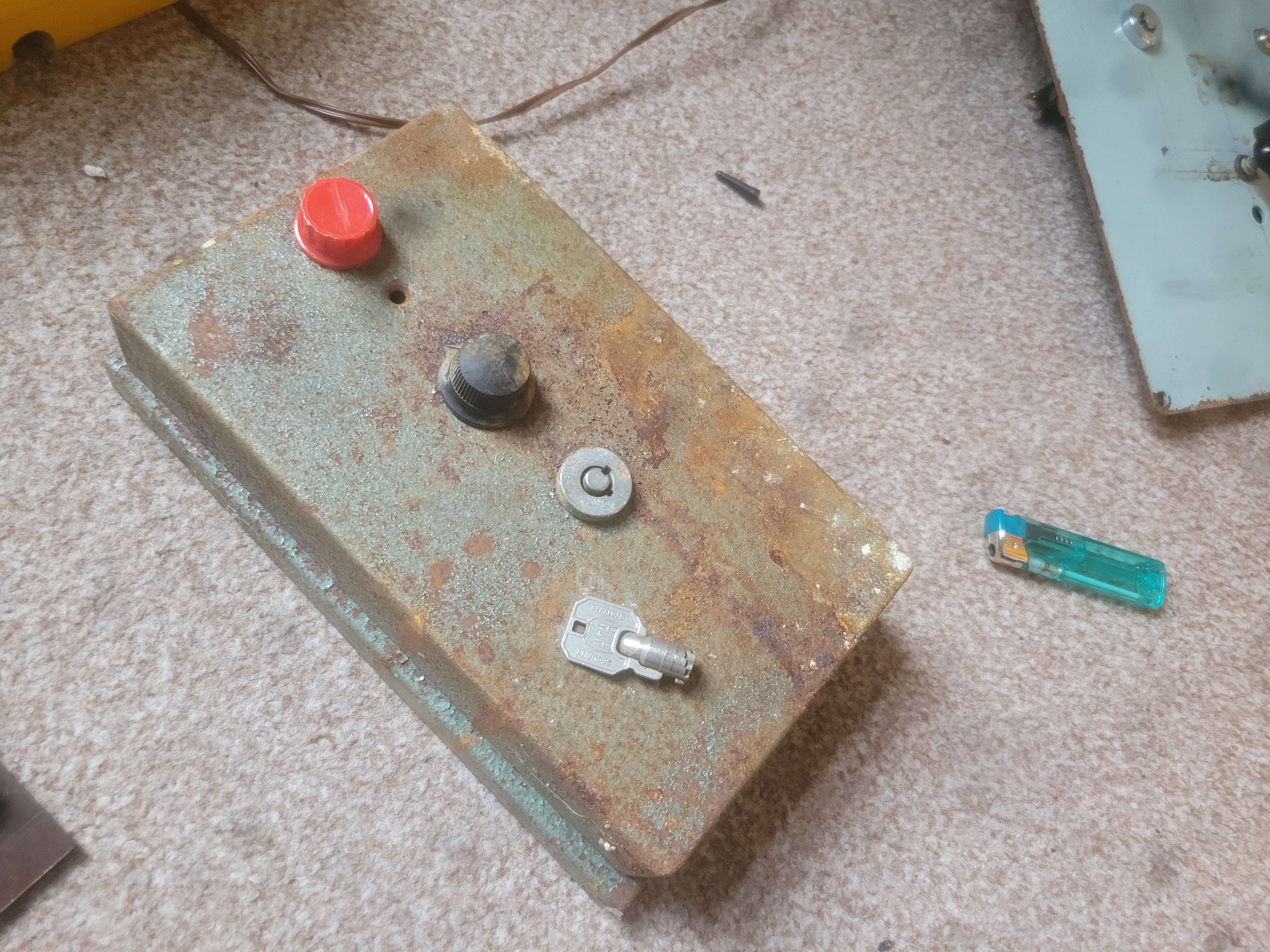
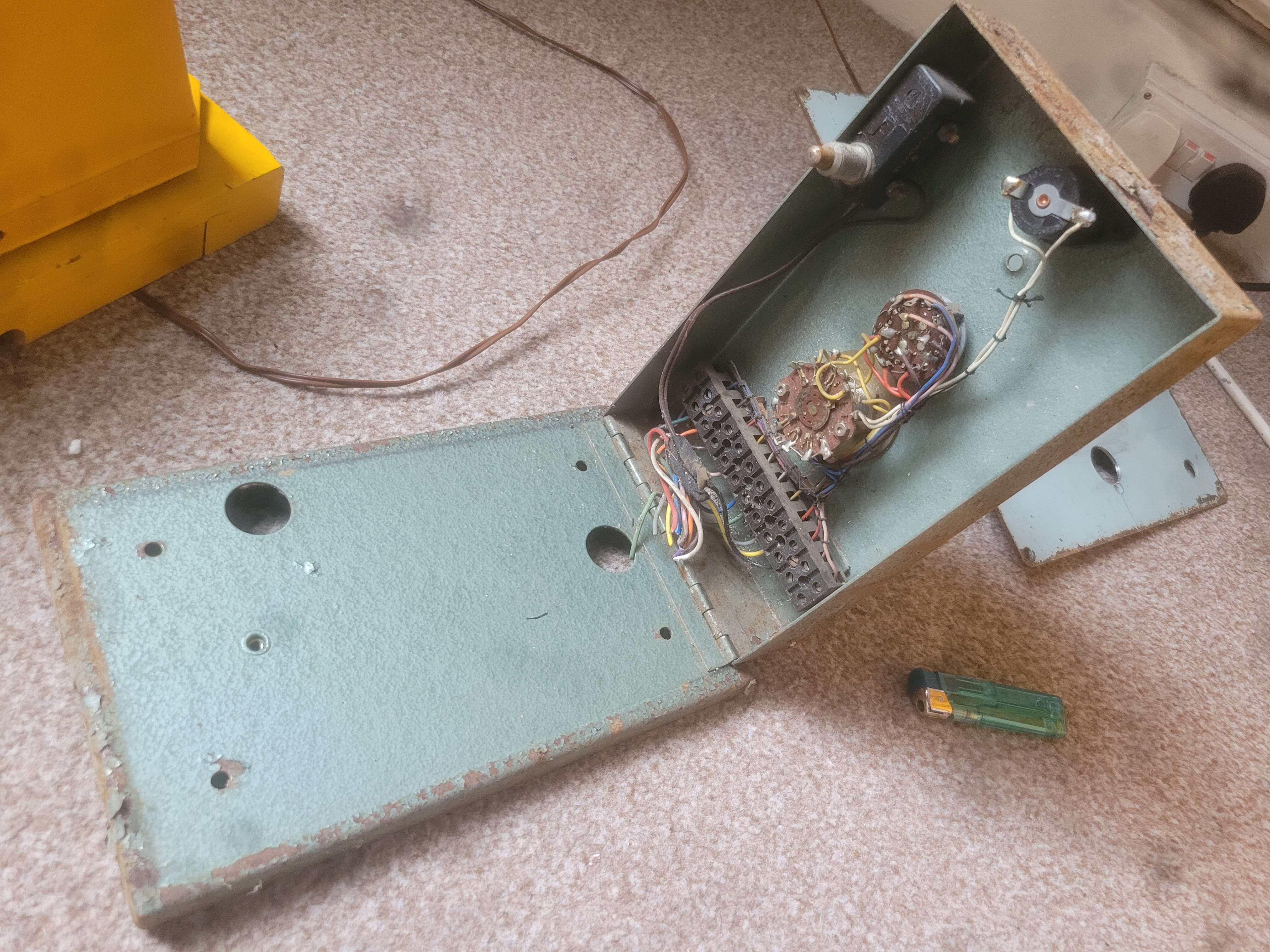
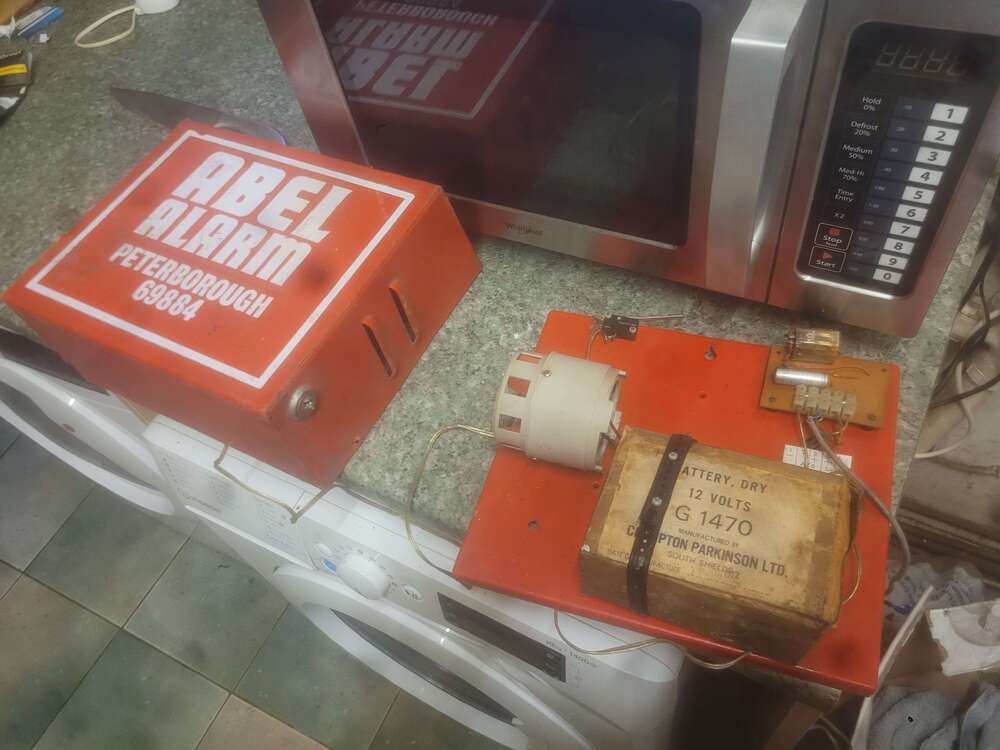
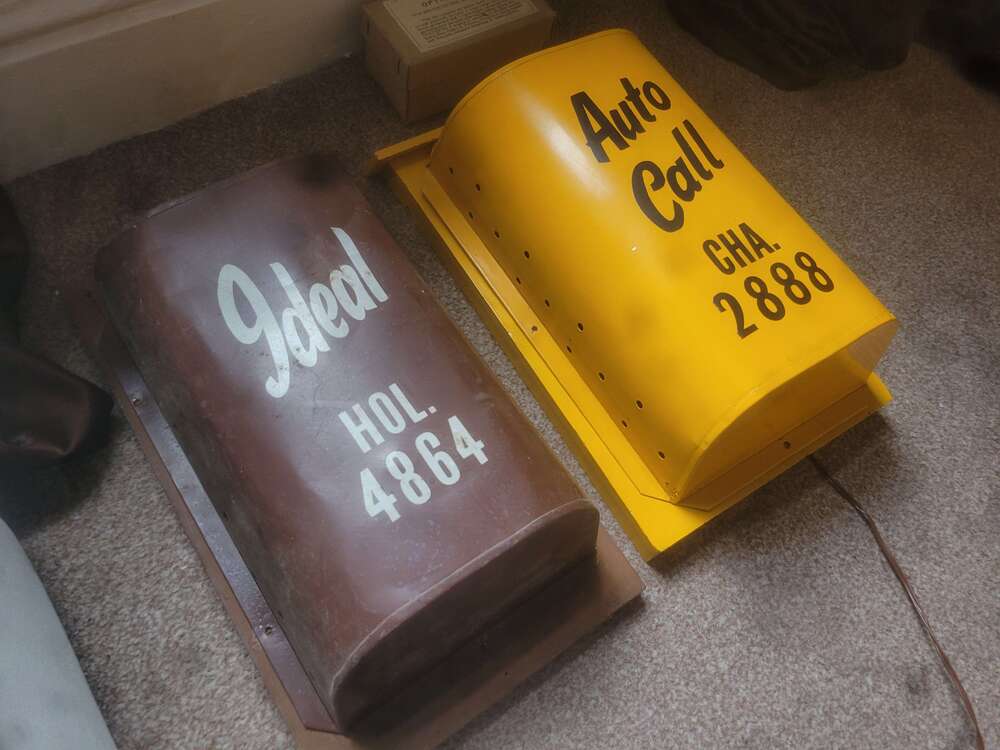
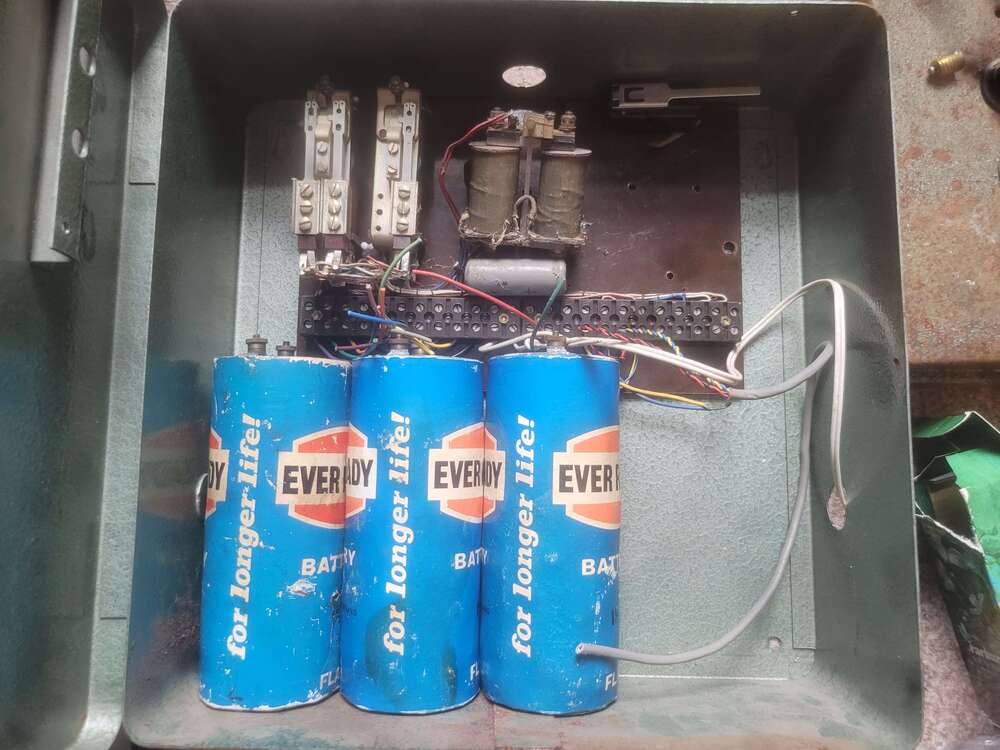
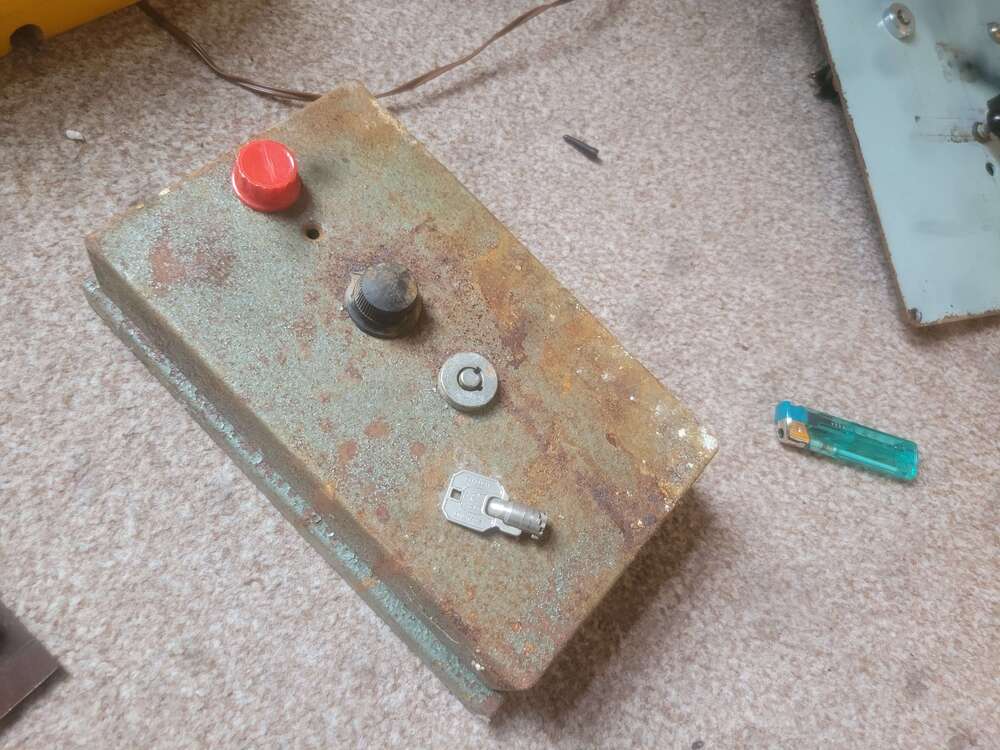
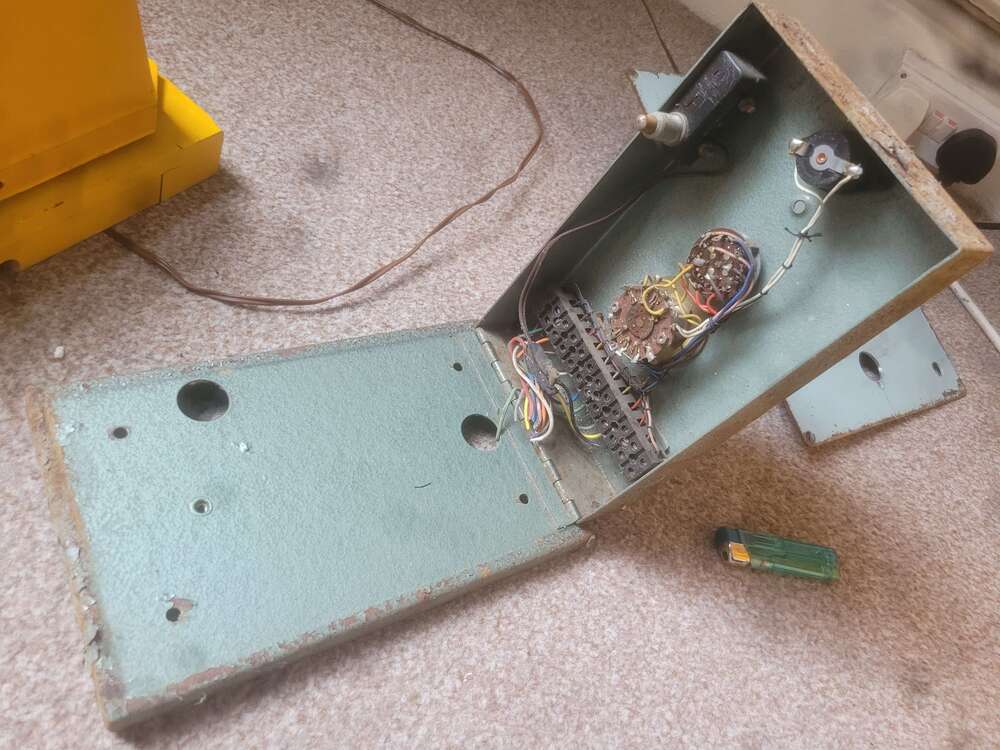
Acquired this recently; thought I'd do a post for anyone interested. This is a very old Auto Call alarm system dating back to 1959. The control panel is what's known as a G Type. Designed by a guy called Ted Gant hence the name of the panel. Fitted by Auto Call and also Ideal Fire and Burglary. The system consists of a large panel box that houses 4 flag cell batteries and a set of control relays. Then theres a smaller hinged box known as the control panel thats got a red lamp, three position wafer switch, and keyswitch mounted to the front. Then theres the bell box which housed a gent bell and occasionally had a tamper loop around the cover. And finally a small wooden box which contained a set of flag cells connected at the end of the alarm zone/circuit. Some systems had an auto dialler fitted top which would send a pre recorded message to a police via a vinyl record.
-
copy.jpgweb.jpg.048e8d152e4294047b8988025aee5429.jpg) Thanks very much mate, send an email if you can to *****@*****.tld if you do locate one. And we can discuss a price there Hi, forgot that, just send an private message on here ahahah
Thanks very much mate, send an email if you can to *****@*****.tld if you do locate one. And we can discuss a price there Hi, forgot that, just send an private message on here ahahah -
Do you have any old shorrock panels your willing to part with? I've been wanting one for ages to go with my shorrock bell box in the collection. Be willing to pay a good amount for one
-
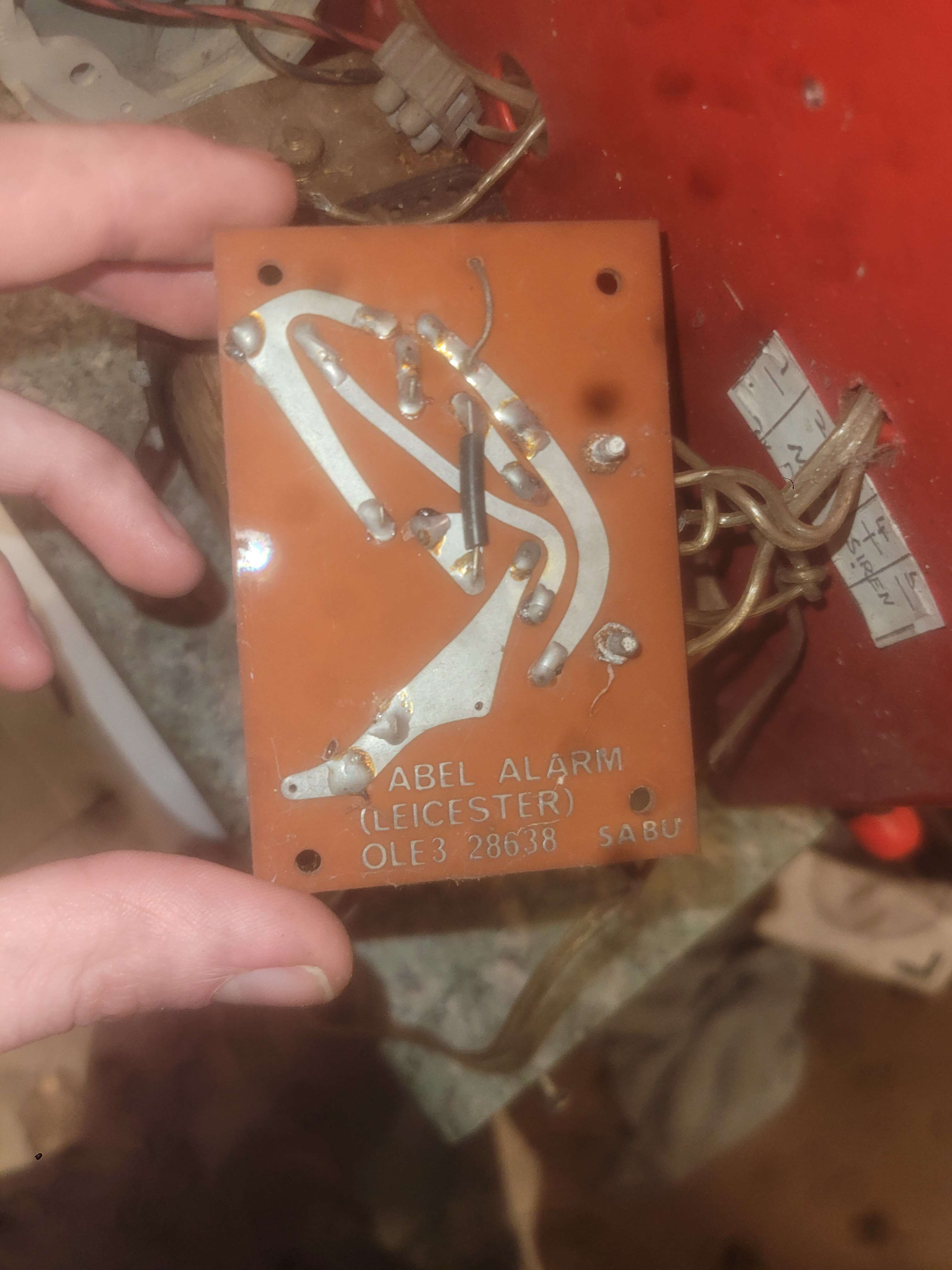
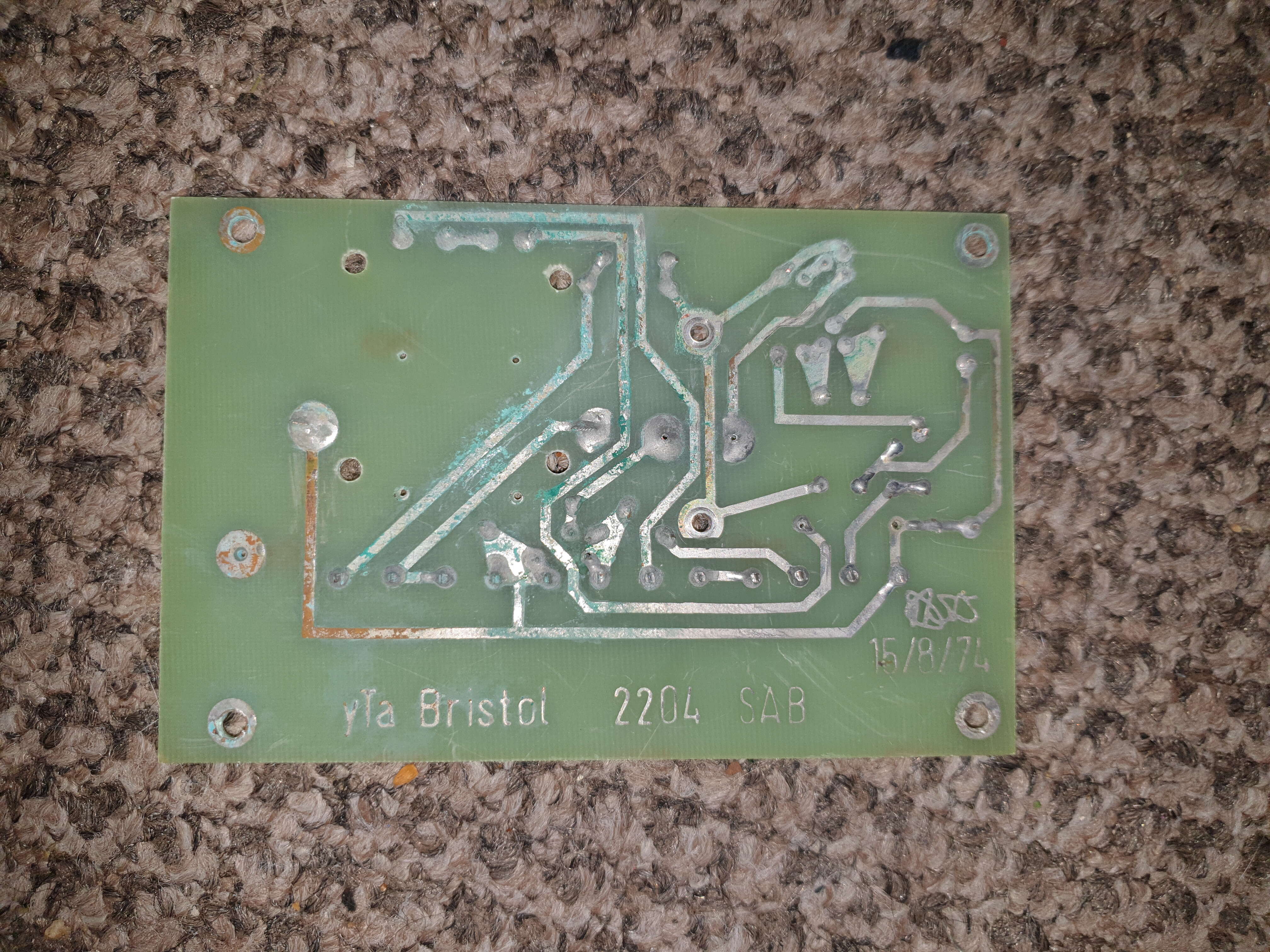
Definitely a bit late to the party.... if there ever was one Your SAB module is incredibly simple. It looks like it's got a very simple charging circuit in the form of a diode traced in series with a resistor used to limit the current in order to charge the nickel cadmium battery correctly. If i remember, that nicad has a 280mA capacity so youd need roughly around 10% of the capacity of the battery in current to charge it. So you'd need to calculate a resistor that can limit the current to 28mA. This will provide a trickle charge That relay is simply just switching the battery to the bell when de energised, and it's N/O contacts is energising the charging circuit. The tamper switch contacts are simply wired from the negative hold off to the tamper return terminal. Then the N/C side is bridging between the negative hold off and the negative of the bell. I'm assuming this is for a 24hr tamper In the form of locally sounding the bell.
-
Pretty sure they were known by what you mentioned there. I used to have an early model 45 panel which was quite basic bit still quite a lovely panel. I have one of those plastic things that goes on the key switch if you want it? To get that 41a working again
-
Any recollection on the SCB module inside the maxim alarm box's? I was told ages ago that it was a small transistor module fitted underneath the alarm bell?
-
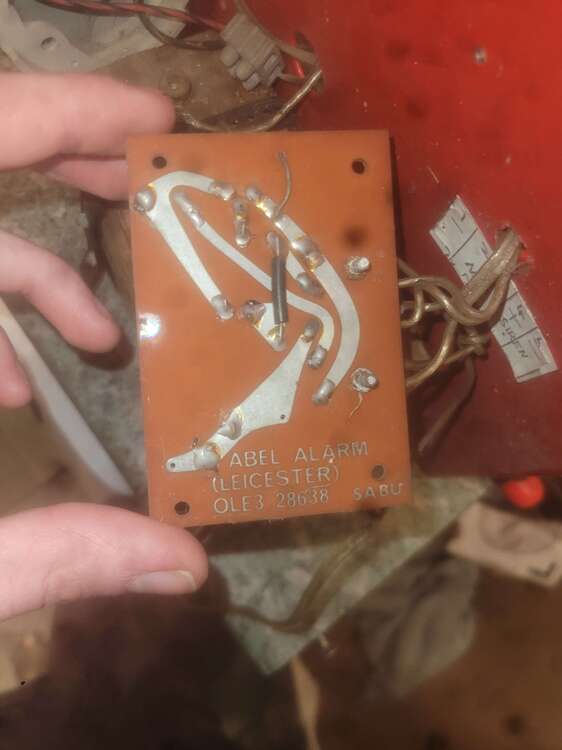
These detectors will be probably from the 1960s, the circuit board is made out of phenolic which was obsolete by the late 1960s with most circuit boards being made from a fiberglass material. not to mention the strowger 600 type relay being used. Also those bakelite terminals.
-
I have just noticed that the keyswitch is missing the plastic arm that pushes the Microswitch in, and that also allows the solenoid to lock the key switch
-
This is class to take a look at. Always loved the shorrock gear, finally obtained one of their bell box's recently too.
-
-
Hi, bit of a long shot as these panels are very old and most are probably skipped; but does anyone still have a modern automatic alarms traffic light panel? And are willing to sell it? It's a hammered silver panel with a sidleen barrel key switch and its distinctive red, yellow and green lamps fitted to the top of the unit.
-
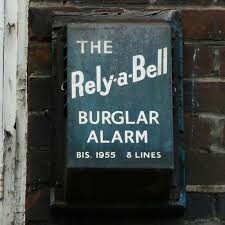
They are pretty modern looking, brocks seemed to always be ahead of the game. Look at two of the most well known companies in the industry, AFA and rely a bell; they were still hard wiring telephone relays whereas Brocks had circuit boards with transistorised circuits with built in bandit circuits and such. I've seen the diagram for the PC panels that came out around 1965/66, very very fancy technology wise for the time.
-
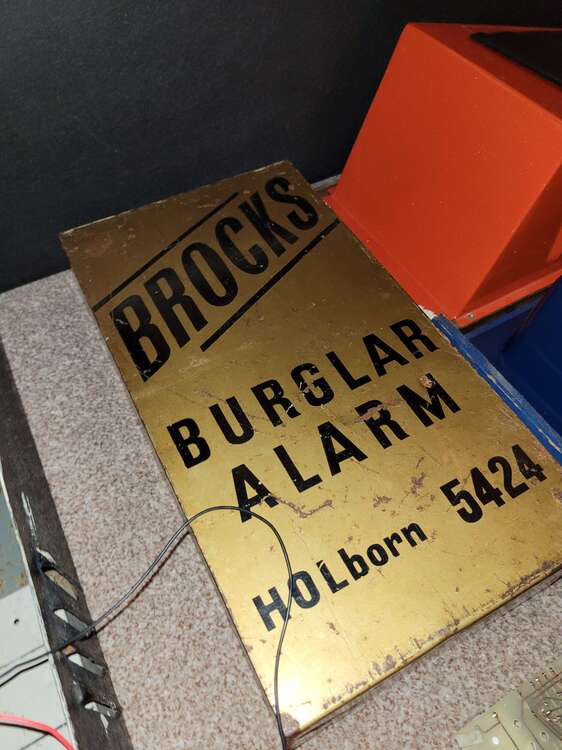
Here's one
-
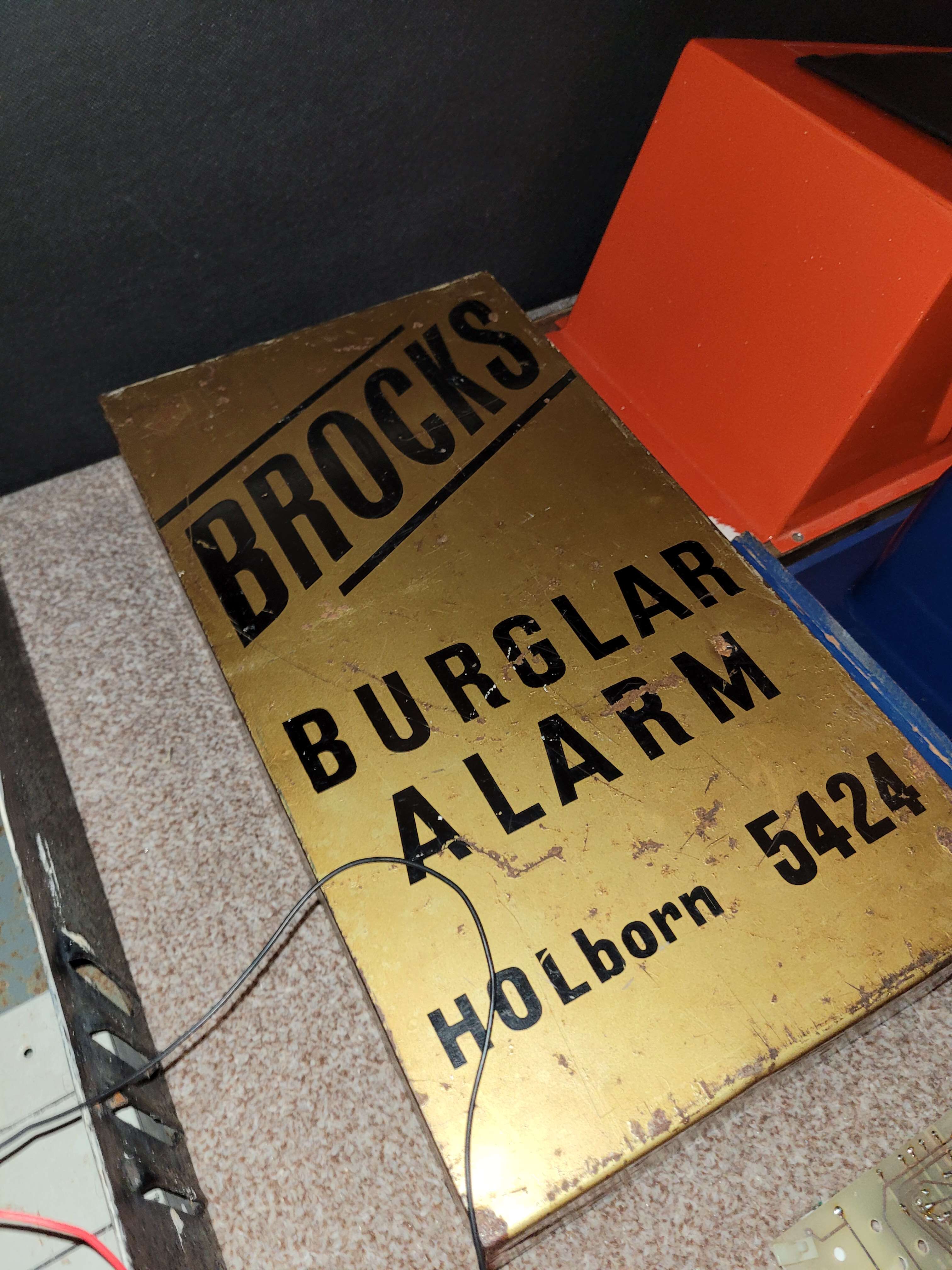
Yes. The original brocks alarm bell cover from 1962 to around 71 were gold coloured.
-
Old that is. 1972 I think these came out after they stopped using the gold brocks.
-
-
That looks like an old AFA panel. Usually they had those bell relays and the sigma low relay in a blue AFA drum fitted inside the premises. Are there any more photos of this system?
-
Nah, do it for enjoyment
-
I refurb them yeah, bell boxs, bells and panels too. I think it matters if the PCB wasnt period.
-
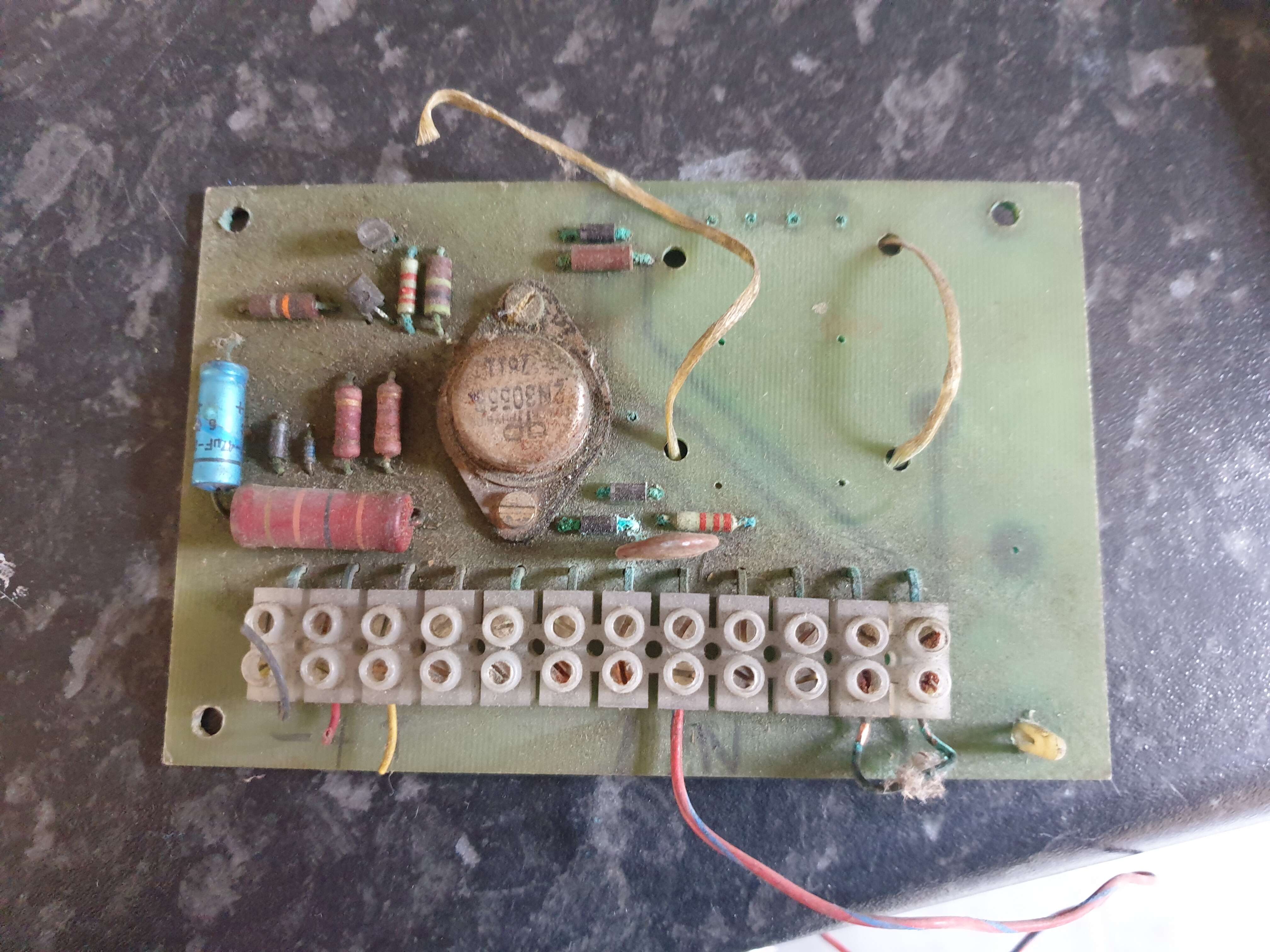
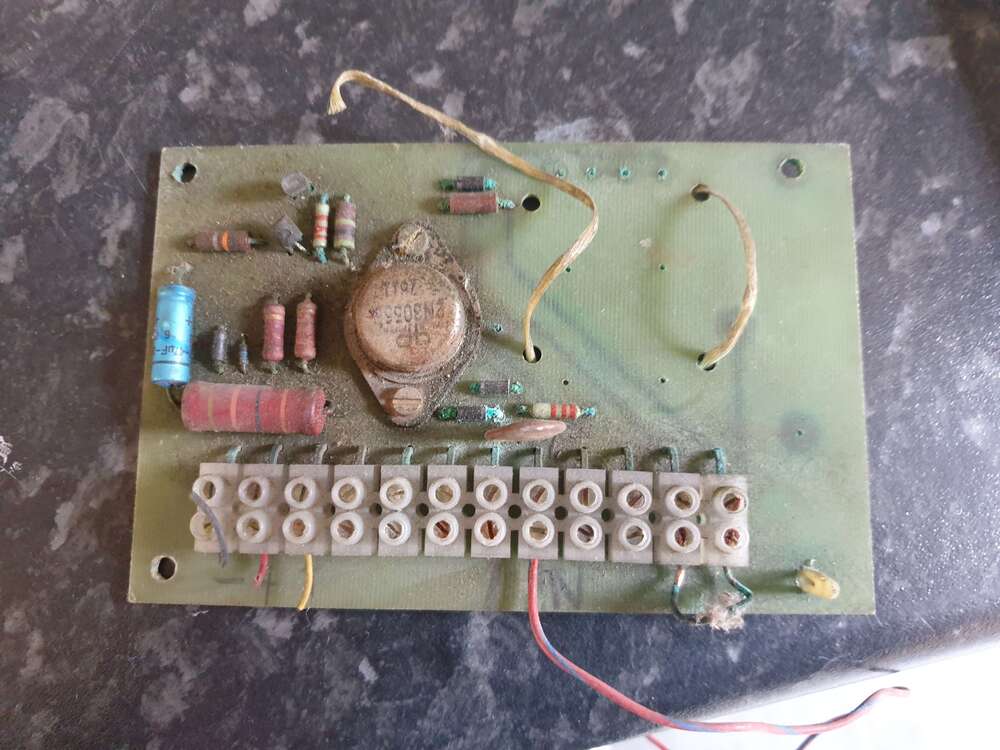
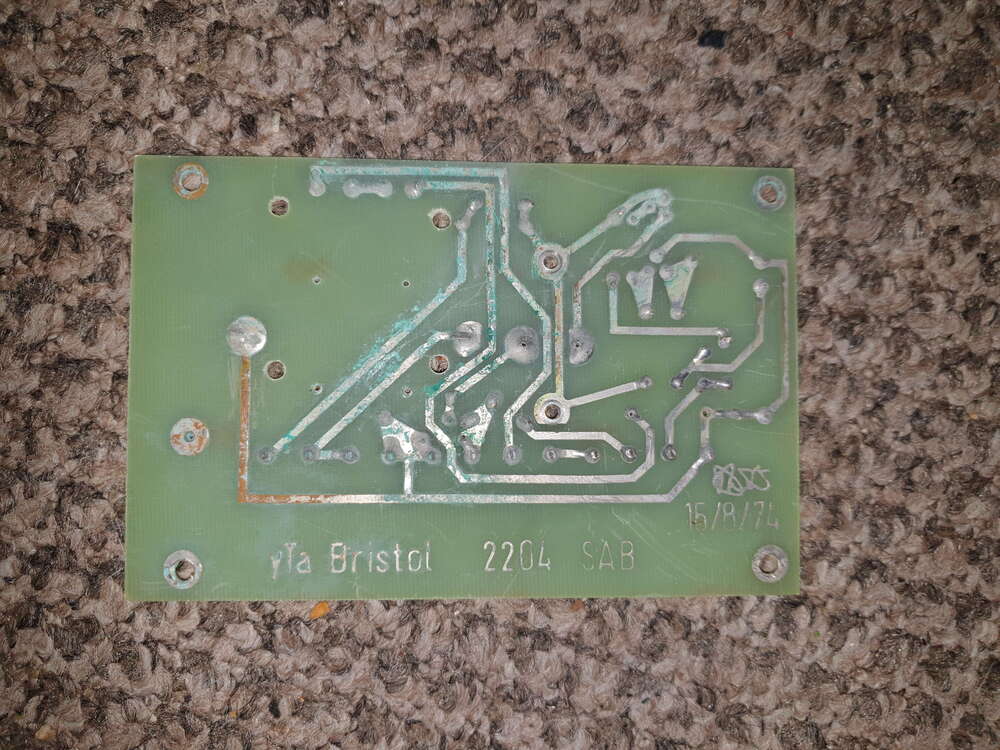
Originally i thought those solder joints had something to do with the battery but i couldn't think how it would. One side seems to go to the large resistor which is connected to the - VE. So i thought maby the solder joints is where the cover and rear tamper would go, then any additional tamper switches would go in T5 and T6 as T5 is shared with T4 and T6 goes to those pins. As for T9 and 10, they had a link between them. Fell off though as the copper was weak.
-
Hello, was wondering if anyone could tell me about this sab module? Found it in an SSW bell box; I've figured out most of the connections but there are still some that elude me. This is what I've got so far T1 - 0v T2 - 12v T3 - Positive trigger T4 - Tamper return? T5/T6 - Extra tamper? T7/T8 - Bell T9/T10 - Polarity link for tamp return? T11/T12 - Battery enable There's also 4 solder joints above where the battery was once fitted - is that where the tamper switches go? Any help would be much appreciated.
-
Do you have a link to these manuals? Cant find them online.
-
No, i will give them a try though. Are they similar im guessing?