_2d2230.png)
_5a42ce.png)

PaulKing
Newbie
-
Joined
-
Last visited
-
Mr Happy, what makes you think it might be 1970’s, is it the wiring colours or the style of the components?
-
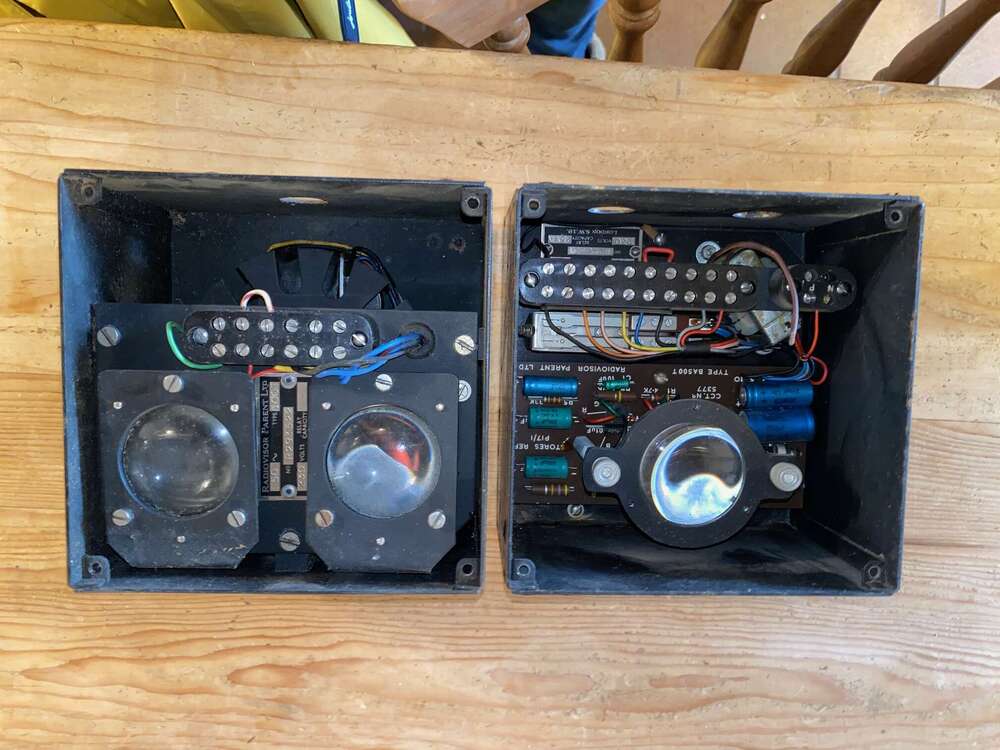
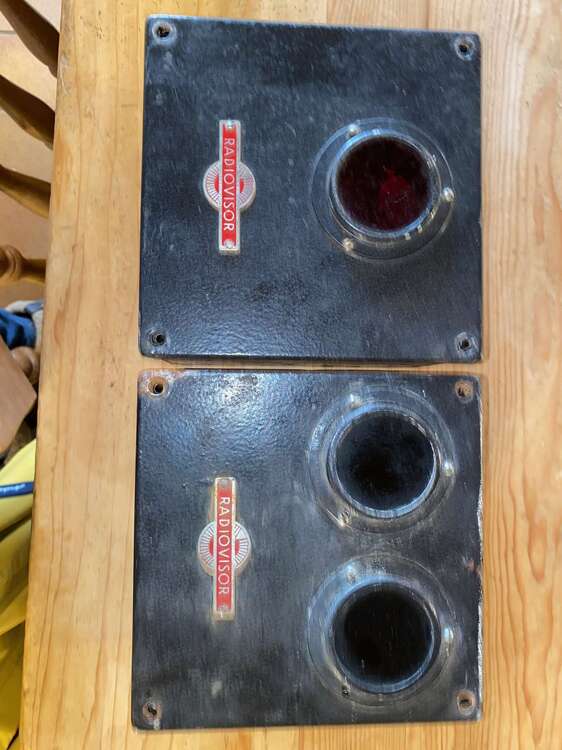
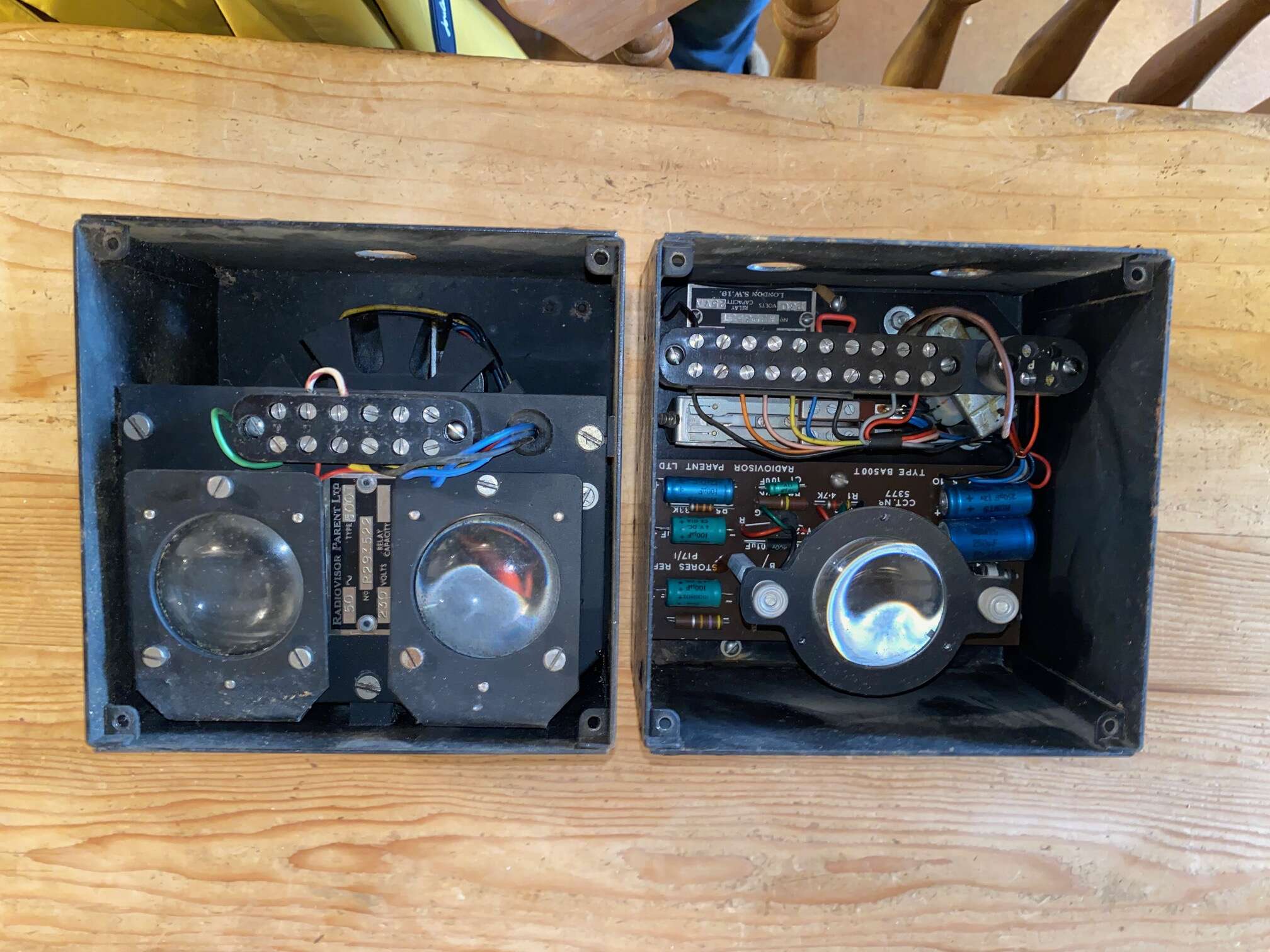
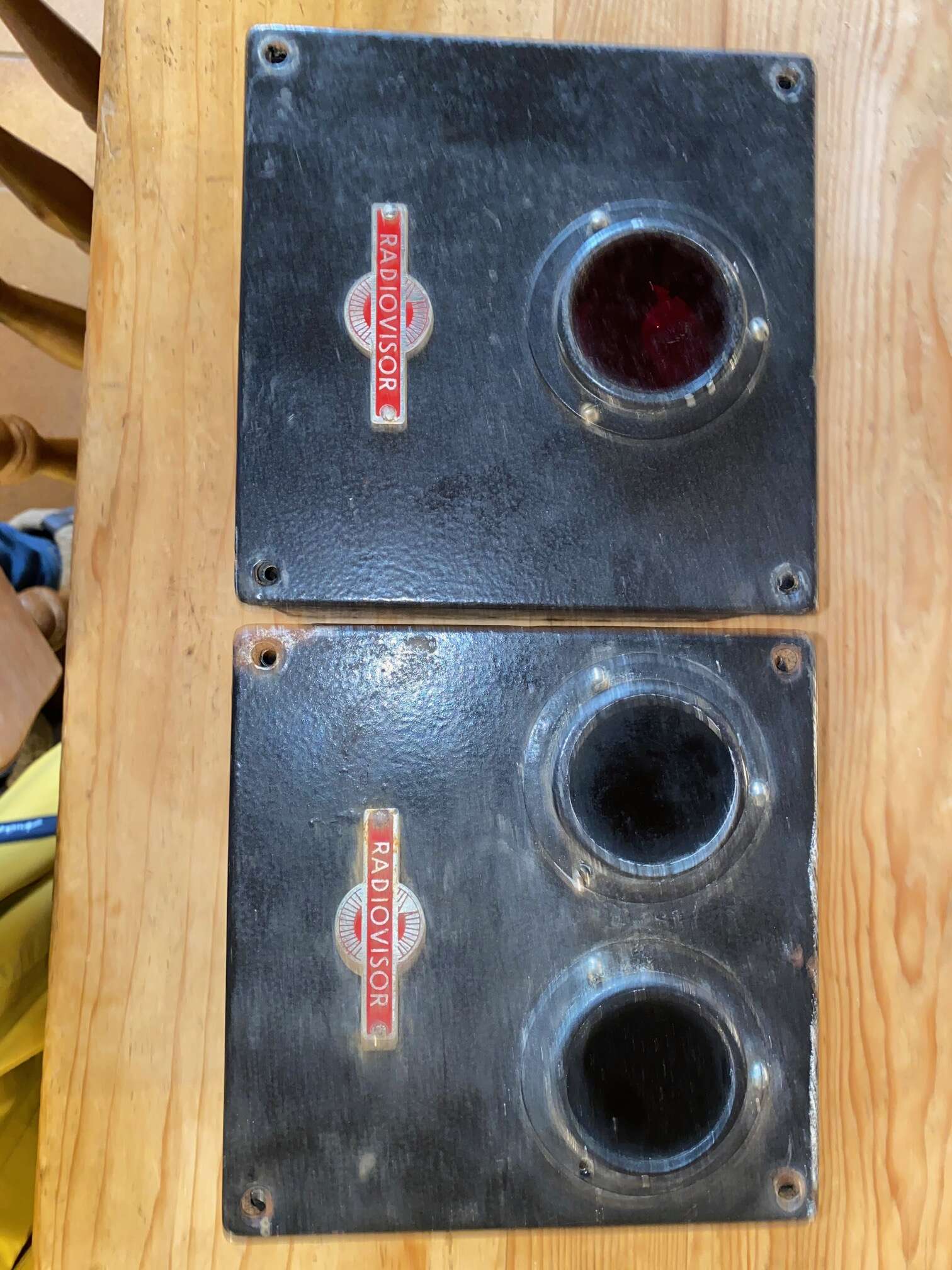
Thanks guys, those are helpful comments and confirm my thoughts although it’s useful to hear how they might have been used. When cleaning them yesterday I noticed that the single lense was red but the twin lenses are black, similar to welding goggles. I presume that the red would be the transmitter as there is a diode behind the internal curved lense?
-
Hi All, I’m new here and a fraud as I don’t install security alarms but came across your forum when searching Radiovisor. I’ve just picked up from a house clearance sale two intriguing wall mounted Radiovisor devices that seem to use infrared and I wanted to try and find out their original application. I will try and attach pictures but they are both around 6” square and 4” deep, one having a single lens and one having twin lenses. They are badged “Radiovisor” and inside have the type BA500T. They appear to be from the 1930-40 era but bear no dates. Can anyone give me any clues as to where they would have been used and what for as I’m intrigued by them? They’re going on the wall in the utility room, come what may, but I’d like to find out about them if I possibly can! Thanks for any help you can give! Paul King, Kent