_2d2230.png)
_5a42ce.png)
Driller
Member
-
Joined
-
Last visited
Everything posted by Driller
-
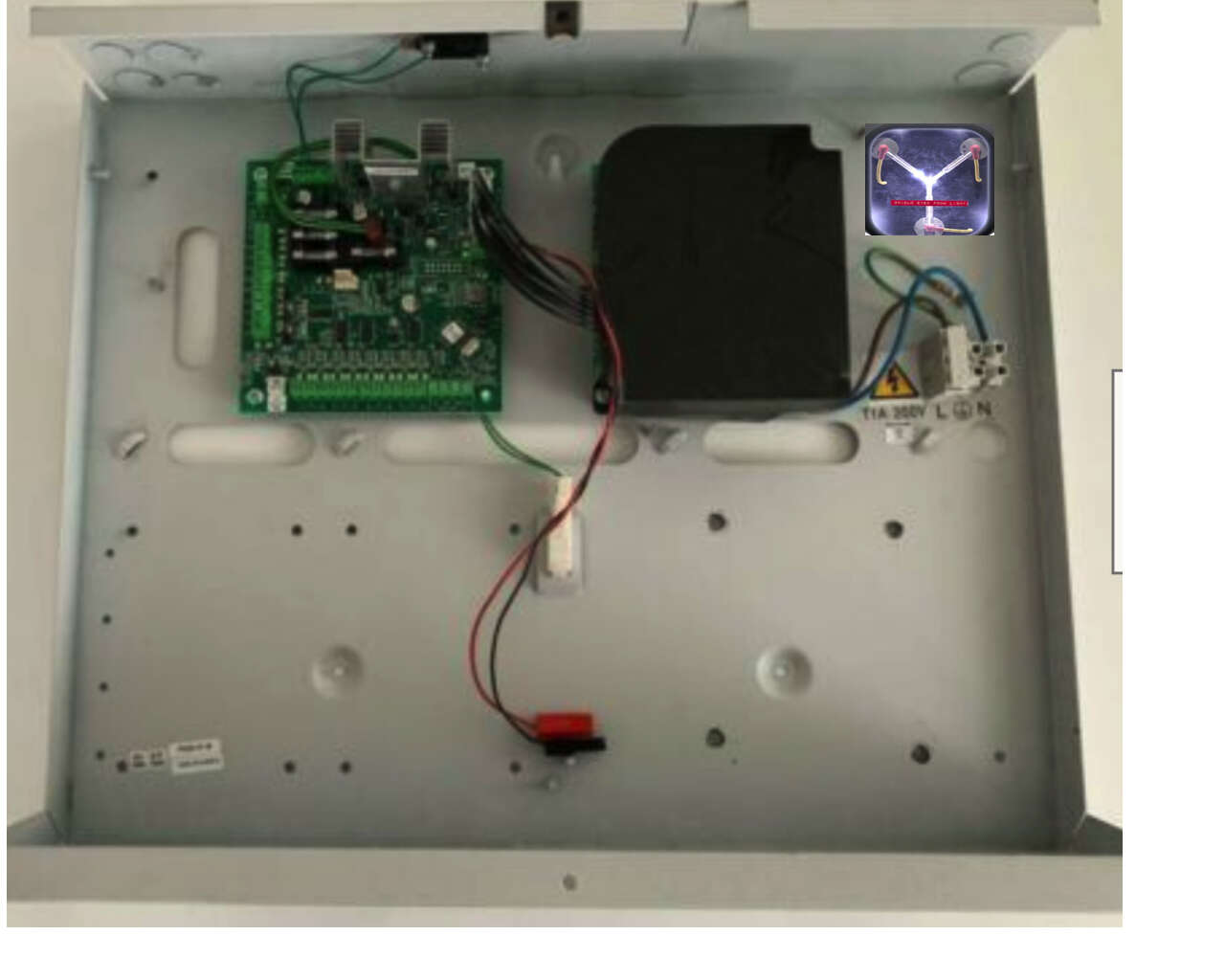
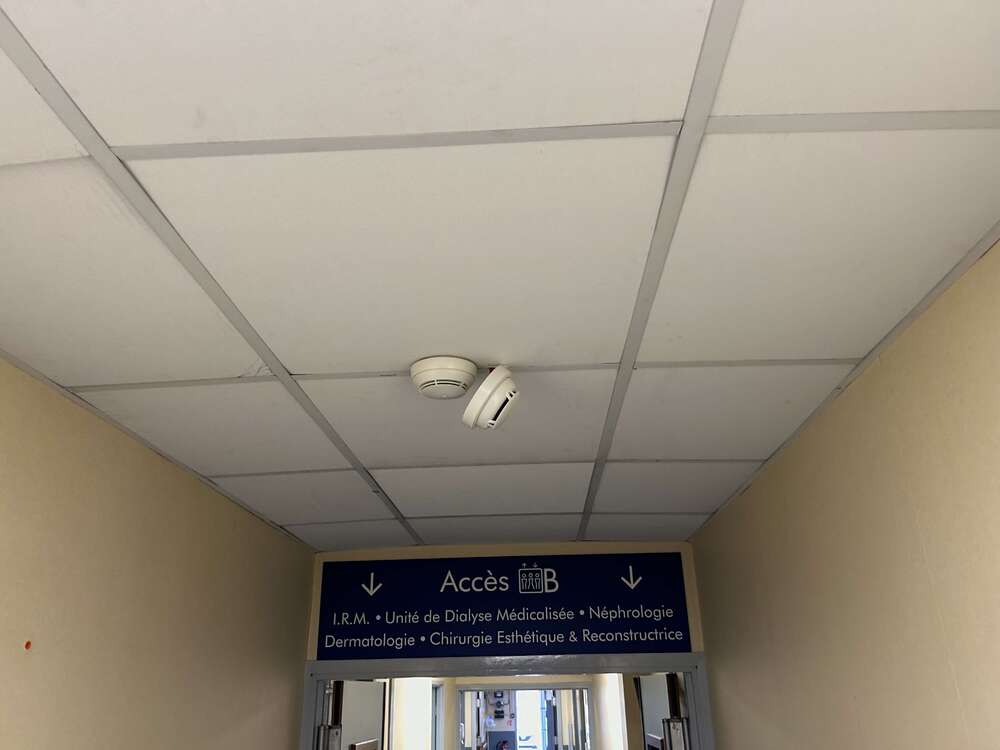
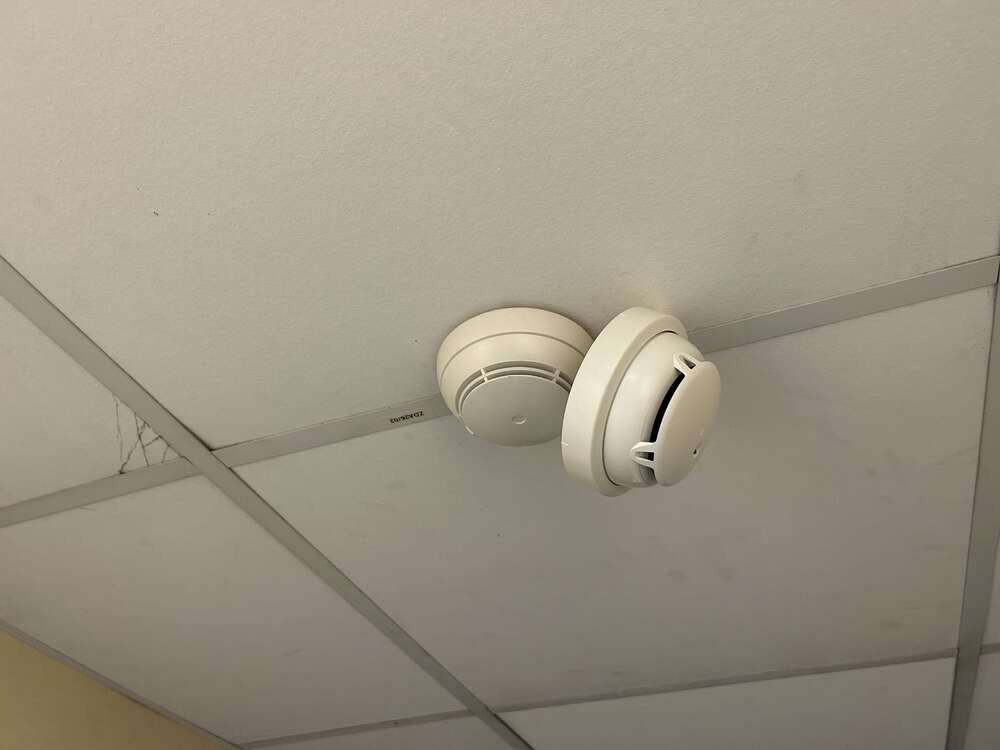
Hi guys, hope you’re doing well, I saw this and thought of you, unbelievable considering the site. Is this an installation technique I’m aware of?
-
Reassuring to know it's not just me James! Swapped out just the power supply bit after removing the ribbon cables. It was fully compatible with the existing RIO main board and problem solved immediately, hopefully this one will last a bit longer than 2-3 years.
-
True, I like your way of thinking, a bit like, "I never lose: either I win or I learn" ?
-
Reminds me of my first date with the wife
-
For anyone encountering a similar problem, got a new powered RIO but will just try swapping out the power supply part at first.
-
Bought in person over the counter, don’t know whether they use DPD or not. Would have thought there would have been other damage if it was shaken enough to force those spring contacts but the rest of the panel looks fine
-
Update for anyone with the same problem who finds this thread: Got back on site and popped the coin battery out, measured a good 3V. Put it back and it seemed a bit loose so bent the battery contacts, put the battery back in and did a cold restart: panel now keeps it's configuration, so it was due to loose contacts on memory battery. Very surprising to have this on a brand new panel.
-
Thanks SWB, so can I get hold of just the SMPS part or do I have to replace the whole thing? i was supposed to leave to go on holiday today, Sod’s law. Any way I could rig up a 12V 4Amp supply in the SMPS’s place temporarily? i guess the RS 485 bus would throw up an error if I did that.
-
Ps forgot to say I have 220V measured coming into the PSU
-
Gentlemen, I now have a battery failure on that powered RIO module (of course) and only 9V on the board which makes sense. All the right lights are on (flashing red on RIO) fixed green on PSU (I removed the shroud). Can someone who knows please confirm that I need to replace the PSU module?
-
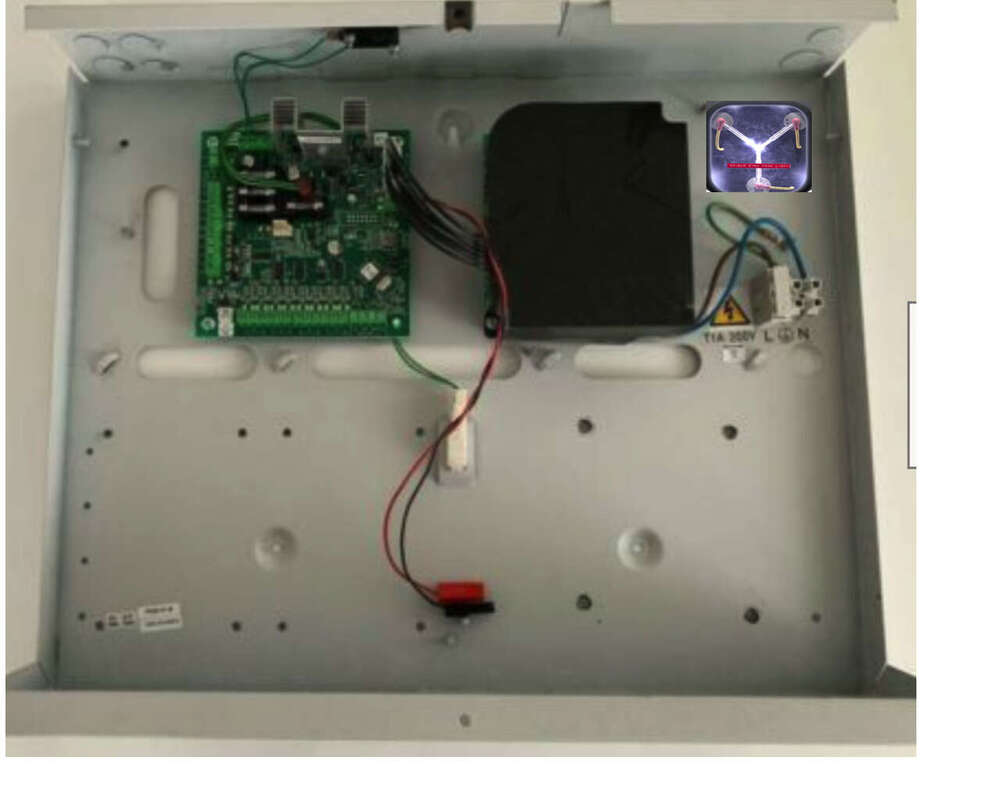
Good God, it's true!
-
I would love to have a picture
-
Does SW sell lightning conductors? ?
-
There's a flux capacitor?! ?
-
Just because I know Mr Happy was waiting for this, it's started doing it again intermittently: AC FAIL PSU 103. Opened the powered RIO panel, couldn't see a problem, tested mains side (good) and got 13V odd on the other side. The ribbon connector on the RIO side was slightly loose so pressed that home (moved maybe a millimeter). Anyone have any more news about this fault on the newer boards? I still do not have a dog.
-
Good shout, thank you!
-
Just checked back and saw these replies, thanks for the suggestions gentlemen. it’s a Dimension 48 panel. The “clip” is definitely still there and yes as mentioned there was a white, cardboard or plastic strip wedged under the clip with “please remove before use”. Very similar to the plastic strip you have to pull out of the battery compartment of modern remote controls that have these batteries in them. I’m away from the property for a while but as soon as I get back I’ll get the battery out and both check underneath it and check it’s voltage.
-
Presumably if I take it out with the main battery connected I shouldn’t lose any data! I’ll have a look, looks like a bugger yo get out though…
-
I’ll keep an eye out for it, thanks!
-
Definitely not eBay, absolutely legit authorised dealer. Lol at the not just round and flat!
-
Sorry, missed your replies. The panel is brand spanking so I’ve never had to change the battery. Do they arrive flat sometimes from new? (insert Monty Python halibut joke here) Reprogrammed the whole panel which was good practice. Ethernet module recognised and comme at 100%. Programmed the IP address at the keypad but it shows up in the router as 0.0.0.0 no matter what I do. Got SelfMon in anticipation and it was…free??! How’s that then?
-
Ethernet module connected, power on and boom, internal siren sounds and none of my updated codes work ? Any chance of a pointer in case it’s possible to get my programming back? I’d love to know why it doesn’t stay in the EPROM, there is a backup battery.
-
Going to power down, do it properly
-
I know that by the book you should power off and remove the battery leads. When I did this before though I lost all the programmed info (Dimension panel) ans had to do it all again which was a pain obviously. If I’m careful not to cross wires, how much of a no-no is it adding an Ethernet module with the battery still connected? Otherwise what would be the cause of the loss of programming info? (card aerator removed from backup battery)
-
That is very interesting! Maybe some sort of conflict going on then