_2d2230.png)
_5a42ce.png)

AlarmsGalore
Member
-
Joined
-
Last visited
-
infinite wasnt very good in its day and is relatively useless now. get an installer in, they'll rip the whole thing out and put an enforcer or similar in.
-
you may have to crash the panel, but the method depends on what panel it is. can't say exactly how to on here but i wouldnt recommend doing unless your confident and know what your doing really. jay
-
Ive followed the instructions no problem, ive defaulted loads of them no problem. the panel is brand new so it cant be dead as i can still change all users codes with alternative method. been trained on these as well as galaxies so i know them quite well but i just wanted some pointers. thanks jay
-
I have an Accenta g4 mini here. It is allegedly brand new but the default ##REMOVED## code will not work. I’ve defaulted it however can’t get the engineers code to crash no matter what. As far as I’m aware the codes can’t be locked on these, but any help is greatly appreciated Tia jay
-
done that too. No change. Believe it needs an exit shunt lock but it’s gonna get re engineered by someone I know.
-
I tapped it too, still no luck
-
You would’ve thought however no matter if I link it or not, nothing changes at all. cheers
-
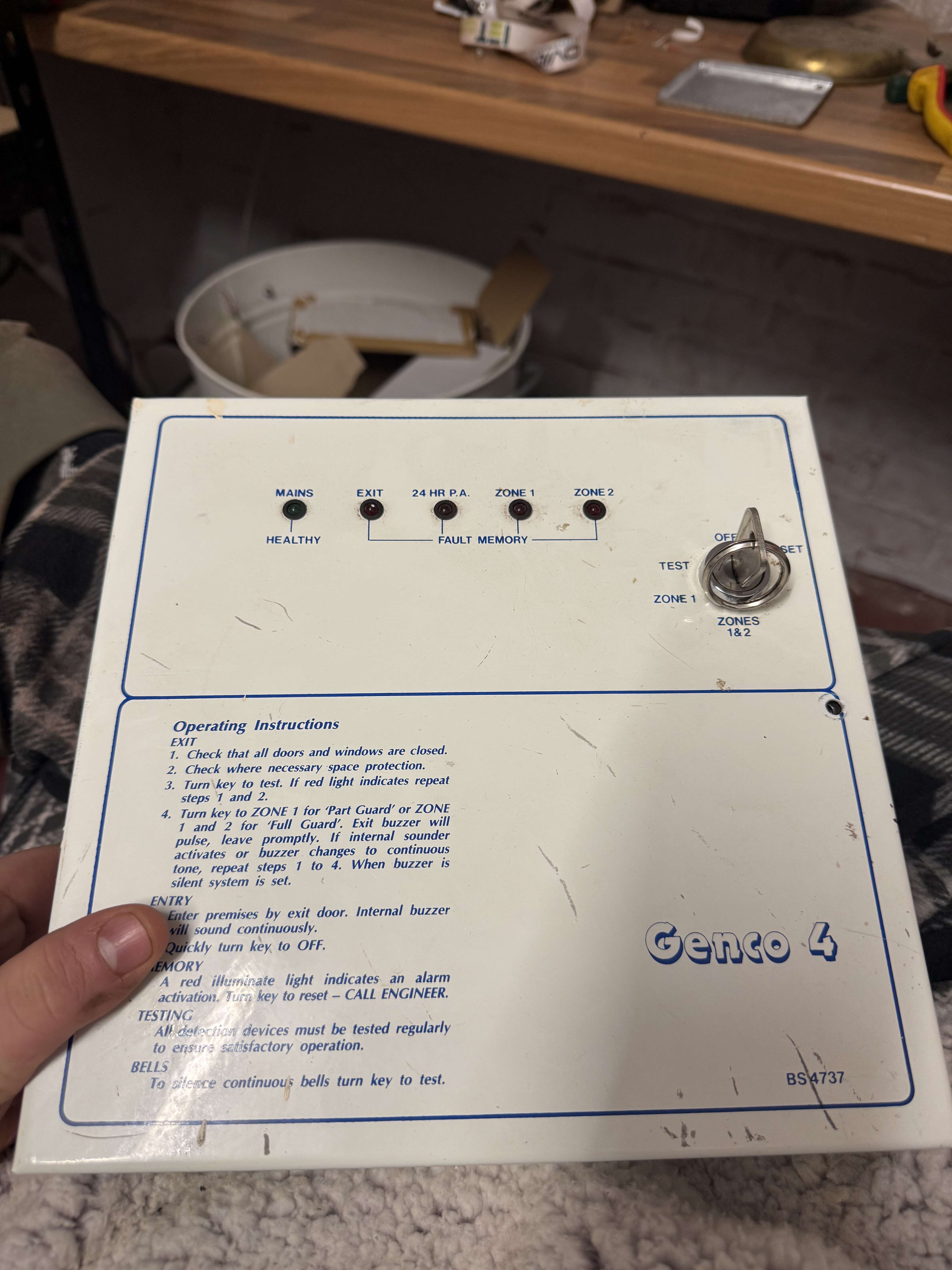
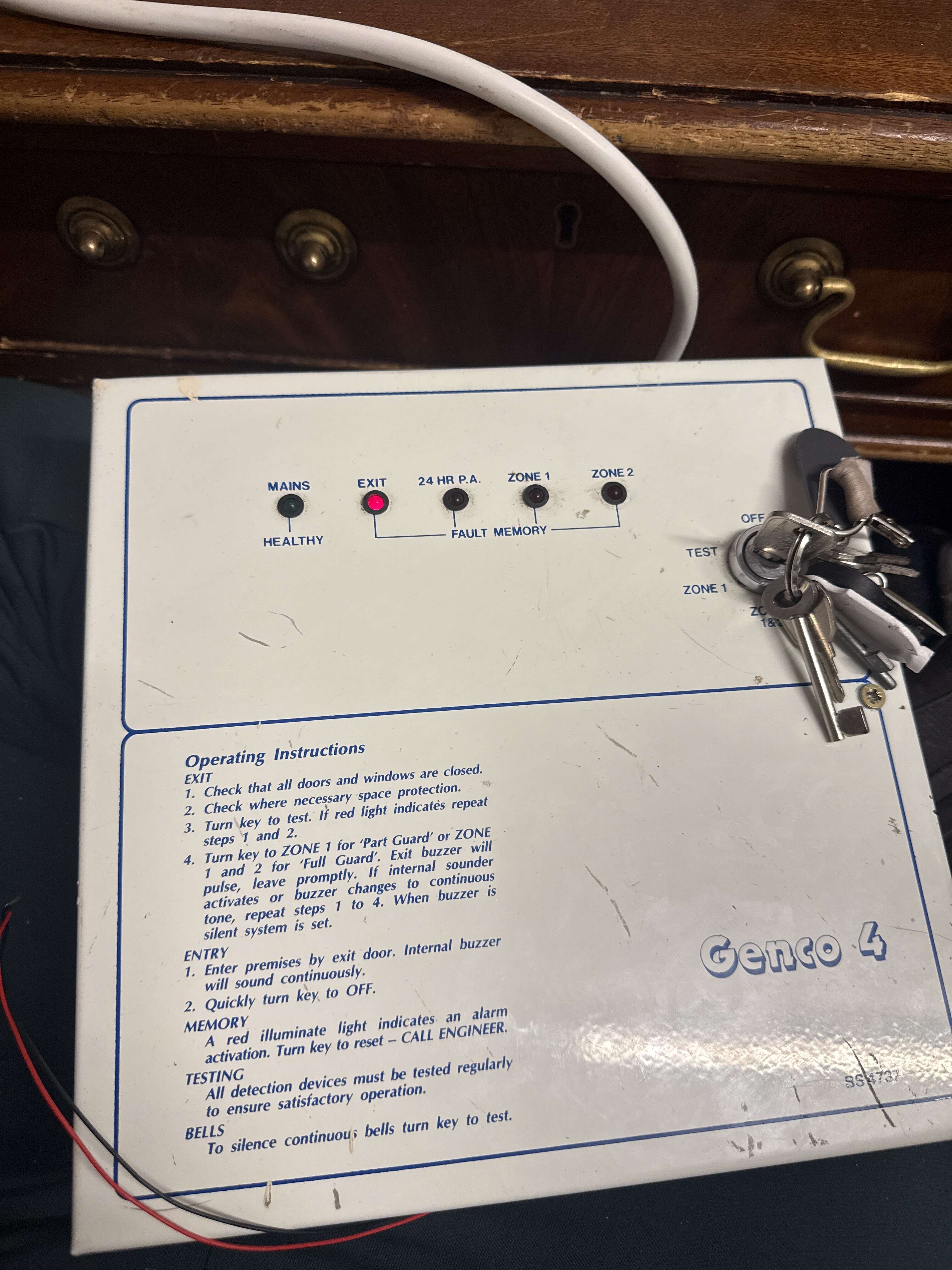
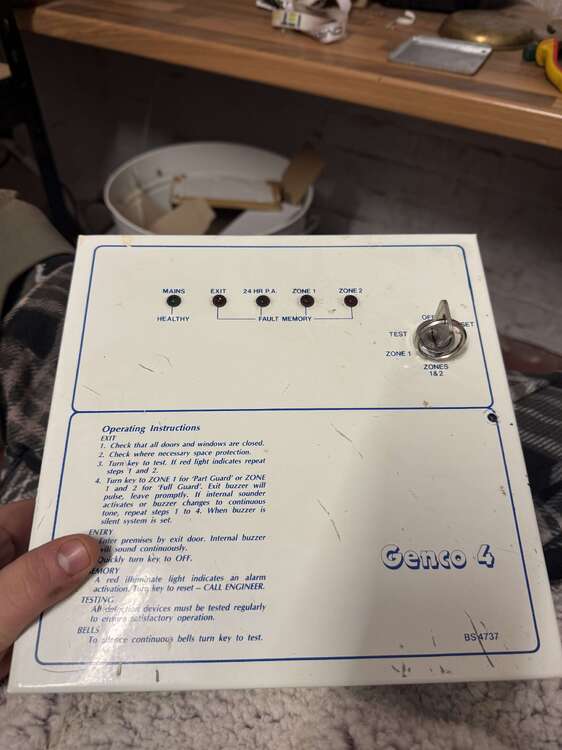
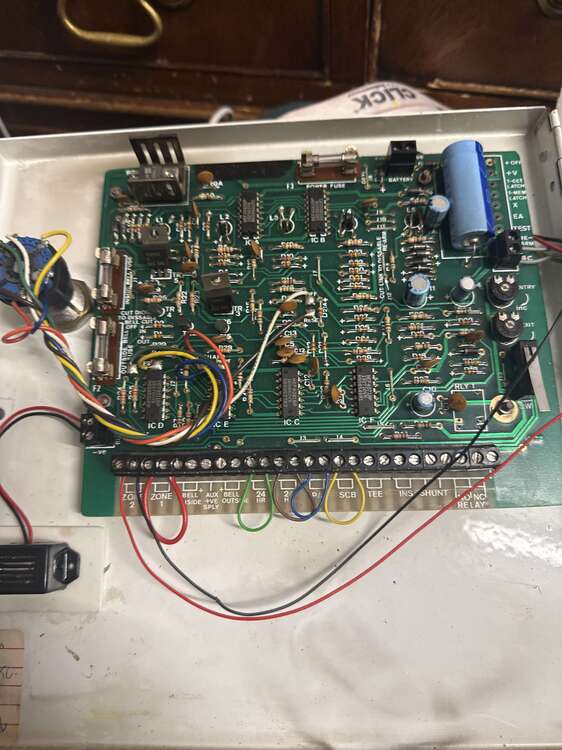
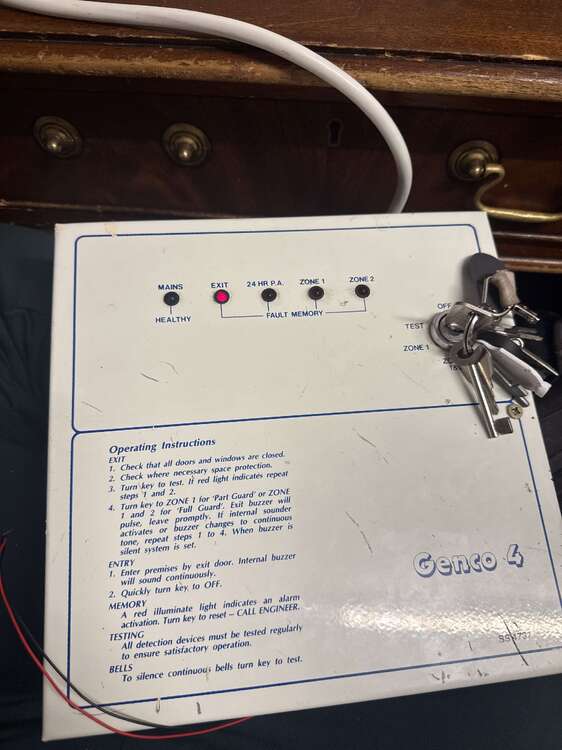
Hello people. i am completely lost with this panel. It’s an old a1 thing, however it is coming up with an ‘EXIT’ light and won’t set. No exit zone and Exit terminator has been both linked and left as is with no joy. Any help is appreciated tia jay
-
Ah I see not a bother. managed to get sorted elsewhere so I will remove this. thank you
-
Just politely asking around mate. no need to be hostile many thanks
-
Hello all anyone here able to help me out with an engineers code for ADT Derby? I have an old dsc system removed here and im really wanting to have a play around with it. im not located in derby nor install/maintain in that area so have no other need for this code thanks in advance!
-
I’m back again, yes! Many people have sent ‘engineer manuals’ which have the user manual instead. I’ve had the board repaired with a new mem battery fitted and I can’t fathom how to get it out of the ‘pipping’ mode. It’s not gonna get thrown out just kept for fun. I haven’t got a clue what the codes would be or what this supposed ‘engineers switch’ is? Any help is appreciated! (P.S: ignore the angry Galaxy in the back I nicked its battery 😂) TIA AG IMG_2610.mov
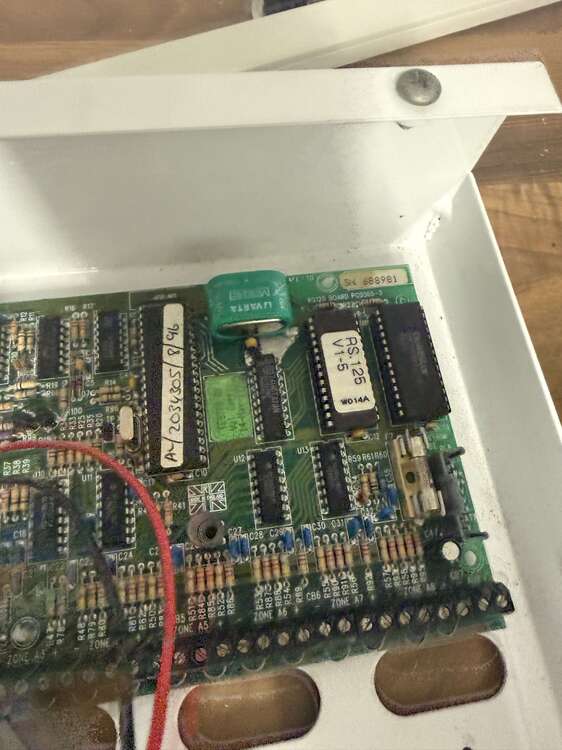
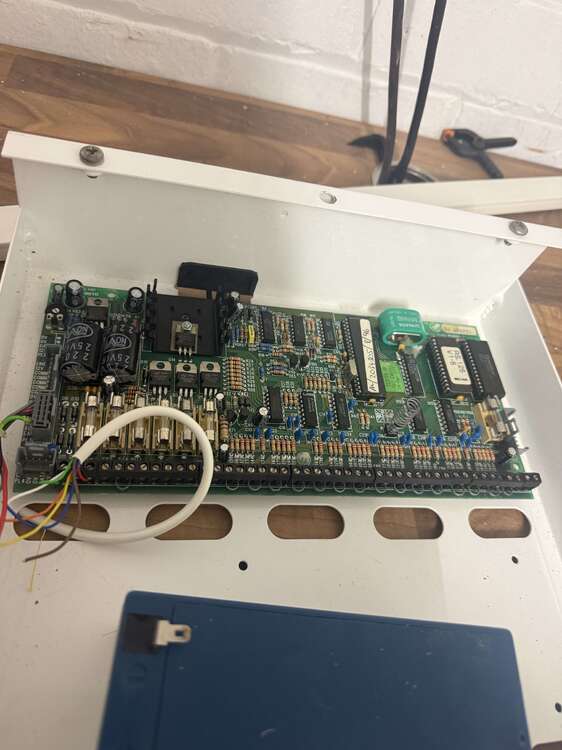
-
Evening all, I’ve got a 595 on a site which is working brilliant however does anyone here have the Gardtec Remote software for them and how to use it? No worries, the client loves the system and we’ve still got spares from donkeys ago so still service it! TIA Jay
-
Cheers PJ for your response. What the hell is an Arun Elite hahahah? It would make sense to be a Racal, however the one on BTs Heaton site has a butt ton of Aritech expanders with no panel to be seen. 🤨 Thanks AG
-
Hi Al yeti, it doesn’t look like one no. I think it was custom by Chubb. It’s a bit of an oddball. TIA Jay