Skip to content
View in the app

A better way to browse. Learn more.

Security Installer Community

A full-screen app on your home screen with push notifications, badges and more.

To install this app on iOS and iPadOS
  1. Tap the Share icon in Safari
  2. Scroll the menu and tap Add to Home Screen.
  3. Tap Add in the top-right corner.
To install this app on Android
  1. Tap the 3-dot menu (⋮) in the top-right corner of the browser.
  2. Tap Add to Home screen or Install app.
  3. Confirm by tapping Install.

MrHappy

Global Moderator
  • Joined

  • Last visited

Everything posted by MrHappy

  1. MrHappy replied to a post in a topic in Members Lounge (Public)
    no still never heard of it, rep pointfor 1st to produce a piccy ?
  2. MrHappy replied to a post in a topic in Members Lounge (Public)
    can't recall anything in plastic before the 9450 ?
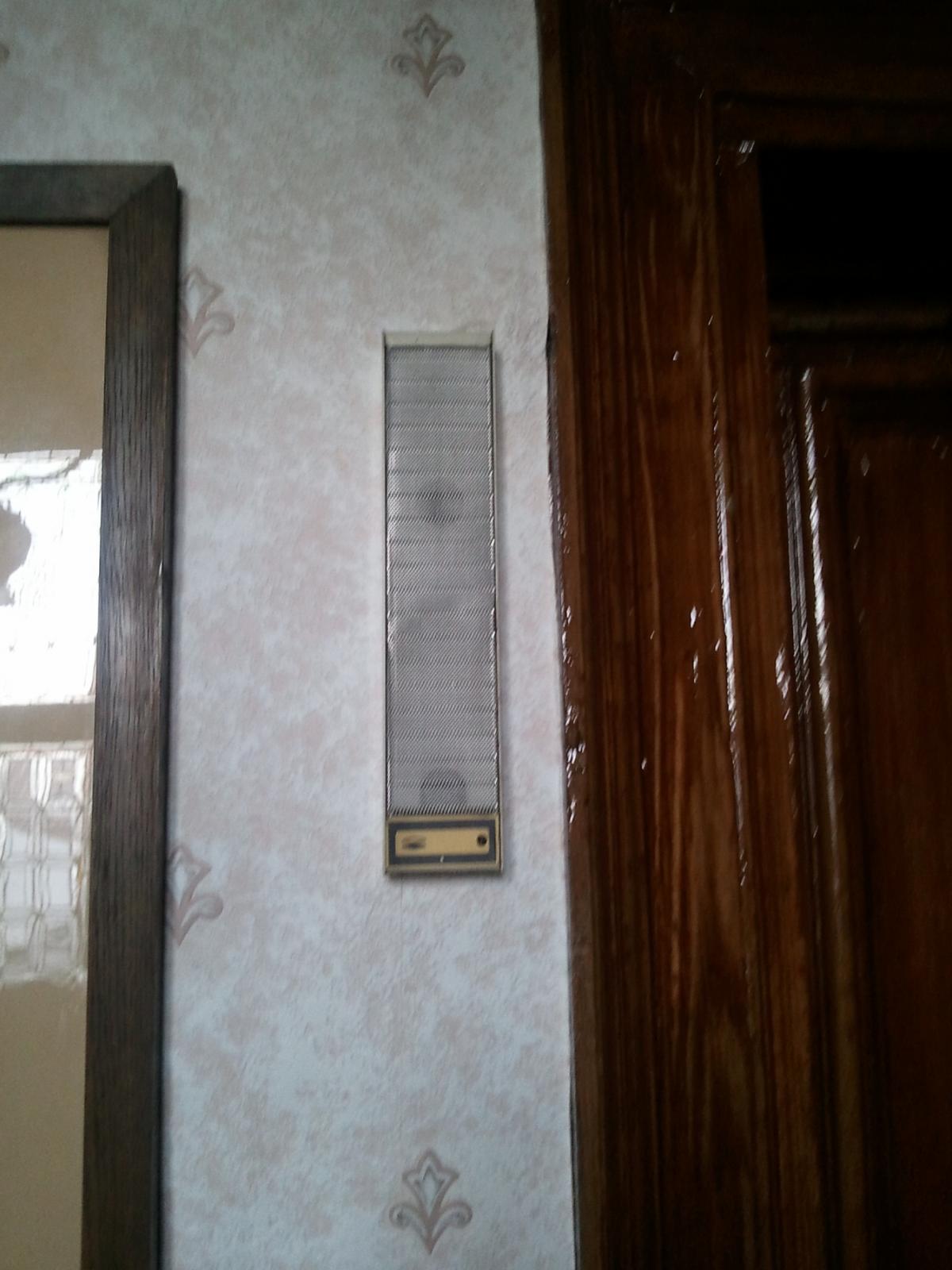
  3. Andy your digging up some old threads, however this is the oldest powered detection we have in the field
  4. No way could it have been "Marther" as we got change out of 5 thousand words
  5. We don't supply manuals in the public forums, apply for trade Telecom must have wrapped up 15 yrs+ ago, I'd be tempted to put something decent in?
  6. welcome to darkmarket.com ?
  7. MrHappy commented on arfur mo's blog entry in arfur mo's Blog
    arf, DR gave the "politicians" answer, RT are interested in making cheap TV, in the eyes of the public where all robbers for wanting maint money......

Account

Navigation

Search

Search

Configure browser push notifications

Chrome (Android)
  1. Tap the lock icon next to the address bar.
  2. Tap Permissions → Notifications.
  3. Adjust your preference.
Chrome (Desktop)
  1. Click the padlock icon in the address bar.
  2. Select Site settings.
  3. Find Notifications and adjust your preference.