_2d2230.png)
_5a42ce.png)

DavidG
Newbie
-
Joined
-
Last visited
-
I have
-
this is the one
-
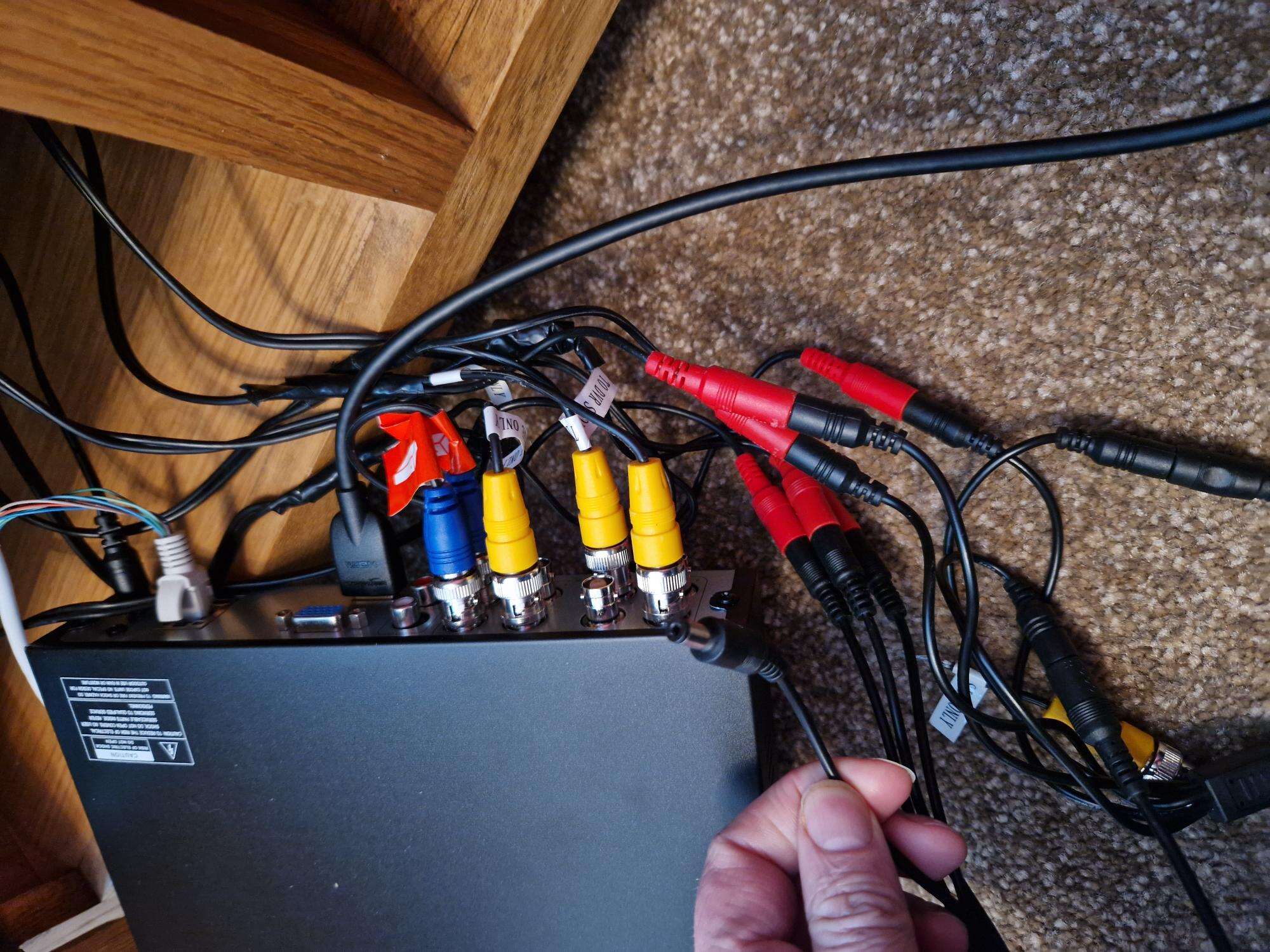
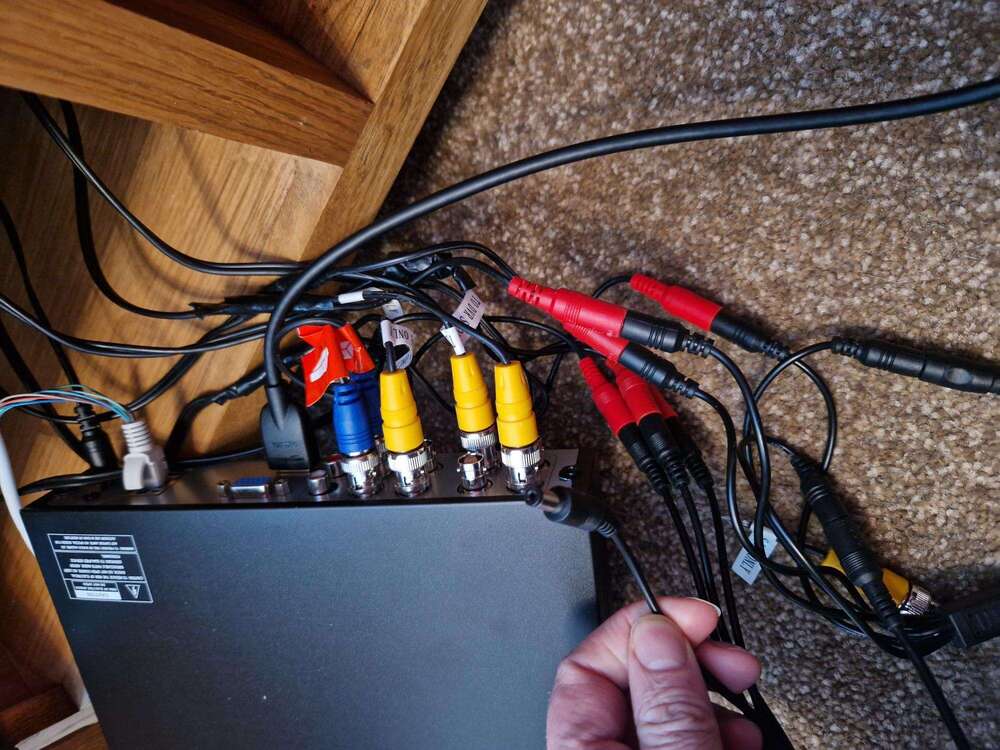
Hello, I recently moved into a new property and it has ZOSI security cameras (model: ZG1062B). The DVR disk broke a few years before I bought the house, so the sellers bought a new DVR (model number ZR08VN) and left it in the box and told me I just had to connect the wires and I was good to go. Ive done that, set up the box, connected all wires, and although the box works there is no signal from any camera. The seller then said that if I connect the audio cable the cameras will work. This doesnt sound right, but there isnt any cable that connects to the audio IN on the DVR box.
-
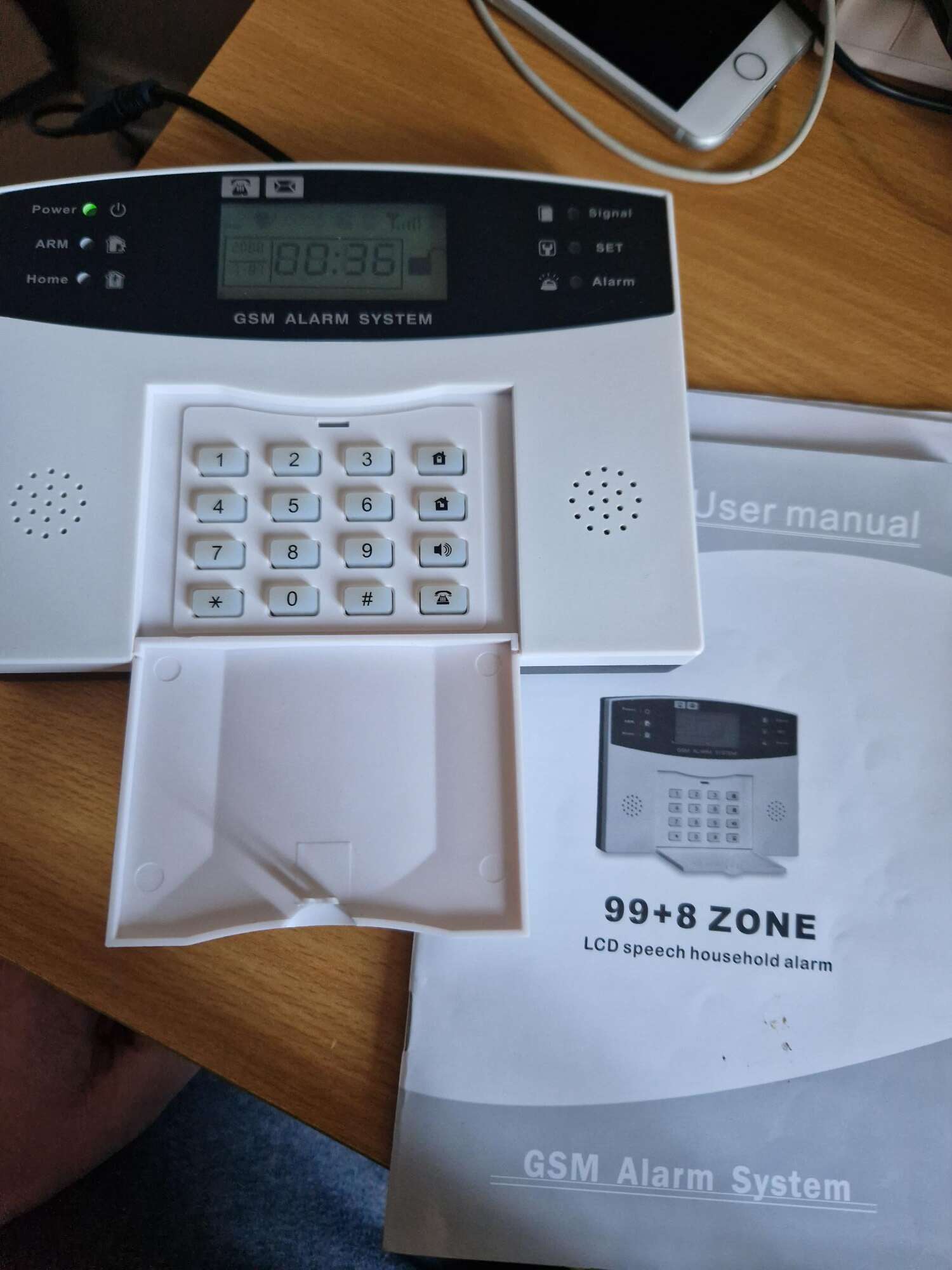
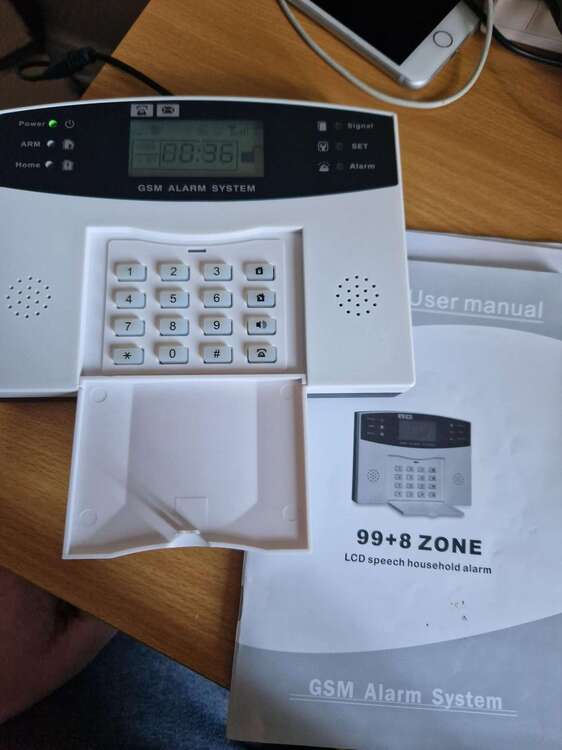
Hello. I recently moved house and it has one of these systems. It had a Tesco mobile SIM and I couldnt get the system to send SMS messages, but then figured the contract had probably ended. I tried putting my own Smarty SIM in from my mobile and that didnt work either. Could it be because only certain SIM cards will work in an alarm system? I dot want to take out a contract etc if it turns out their is a problem with the system. Thank you