


_2d2230.png)
_5a42ce.png)

Imnotshankled
Member
-
Joined
-
Last visited
Everything posted by Imnotshankled
-
I heard yale and response are quite good
-
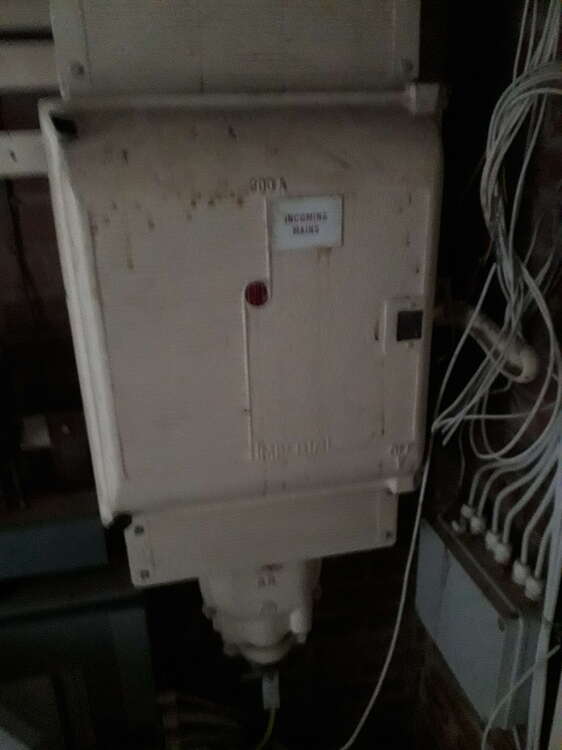
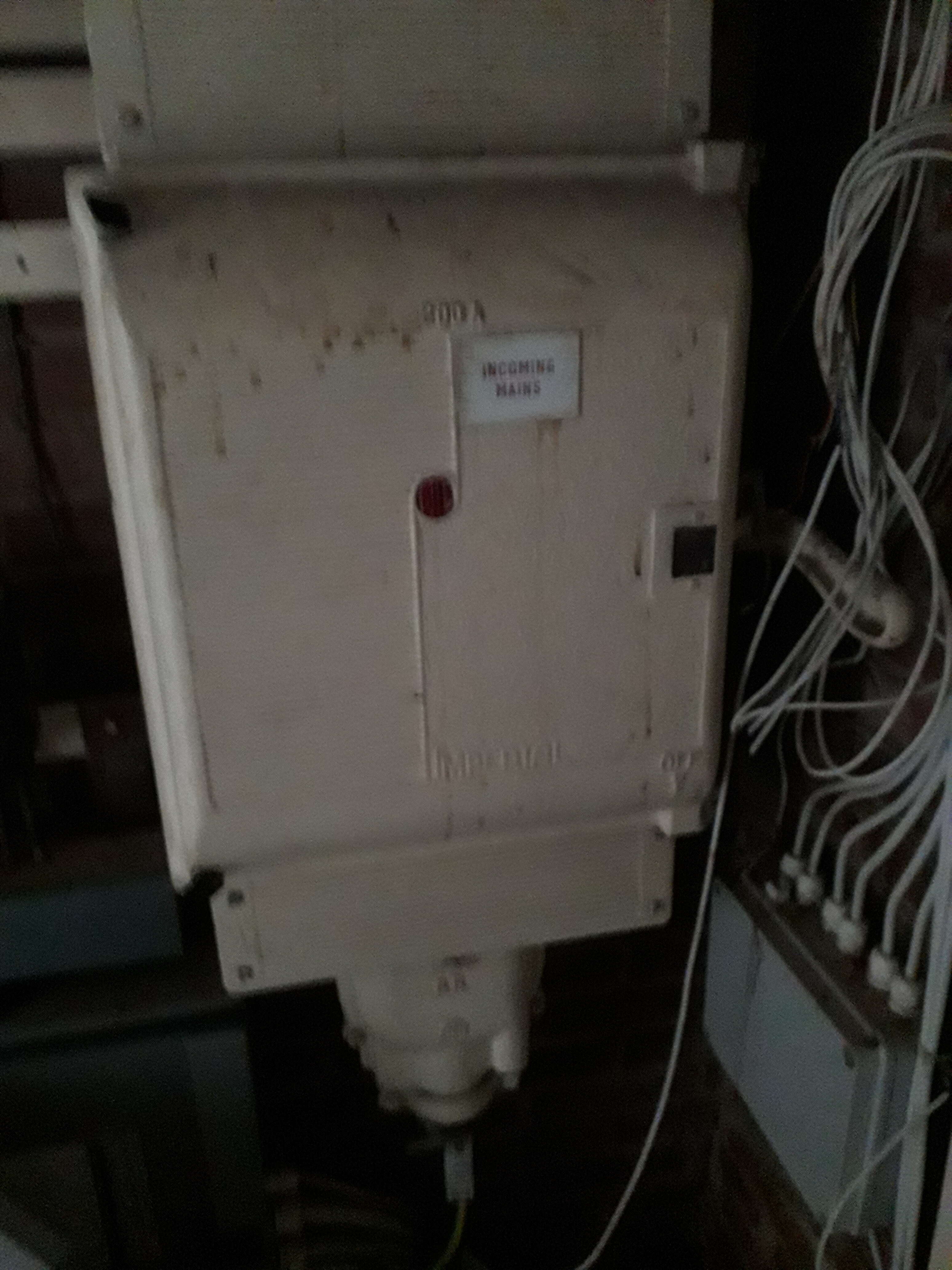
Also my 400a incommer is too small
-
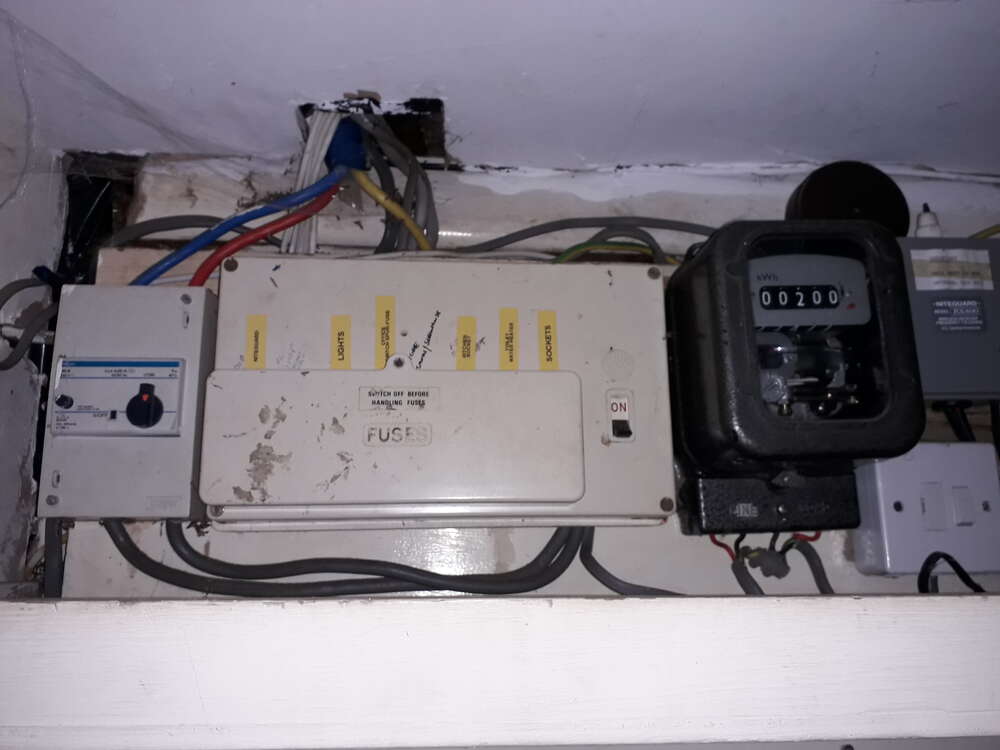
Nah how about a 1mm² incommer and properly termanated armor
-
-
Nah why have one when you can have 4
-
Yes thats my office
-
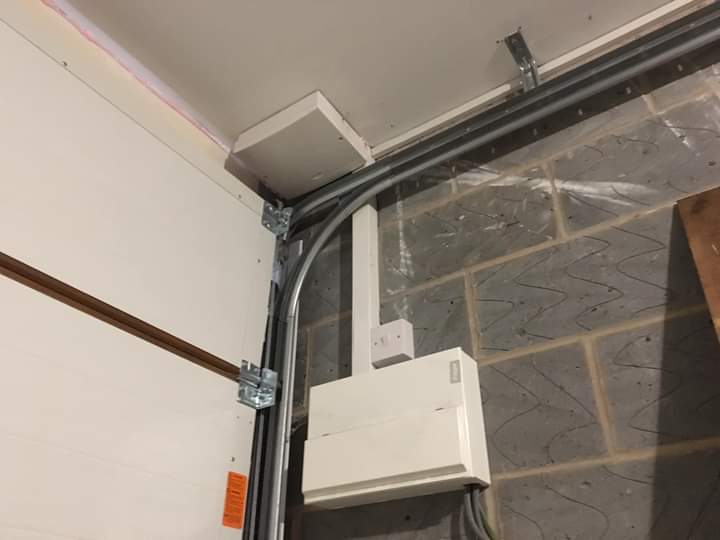
Its in a 10 by 10 garage where else should i put it where it can be tampered with
-
Challenge accepted
-
I personally quite like galaxy panels you can just program via keypad instead of using the software
-
No this horse is better

-
Saw your installation today disappointed My head hurts as the 7ah fell out
-
Don't forget to stamp on it
-
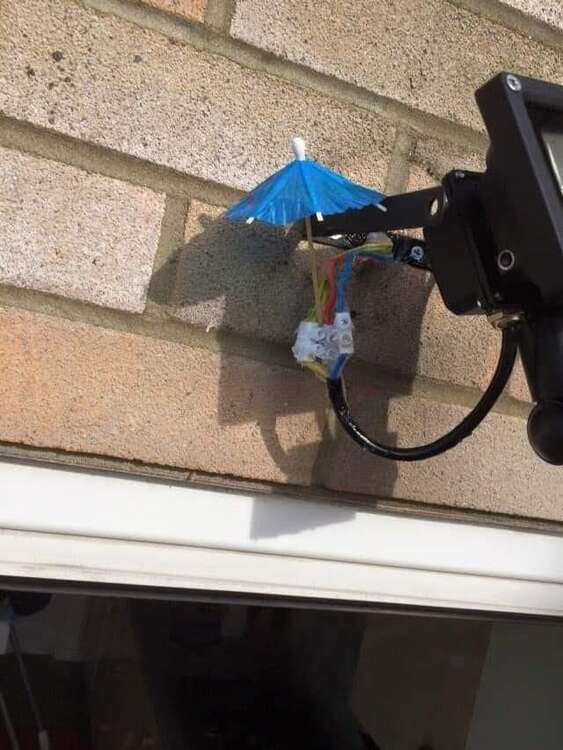
This?
-
Unfortunately no but we do have a place for nerds
-
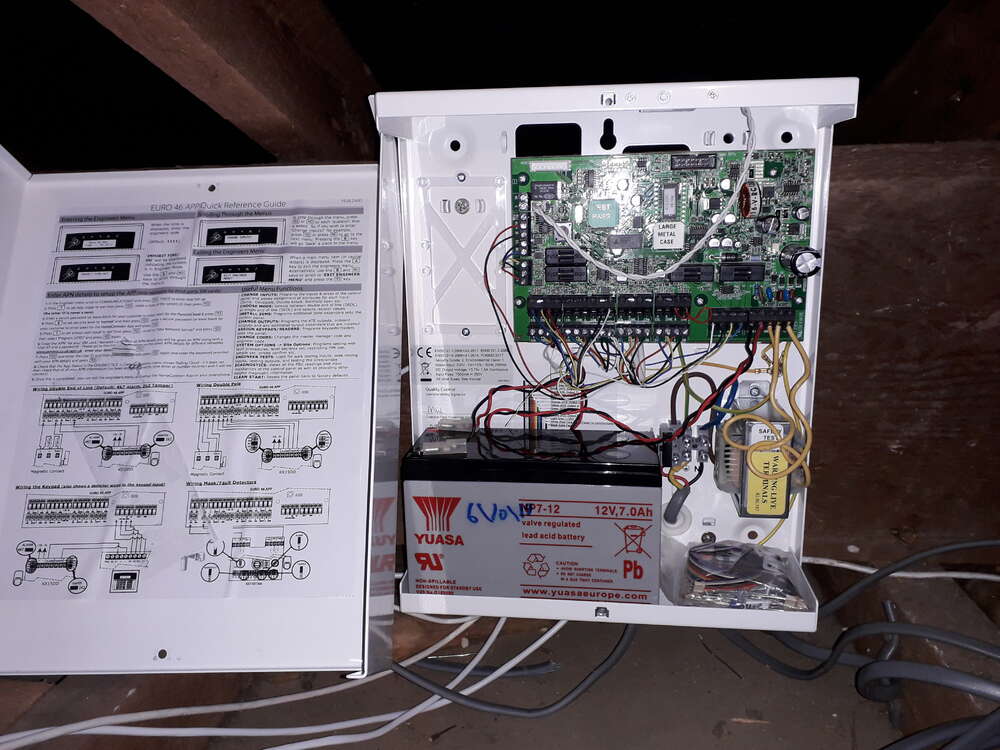
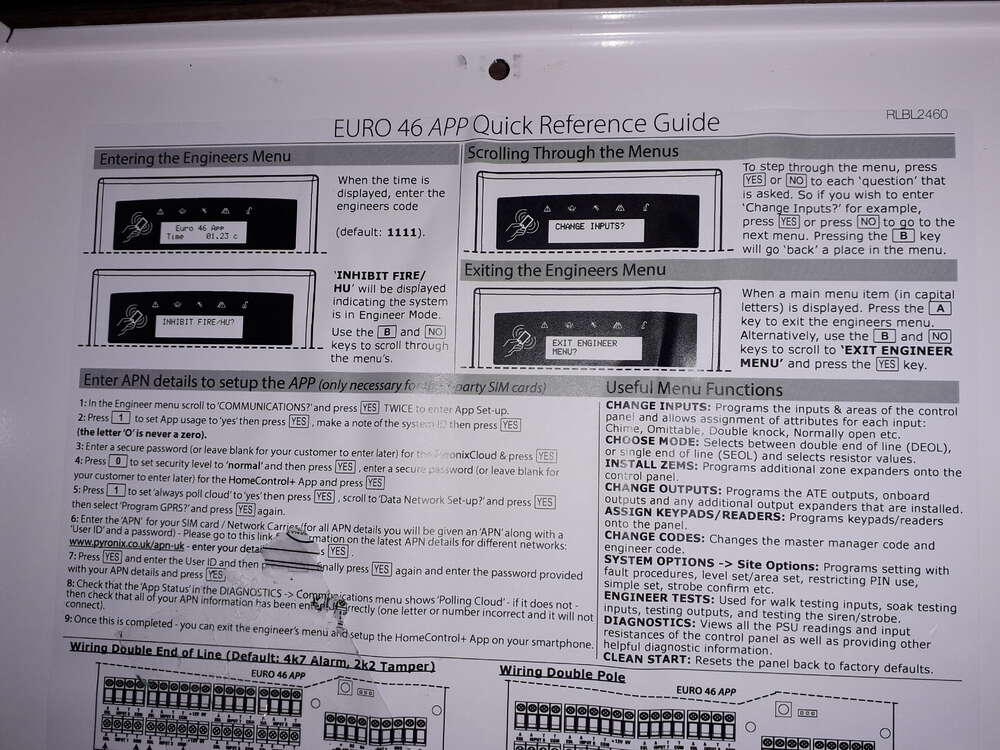
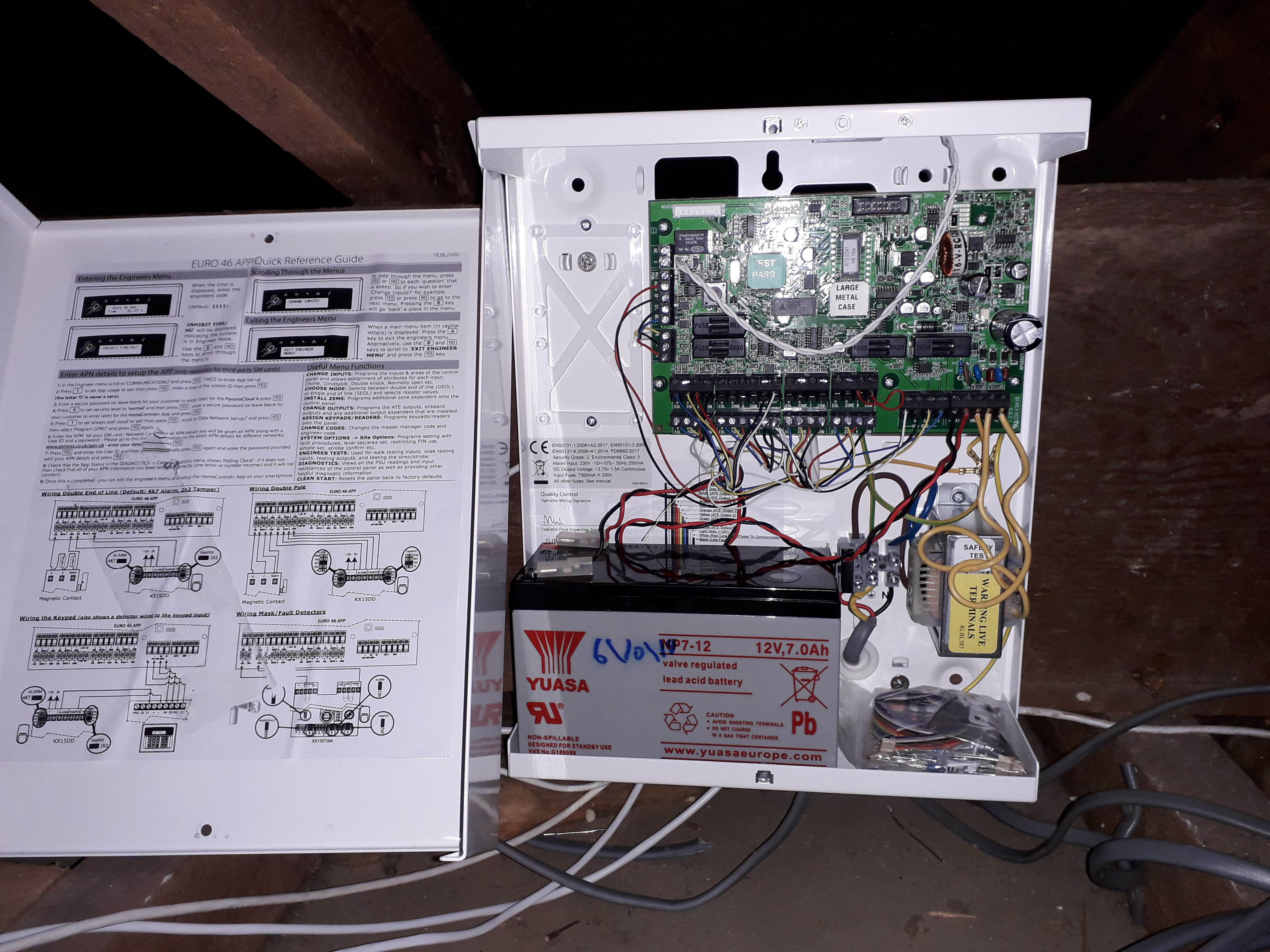
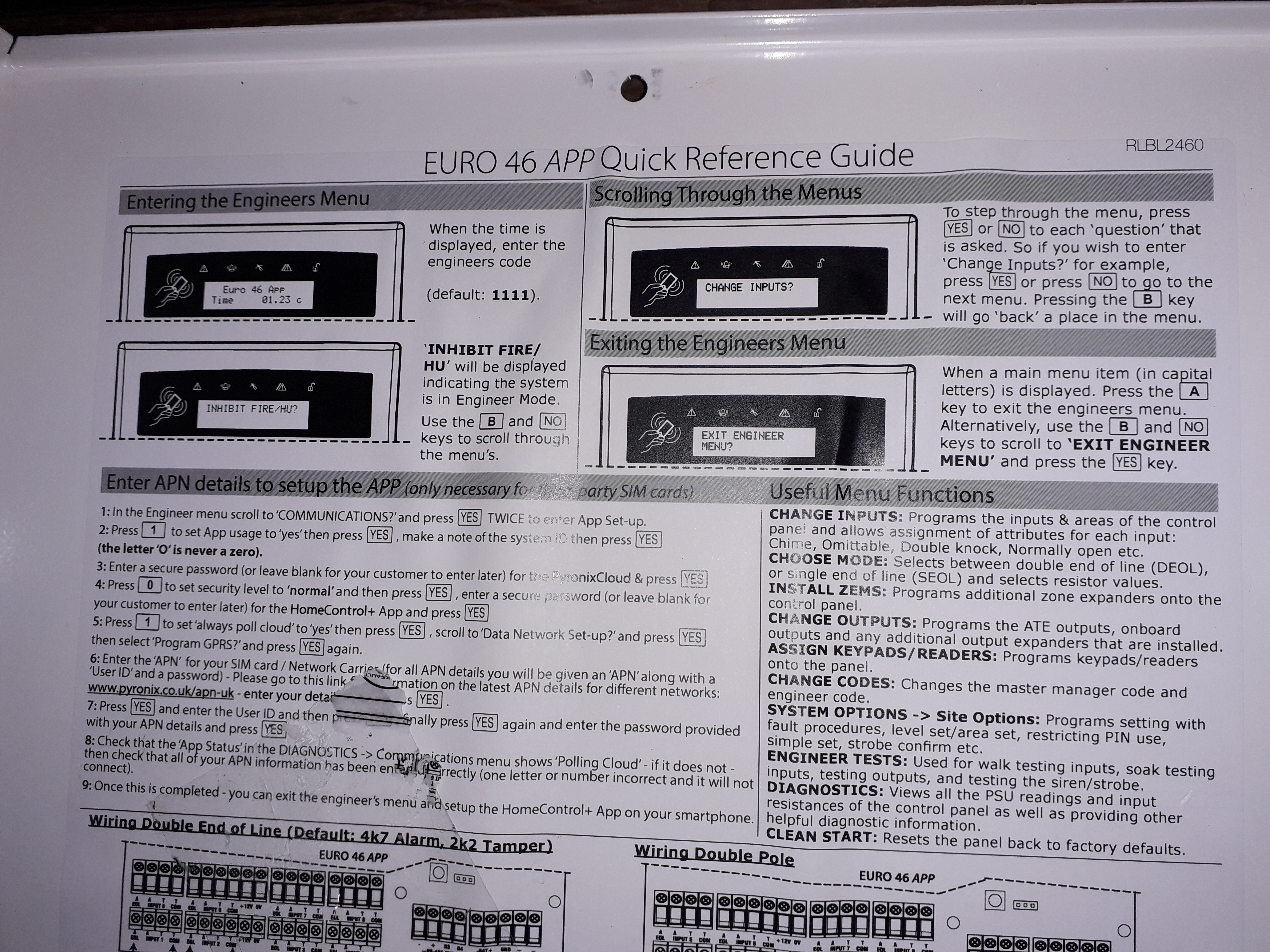
Euro 46 app is what i fit
-
Some helpful advise if you see a paragon panel rip it off the wall and stamp on it immediately
-
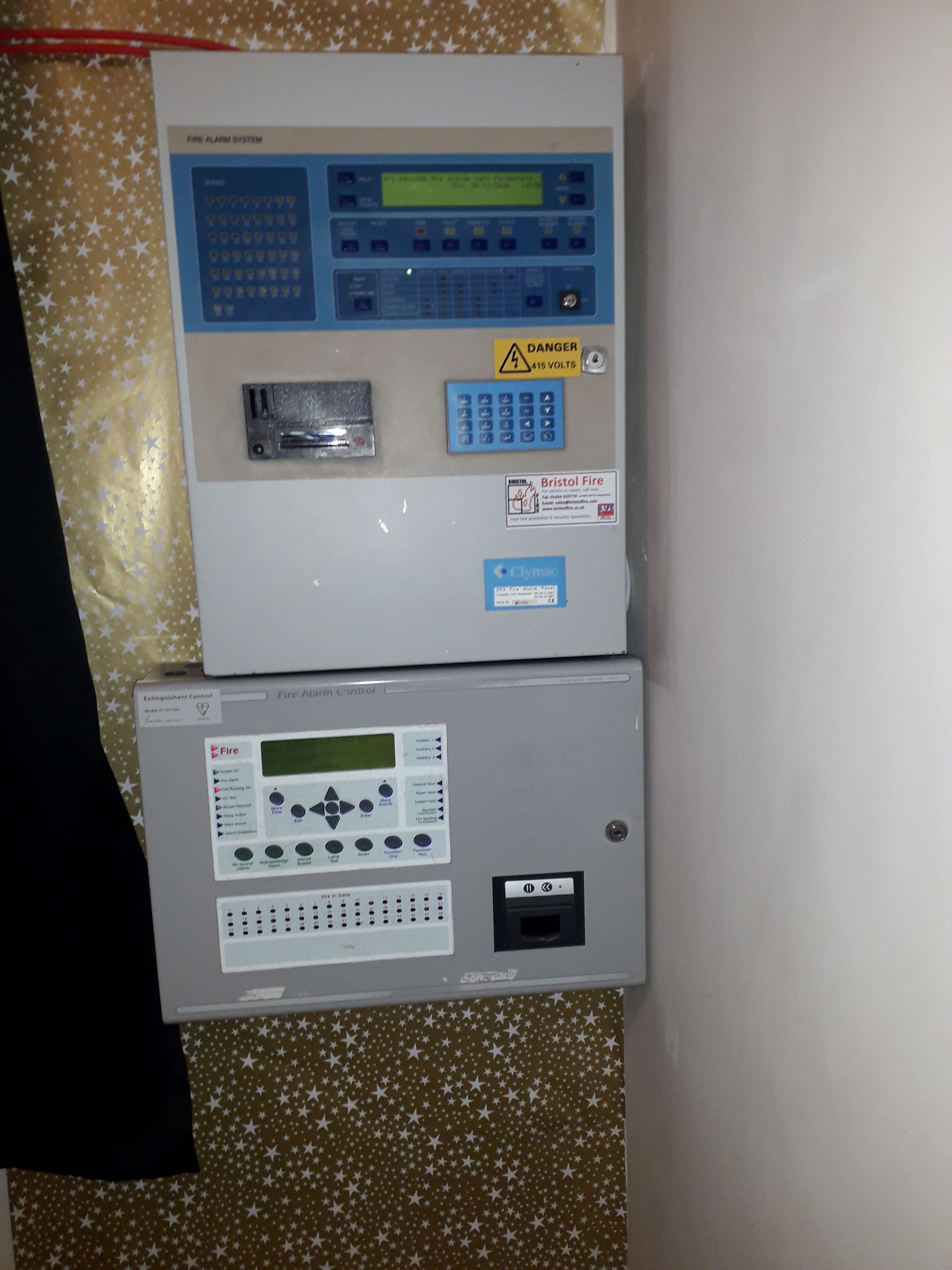
Fire alarm system for a 2 bedroom bungalow

-
Any interest
-
Optima panels while limited are very good reliable panels if you don't know the code have a company default the panelIll have a look as i have the engineer manualWhy is this even a thing
 https://www.optex-europe.com/news/installer-of-the-futureDamit i guess ill scratch up your brand new sofa instead because you didn't get me a new dog toy



Important Information
By using this site, you agree to our Terms of Use.