_2d2230.png)
_5a42ce.png)

Timmymeads
Member
-
Joined
-
Last visited
Everything posted by Timmymeads
-
Okay so I entered the code followed by a number 1. This is the code I written on the alar instructions paperwork. Nothing happened. It’s showing power and On with the green lights. I wonder if I did reset it when it’s in tamper mode? Thing is I don’t know how I can when the box is open and it’s in tamper when resetting? How do I possible get the new code? Can I somehow get someone to hold down the tamper button why I disconnect battery etc and mains then carry out the reset?
-
Will one of the options you mentioned hook straight to my existing system and will my code work?
-
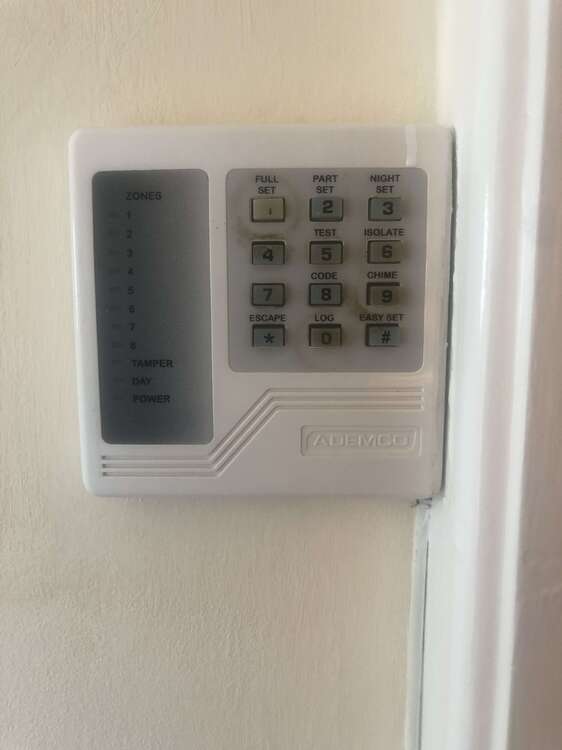
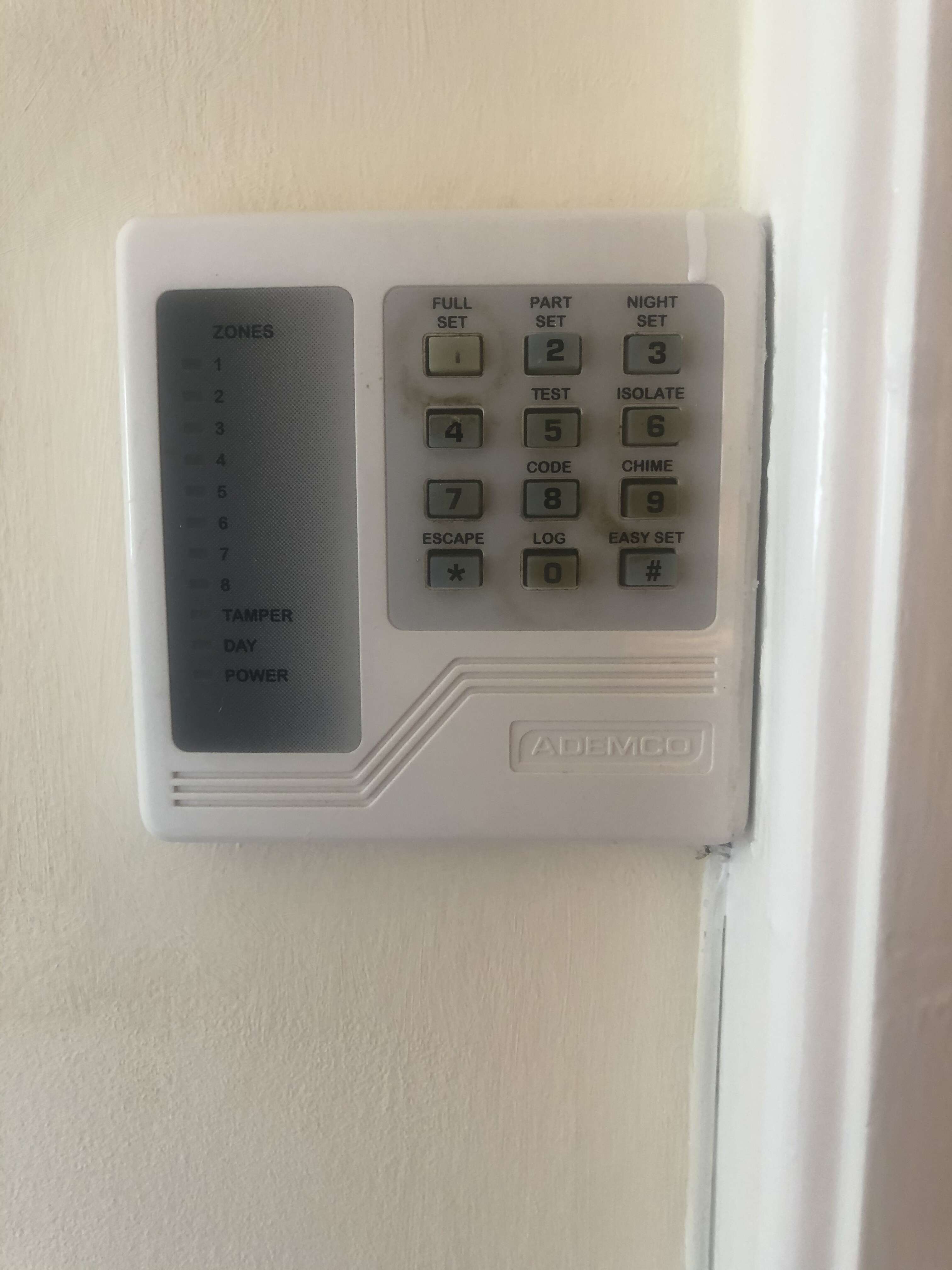
Can I update the screen only?
-
Okay update - So the mains box wasn’t closed properly - Tamper off and system okay..... been into loft and found instructions with a 5 digit number on which I would have used... can’t test now as lodger in bed but sensors all working but not alarming! Gona be happy if this works!
-
Hello, I have a Ademco Accord 8 system and I disconnected keypad about 3 years ago and decided to reconnect it and notice I must have blown a fuse. I replaced the fuse and switched on and now it’s in tamper mode - Buzzing. The issue is I don’t know the code for it as forgotten it. I found a way of resetting back to master reset although as it’s in tamper mode. Will it let me do that and if I don’t enter the current code will it signal the blues and 2s?! Bit of a catch 22 - I’ve just taken out the fuse that I blown to key pad for now. Does anyone have any suggestions on how I can reset back to factory settings?