_2d2230.png)
_5a42ce.png)

MattS
Member
-
Joined
-
Last visited
Everything posted by MattS
-
@sixwheeledbeast thanks for the advice and the guidelines link. I'll make sure to read before posting again. Best M
-
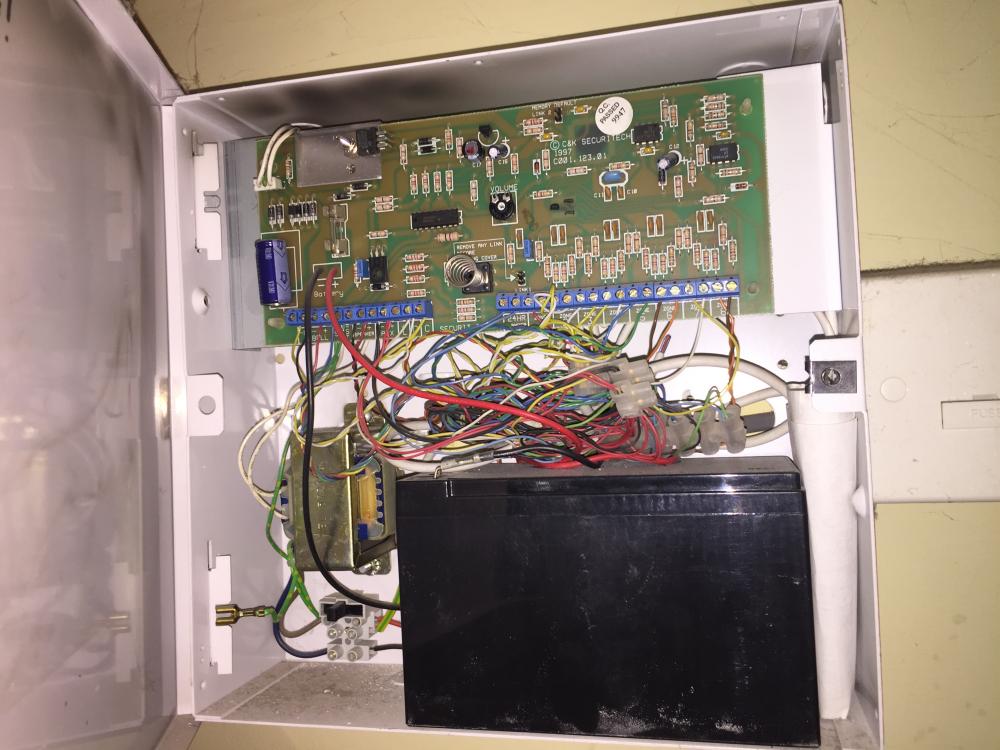
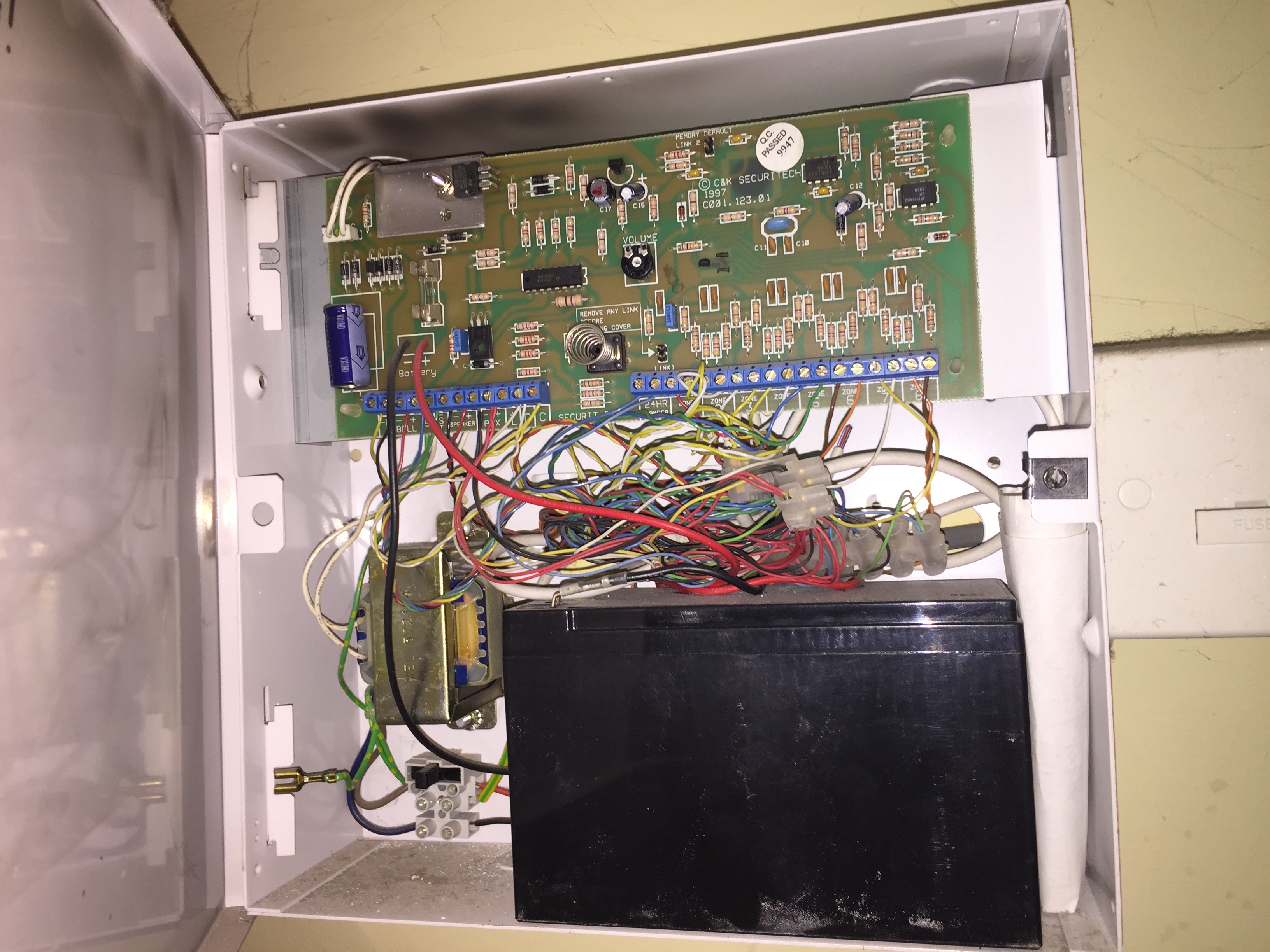
The PCB, as indicated my Peter.
-
I've checked the forum root (http://www.thesecurityinstaller.co.uk/community/) as well as this subforum root and cant find any sticky's in relation to posting manuals. Can you let me know where on the forum main page I should be looking at in relation to the rules about posting manuals. TIA
-
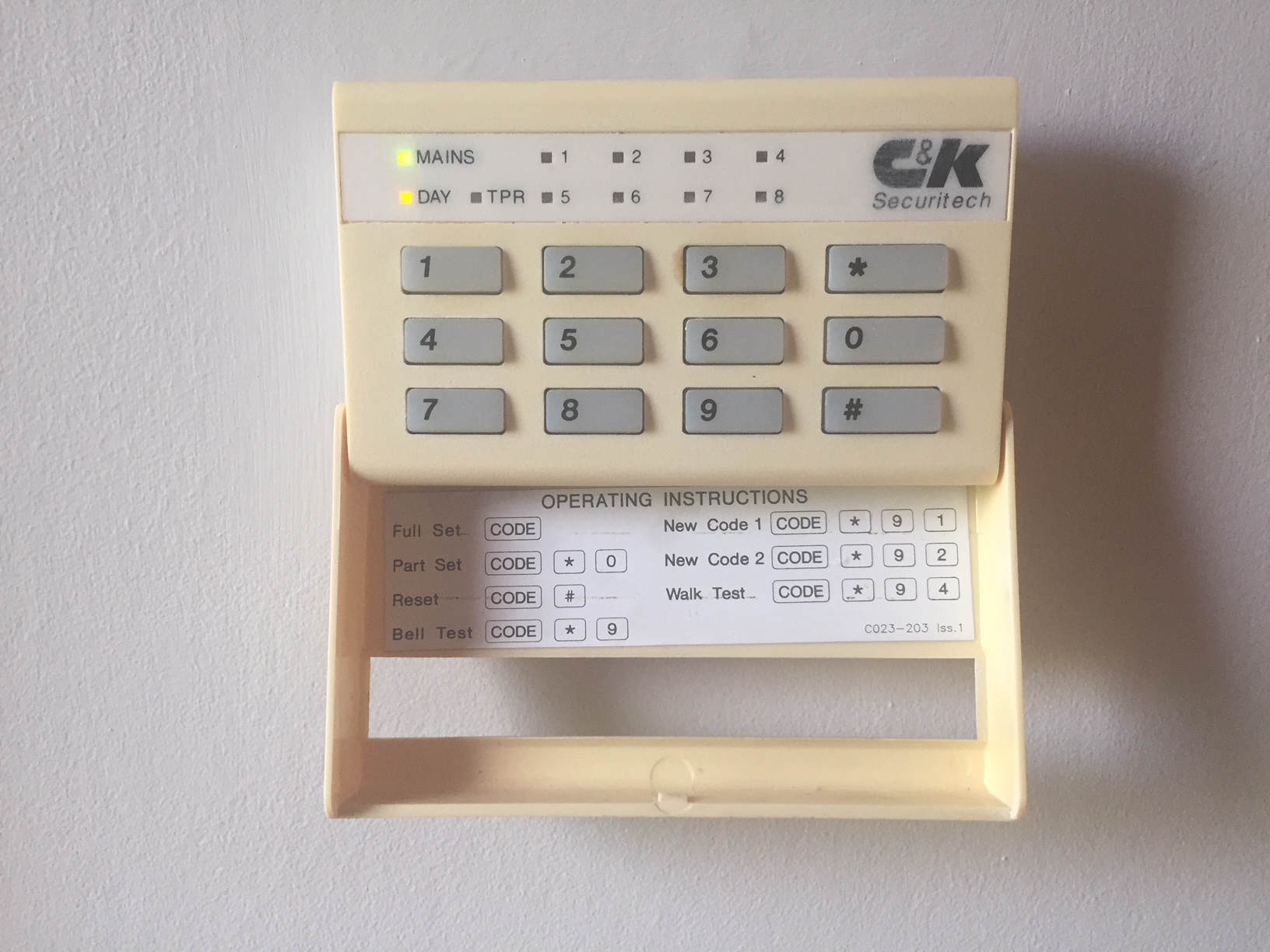
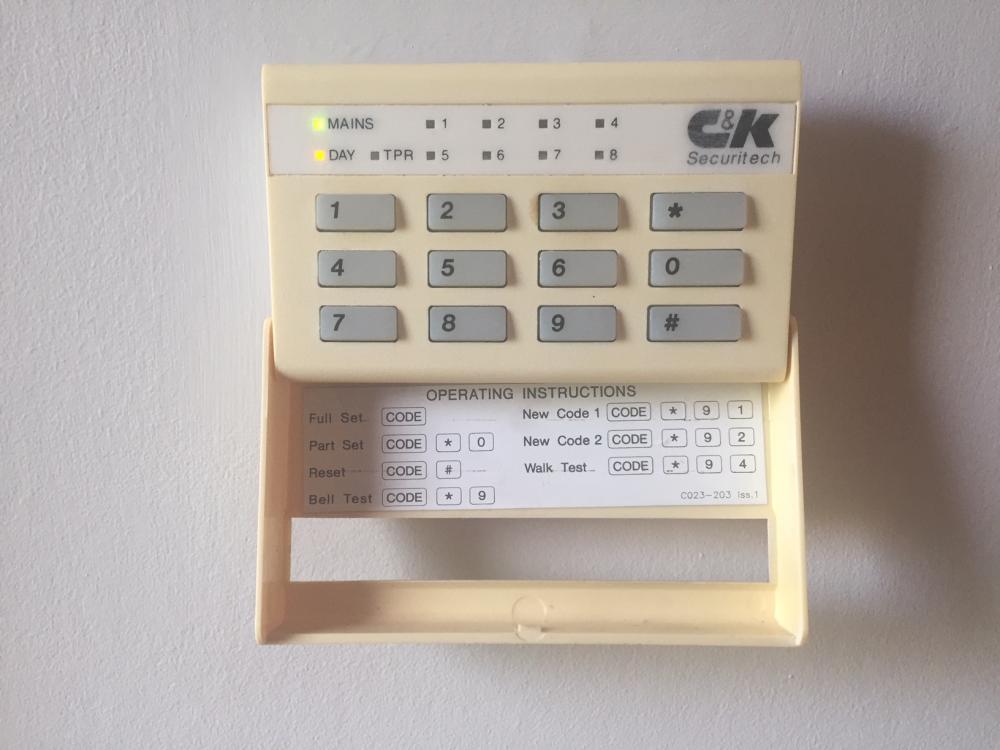
Here's a picture of the keypad. There is no control panel (otherwise I would have posted one!) @sixwheeledbeast - thanks for the response. Do you know of any good guides for programming home alarm systems? I've downloaded the manual from Honeywell but I wouldn't say its the simplest to follow. Cheers.
-
Hi. First time posting and I have two questions I would like to ask First off, I need to replace a PIR in our home and would like to carry out the replacement myself. The problem is that I don't know exactly what alarm system I have (its at least 20yrs old) and would appreciate any help to identify it. I believe its a 800L as the circuit board layout looks exactly the same. I've attached a picture of my current board and would really appreciate it if someone could confirm if I'm correct. What I'm also not sure about is the function of the transformer in the bottom left and the switch below it. If anyone could give me a clue, again it would be appreciated. The second part is that I would really like to re-program the unit as the alarm exit/entry beep isnt loud enough and it sounds for too long when I exit. I've tested the engineering code given in the manual above, but it doesnt work. Would I be correct in thinking that I then need to short the pins at the top of the board identified by the "Memory Default. Link 2" text to reset it? If I do this, I'm assuming I would need to re-program the whole system from scratch. Is this very difficult or hard to follow? I'm not an alarm guy, but I am technical in nature so don't have an issue approaching the problem. TIA Matt PS I'm also considering upgrading the panel to something more modern which would be able to notify me of any alarms via the internet or mobile network. Any suggestions that I could drop in?