_2d2230.png)
_5a42ce.png)

Gabs
Member
-
Joined
-
Last visited
Everything posted by Gabs
-
-
-
-
Well, I am trying to hold them down, but it wont stop, I am n ot really bothered about any of that working, all I want is it to sound at full volume when power is applied Yeah, they are are... Sadly. Do you think to get the volume of it up, I could use something like this: http://www.ebay.co.uk/itm/LM386-Super-Mini-Amplifier-Board-Module-3V-12V-Kit-Red-Led-Light-Blue-PC-Board/252628203210?_trksid=p2047675.c100005.m1851&_trkparms=aid%3D222007%26algo%3DSIM.MBE%26ao%3D2%26asc%3D44779%26meid%3D597b9836e54d40ae8cef13a9609a3762%26pid%3D100005%26rk%3D6%26rkt%3D6%26sd%3D332261893488 I am thinking of it. I removed them... no difference
-
I tried that, and it made no difference. I'll try removing the batteries and try it again. It's a nice bell box, shame Modern are no longer around. What does the Engineer link do? I know, that was my concern, it may be damaged beyond repair. I'll have a go at removing the batteries and try it again
-
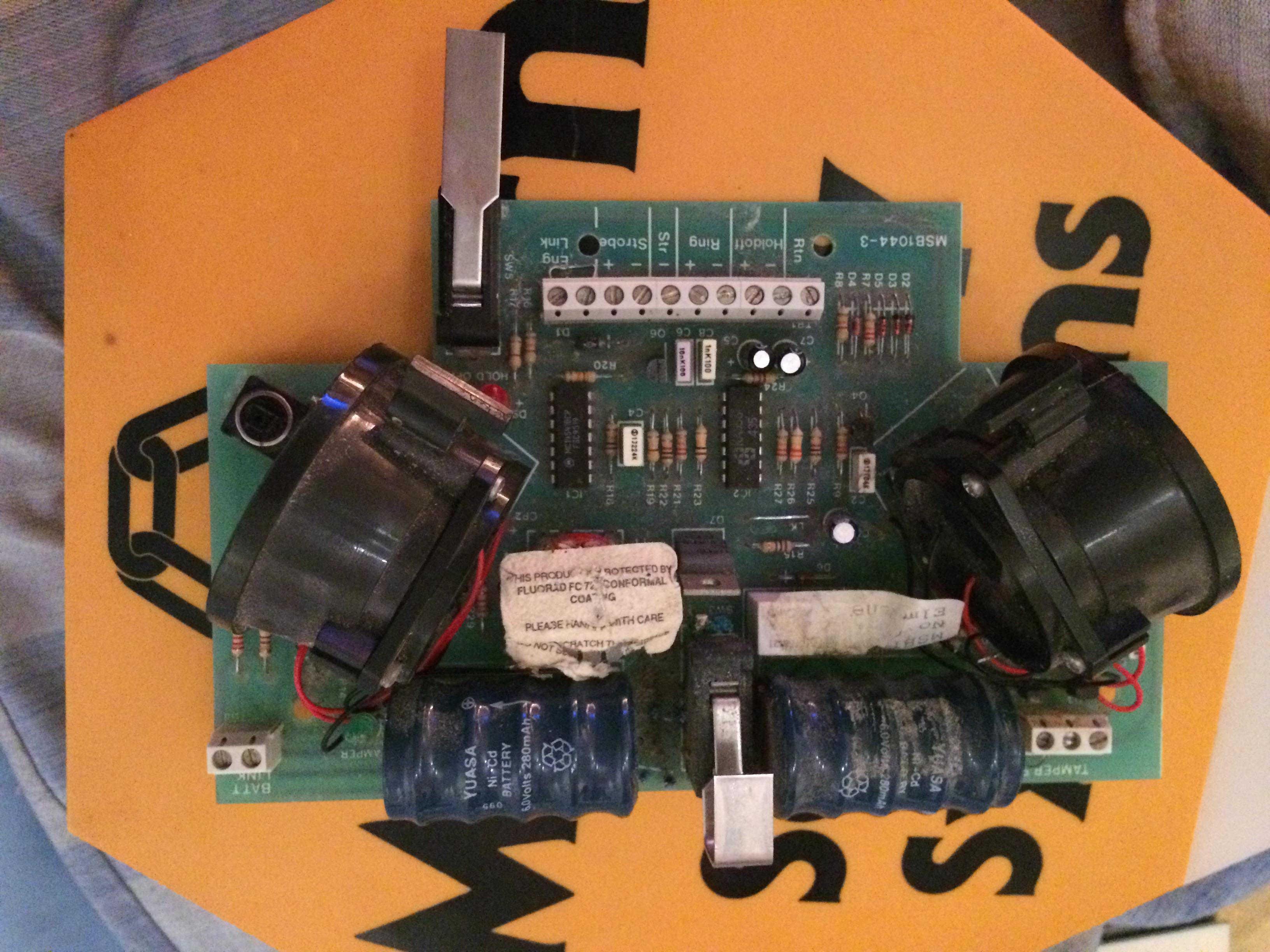
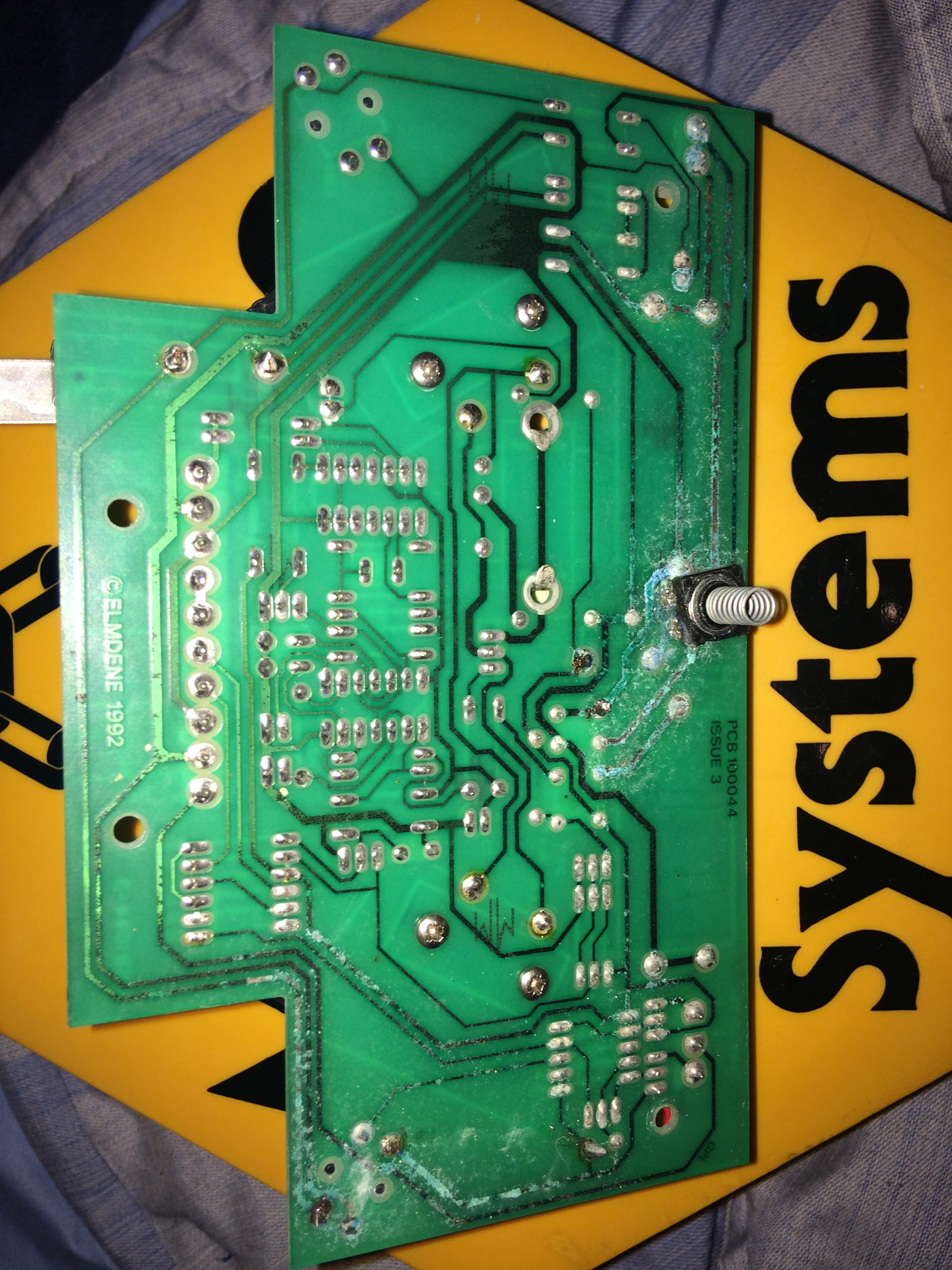
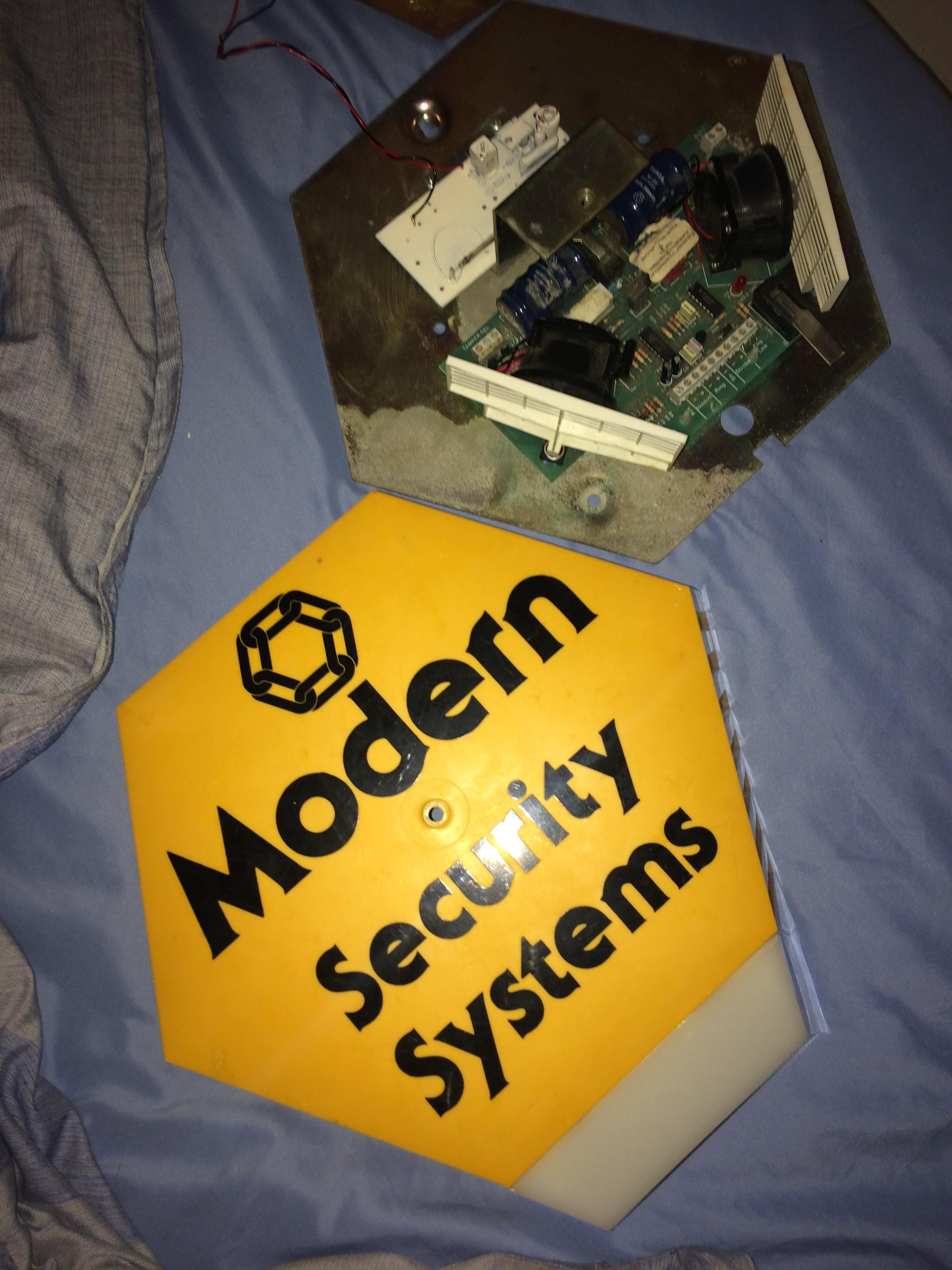
I have just got a new Modern Security Systems bell box, made by Elmdene, dated 1992, however when power is applied, both sirens will sound very quietly, not at full power t all. Is this a problem with the bell box, or the wiring? I just put 12V into the Hold Off and it started sounding very quietly. Does anyone know if this has SAB/SCB functionality, or is it just SAB? If it is SCB, i know that it is the batteries that are the problem, I just need to change it back to SAB somehow, if this is the case. Thanks In Advance
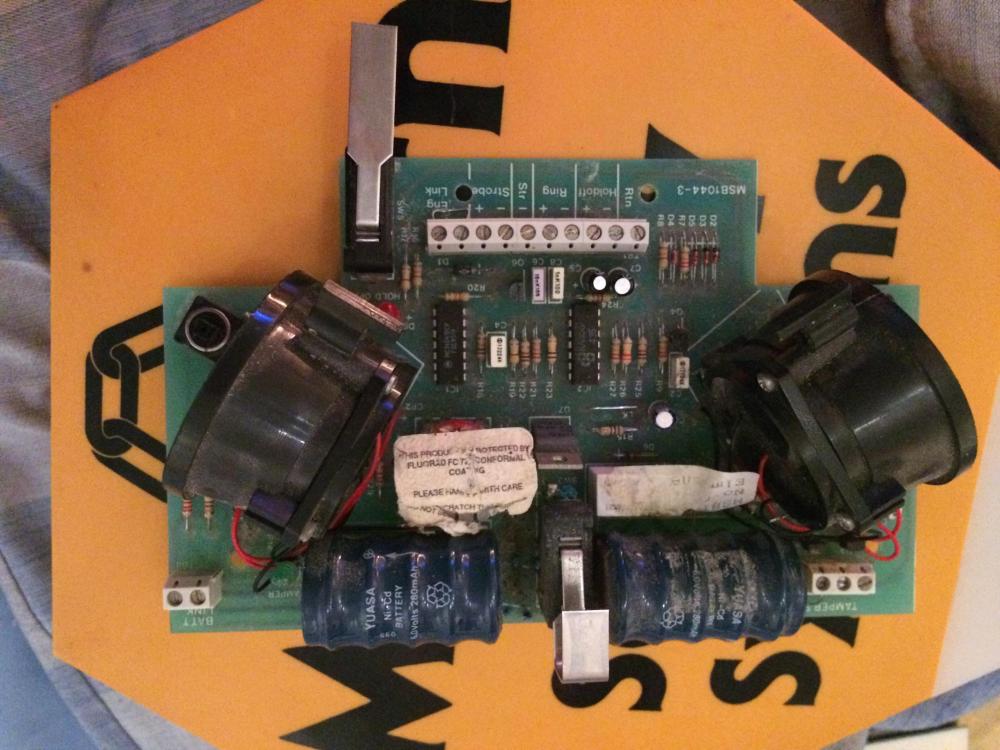
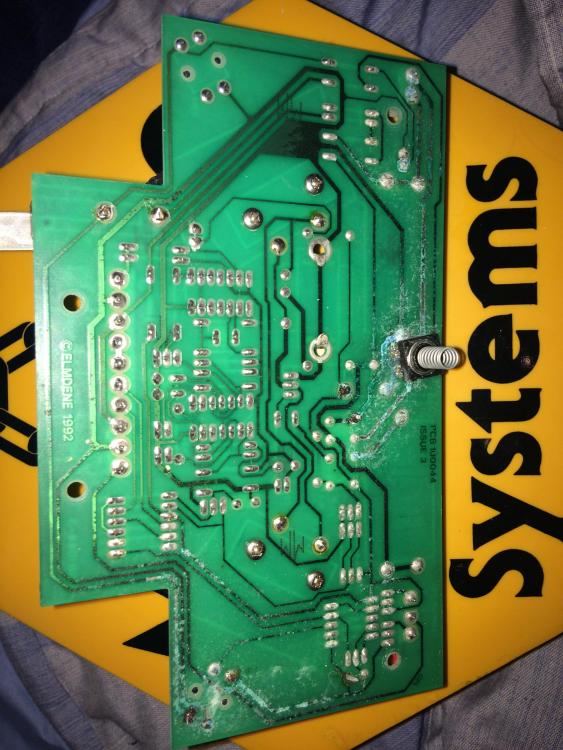
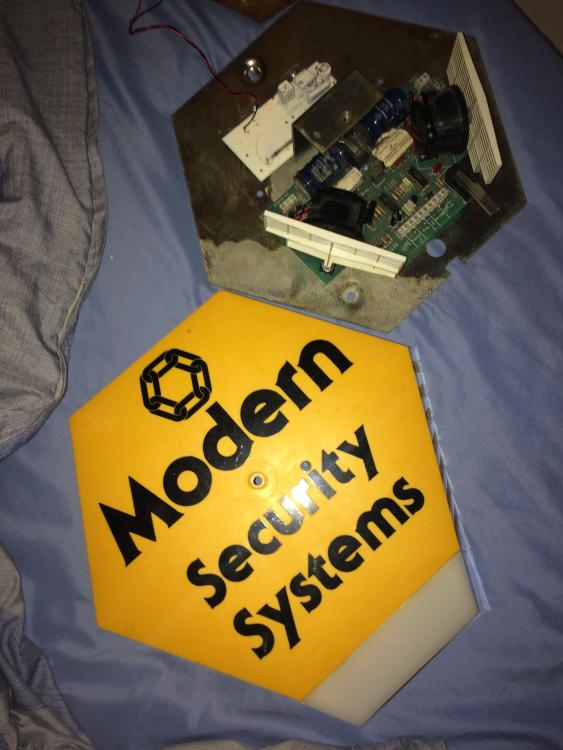
-
I guess so, didn't think of that lol Didn't think of that, wither. I was just curious, I need to get myself a high end alarm panel.
-
The Prox is a good feature, but an app on a phone makes it seem less secure, someone gets hold of your phone and it doesn't have a pass lock, they can unset your home alarm
-
I think I said tat wrong, all I meant was it has become so complex, it may put some people off wanting an alarm, or they may find it too complicated, compare an Optima XM to the Vanderbilt SPC alarm, surely the XM is easier to use, programme and may even be more reliable, with the only thing to go wrong a battery charging resistor
-
Ha, maybe, although I like Xmas the way it is. It seems that alarms are so complex now, there is lots to go wrong with them
-
With all of these alarms and their new features, that can contact you and do all sorts of other things, like home automation, do you not think the true meaning of a home alarm system has been forgotten? It is nice to have all of these new features, however, it can be very complicated, and may even be less reliable.
-
The panel looks like a Response Mi-Guard I didn't even know that the panel existed, looks strange. I'll bet its expensive. I always thought the Castle panels were high end. Maybe a Galaxy for my home, although, it seems to Commercial. Worst bell box would be an ADE Reson8, I hate the look of them, and the fact no effort has been made to make it the slightest bit water proof!
-
Where do people get the 'Jammers' from? Suerly, they must have to make them themselves
-
Wow, never seen one of hem before, the keypad has an Aritech look to it I think I would have some sort of Castle Care Tech panel, with flush mounted keypads. An Elmdene Rapier, and Guardall Dual-Tech PIRs
-
I don't even know anyone who uses their alarm anymore. How many new alarms do you install a week?
-
Ha, Lada is an ancient car, probably the Accenta equivalent of the car world The Optima XMs also appear to be pretty waterproof, I got one from a house that had been flooded, the grey facia was starting to peel off, but some glue and it was back, as good as new. Yeah, what sort of panel protects your home?
-
Yeah, I wonder what happened to Gen 1 and Gen 2, before they went to make Gen 3 and 4, I was told the Accenta 8 was the best, bullet proof, so long as you kept on top of the battery.
-
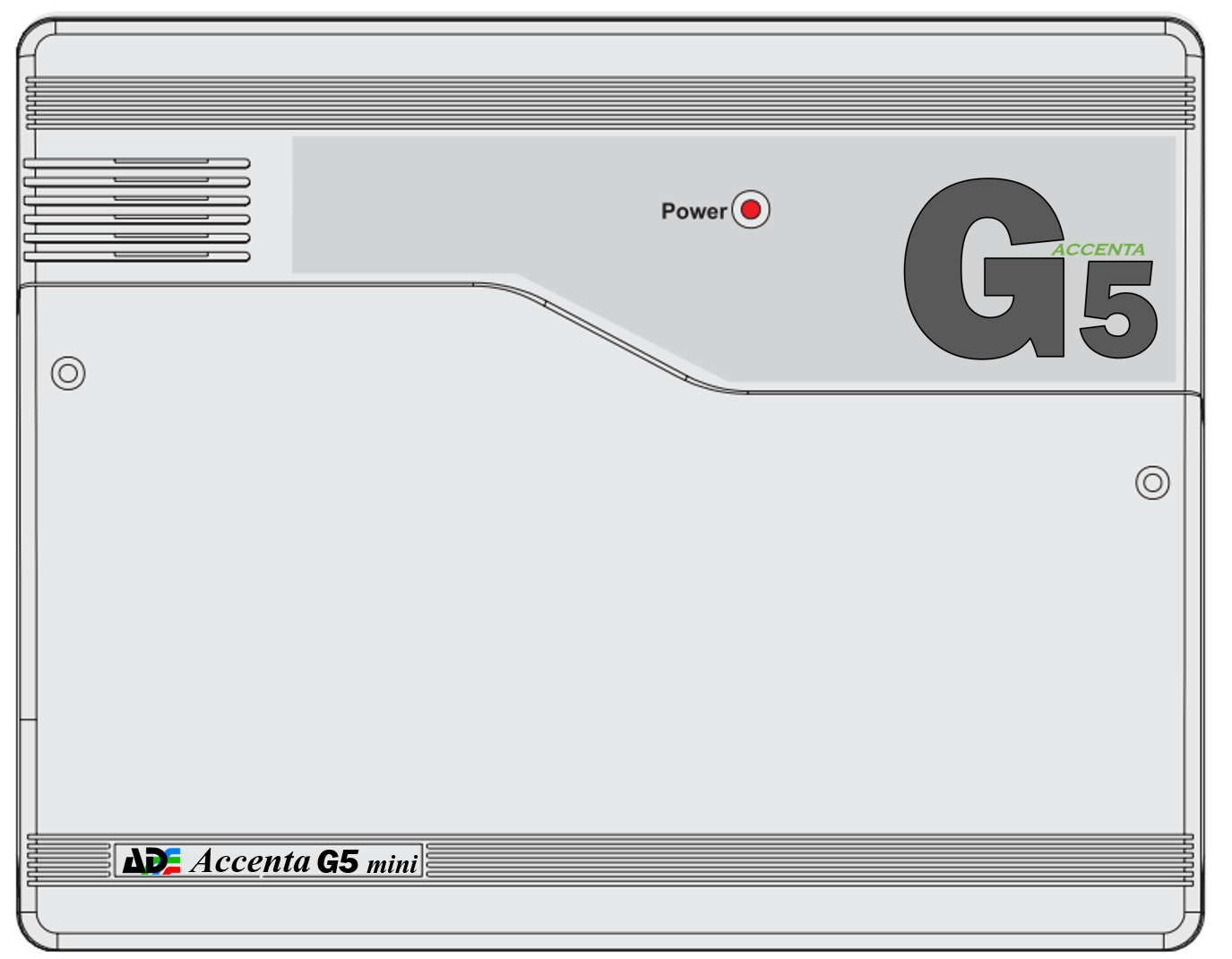
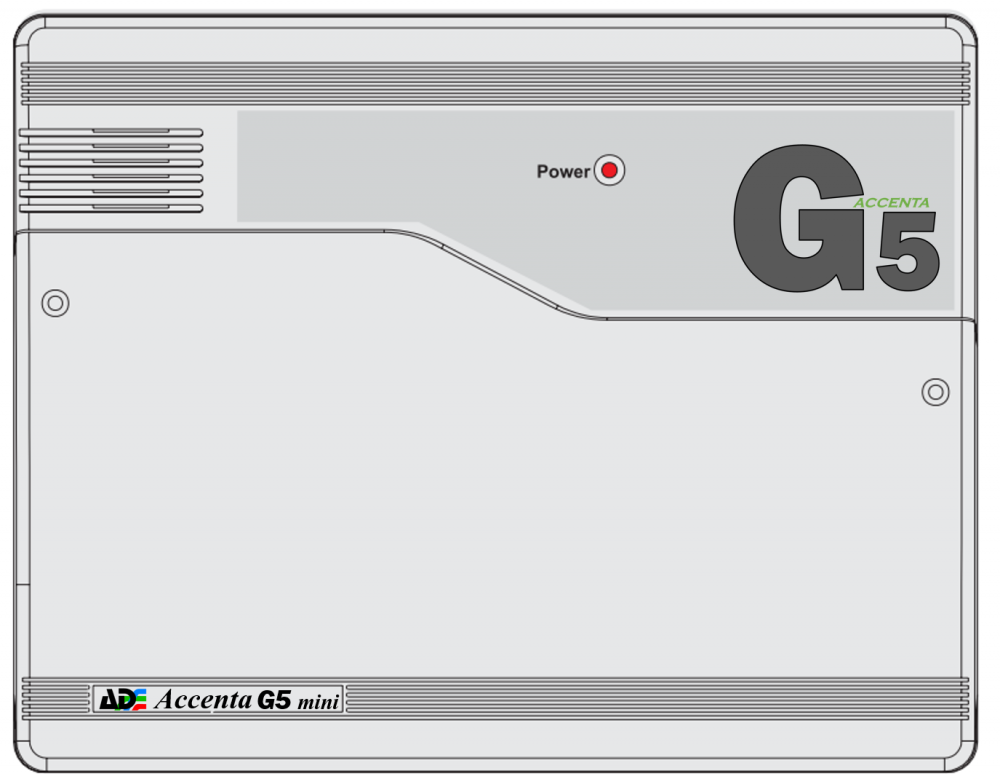
Ah, right. I wonder if anyone buys the Metal Accenta panels? They don't seem to sell as many. My Accenta G5 Concept
-
Ah, right, I see. Do customers ask about the security grade often or not?
-
Ha, well, I guess who is the customer to question, is the Accenta a Grade 2 alarm? I can see why the customer believed him, because the panel says G4 on the front, of course it is Generation 4 Software it's running, like its predecessor, the G3
-
Yeah, I would like one, but for some reason, some idiot decided to change the buttons from words to symbols! Looks stupid if you ask me. I wonder why they did that?
-
Didn't they make the G4, though? Surely they would still have the code. Was it Novar that made the G3? I would have thought after 11 years, it would be time for a new one. The G3 only lasted about 4 years.
-
Can anyone see Honeywell/ADE releasing a newer Accenta G5? Or do you think they will keep the G4 going and just discontinue it, if people no longer buy them anymore?
-
They are always on at full brightness. I thought it strange at first, but it doesn't really matter. I have an older style LCD Accenta keypad and they go out until you press a key.
-
You were close