_2d2230.png)
_5a42ce.png)

Wooly-bobs
Trade Full Member
-
Joined
-
Last visited
-
Display is ok James. I dont know why a proper keypad wasnt fitted on install. The original company was well known for corner cutting...
-
I've never been a fan of this particular panel mainly because its mounted in a right awkward place that requires contortion skills to work on.. I've checked the wiring, nothing a miss, did power cycle the unit but still a fault. I did tell customer that a new unit wasnt out of the question, this thing is old, the clock memory fails on it after being set.
-
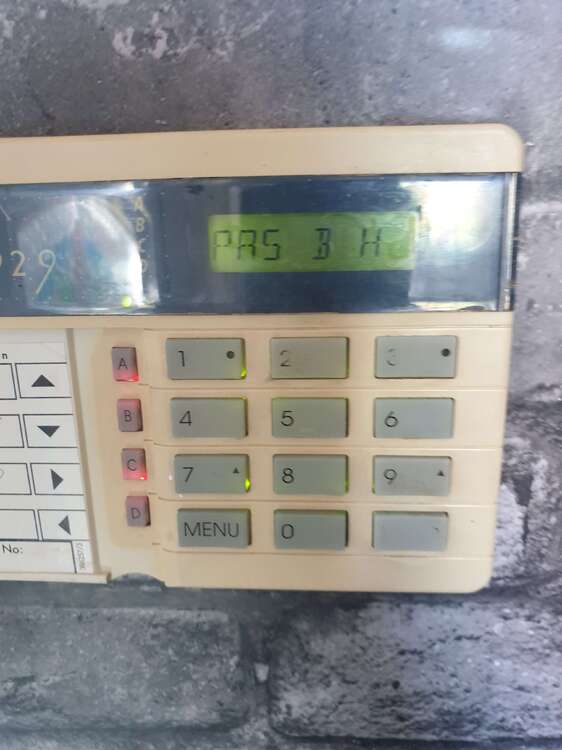
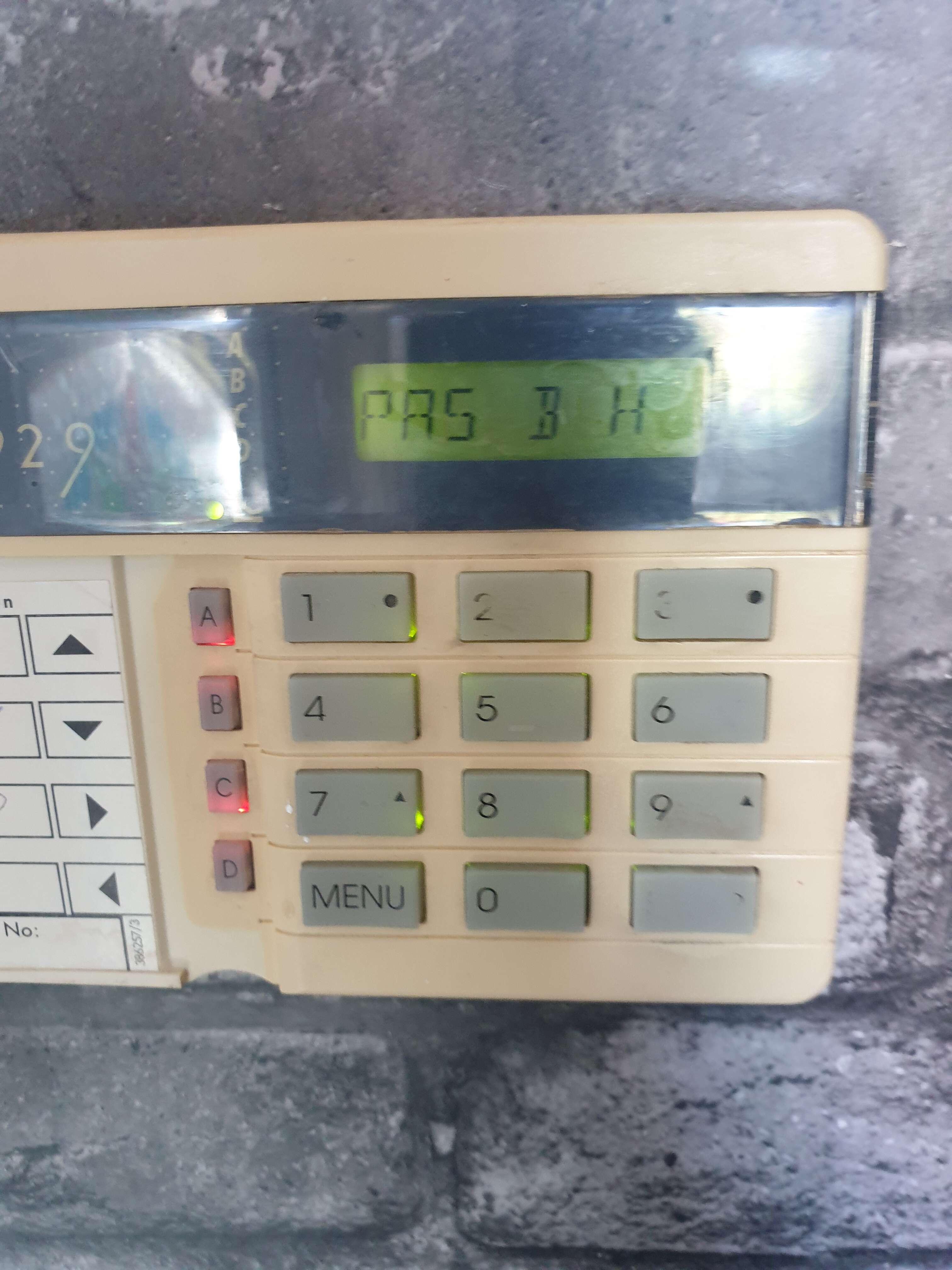
Got the manual from the SRI disc but the starburst descriptors dont list this particular fault code... it's a wierd one..
-
I've got an old 808 with a fault that will not clear. The LCD star burst display reads: PAS B H or PA5 B H as it's a star burst display its difficult to read. Any ideas as all ccts are ok... It fails test on existing eng mode.