Skip to content
View in the app

A better way to browse. Learn more.

Security Installer Community

A full-screen app on your home screen with push notifications, badges and more.

To install this app on iOS and iPadOS
  1. Tap the Share icon in Safari
  2. Scroll the menu and tap Add to Home Screen.
  3. Tap Add in the top-right corner.
To install this app on Android
  1. Tap the 3-dot menu (⋮) in the top-right corner of the browser.
  2. Tap Add to Home screen or Install app.
  3. Confirm by tapping Install.

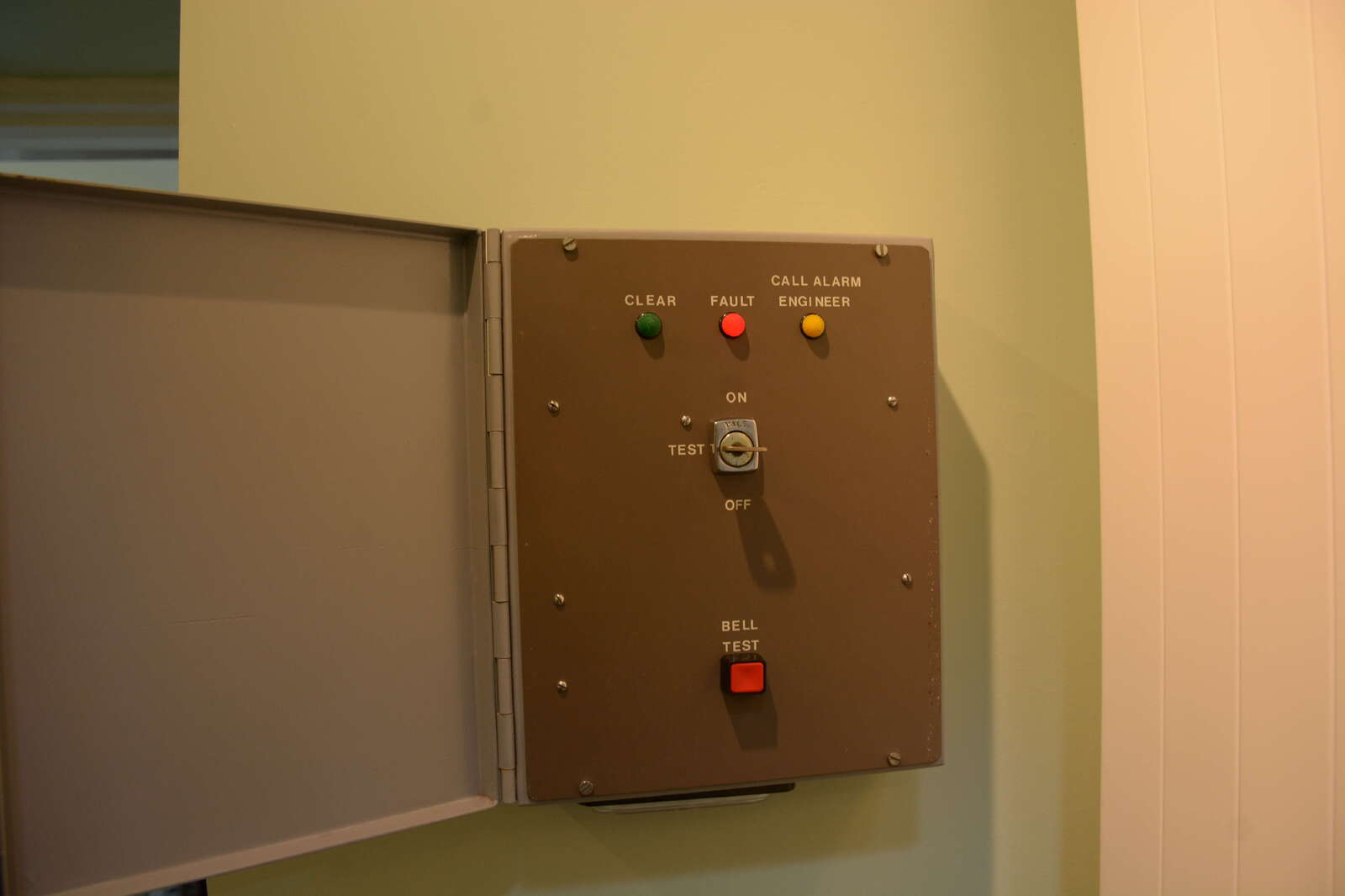
Old 41A control, one zone, with shunt lock

I knew this great starter panel as a 41A control used / installed in the 1970s, Smart metal box, with hinged lid to conceal unit, 12v external power supply, one cct, plus shunt cct. Indicators, Green Clear, Red Fault (key locked by a solenoid) Yellow Call engineer to reset if auto Dialer fitted. Bell test removed power from SAB to sound external bell. Yale key switch.

Copyright

© Ultrasonic
    • Upvote 1

    From the album:

    OLD alarm Equipment details

    · 2 images

    Photo Information

    • Taken with NIKON CORPORATION NIKON D7100
    • Focal Length 18 mm
    • Exposure Time 10/600
    • Aperture f/5.6
    • ISO Speed 500

    Important Information

    By using this site, you agree to our Terms of Use.

    Account

    Navigation

    Search

    Search

    Configure browser push notifications

    Chrome (Android)
    1. Tap the lock icon next to the address bar.
    2. Tap Permissions → Notifications.
    3. Adjust your preference.
    Chrome (Desktop)
    1. Click the padlock icon in the address bar.
    2. Select Site settings.
    3. Find Notifications and adjust your preference.