_2d2230.png)
_5a42ce.png)

hootenanny321
Member
-
Joined
-
Last visited
-
Yea, looking at the documentation online - the 4G/Wifi modules need minimum v4.4 I see there is also an Ethernet module available. Tomorrow I am going to phone around some HKC accredited installers in South Manchester and see if they would be happy to do ad-hoc service, or if push comes to shove I'll get a service contract. I am a Software engineer and love tinkering, so hopefully they'll be alright with me poking and prodding the alarm system, as I am curious if I can get Home Assistant to communicate with the alarm in the future once its on my LAN.
-
I am going to see if there are any installers who could update my software for me, then I can fit a 4G / Wifi module and use the SmartComm app.
-
So when I tested it there: 1. Walked into Zone Lounge (Alarm) 2. Alarm triggered / panel bell and siren went off. 3. Went to control panel and entered code, immediately stopped (my neighbours probably hate me now)
-
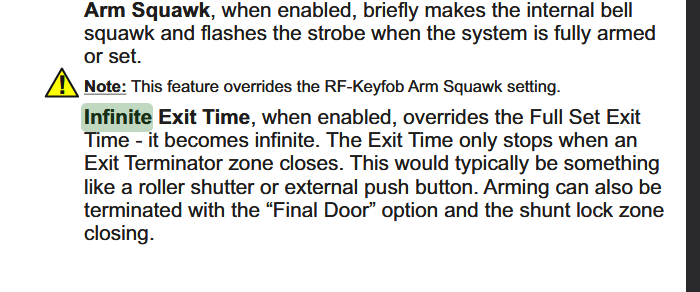
Thanks, I just had a nosey an looked in the System Overview On there it showed a setting called Infinite Exit - ON This peaked my curiosity even more and I went and looked in the engineers manual. I turned it OFF and now the alarm countdown works and it arms succesfully. Such a stupid thing to have turned on by default, wasted about 5 hours of my time, oh well. Thanks for rubber ducking 🦆
-
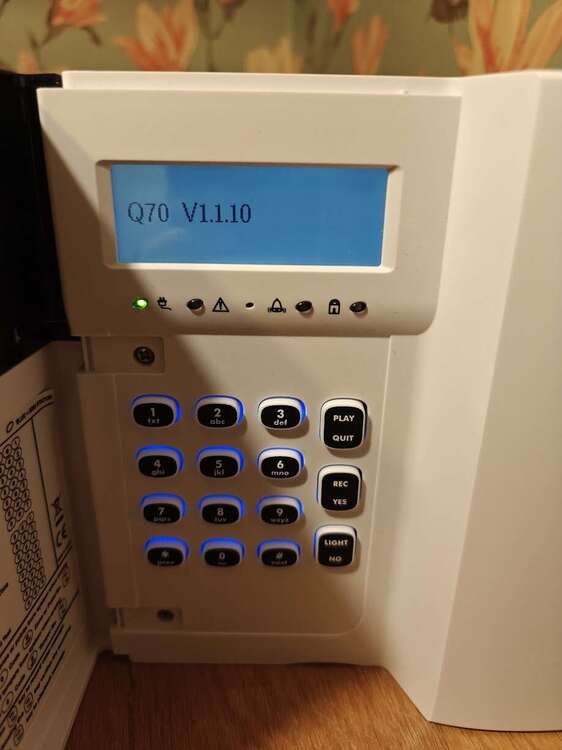
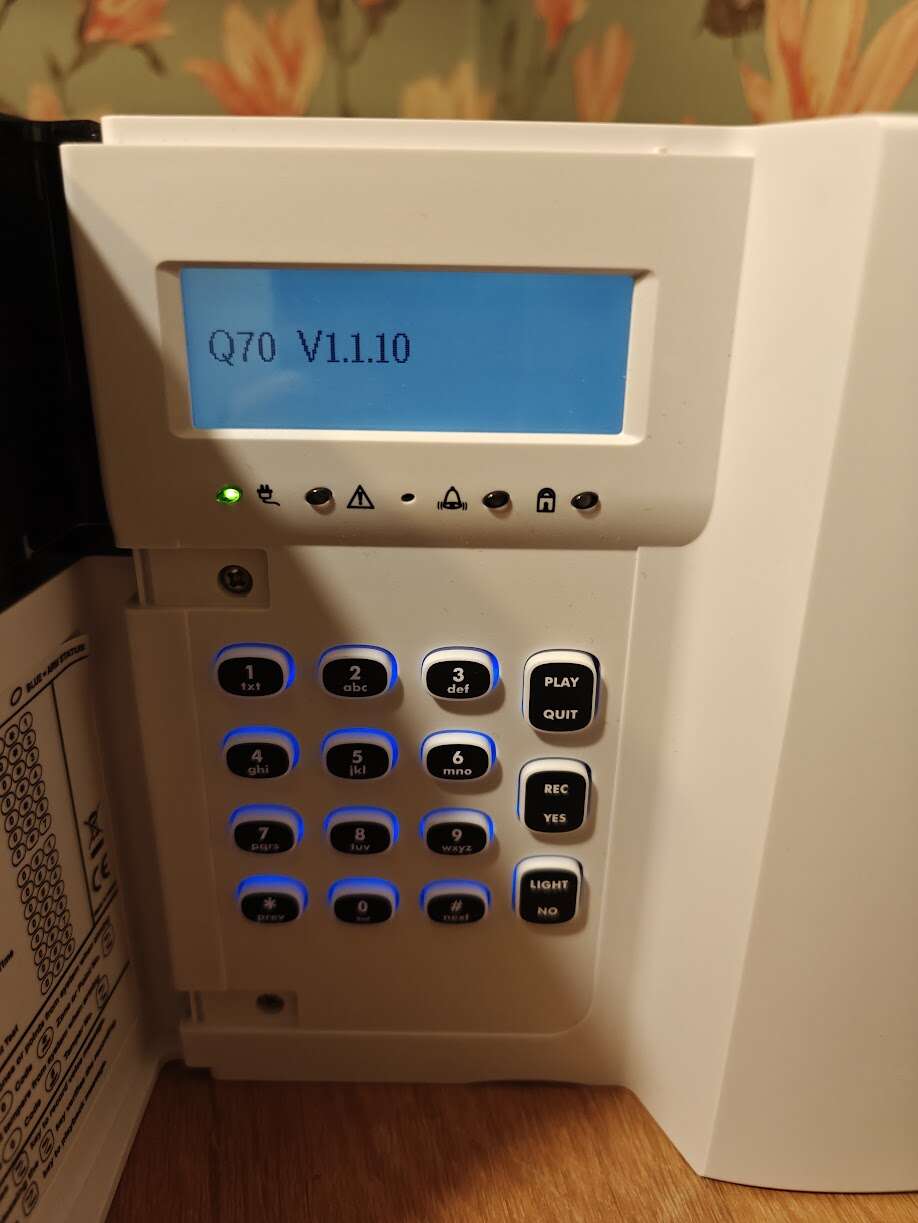
Long story short, a family member used to be in the alarm industry. They had a HKC 70 Quantum kit (2 x PIRs, 1 x Door contract, 1 x SABB) they gave me for free. I setup the alarm using the engineering manual. Here is what I have done: Setup 3 zones (Hall, Lounge, Kitchen) Added RF devices (PIR 1, PIR 2, Door contact) Assigned RF devices to each zone Door Contact => Hall Zone => Entry / Exit PIR => Lounge => Alarm PIR => Kitchen => Alarm Assigned two users (each with different codes) Added proxy FOBs for each user Did a walk test, all devices work, no faults Checked battery levels on all RF devices - 100% Timers - Entry / Exit - Unchanged (default 15 seconds) When I type in my user code and select "Full Set" it just has a constant tone and doesn't seem to arm, I waited 10 minutes until my ears started to bleed, but it wouldn't arm. However if I select "Quick Arm" and test the door contacts or PIRs, it works and triggers the countdown, or alarm respectively. The software version is : 1.1.10 Any ideas?