


_2d2230.png)
_5a42ce.png)

naeem7861
Member
-
Joined
-
Last visited
Everything posted by naeem7861
-
Hi thanks for getting back to me so you can only use the this panel with the same frequency devices correct ???
-
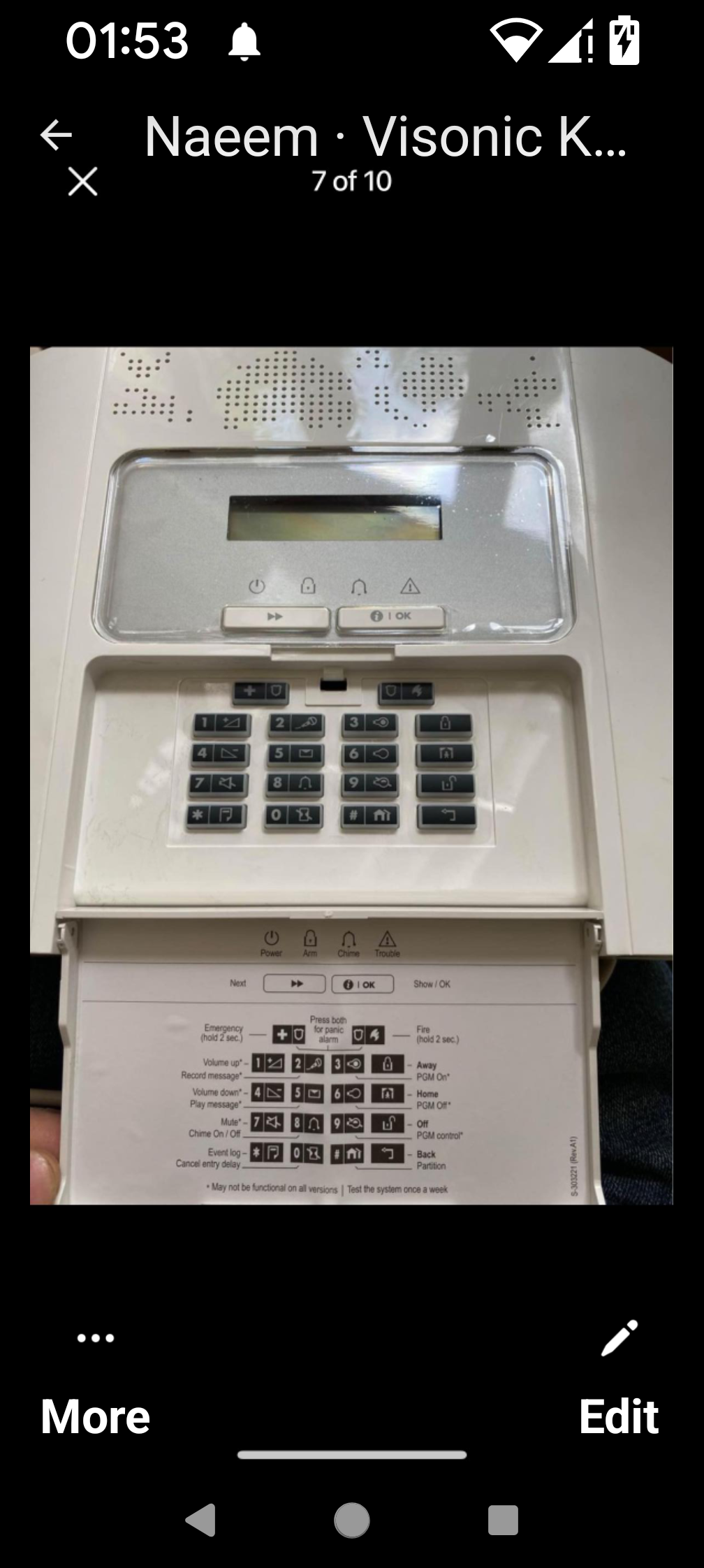
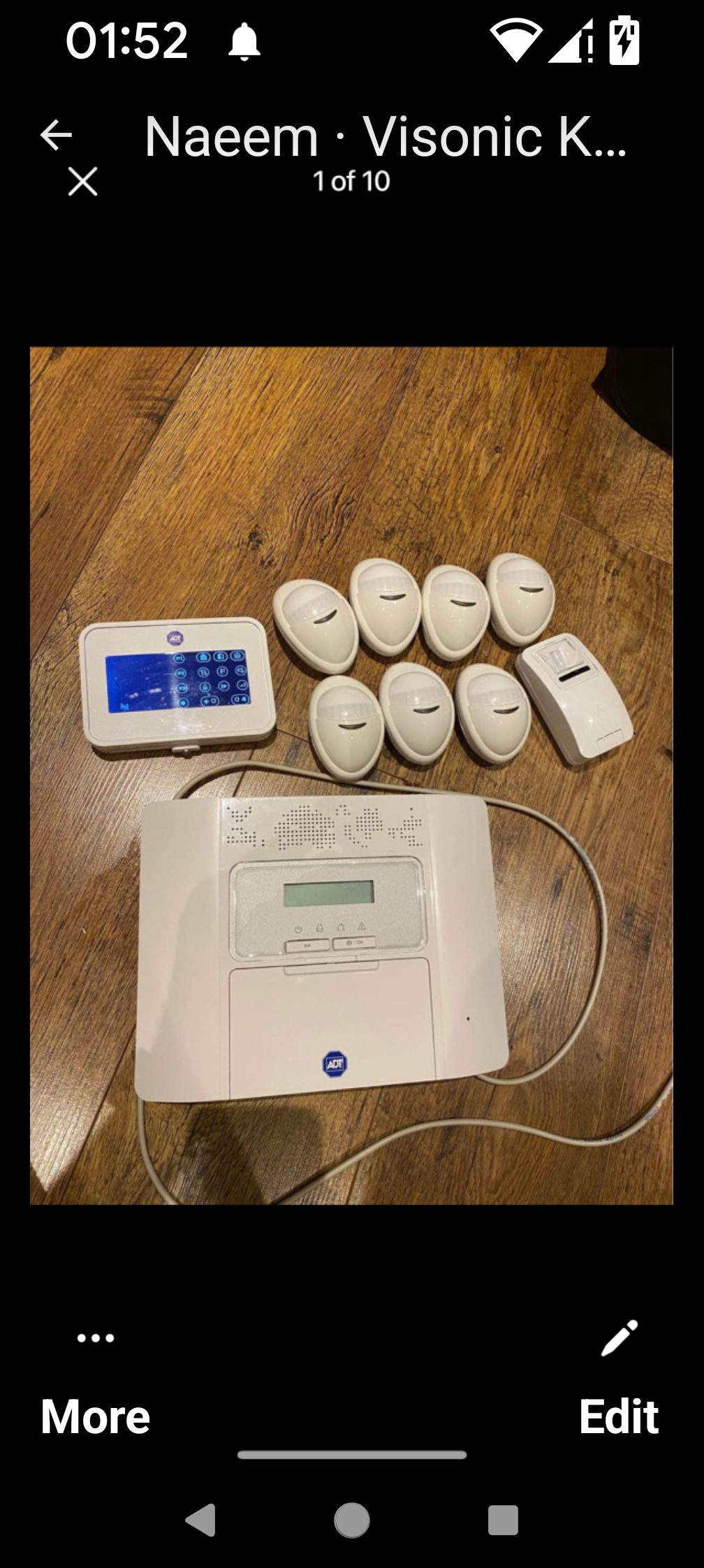
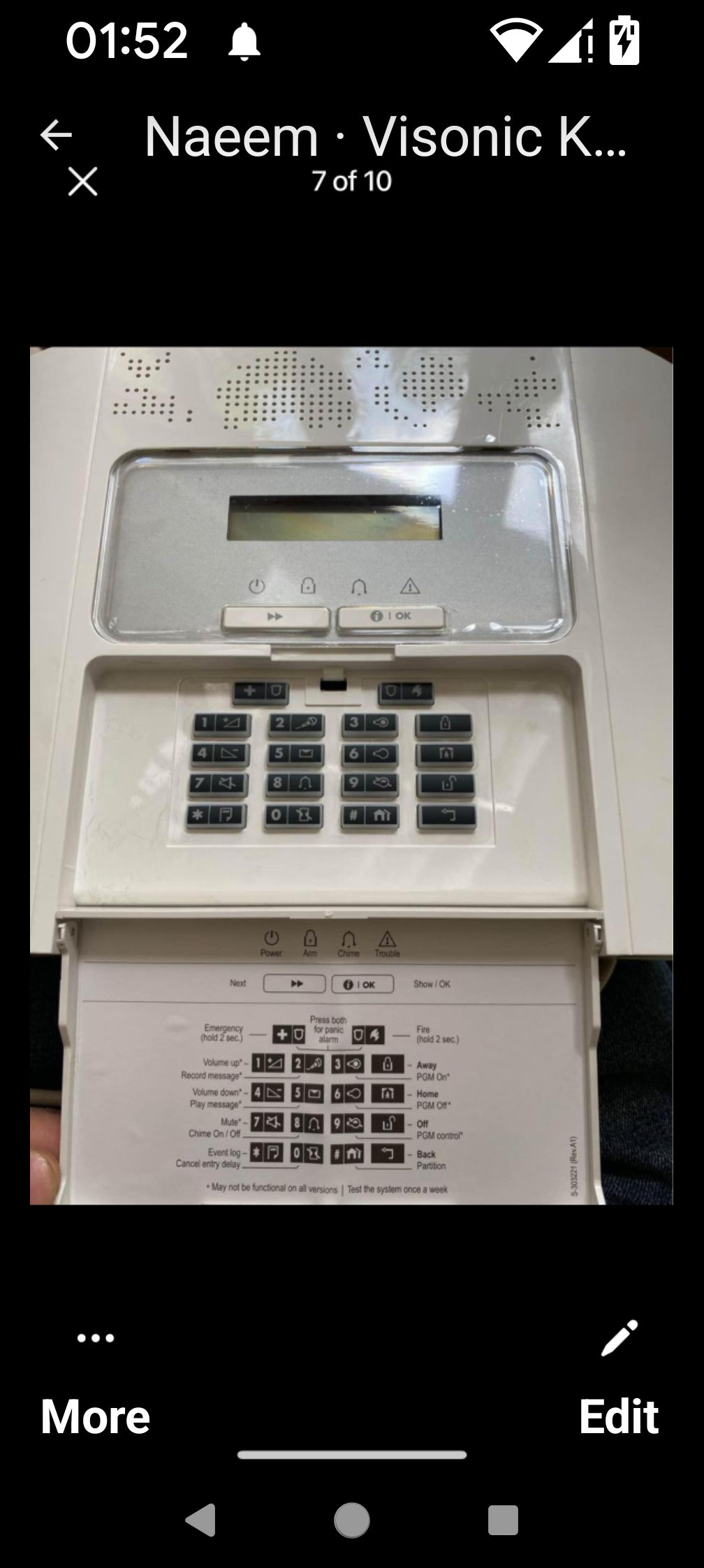
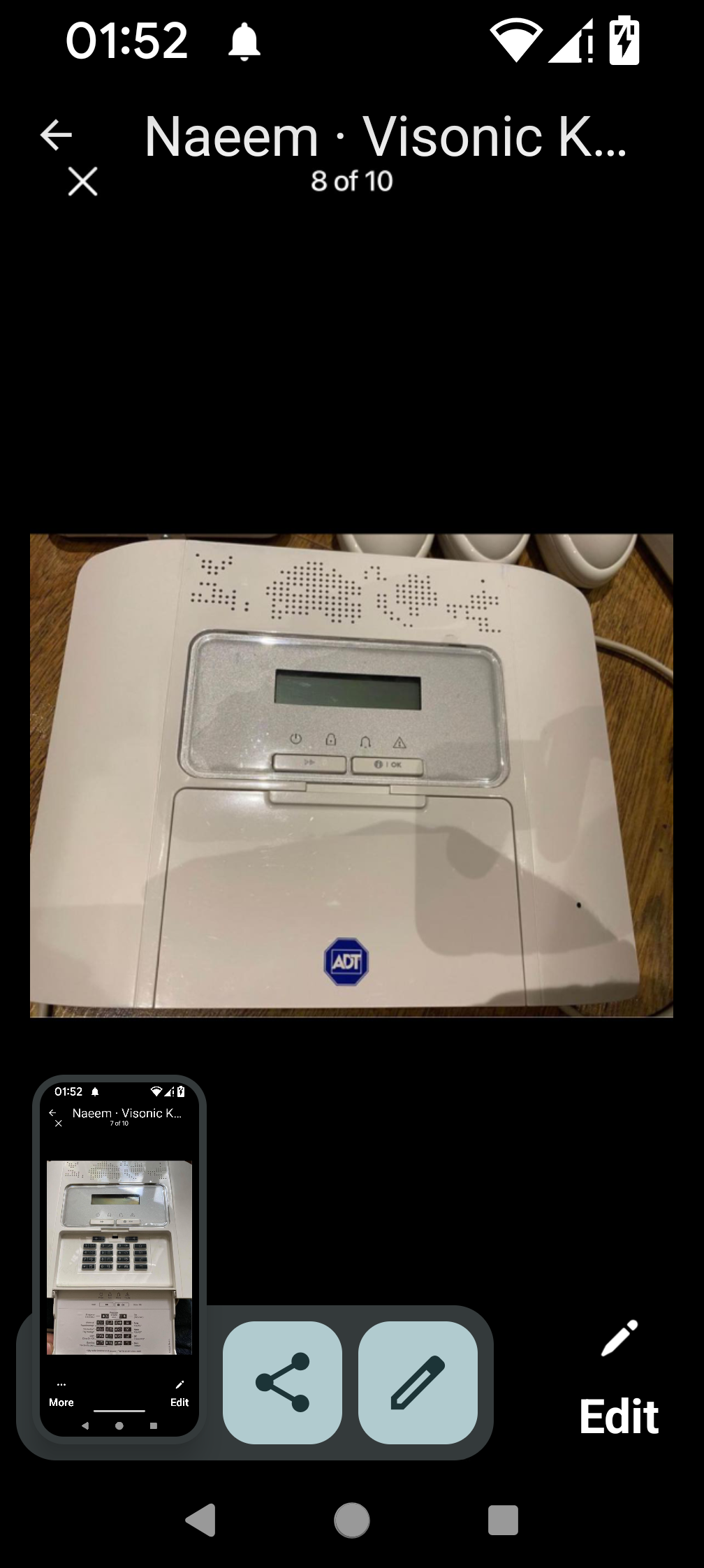
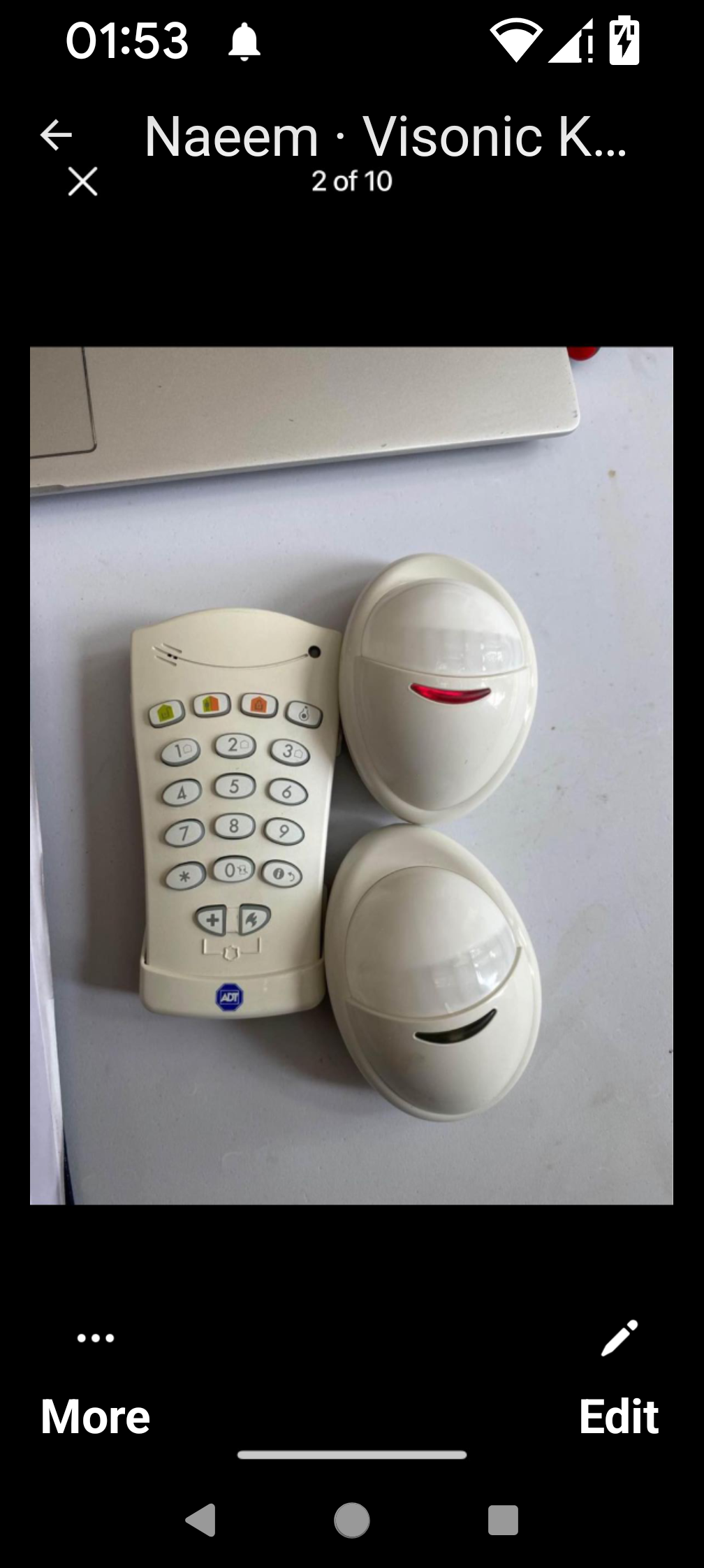
Hi James also can I factory reset the codes to default would be greatfullIt's a powermaster 30 can it work with the visonic go appHi James this is a pic of the alarm unit
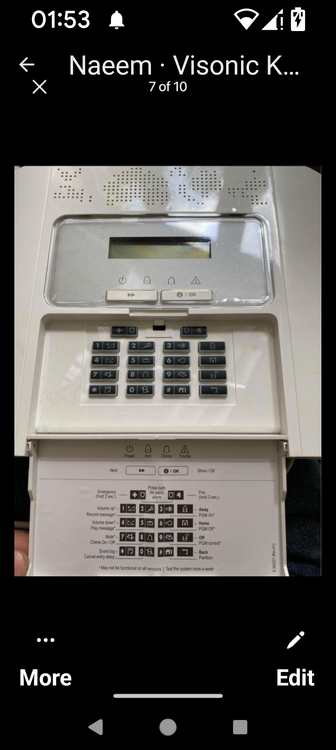
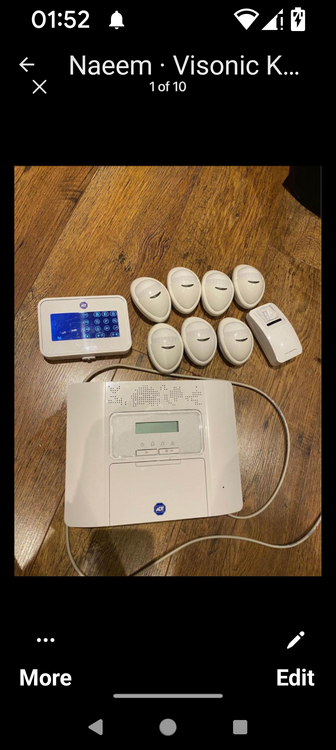
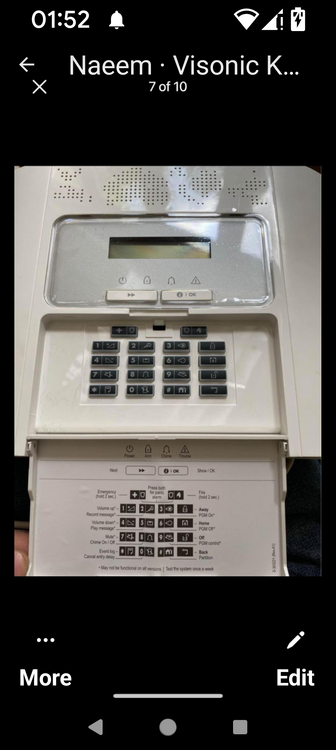
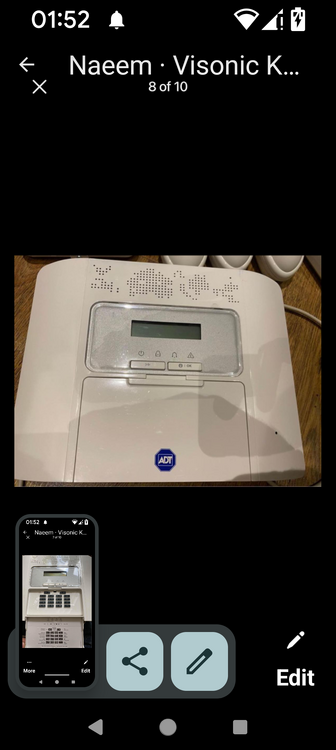
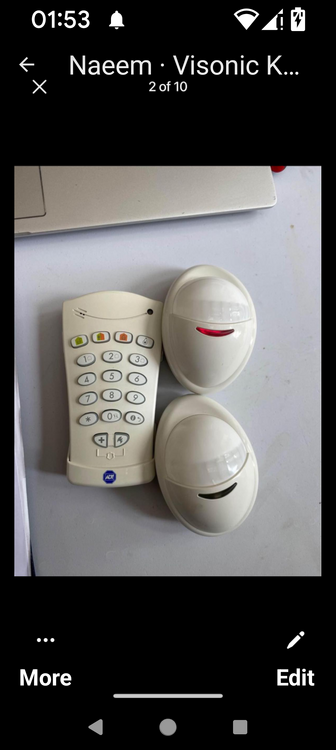 Hi sorry yes it's a powermasterHi I got a visonic powermax alarm unit it works fine but needed to know how todo part settings for alarm to arm door contacts for night only any help would be greatfull thanksHi yes there are on the circuit attributesHi thanks for getting back to me all the system is working fine but I need to put some zones in for part settings to arm only in the night any ideas please also I do have the full risco software so I can do it via my laptop Kind regards NaeemOk thanks for letting me knowHi I just setup a new alarm system at my disabled parents home I got everything to work full zone settings but can't seem to get the part settings correct for night time zone tobe active can anyone help please would be greatfull thanks
Important Information
By using this site, you agree to our Terms of Use.