_2d2230.png)
_5a42ce.png)

Rad1o
Newbie
-
Joined
-
Last visited
Everything posted by Rad1o
-
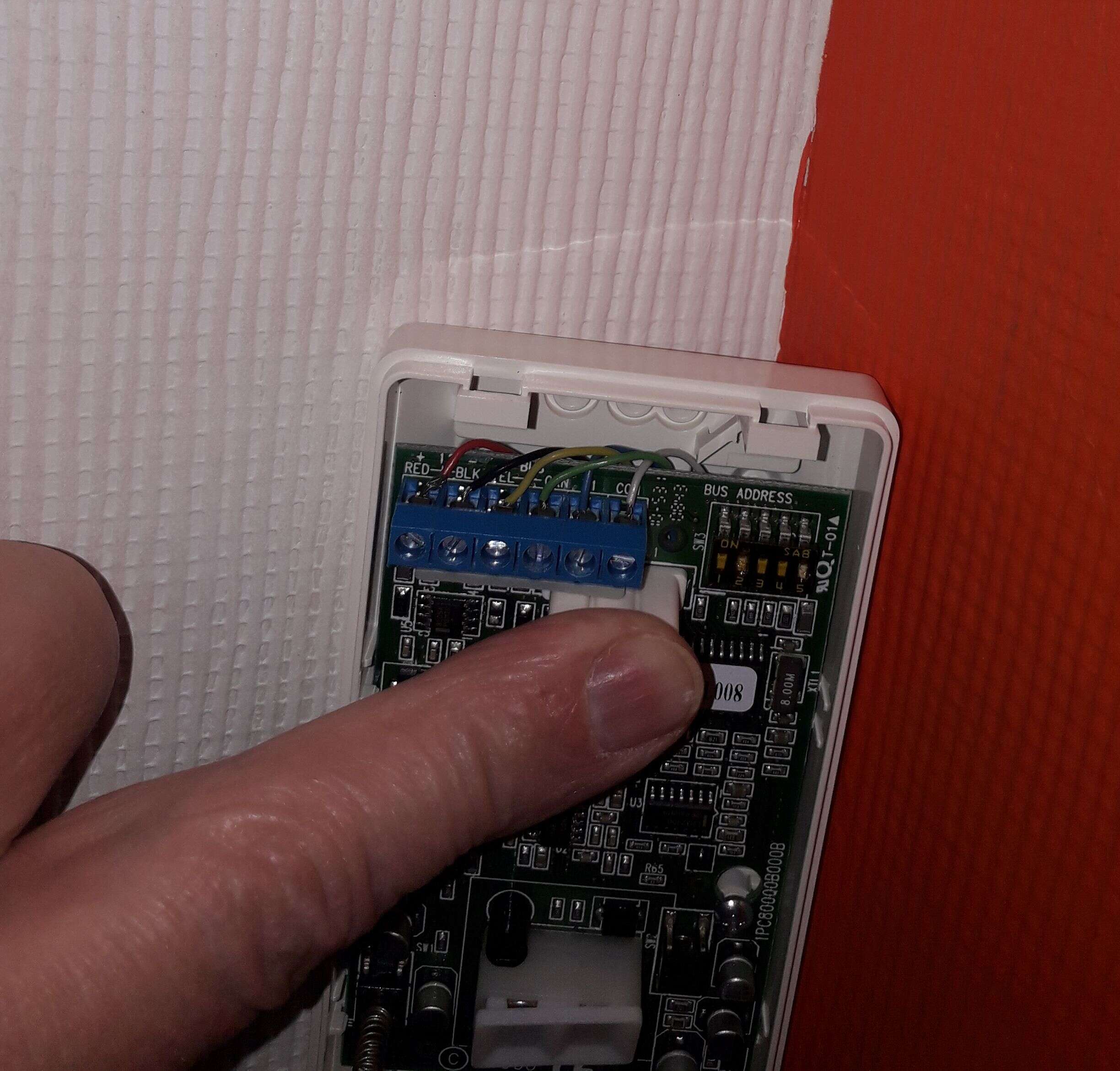
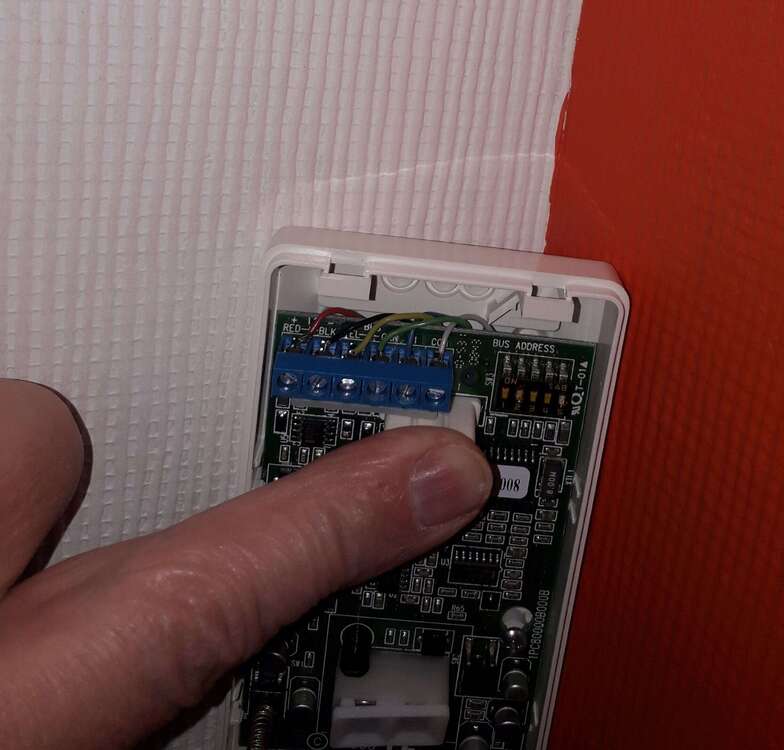
Hello, We have had a Scantronic 9448+ for a while. It was installed in the house when we moved in. It has been working fine and only needed little attention over the years. I changed the battery and about 6 years ago we had a PIR changed. Recently the alarm played up. The alarm triggered when we set it almost immediately. I checked the log with 8 - enter - code and it indicated one faulty zone - actually with the recently changed PIR - and I ordered a new PIR. As the older ones are Risco I ordered a Risco iWISEBus. The PCB is different but I thought it should work.... In the process of changing the PIR I triggered the alarm a few times when wires were touching. Once the new Risco was wired up I could not arm the alarm any more. The panel is showing the tamper LED and when I key in the code I can hear a beep. I have not opened the main panel yet. I have attached a picture of the wired in Risco iWISEBus. Can anyone help please. Why should the alarm start showing the tamper LED constantly after alarms have been triggered?
-
I am a DIYer and am looking for some good advice.