_2d2230.png)
_5a42ce.png)

city service
Newbie
-
Joined
-
Last visited
-
thank yo so much
-
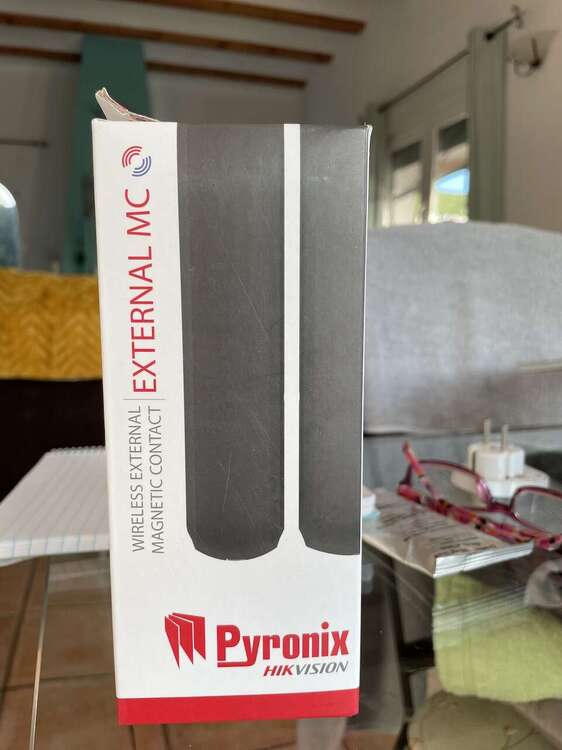
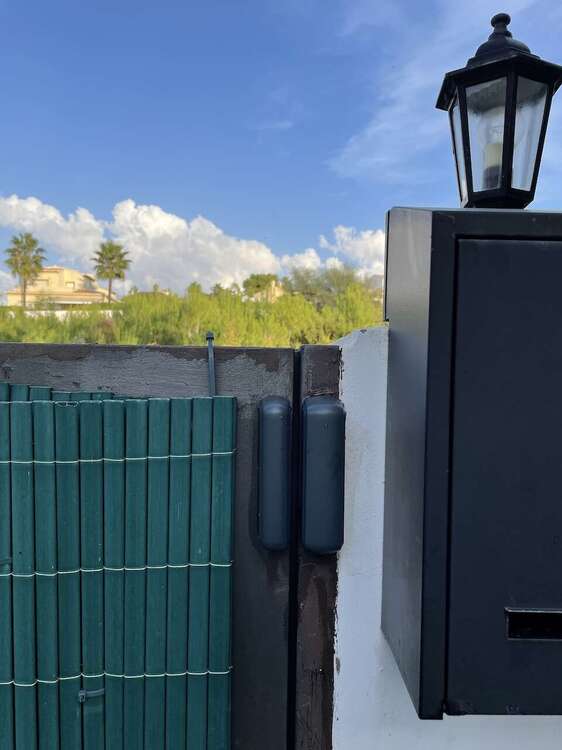
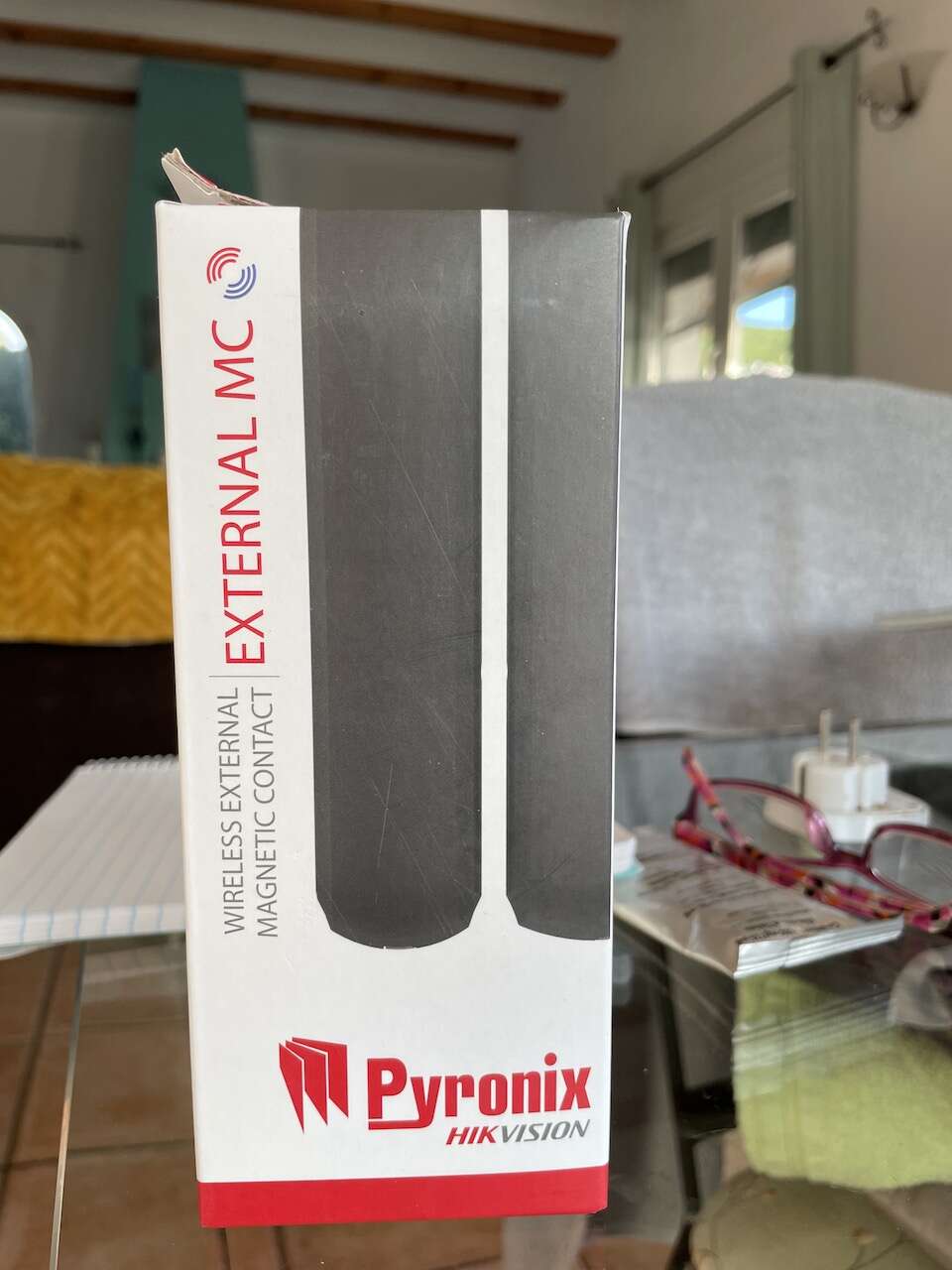
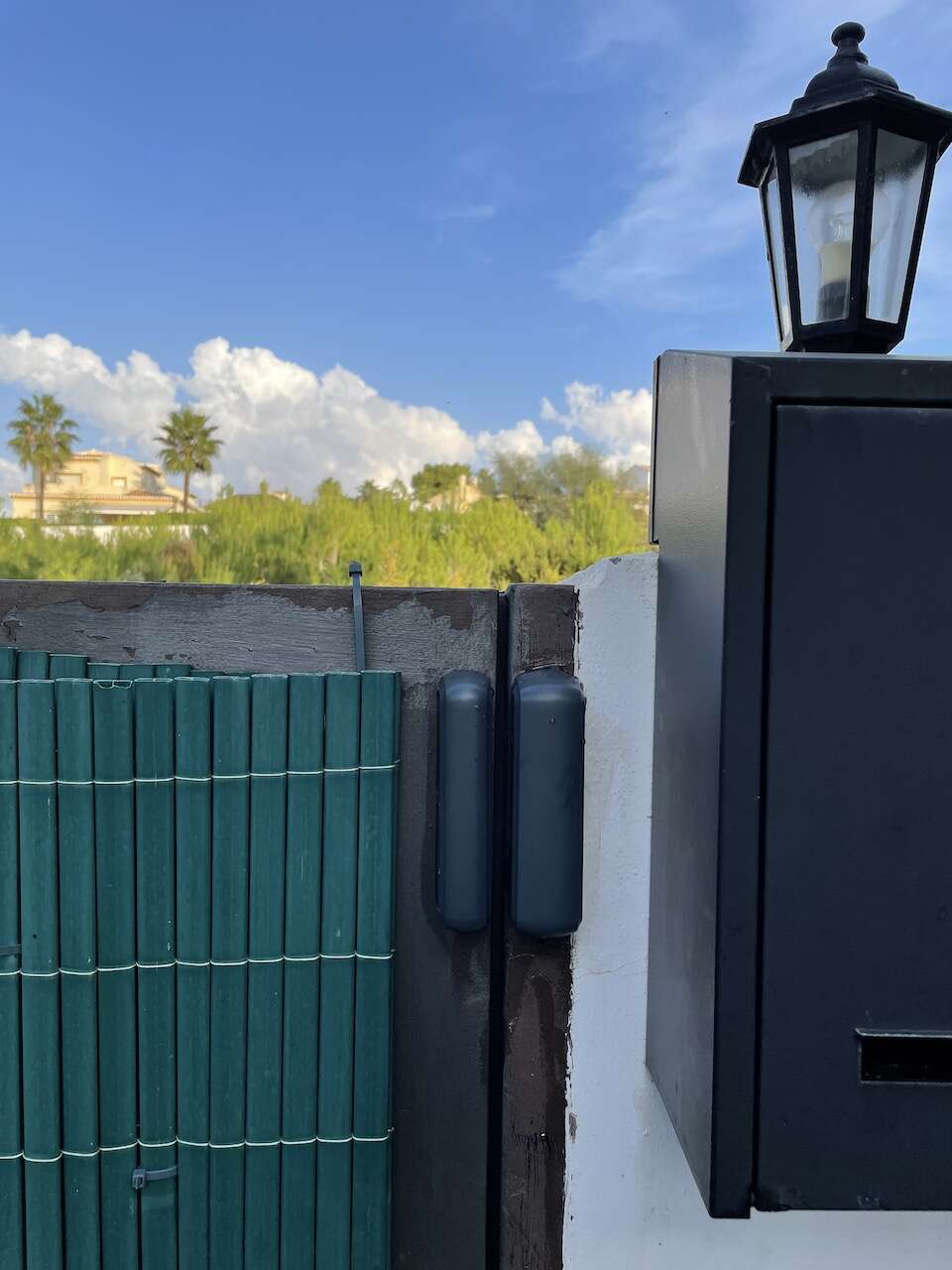
Hi, I wonder if you can help. A little info first maybe. I used to work for an alarm company many, many years ago. Old wired systems. I have installed two of the old Pyronix systems, wired. One in my house, one for my Daughter. Since then, I have installed 3 Enforcer systems, V11. One to replace my old Wired Pyronix, one for my Daughter and one in my holiday home. This is where my question come in, if anyone could help please?. I have fitted a Pyrinox External MC Wireless Magnetic contact to my pedestrian access gate. I wanted to know if and how, I could program the input as a silent alarm. That is, so that it will not trigger the main Enforcer alarm, instead, sending a HU alert to the HomeControl2 app. The reason for this is so I can check when the Poolman/gardner comes onto the property. Also if anyone kicks the lock to get in (squatters).