_2d2230.png)
_5a42ce.png)

DavieRasins
Newbie
-
Joined
-
Last visited
Everything posted by DavieRasins
-
Are there any particular systems you would recommend?
-
I appreciate it is ancient, was hoping to avoid spending hundreds on a new system but it's served us well.
-
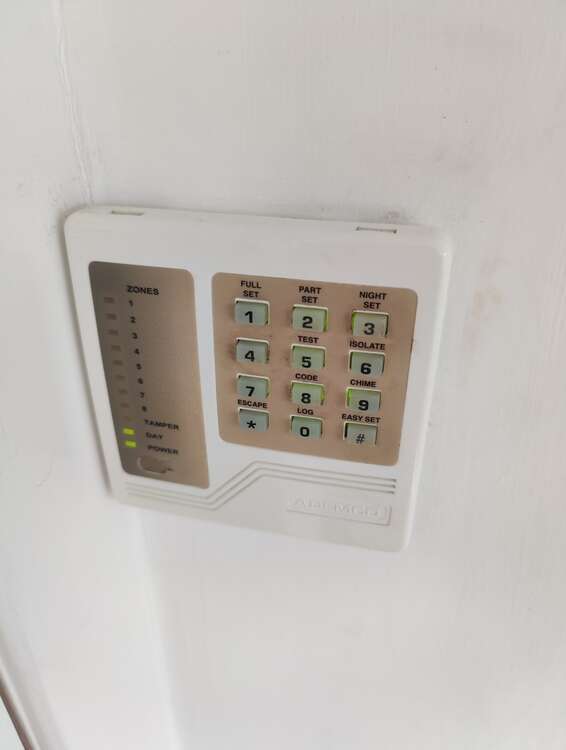
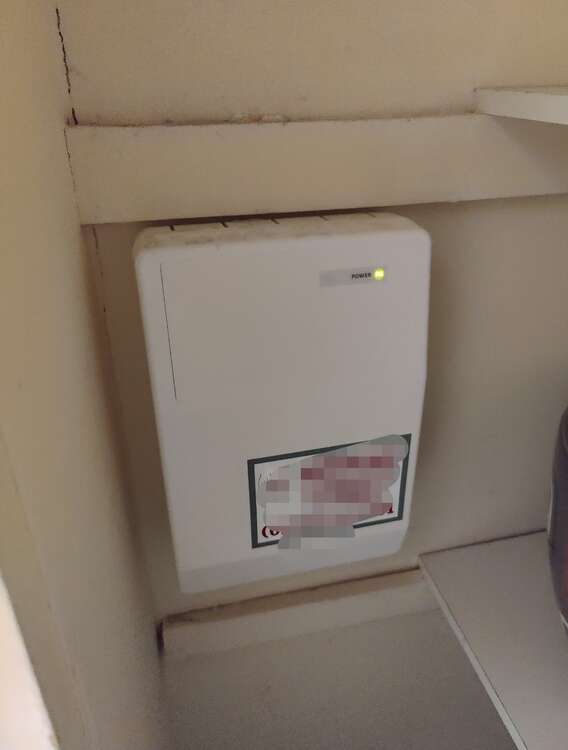
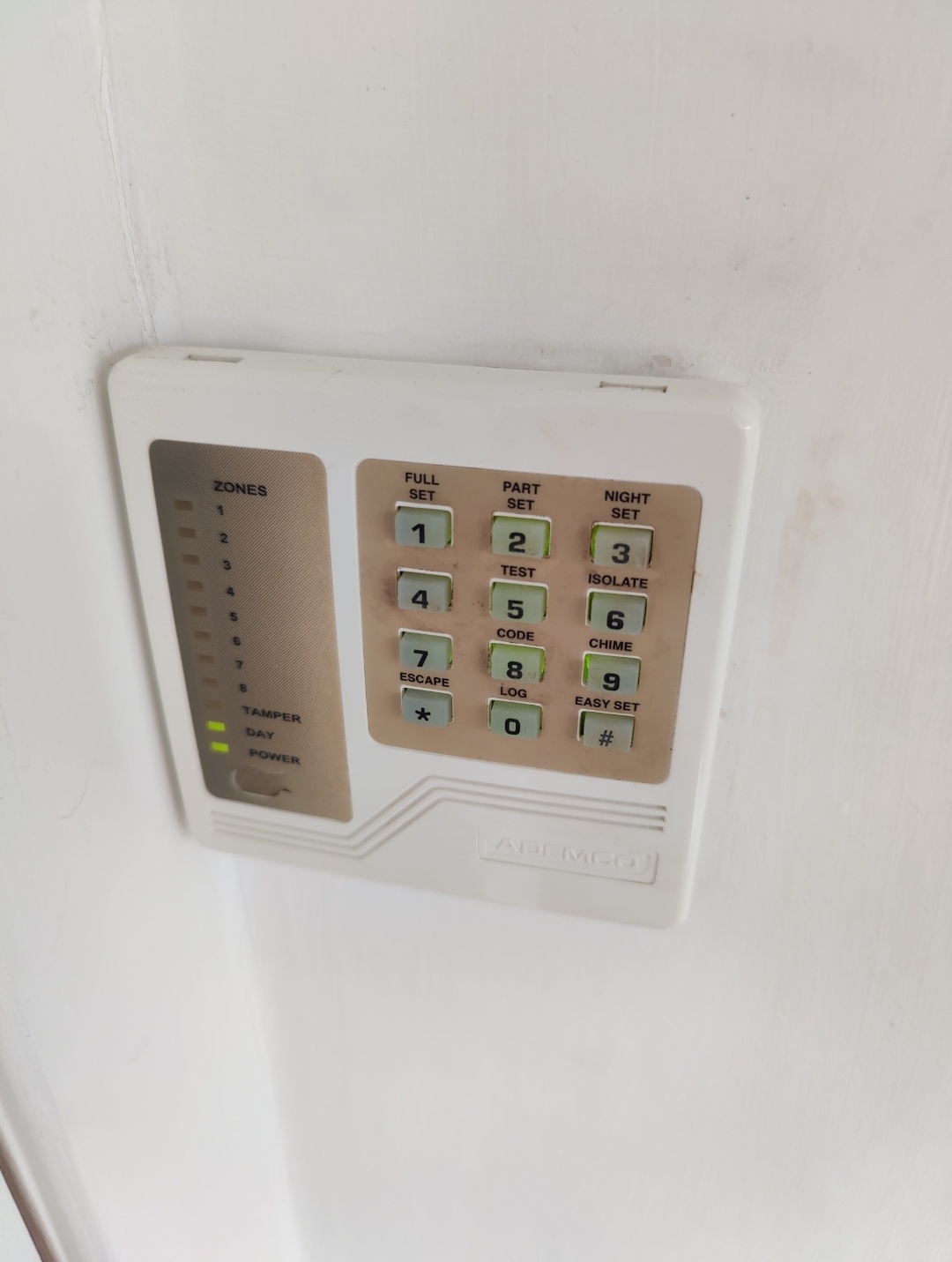
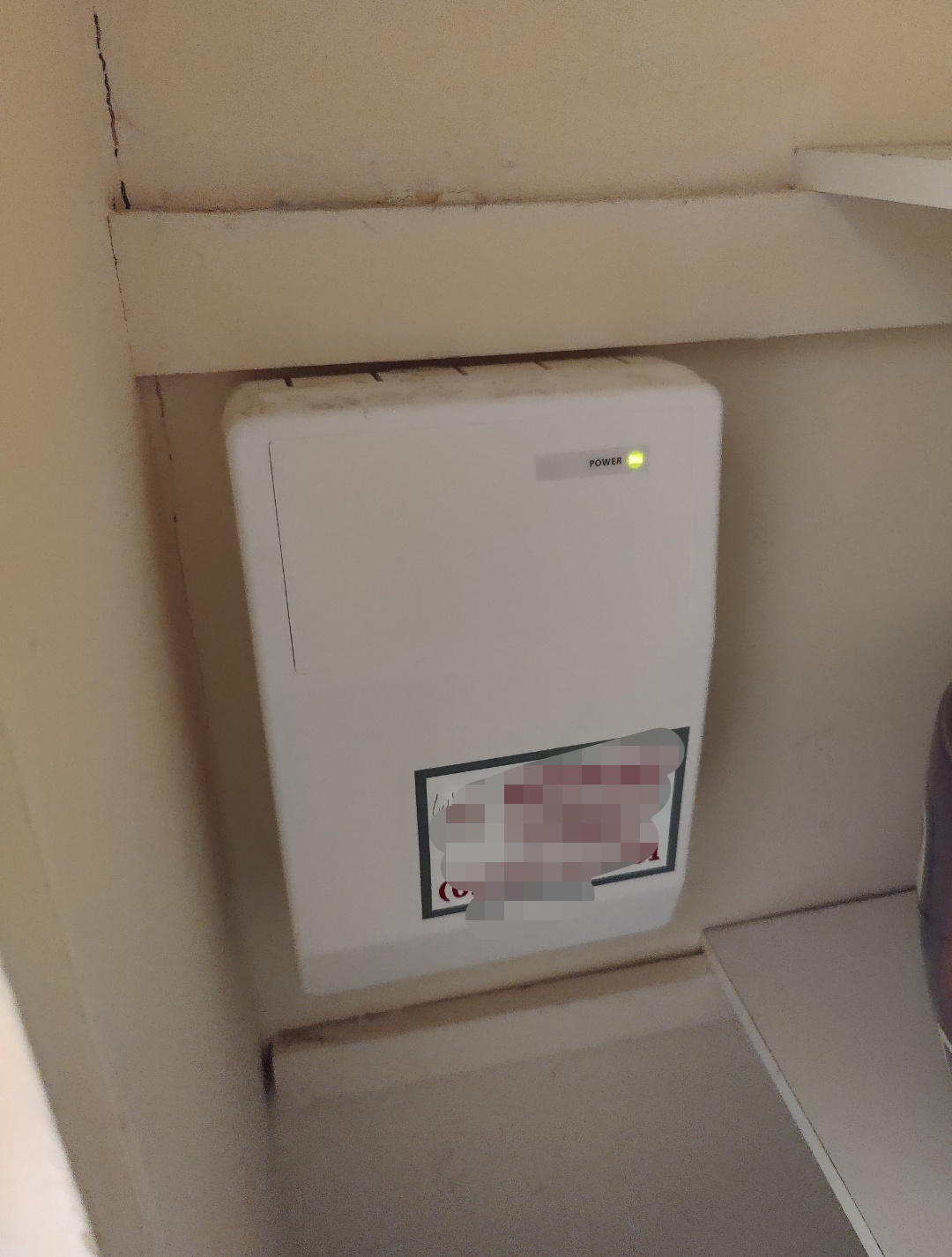
Hi folks, Apologies for being a complete alarm noob, I'm looking for some advice regarding a couple of things. The buttons on the keypad decide to randomly stop working. So I was thinking I'd take the thing apart and clean the button contacts etc for a start. I'm assuming the tamper protection will go off as soon as I start opening/disconnecting wires. Is there a way to prevent this? So I can disconnect it, clean the internals, put it back and Bobs your aunty? The other thing is I need to replace the battery in the control panel, but I can't see an obvious way into it. Is there particular method to get the thing open? Will it also go berserk if I take the cover off? Any help would be greatly appreciated thank you.