_2d2230.png)
_5a42ce.png)

Vulcan27
Member
-
Joined
-
Last visited
Everything posted by Vulcan27
-
Thanks for the reply - point taken, especially about the time better spent doing other things (even during a lockdown!) Thanks
-
What do you recommend? - Get a replacement NVM chip - Get a replacement 9800 panel (so keypad is not a waste) - Get a different system (but compatible with PIR wirings?) - Do nothing!
-
keypad was 30 incl. delivery
-
Wanted to add that the PIRs all seem to work - or at least they flash red when moving in front of them. And the alarm goes off when disconnecting mains and battery.
-
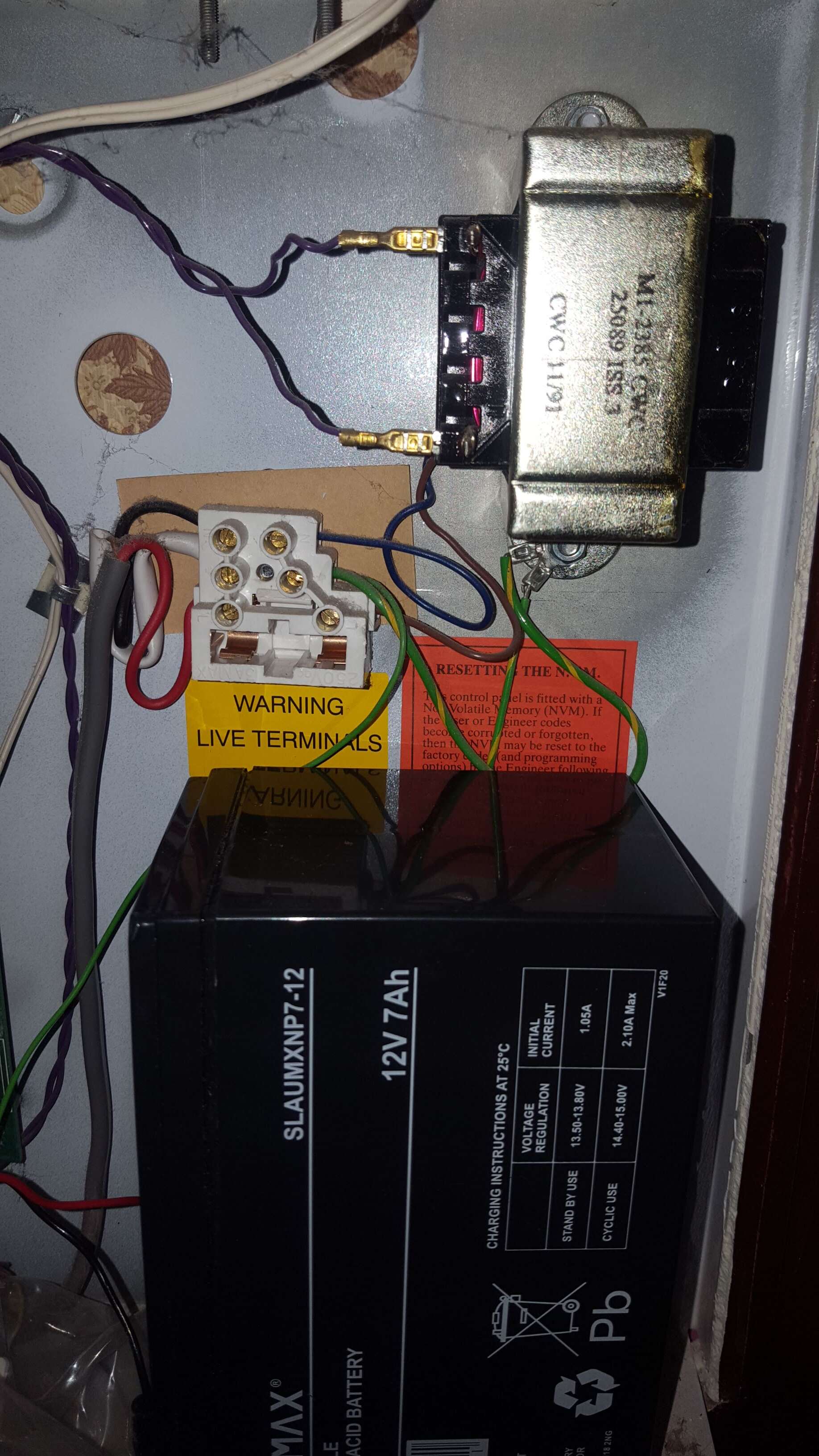
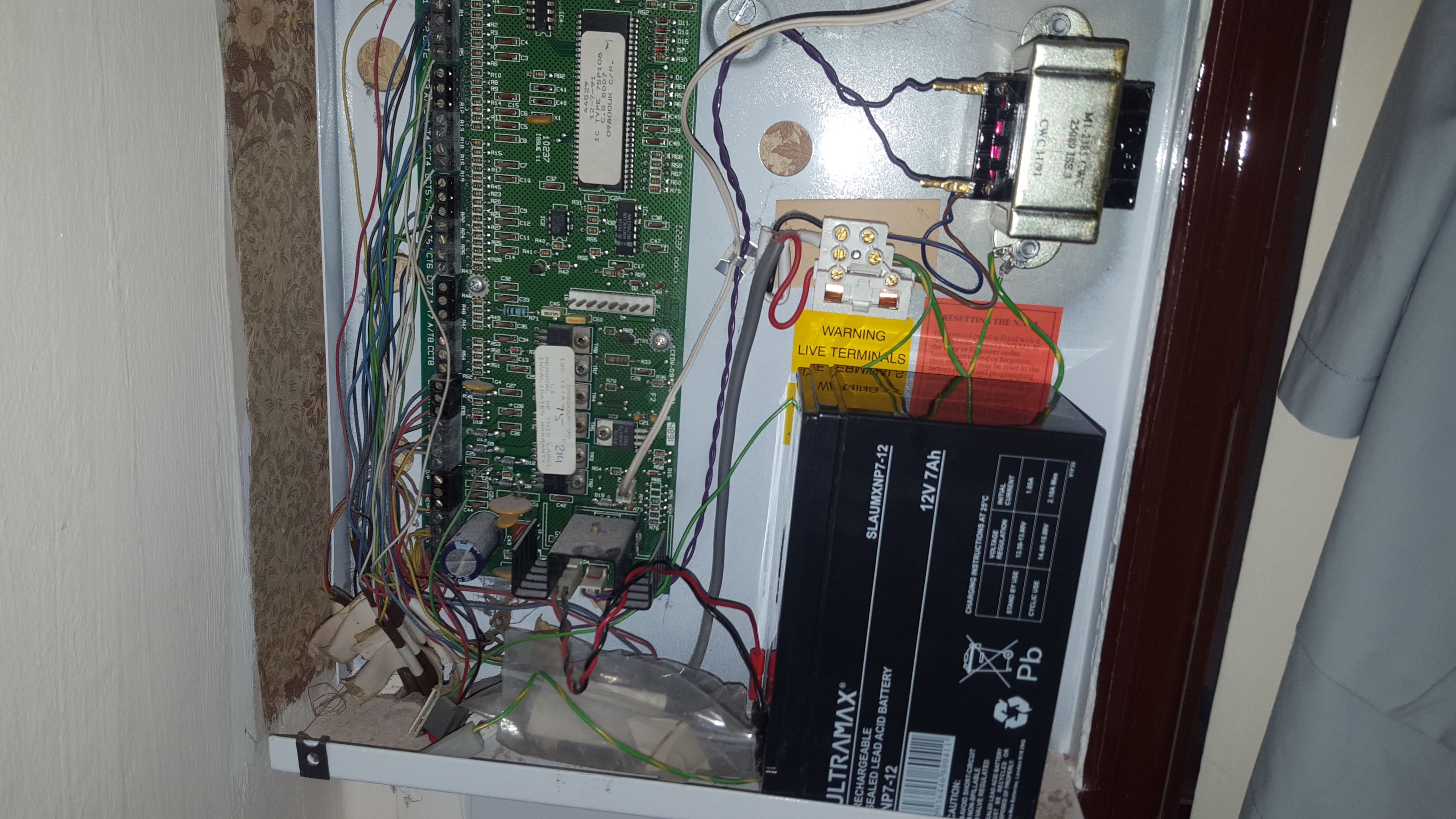
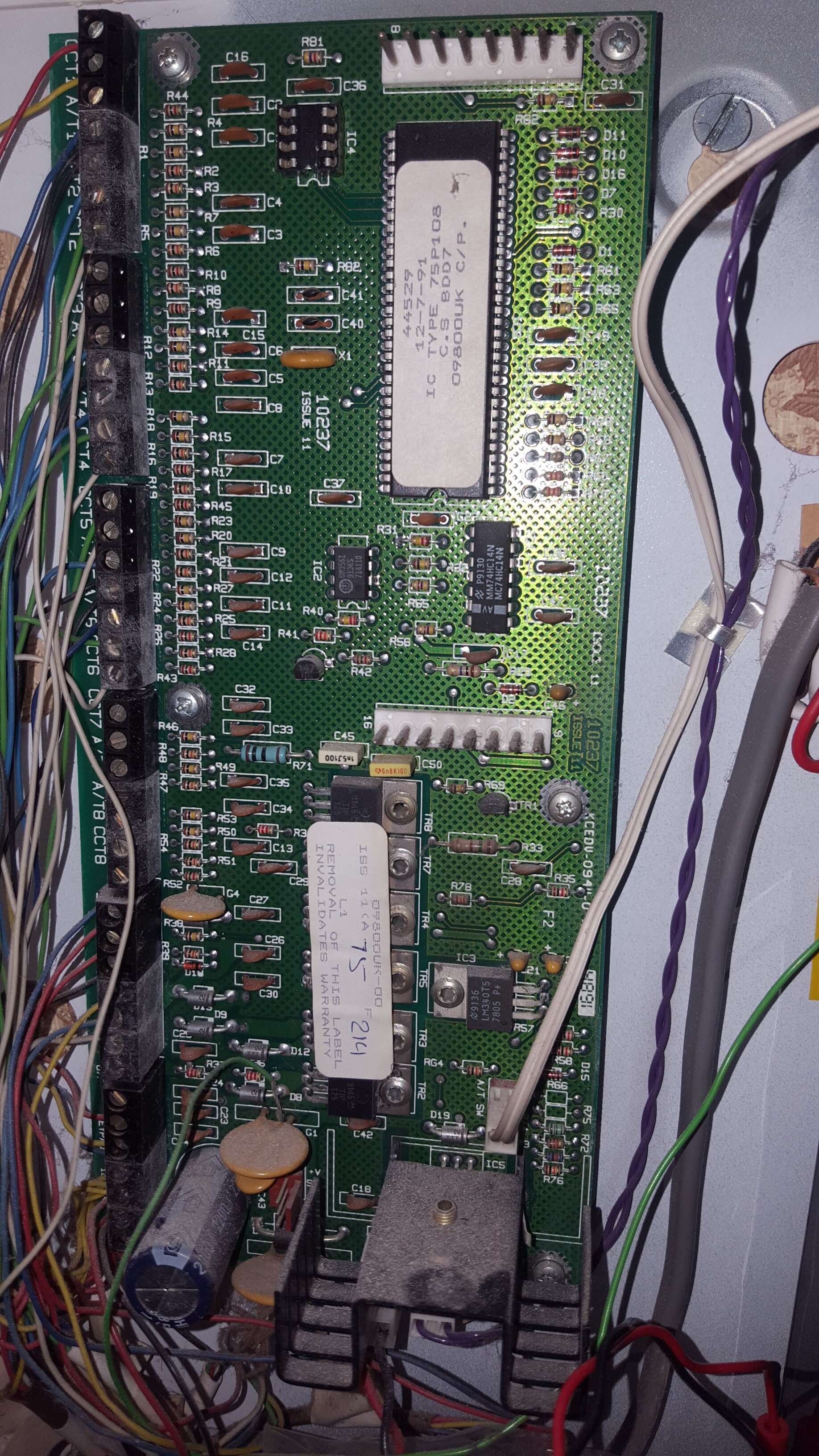
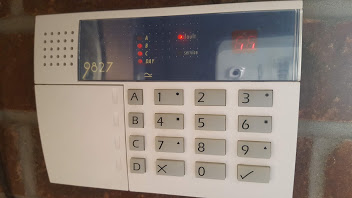
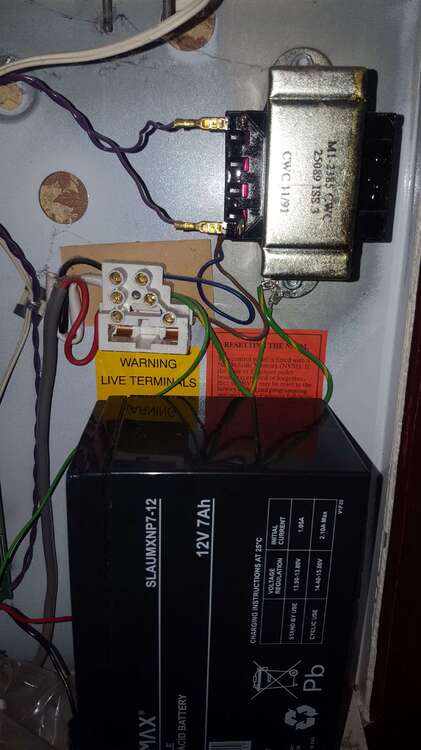
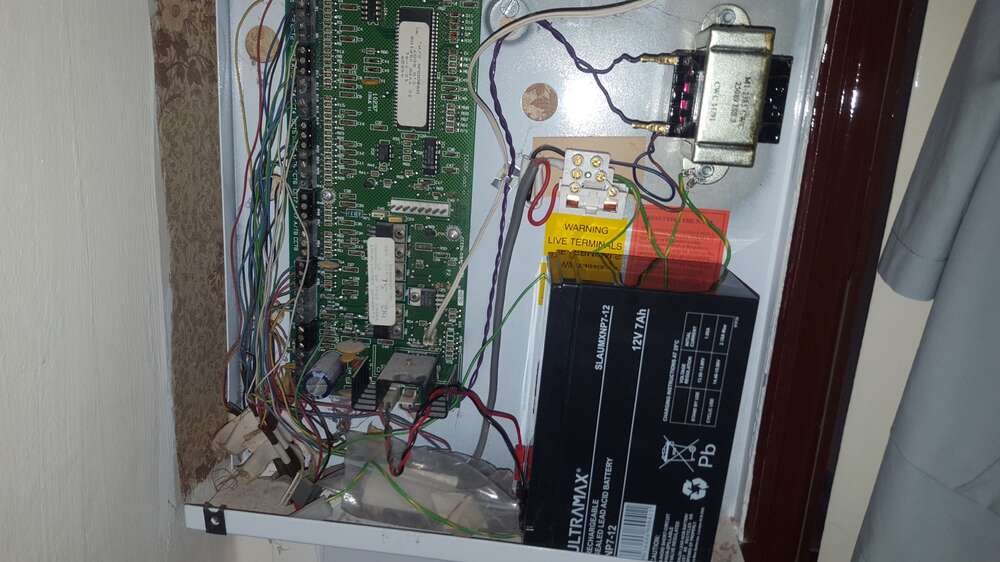
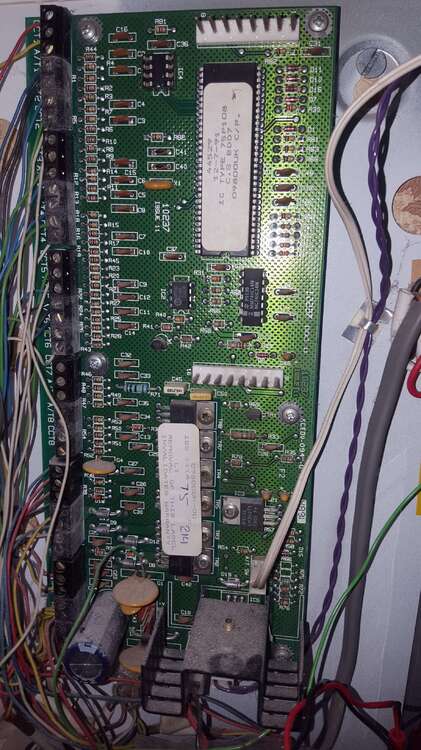
I replaced the old 9800 keypad with 9827. The whole system was the left by the previous home owner and I think not used for a few year. Bought a new battery. The old keypad had beeping sounds when pressing the keys but some keys were not working so I decided to replace it. However no info on the screen. Only have one keypad. With the new keypad, address set to 1, and with cables connected the same way as the old one, I am getting the following: Does anyone know what error is this? I did power down mains first, then battery, then waited a bit and connected battery and mains. I do have the user code but doesn't seem to do anything. Now there is no sound coming even when I press the keys. This is the panel - does anyone see anything blatantly wrong/missing? Thanks And one more picture. Is the NVM chip missing?
-
Thanks for the replies. I have found some 9600 keypads, much cheaper than 9800, and they look the same! Are you positive that they are not compatible? Sorry to bring this up again, just trying to save some money...
-
Thanks for the reply. So is there a newer version of the 9800 keypad that is compatible with the 9800 panel, or do I need to stick with the 9800 keypad (need to replace it because some buttons don't work and no LCD screen)? Thanks again
-
Sorry to resurrect this thread, but do I take it that I can replace my old (battered) 9800 keypad with a 9651 with key fobs, without having to change the panel? Thanks