_2d2230.png)
_5a42ce.png)

Louis Donovan
Member
-
Joined
-
Last visited
Everything posted by Louis Donovan
-
i dont at this moment of time could it be panel is old i will be getting agility 3 panel soon to see if that the problem
-
the 232 usb convert is showing up in the device manager com port 7 if i move to another be slot it says comport 6 dont think it is the com port issue
-
no first time using the software and its becomming hard to get around the issue using direct its agilty 1 panel look like
-
yes m8 its on that port
-
maybe have to go into the trade area maybe they can help
-
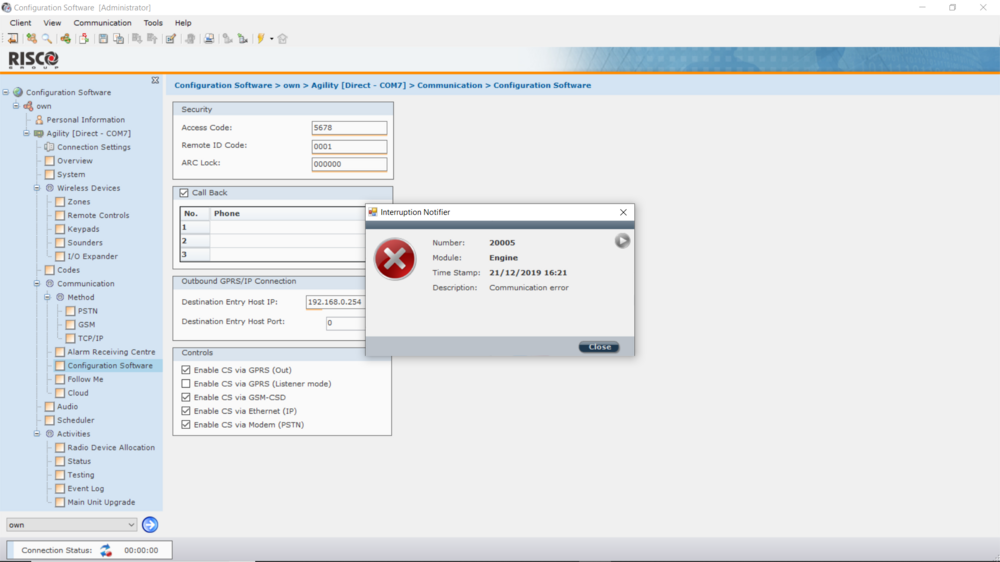
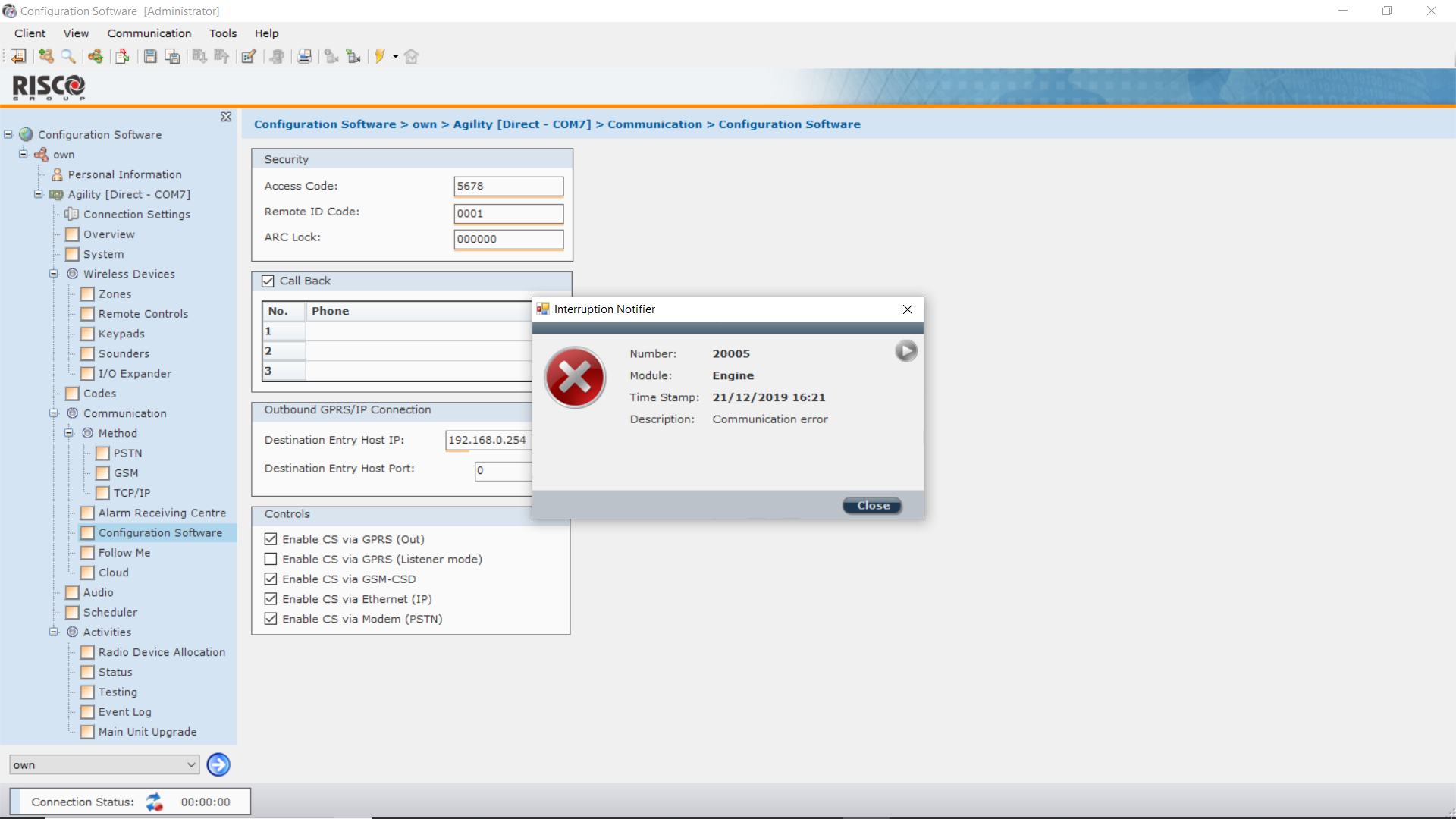
im using the rs232 to usb into the laptop direct panel to the risco cs software and im getting the error 20005 any clue
-
hi i have a problem connecting config software to agility panel rs232 im getting the connection error 20005 any idea why cant connect iv setup the option in the comms menu on the panel enable left remote code as it is left the engineer code default any help would be nice thanks