_2d2230.png)
_5a42ce.png)

Justdontknow
Member
-
Joined
-
Last visited
Everything posted by Justdontknow
-
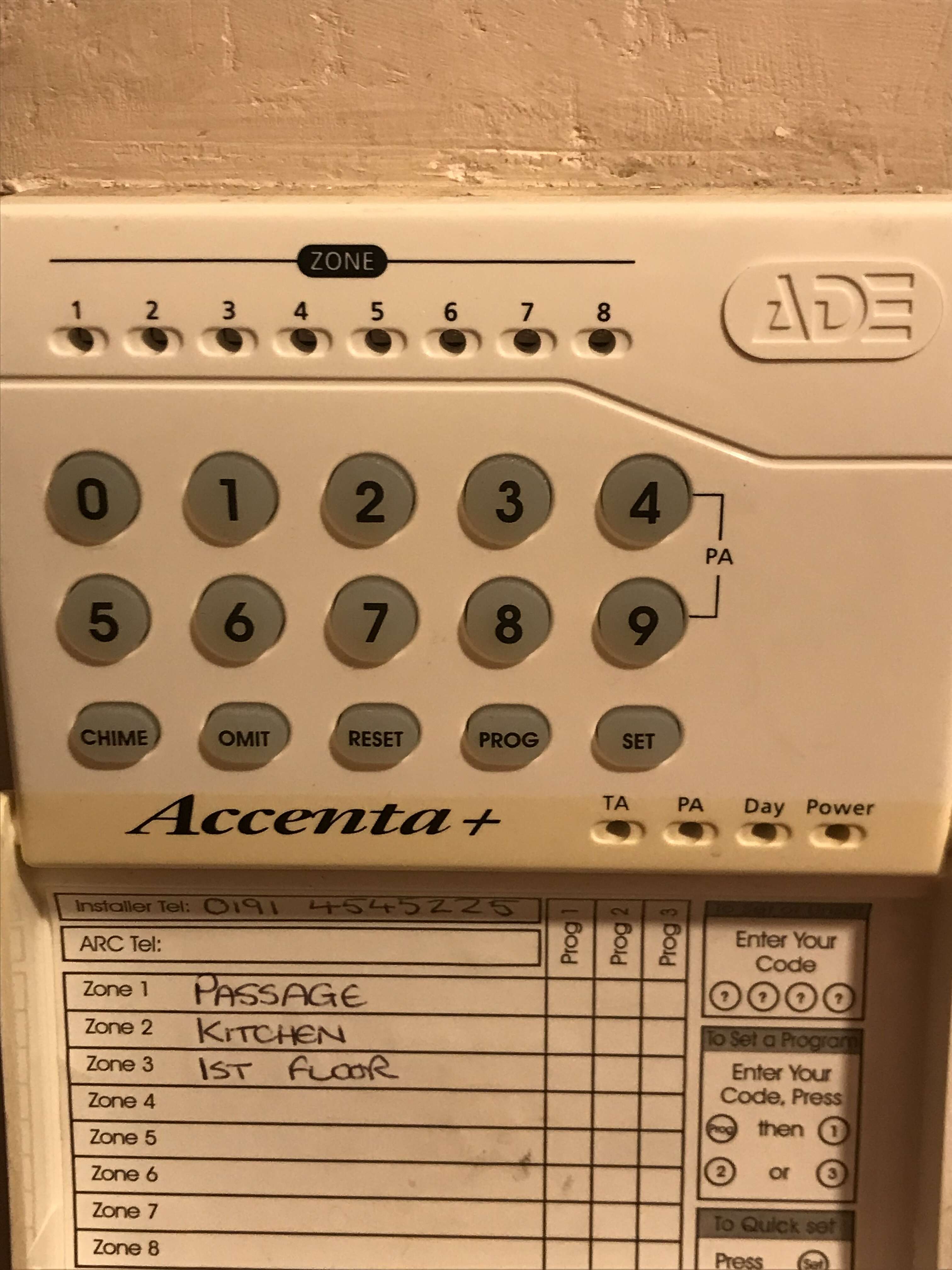
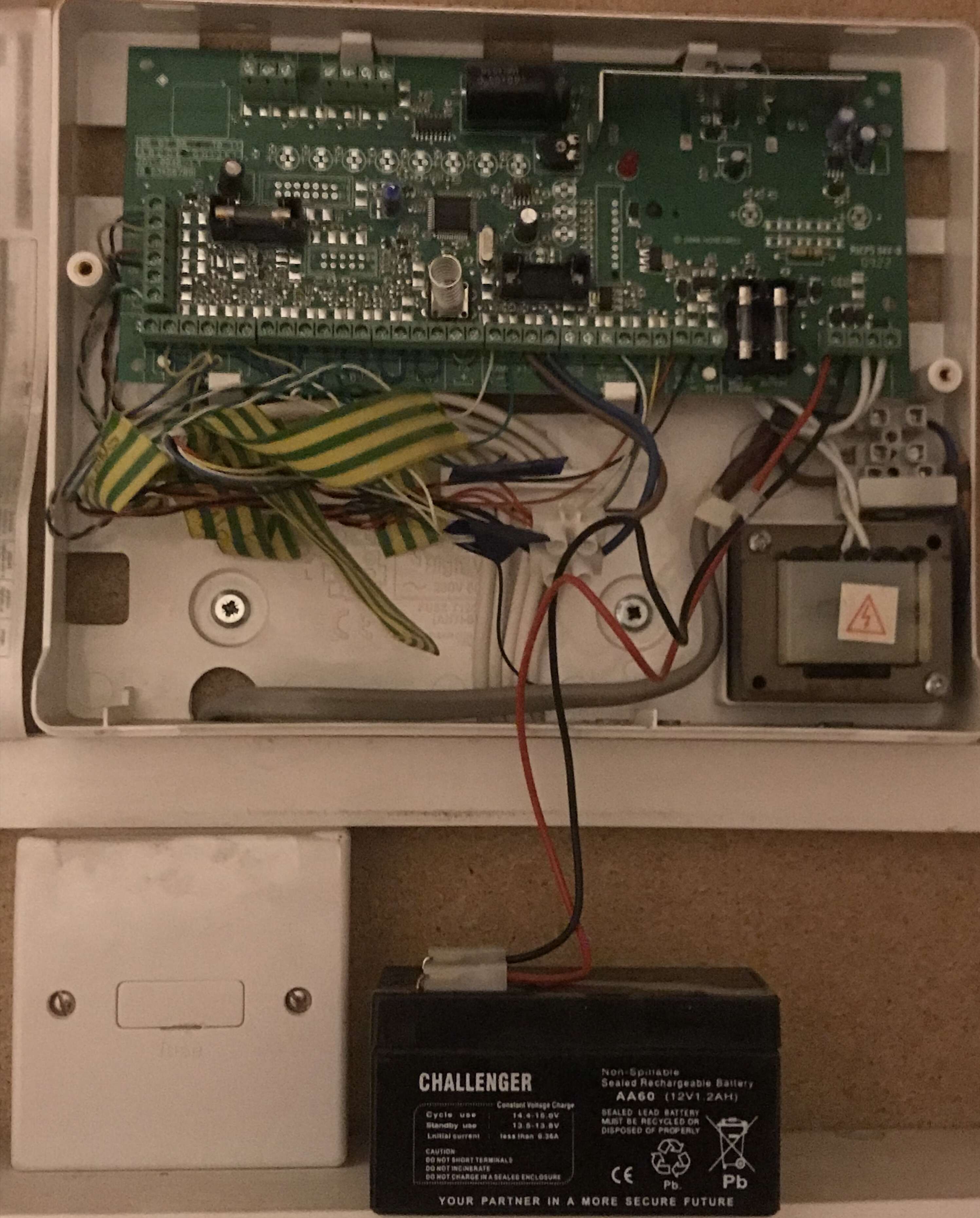
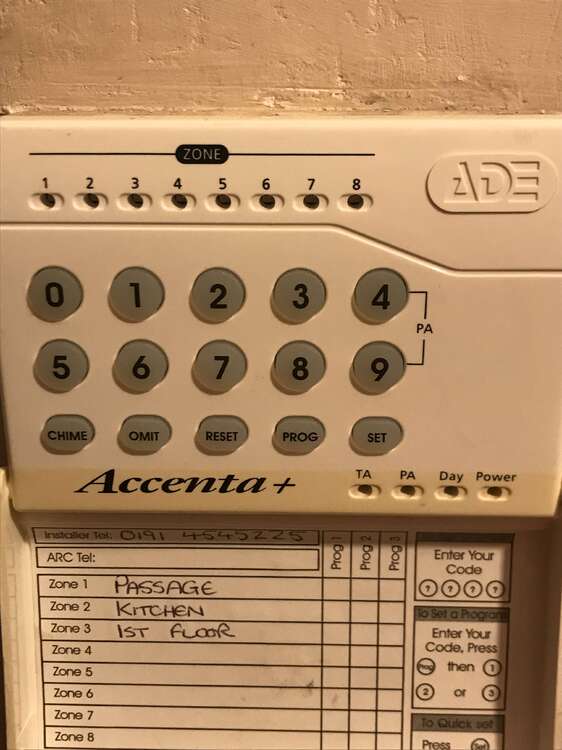
Will do that thanks and here’s the panel
-
For now I just want to power it down to make sure it doesnt go off in the night. Dumb question- what’s an end station? And thanks for the quick response
-
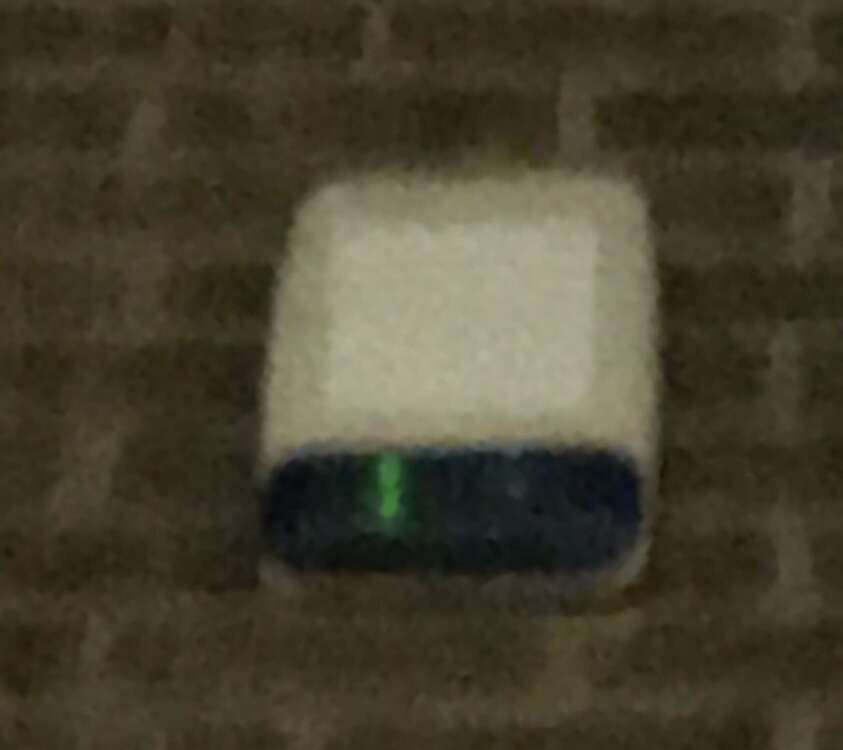
Not the best quality but here you go
-
PIRs were flashing before I took the fuse out. Now only the outside alarm is flashing, green if that helps. Oh and battery has never been replaced. Alarm was fitted nine years ago and haven’t used it for 7 years since got pets. Have ordered a new back up battery
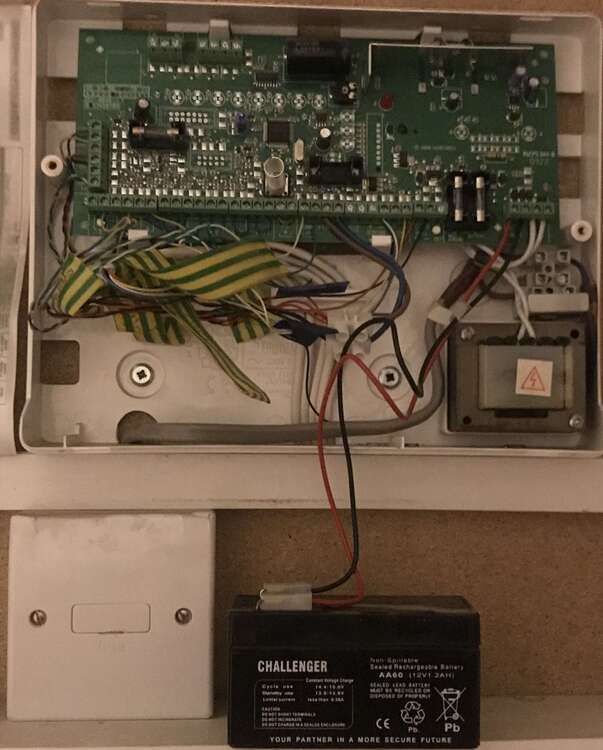
-
G4 outside outside alarm started beeping. Checked main panel and no power. Changed main fuse still no power. Disconnected backup battery and outside alarm went of constant. Reconnected and back to beeping. Was checking the four fuses inside the main panel, took the one second from left out and beeping stopped. How do i get the power back? Any of help really appreciated, thanks