_2d2230.png)
_5a42ce.png)

Andy cb
Member
-
Joined
-
Last visited
-
It was direct line guys I explained that I had inherited the system when I moved in I’d had a local installed come and reset it and service it when I moved in so I could use it and they where happy with that and I had received around a £50 per year discount on my premium simply by telling them I have an alarm fitted touch wood I’ve never had situation where it has ever needed to be brought into question but thank you all for your help and concerns system is all back and working just fine now and with the upgrades I’d asked for help and advice on I would have got my local installer to do it but I think he has retired as I haven’t been able to get in touch for a couple of years and can’t fined another at a sensible price point
-
Is this my next step
-
But I haven’t reset anything yet I have the lid of the external and all powered down still what should be my next step
-
Ok so I used to have user code but that doesn’t seam to work anymore how do I reset to give me back default user and engineer coax to I can work on the system
-
Now I read on another forum that there is a type of reset that doesn’t wipe programming
-
Ok done that thanks Logan so I have powered down entirely main fuse battery backup and extreme rain siren battery I have wired in new keypad as old 9930 was dead can I now default reset to give me back engineer code? and if so am best to use jumpers to short kick start and nvs pins
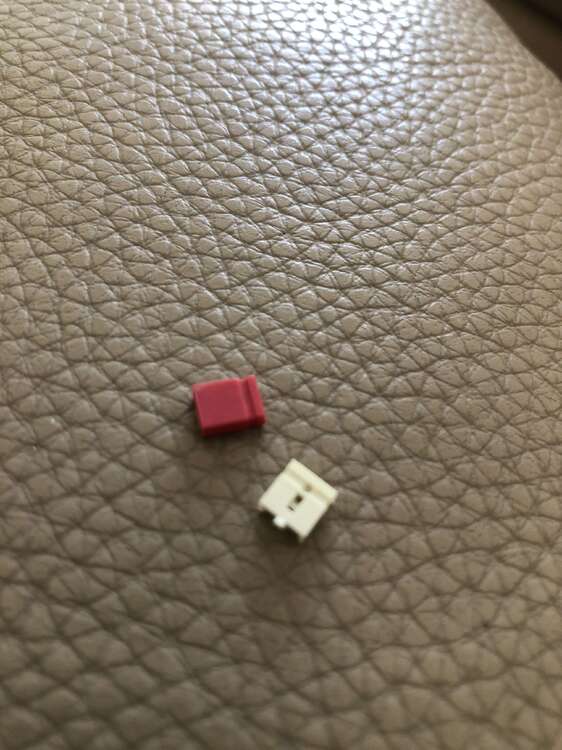
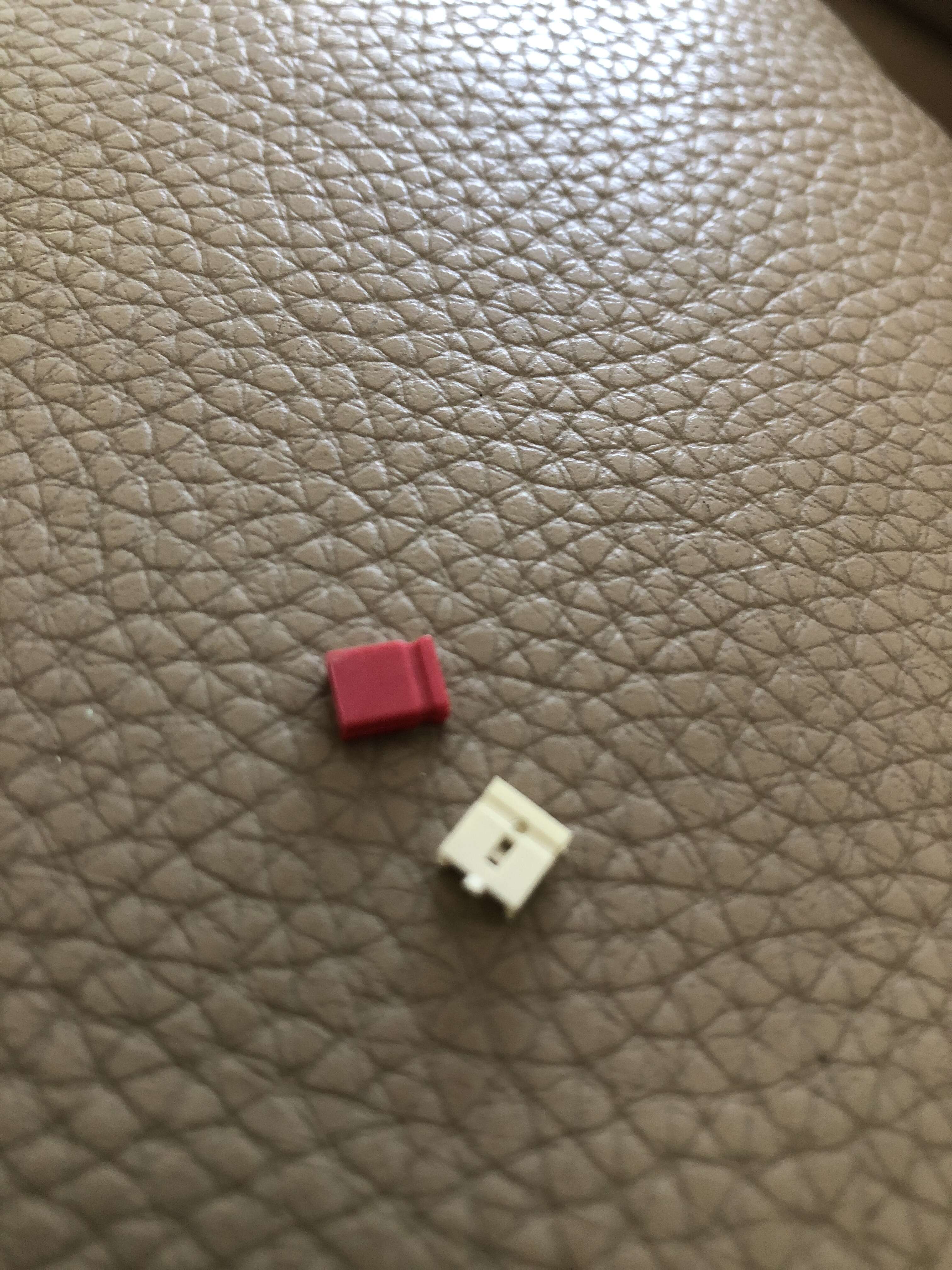
-
Does it simply pull out
-
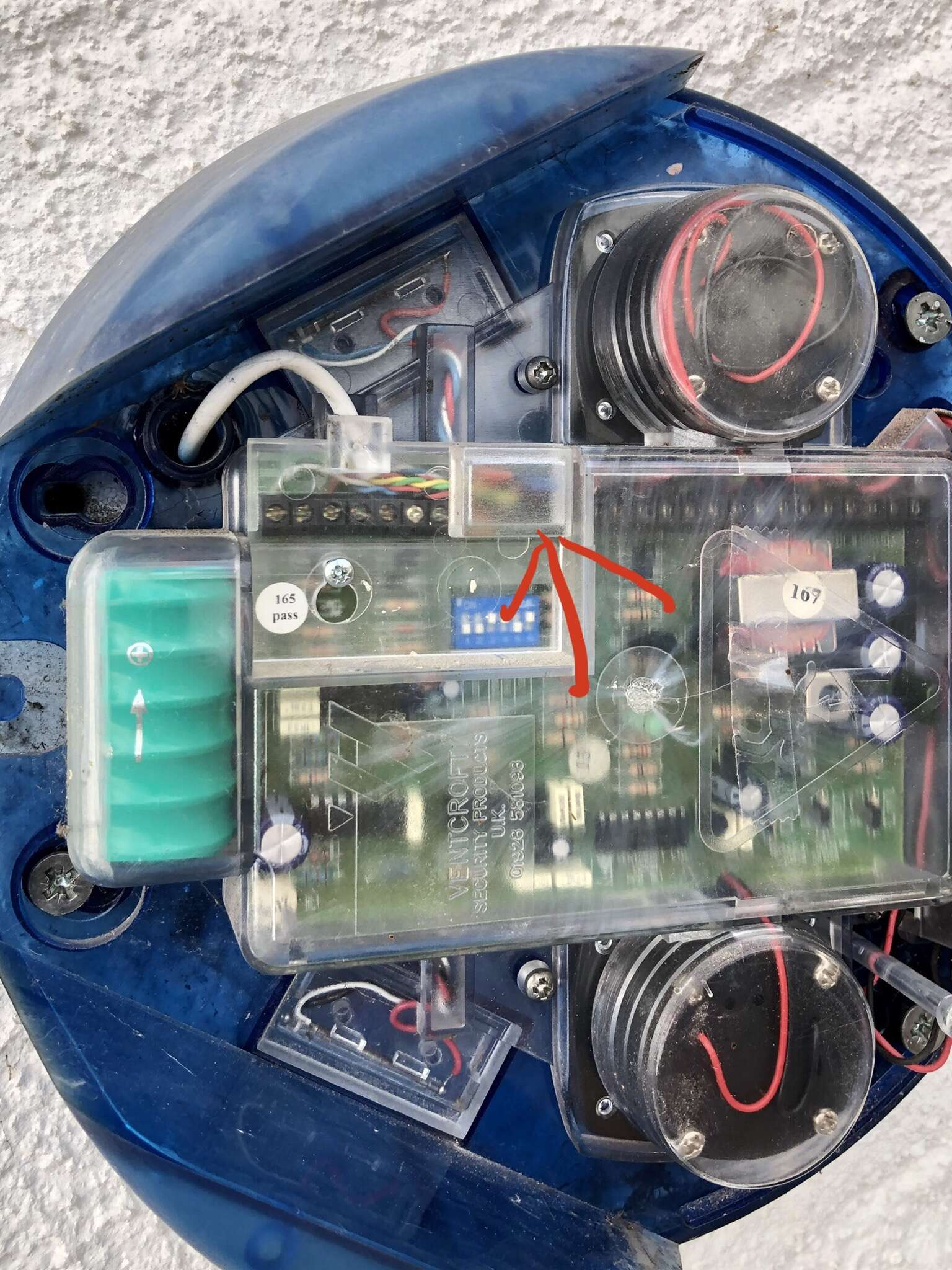
No I know that but I’d it in the area I marked in the second picture
-
I’ve read policy and spoken to insurance i can maintain myself and as said before I do get minimal discount but something is better than nothing
-
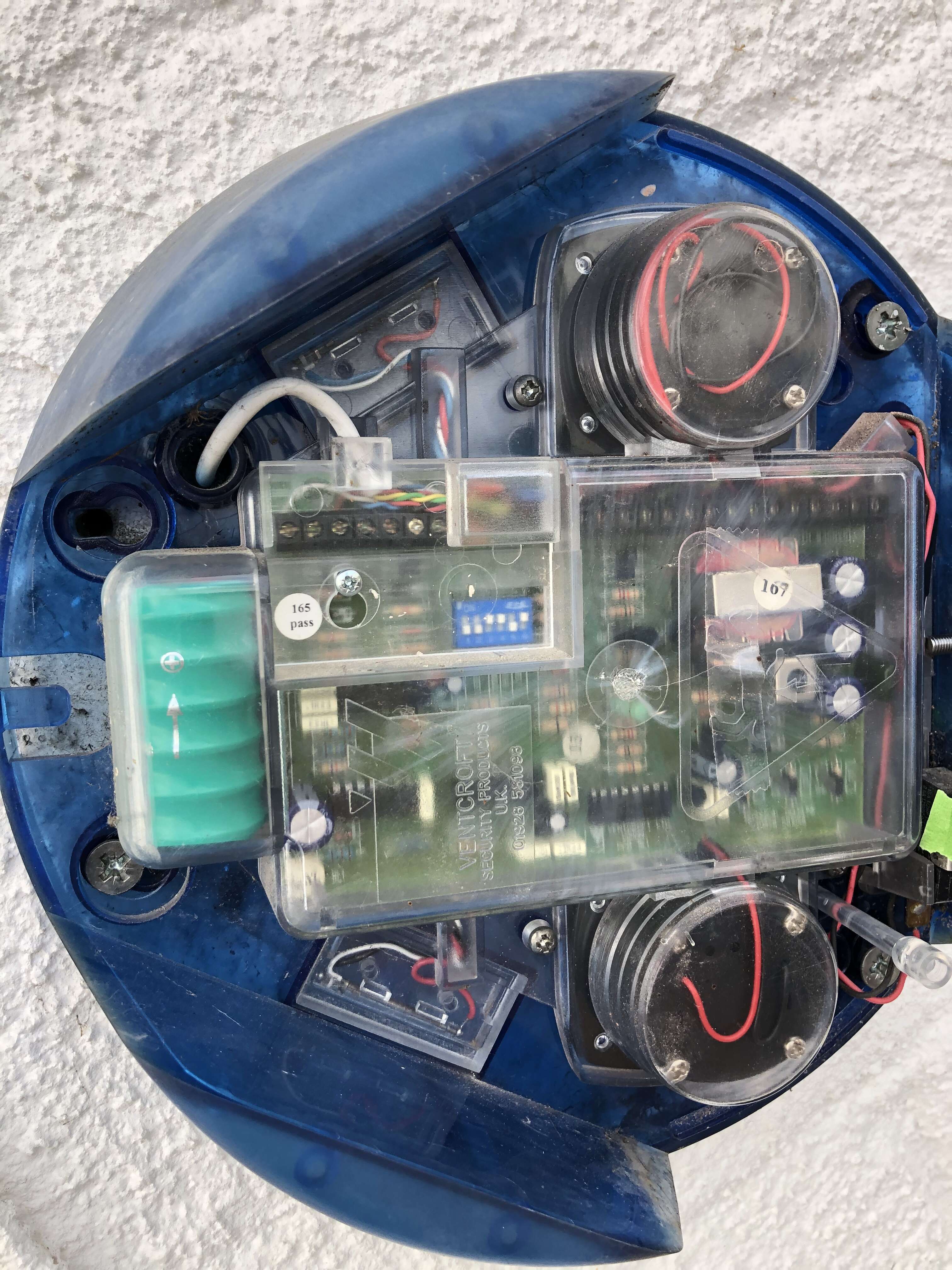
Am I right in thinking the iirc jumper is the orange resistor type thing in here
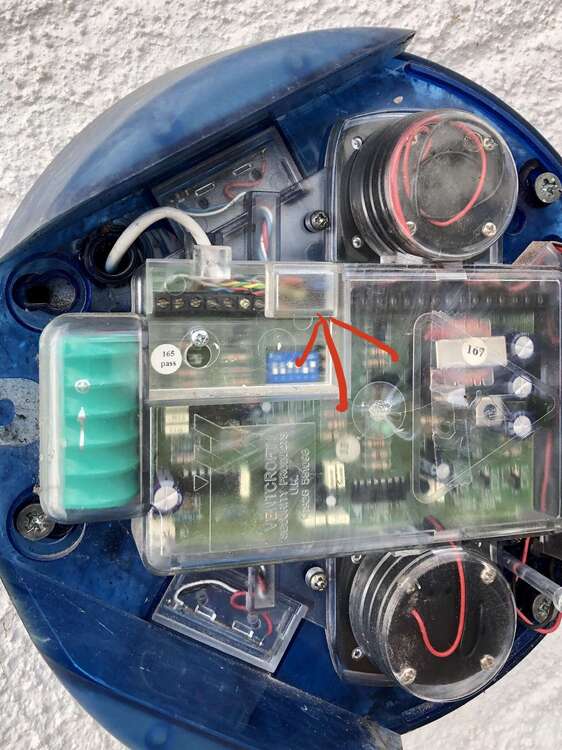
-
Yeah I can see the battery but not how to disconnect it with out pretty much taking whole unit out
-
Any one any idea where battery back up connection is in here
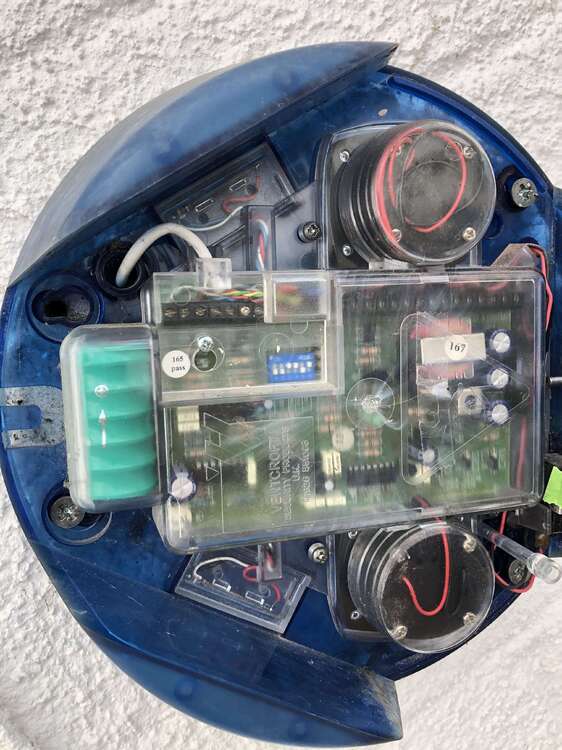
-
What do you mean by that al-yeti
-
If I added perimeter sensors I’d have to look into expanders and things and the new sensors would have to be wireless as I’ve just finished refurbish and decorating the house
-
Your point being whistle all genuine non confusing advice welcome ed