Skip to content
View in the app

A better way to browse. Learn more.

Security Installer Community

A full-screen app on your home screen with push notifications, badges and more.

To install this app on iOS and iPadOS
  1. Tap the Share icon in Safari
  2. Scroll the menu and tap Add to Home Screen.
  3. Tap Add in the top-right corner.
To install this app on Android
  1. Tap the 3-dot menu (⋮) in the top-right corner of the browser.
  2. Tap Add to Home screen or Install app.
  3. Confirm by tapping Install.

Matthew Copeland

Newbie
  • Joined

  • Last visited

Everything posted by Matthew Copeland

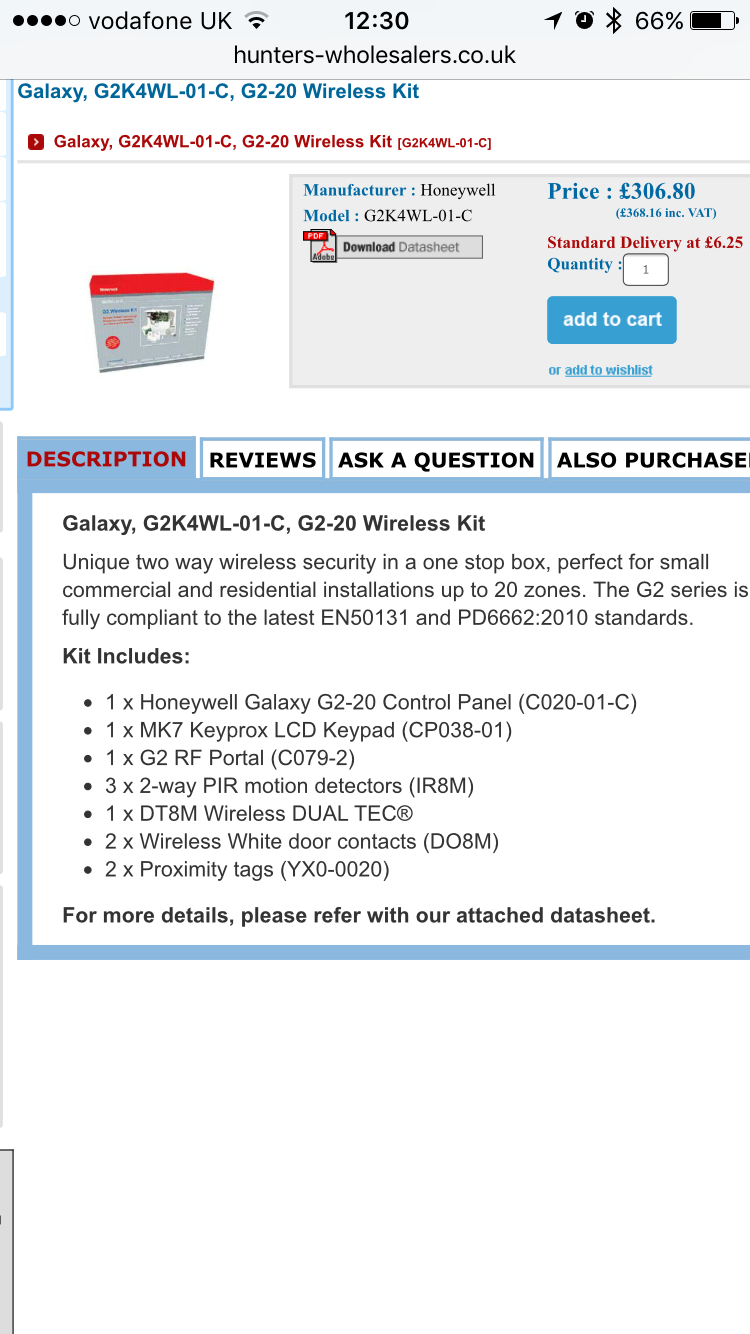
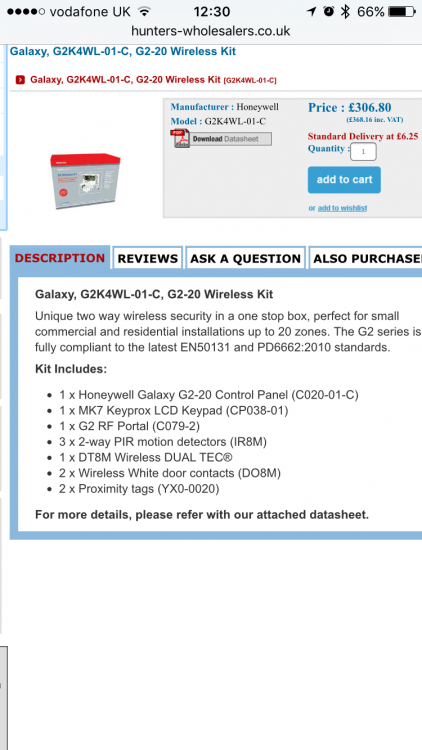
  1. Hi Guys, We currently have a 10 year old, wired, Nexus 8 intruder alarm. Intending to change it and got a quote from a company for £1000. Anyway...seen this Galaxy G2-20 wireless pack online and it seemed good value for money. Questions: 1. Would it be easy enough to self install/replace the existing one with? 2. I assume (from looking at online manual) that the only wiring that would be involved would be between the keypad, control panel and RF portal? 3. How would I stop the bell box from going off outside if I was to change the panel about? Appreciate the tips guys.

Important Information

By using this site, you agree to our Terms of Use.

Account

Navigation

Search

Search

Configure browser push notifications

Chrome (Android)
  1. Tap the lock icon next to the address bar.
  2. Tap Permissions → Notifications.
  3. Adjust your preference.
Chrome (Desktop)
  1. Click the padlock icon in the address bar.
  2. Select Site settings.
  3. Find Notifications and adjust your preference.