_2d2230.png)
_5a42ce.png)

Itsadubthing
Member
-
Joined
-
Last visited
Everything posted by Itsadubthing
-
anyone else help please
-
ill give that a go how do i rectify that
-
done that buddy still the same. in fact ive tried every input to be honest
-
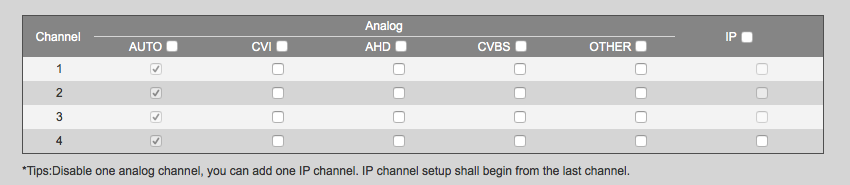
thanks for your suggestions ElecTech, im sure its just an input set wrong but searching through all the menus i cant seem to find anything.
-
I was just looking for a quick reply over the weekend
-
no never, and when i swap the bnc to the analogue end the picture is fine (low quality but fine) my first though was my BNC's. Its a brand new 2Ah psu but again I have tried another one also. shot gun cable
-
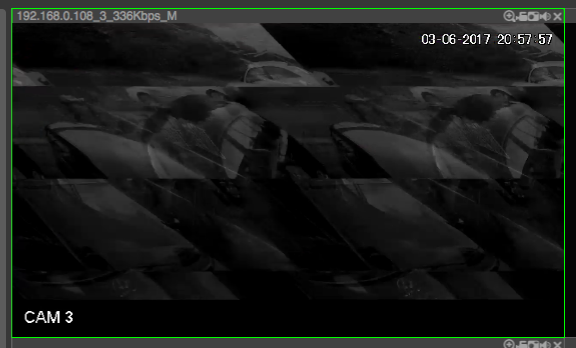
Hi All, Just looking for a bit of advice. We have been using the Hik-Vision stuff for a while, but due to the current issues with the new Hik we decided to try out the Dahua HDCVI stuff. I installed a DHI-XVR5104HS with some DH-HAC-HDW2401EMP cameras. The problem I am having is when I plug them into the HDCVI BNC the camera is not stable and only comes on crackling and black& white. im sure this is just a setting but I cant seem to find anything about it anywhere. Please can you help Thanks C