Skip to content
View in the app

A better way to browse. Learn more.

Security Installer Community

A full-screen app on your home screen with push notifications, badges and more.

To install this app on iOS and iPadOS
  1. Tap the Share icon in Safari
  2. Scroll the menu and tap Add to Home Screen.
  3. Tap Add in the top-right corner.
To install this app on Android
  1. Tap the 3-dot menu (⋮) in the top-right corner of the browser.
  2. Tap Add to Home screen or Install app.
  3. Confirm by tapping Install.

malfoy

Member
  • Joined

  • Last visited

  1. OK Thanks. It's in the bin.
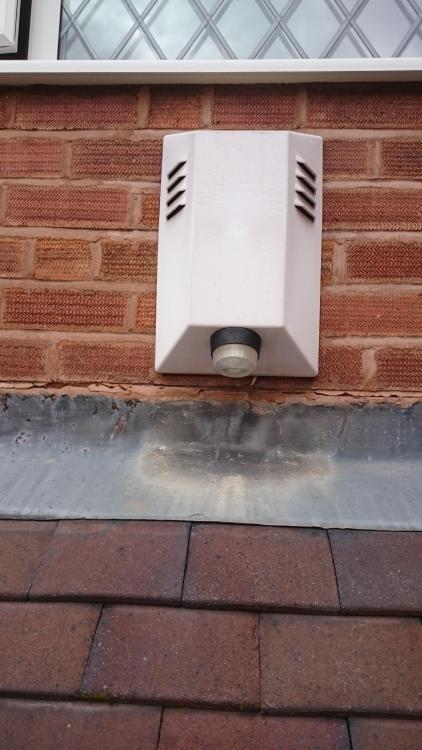
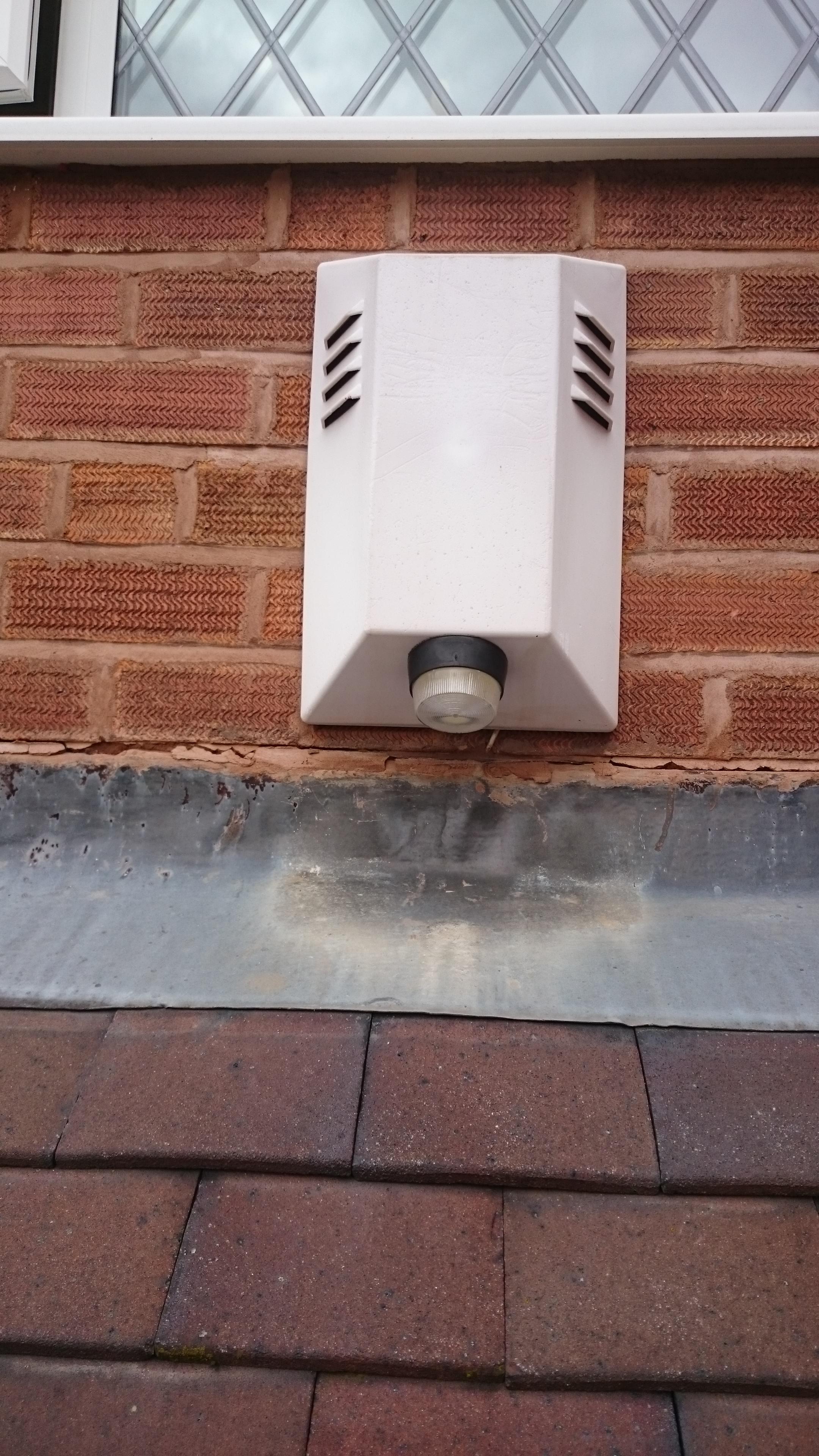
  2. Never mind, found the screw behind the strobe light!! Saved it from the happer/hammer
  3. I'm about to replace my old alarm system with a Texecom. Looking at the old external bell, there doesn't appear to be any visiable means of fastening - can't see any caps etc that may be covering the screws. Could it just be a pushed on?? The cover is completely faded so no manufacturers names! I can just take a happer to it but wanted to remove it properly - then can use it as a dummy at the back of the house. Thanks.

  4. Thanks @sixwheeledbeast. Did that plus more (see reply to @secureiam ) but still no go.
  5. @secureiam Address switch is set to 1 but I tried 2 as well. On the panel side Tx is solid on and Rx is flashing On the 8XP Rx (Data from Panel) pulses - about once a second) Tx (Data to panel) is OFF Yes, the wiring from the Panel is connected to "Network In" On the possibility I had done something wrong, I swapped the wiring around with the Keypad. Keypad still works but 8xp is still not working. And each time I make a change I "Confirm Device" in the Engineers Utils on the keypad but when I check the status on the keypad it still shows Expander 1 Offline as does Wintex diagnostics. I'm starting to think the 8XP has a fault - what do you think? Thanks for your help.
  6. Yes, went into the Engineers options and confirmed devices. Strange thing is that while it displays a 1 against the RKP , the EXP is all dots. I've tried setting the Expander to Network device 1 and 2. Thanks
  7. Hi, I'm bench testing my new alarm system. Have a Premier Elite 24, LCDP Keypad, COM-IP, Premier DT PIR. The panel is working with the keypad and PIRS (tried contecting a couple of them). I can connect using Wintex from my PC to the panel and program it. I got a Premier Elite 8XP remote expander. I connect it to the panel to the Network connectors (same place the keypad is connected) and power up. The 8XP powers up but doesn't connect to the network (Wintex diagnostics tell me it's offline). Also the LEDs on the 8XP are : LED A: Flashing LED B: Off LED C: On According to the manual LED B off means "Network Out not Connected" which matches the diagnostic display in Wintex. I can't see anything in Wintex to 'turn on' the device. Have I missed something? Edit: Forgot to say I set the jumpers to Star wiring and I thought maybe the wire is defective so I tried replacing with a different wire.
  8. Thanks. I acutally did wonder about that and having read up on it, that may be the better solution: It's easier to wire up a PIR than the shock sensors unless I go with a wireless expander.
  9. Thanks, that's a good point.
  10. Thanks everyone. I think from my point of view there's two reasons for the hallway PIR. There is the small cloakroom with entry from the hallway which has a window - so the PIR covers anyone getting access that way as well as the entry door. The other one is the reminder the alarm is on. Saved me many times when we have guest staying overnight: Even though you tell them the alarm is on, I can't remember the number of times they head down at 6am. The hallway PIR has acted as a wake up alarm so I can run down and turn it off . I had one other question - what's your opinion on PIRs in the bedroom. The downstairs is extended at the back with a pitched roof. This sort of gives easy access to the back bedrooms upstairs. Would you recomend PIRs in those two bedrooms?
  11. Thanks for the advice. There are almost no radiators downstairs, just one in the hallway on the right wall (wall shared with utility room) and one in the office under the window. For the PIRs I was going to take sixwheeledbeast's advice in another thread to use Bosch Blu Line for pet detectors since they can cope better with temperature variations - hence it should cope with the hallway radiator. I'll try and put as many as I can facing inwards. The panel is in the garage at the moment and I was planning on leaving it there to save rewiring the whole thing. I've already have a note in my plans to make sure I cater for the letterbox.
  12. OK Will do. Thanks
  13. Thanks. I'll keep that in mind for the new PIRs. Unfortunately it'll be difficult to move the old ones because of the house layout (back part of the house is an an extension). But having said that, I've not had an issues in the last 10years with them.
  14. Yes, just on the illustration. It's actually on the opening side. Thanks.

Important Information

By using this site, you agree to our Terms of Use.

Account

Navigation

Search

Search

Configure browser push notifications

Chrome (Android)
  1. Tap the lock icon next to the address bar.
  2. Tap Permissions → Notifications.
  3. Adjust your preference.
Chrome (Desktop)
  1. Click the padlock icon in the address bar.
  2. Select Site settings.
  3. Find Notifications and adjust your preference.