_2d2230.png)
_5a42ce.png)

Jackswan
Member
-
Joined
-
Last visited
-
The last thing I wanted to do was upgrade seeing as it is only 6 years old. Out of curiosity how much would a similar one cost now?
-
Thanks, could you give me an example of a 12v PSU that would be suitable?
-
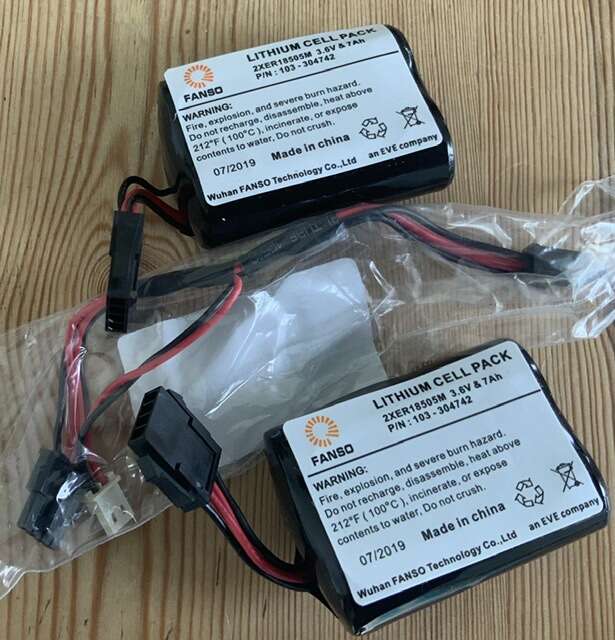
Had a Visonic Powermax Complete alarm system fitted back in 2014. This came with the MCS-740 wireless siren, but finding that the battery only lasts a maximum of 12 months and it is becoming expensive to replace every year.Wondering if it is the distance of the alarm panel from the siren or whether it is the 20 inch walls between the two that is causing the quick depletion of the battery?Thinking whether it would be worthwhile to go for a mains powered siren that would be compatible with the Powermax? I understand that there is a Visonic expander module that clips into the main alarm box for the cost of about £18, but what siren is compatible with it? Pictured are the new batteries ready to be fitted