


_2d2230.png)
_5a42ce.png)

wattcom
Member
-
Joined
-
Last visited
Everything posted by wattcom
-
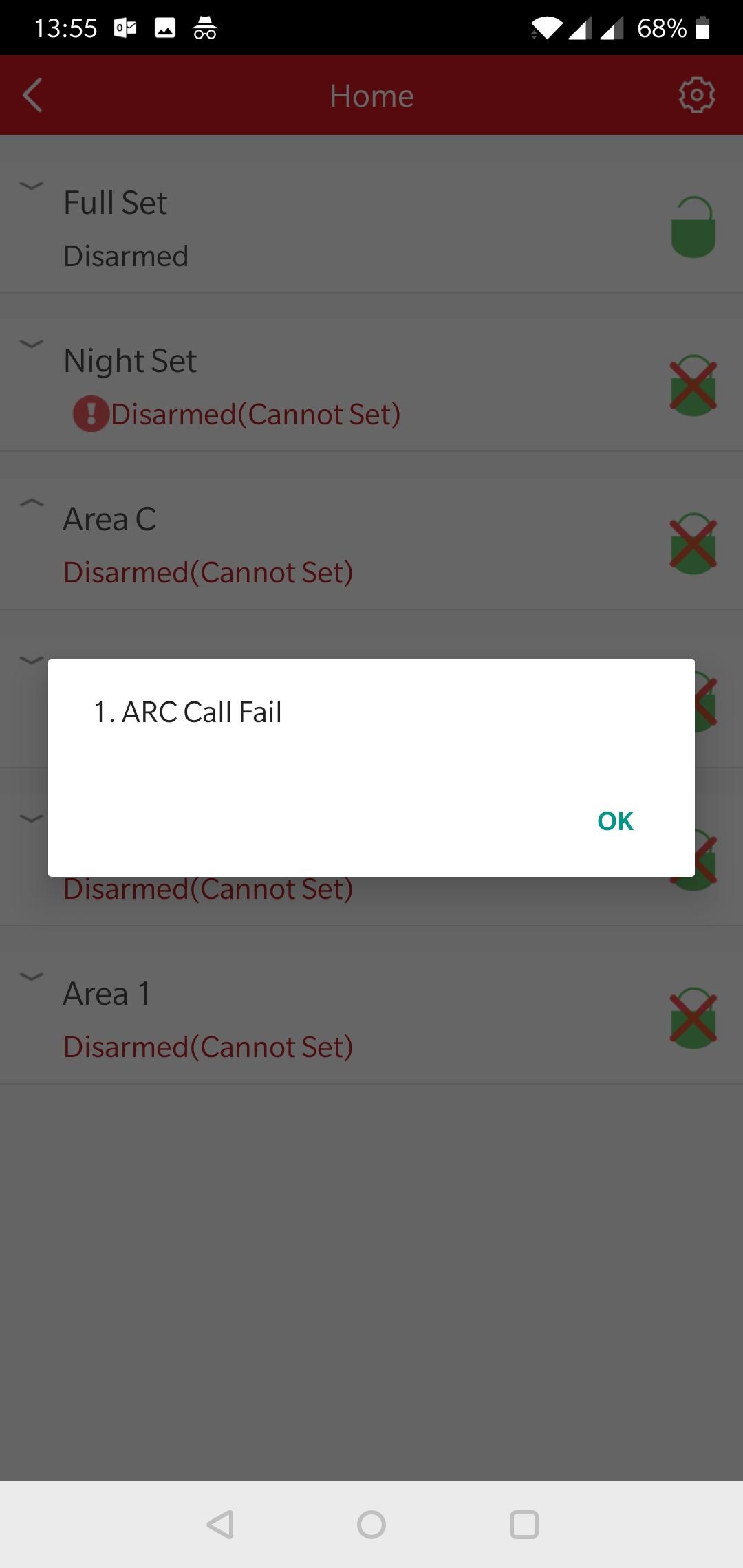
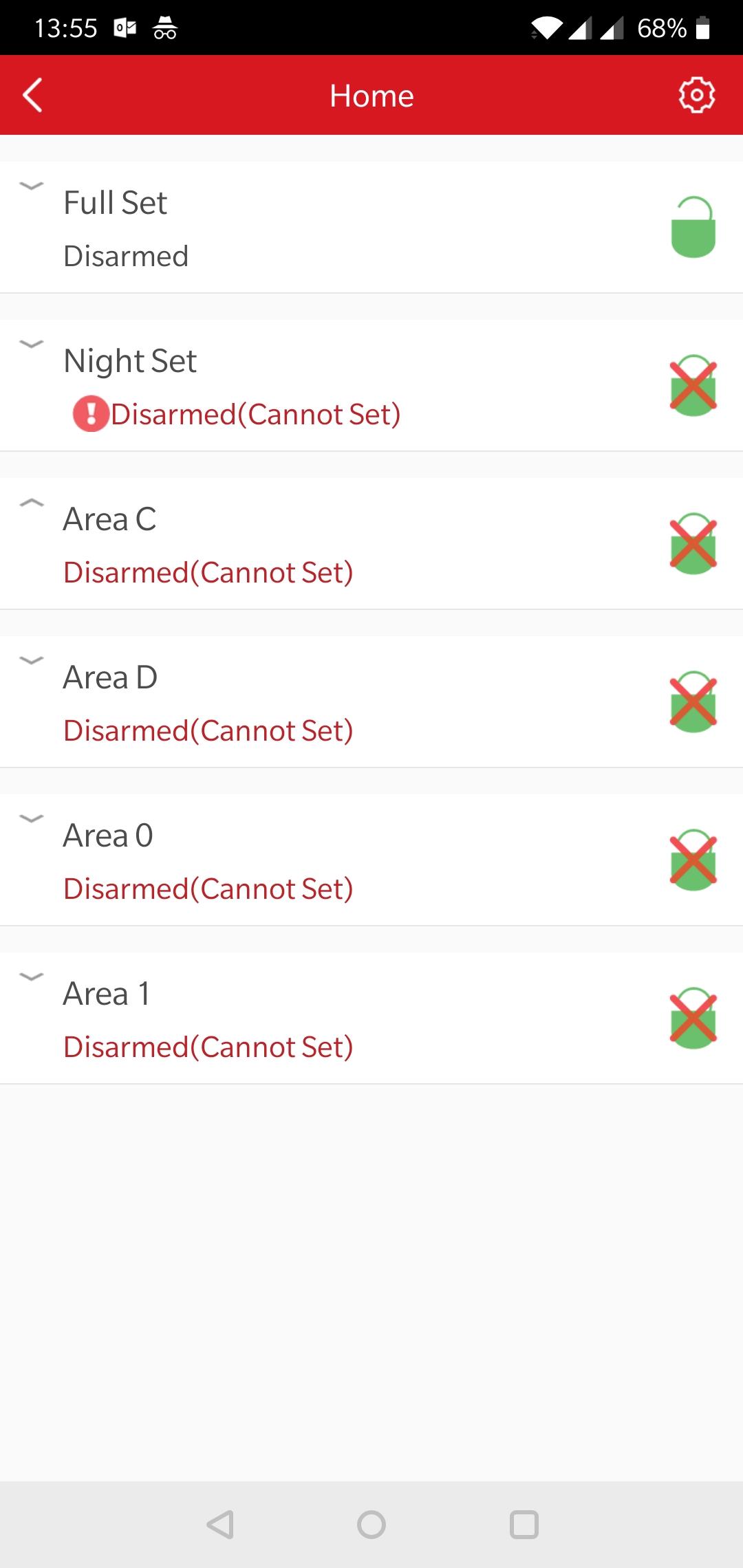
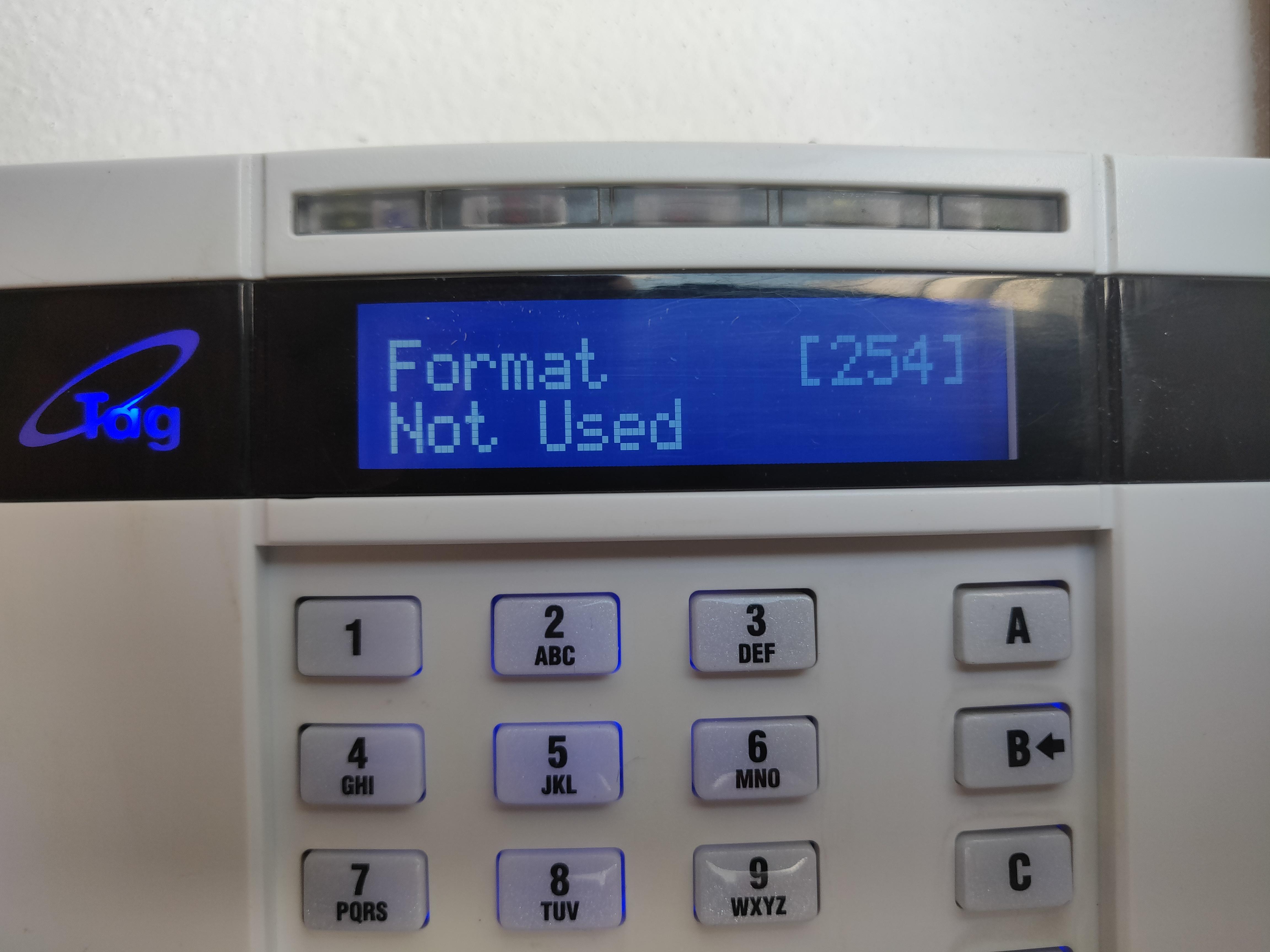
Yep Digi wifi for App only App is all up and running and I can see the panel set and unset just keep getting that errorI looked and I did remove all numbers that where used when GSM module was installed I used the C key to blank out number is that Righ thing to do? Isn't here a better way to clear that part of then programming ?Just removed GSM module and replaced it with DigiWifi when setting alarm getting ARC call Fail error which anyone no where to turn that feature off on a Euro v10 Panel Never used ARC with GSM module so not sure why if thinks its onHi All I just installed a GSM Module and taken out the WIFI module all was working well and connected to the cloud the only issue i have i cannot find any where to enter the SMS number within the Home control + app i don't get the option but did before swapped the modules out. anyone seen this before. ThanksPurchased enforcer panel on eBay but only have Master code access happy to post unit and pay for this service if anyone is willing to default the unit if this is possible?? Original installer was in Scotland (ccs) and I am down in Bedfordshire Area Thanks
Important Information
By using this site, you agree to our Terms of Use.