_2d2230.png)
_5a42ce.png)

duncan-uk
Member
-
Joined
-
Last visited
Everything posted by duncan-uk
-
Thanks, as i say i've only started looking at it today as its in a rented property and tenant only advised now it doesnt work. Dont want to spend too much time but it looks fairly logical. Only has a front door and back door (now missing) contact and a single room IR sensor connected. AFAIU it has inputs for these plus a tamper microswitch on the case and then outputs for a buzzer and the bell. My summation is the back door sensor has been cut/ hidden and for now i can simply loop that out to prove my point.
-
That makes sense, was thinking due to its age it wasnt particularly sensitive info. As i say i think i can have a play and work things out was just looking for any info.
-
As i say i think i could try and work it out as seems relatively simple in terms of connections and i could bypass the dodgy circuit ( i think) but a manual or instalation wiring diagram would be useful. There is one on here but says i can't download so assume thats either my newbie status or some security thing?
-
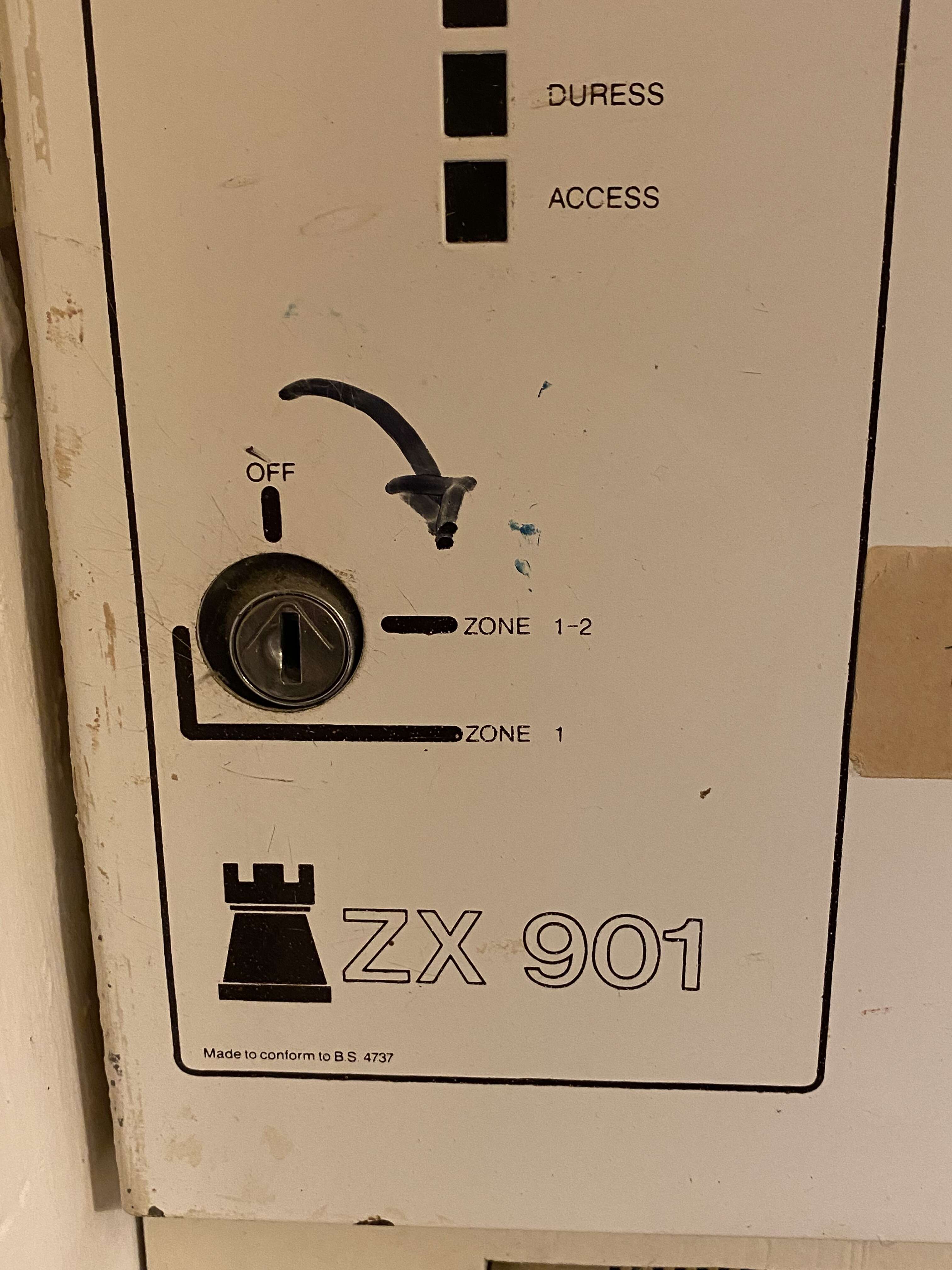
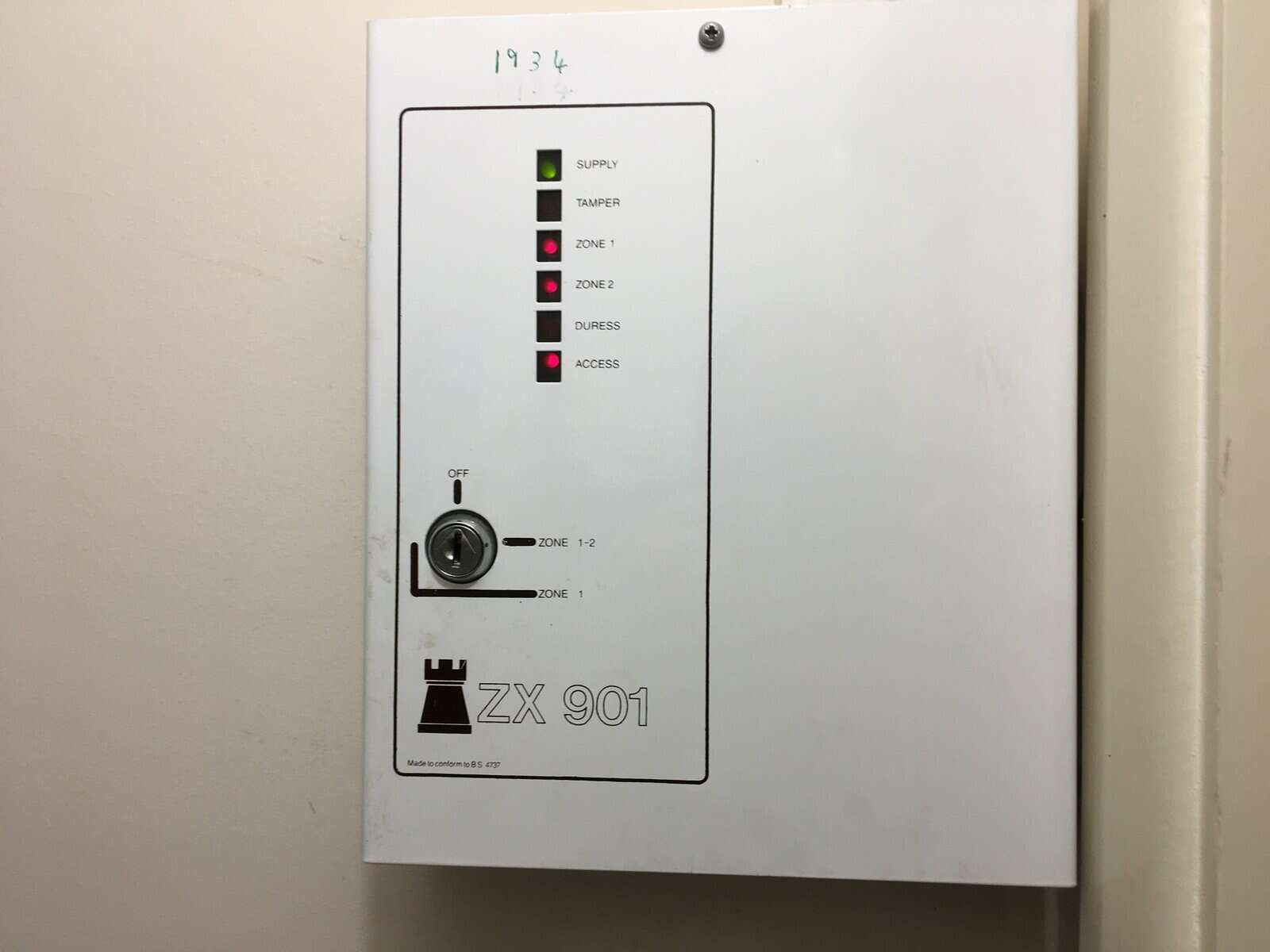
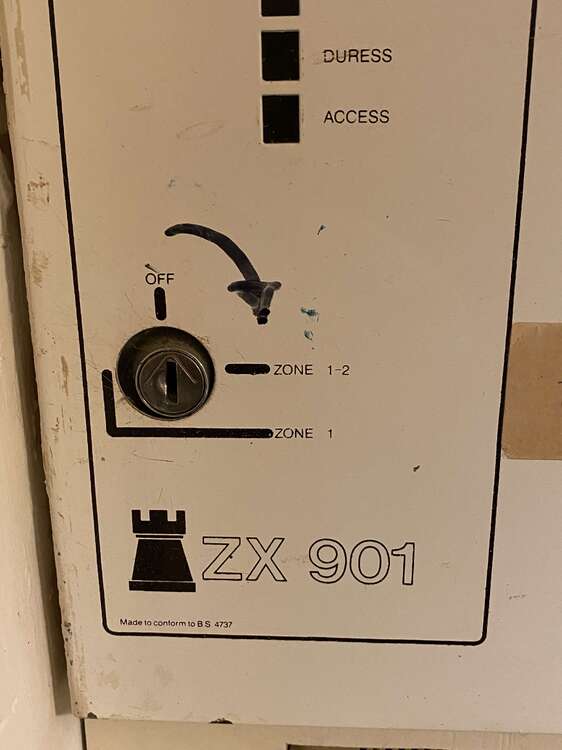
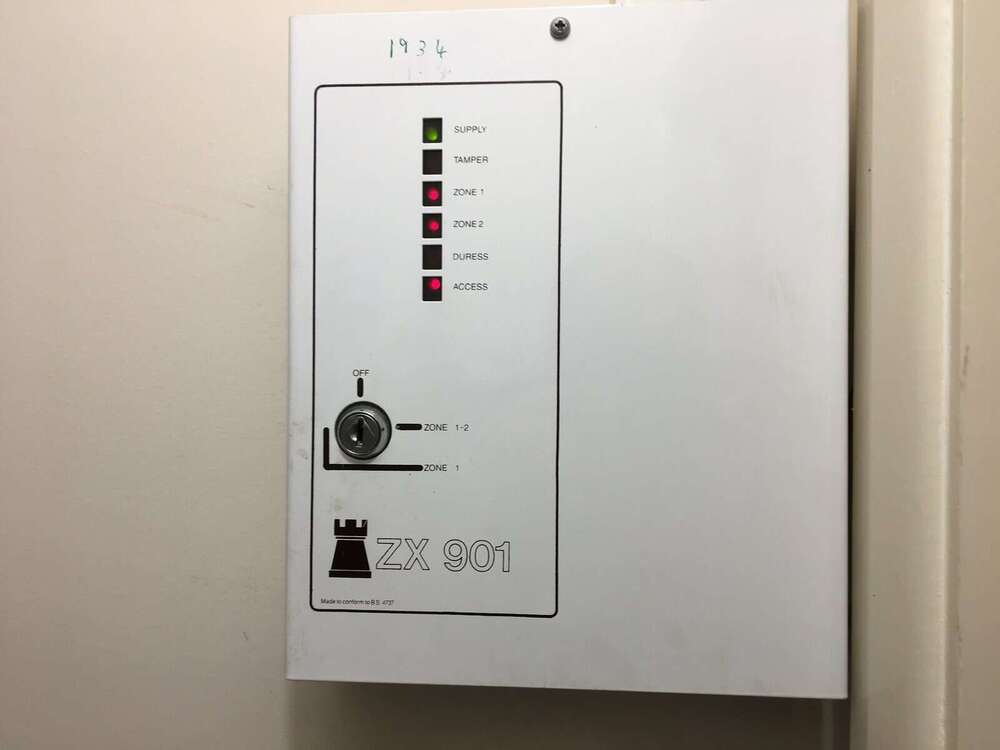
Just this one: Or found this image on line
-
Hi I have an old alarm system as above which has developed a fault ( i think since the back door was changed and sensor lost by installer) inside it looks fairly logical in terms of circuits - guessing open/ closed etc triggers alarm or exit delat etc. Appreciate its old tech but if i can fix it i would like too. I see there is a link to a manual on here but i dont have permssion to down load - is it me or is it an old link etc? Any help greatfully appreciated, thanks