_2d2230.png)
_5a42ce.png)

Morganator190
Newbie
-
Joined
-
Last visited
Everything posted by Morganator190
-
Thank you for that. Any recommendations on what system to replace it with? Thanks
-
Thanks how could you test if wireing is good?
-
Thanks if i replace everything. What would recommend for a wireless expandable, monitor solution?
-
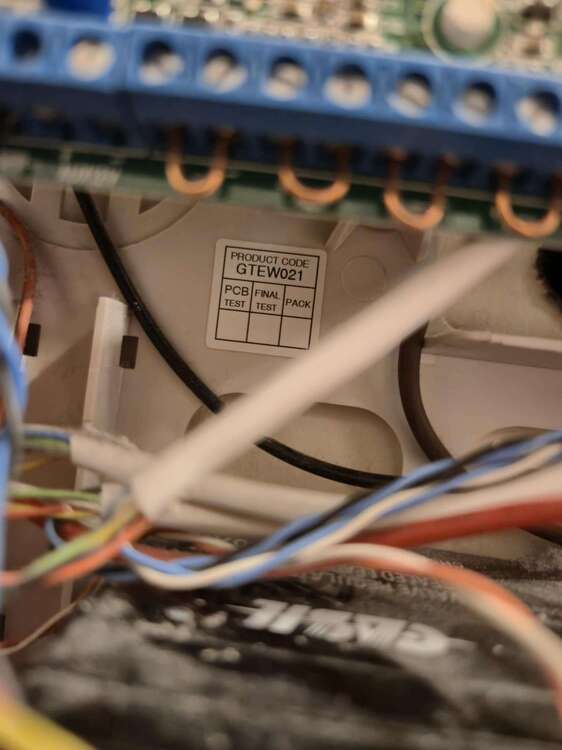
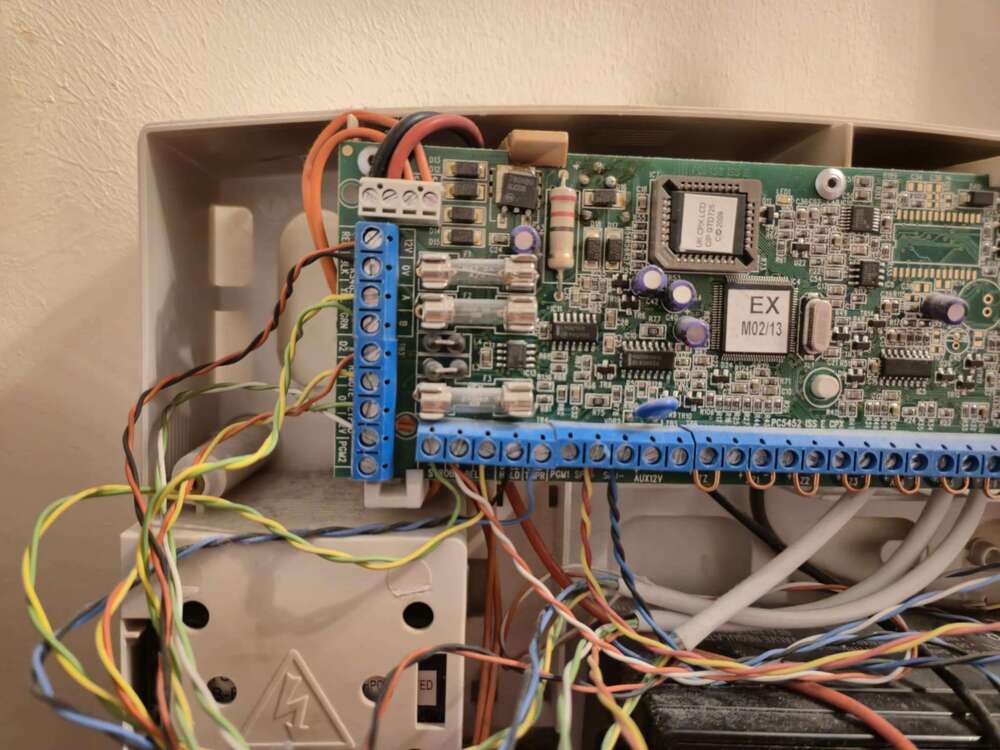
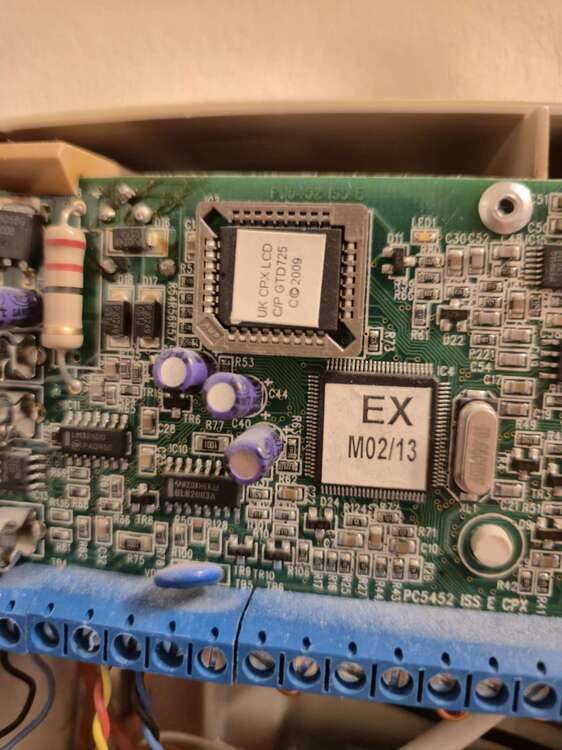
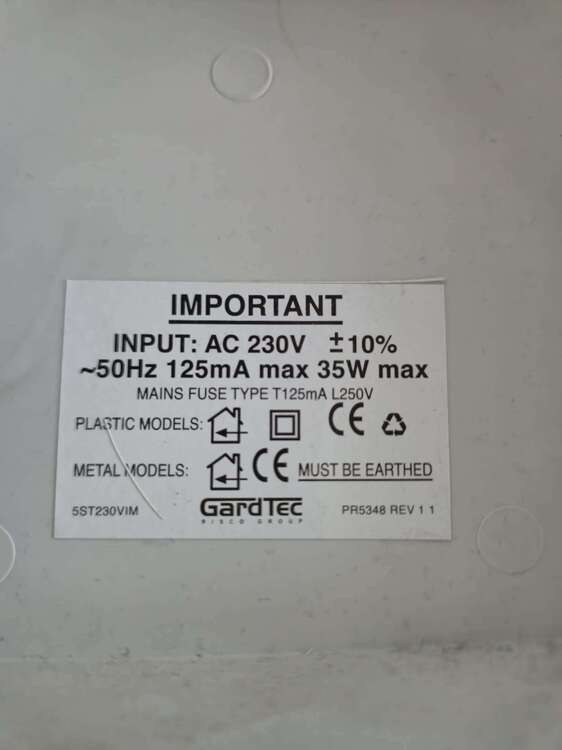
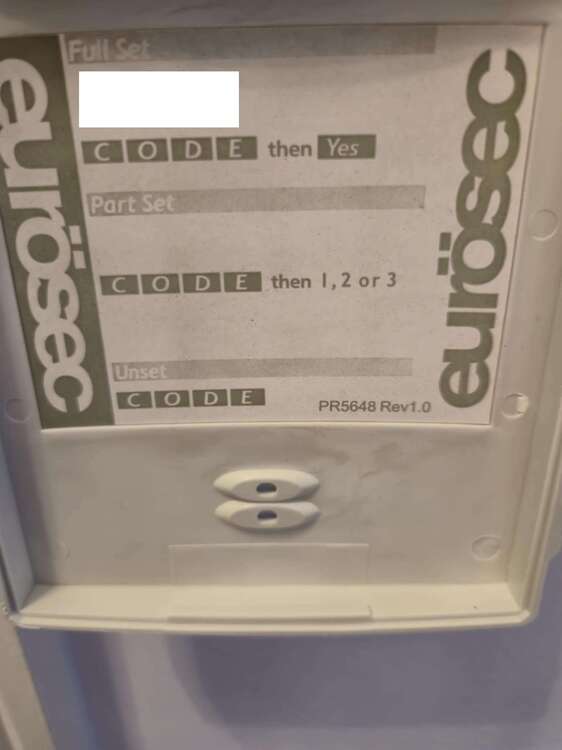
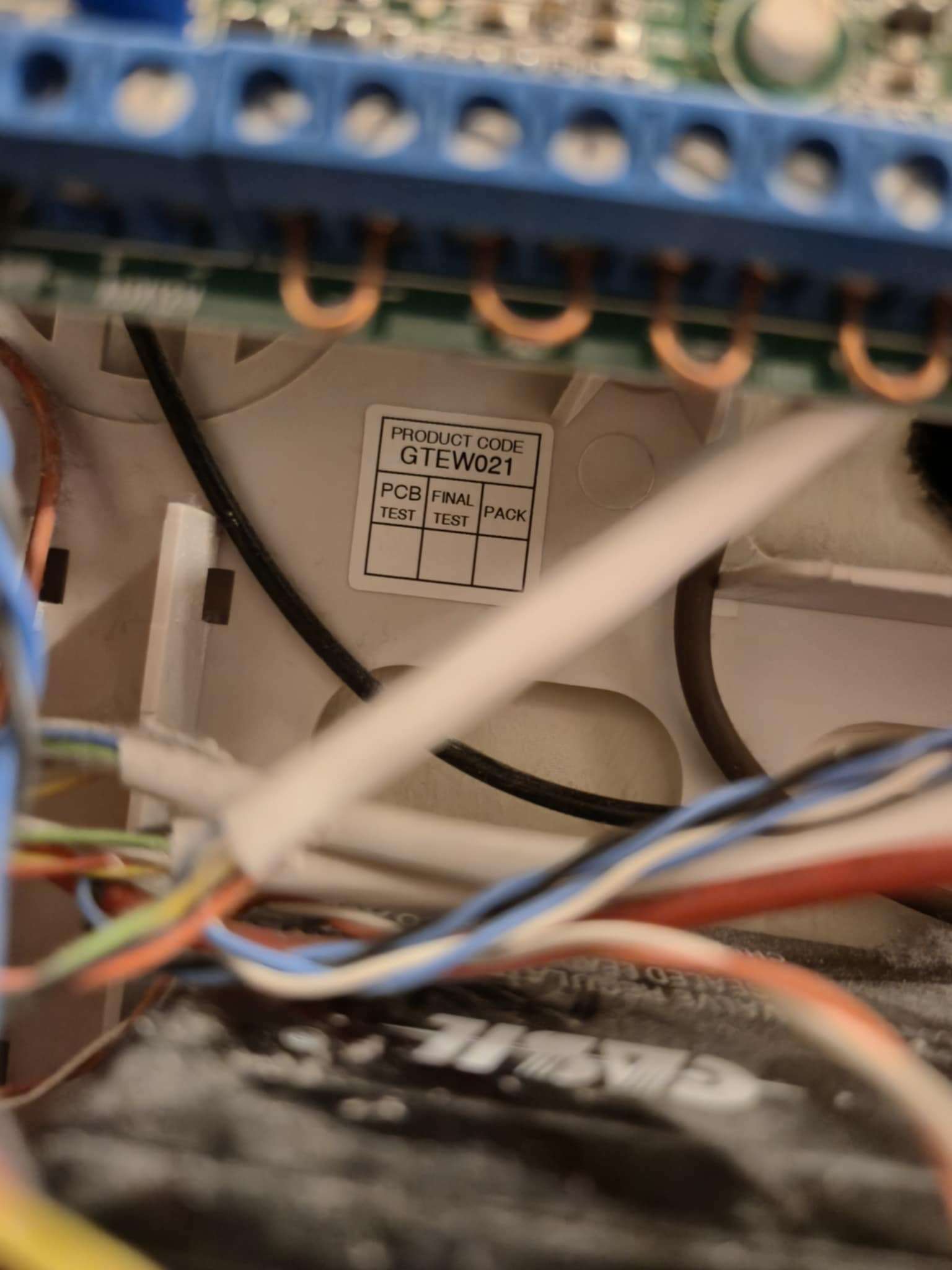
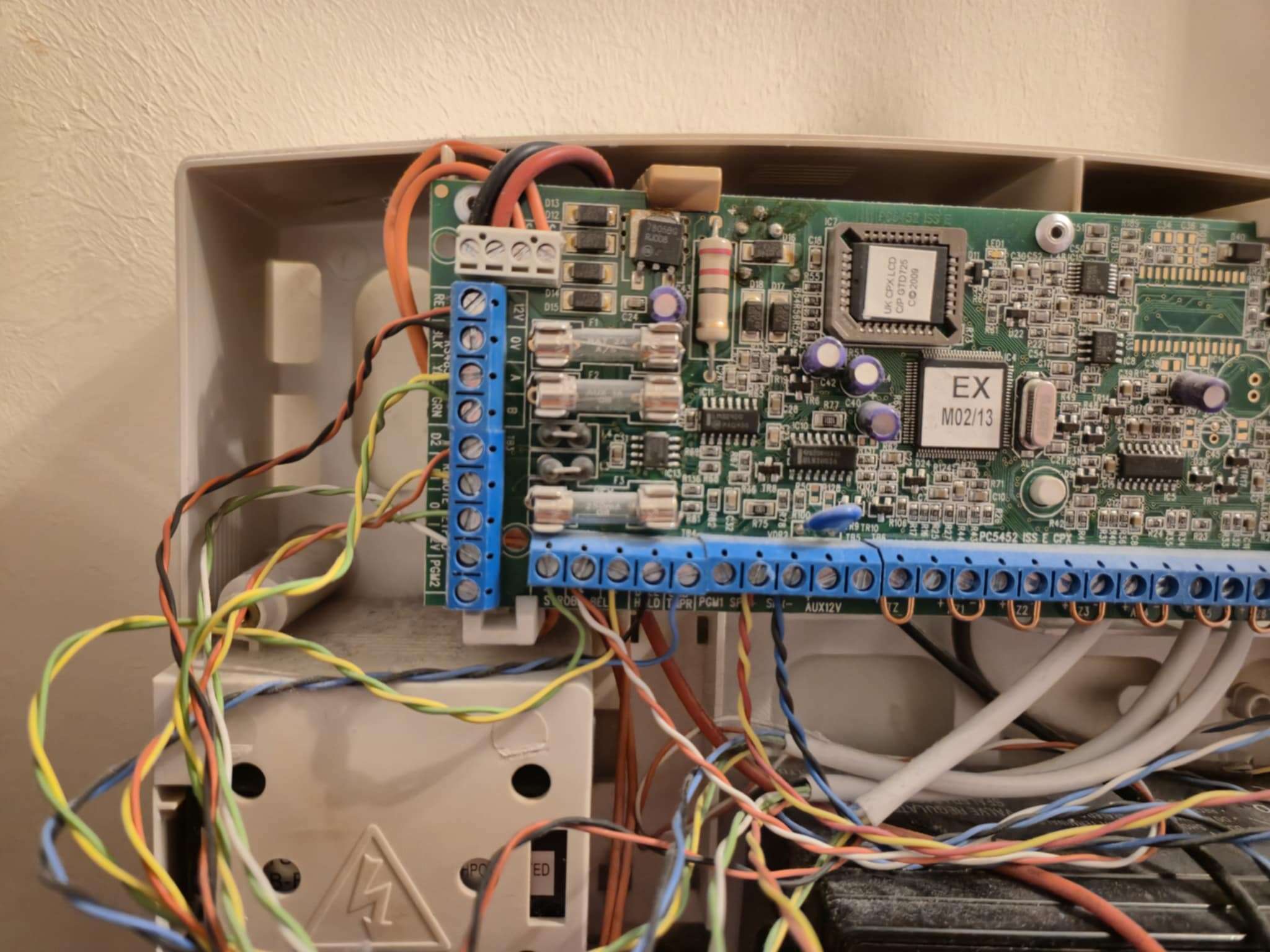
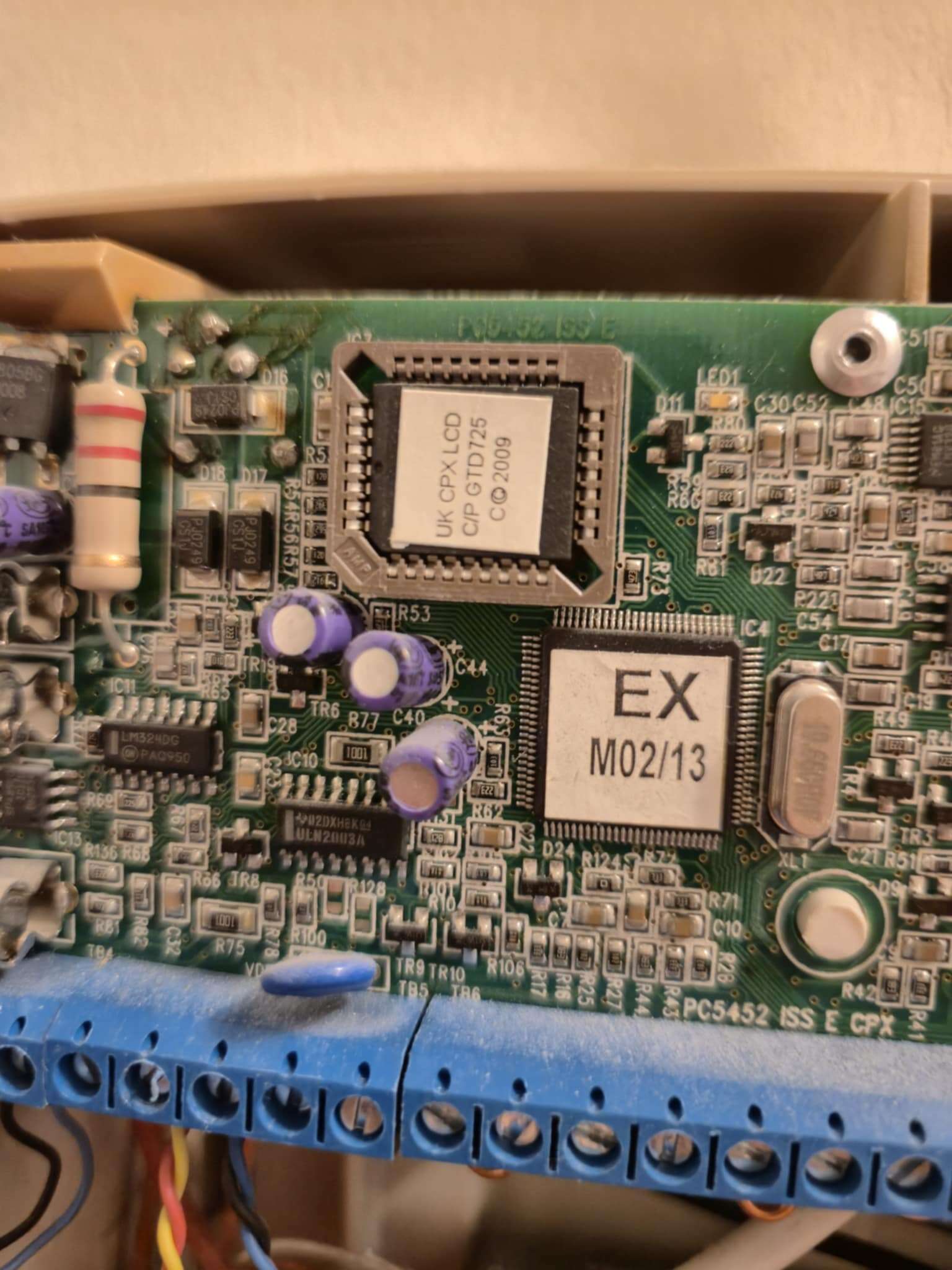
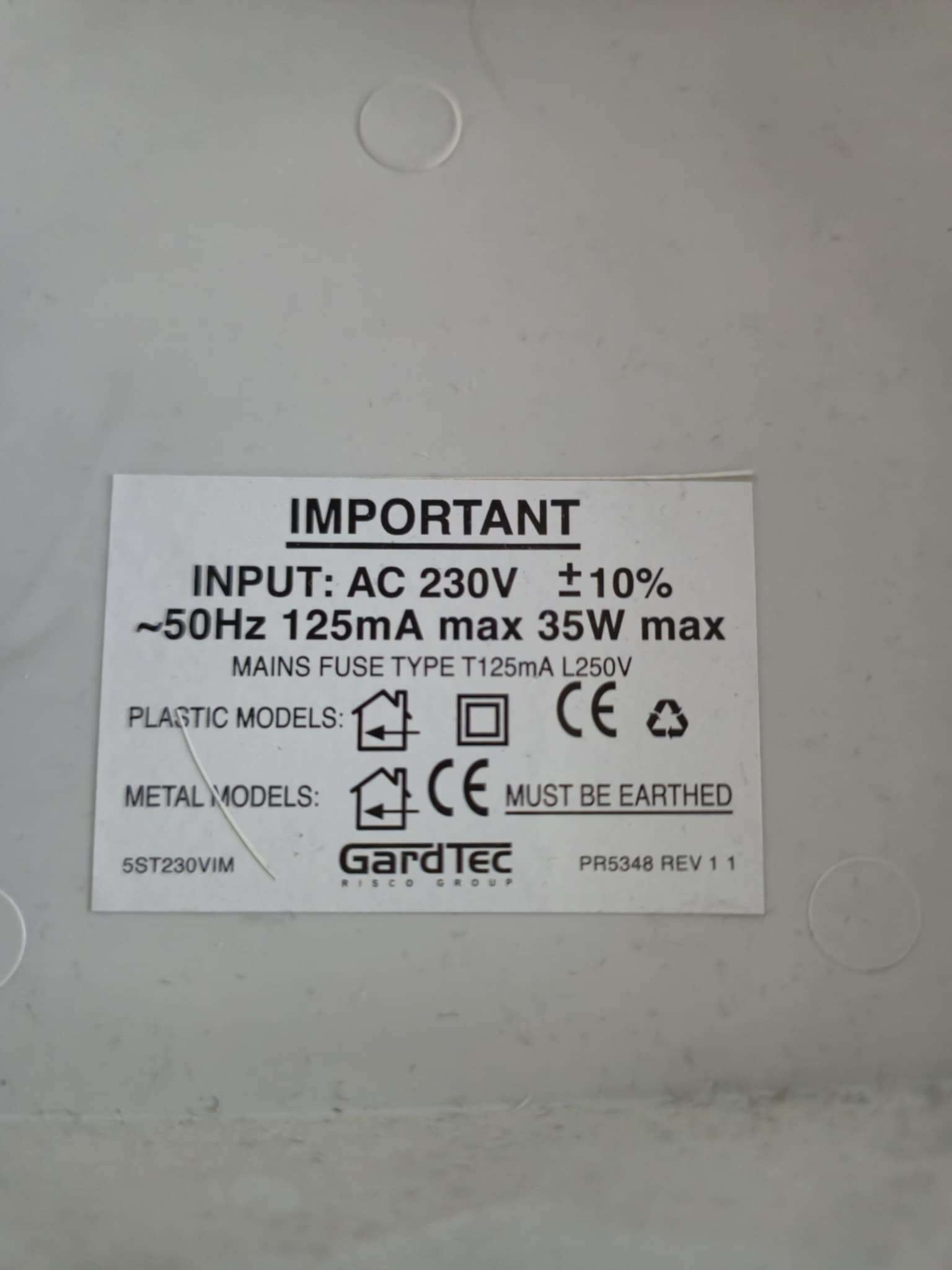
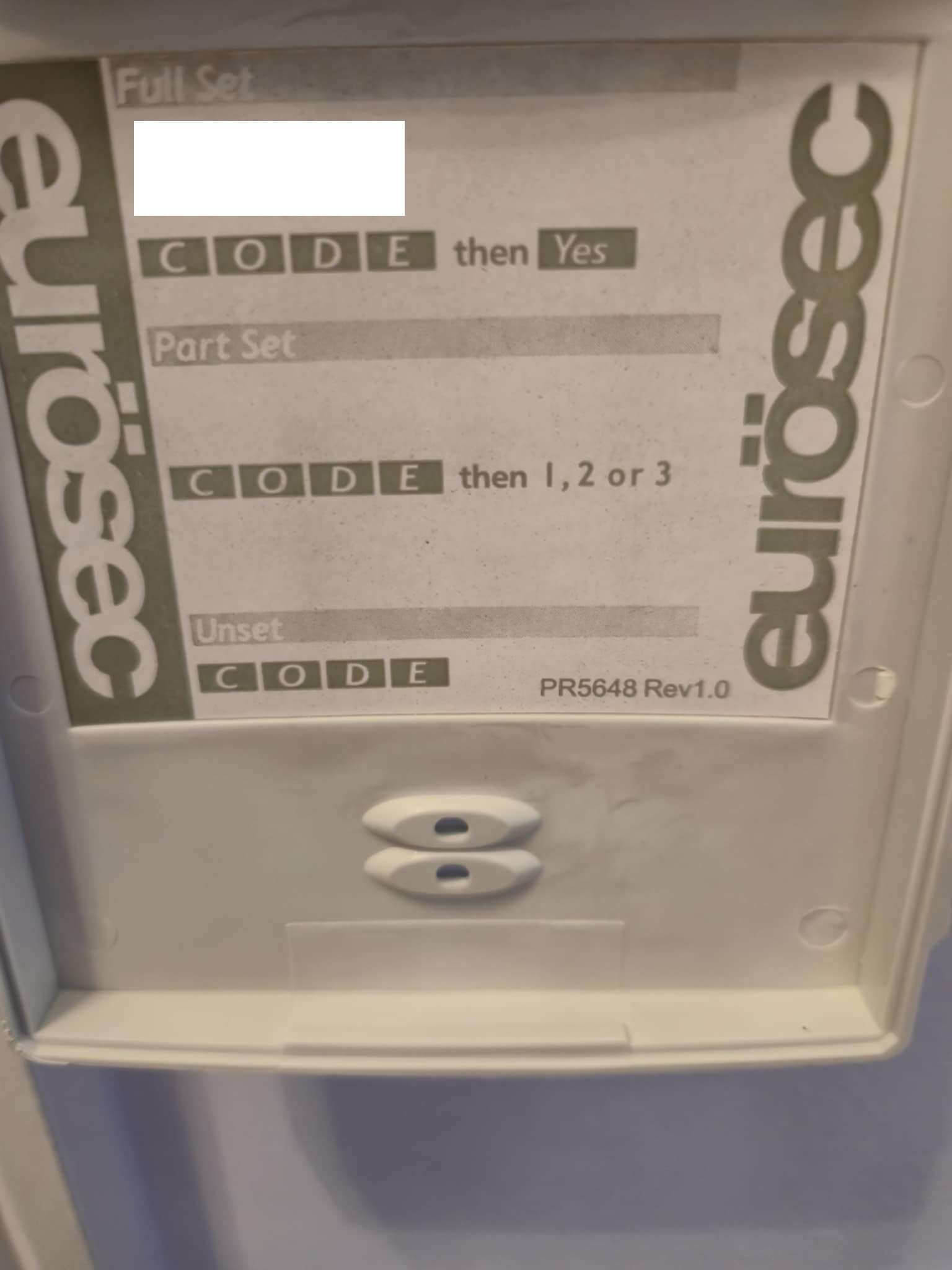
Hi hope you can help, ive worked on alarms previously. I suspect our alarm is engineer code changed and locked. On inspection of the pcb board, the main IC chip looks socketed. Is it possible to dump the chip, change the engineers code and re flash back, retaining user and aux settings? If not, is it possible to keep all PIR, door contacts etc and install a new unit instead? Here are some photos of the current installed alarm. Its suspected to be installed 10 years ago, i believe the company has gone out of business and would prefer to setup and control my alarm system. Its currently got issues where one of the door contacts failed and after replacing the alarm won't accept it. After 2 years of the alarm not been set it randomly goes off, suspecting fuse or battery issues. So ive disconnected all power to the unit until i figure out what to do next. Thanks