_2d2230.png)
_5a42ce.png)

kisaki75
Newbie
-
Joined
-
Last visited
Everything posted by kisaki75
-
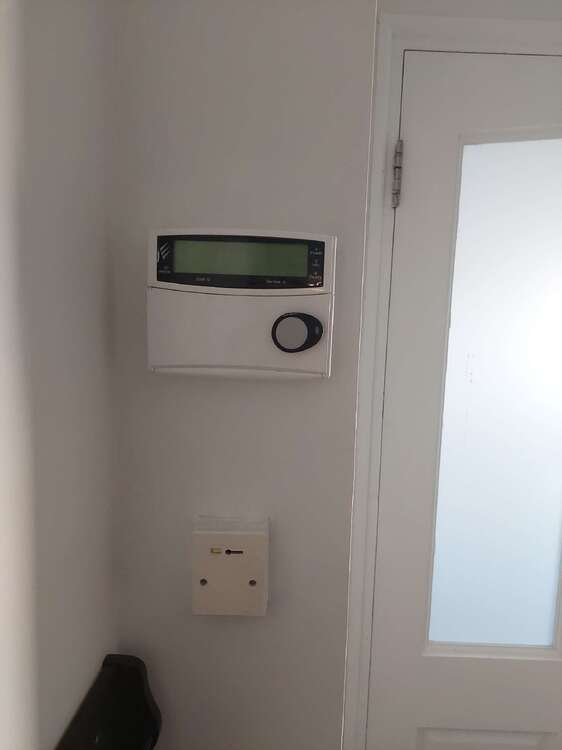
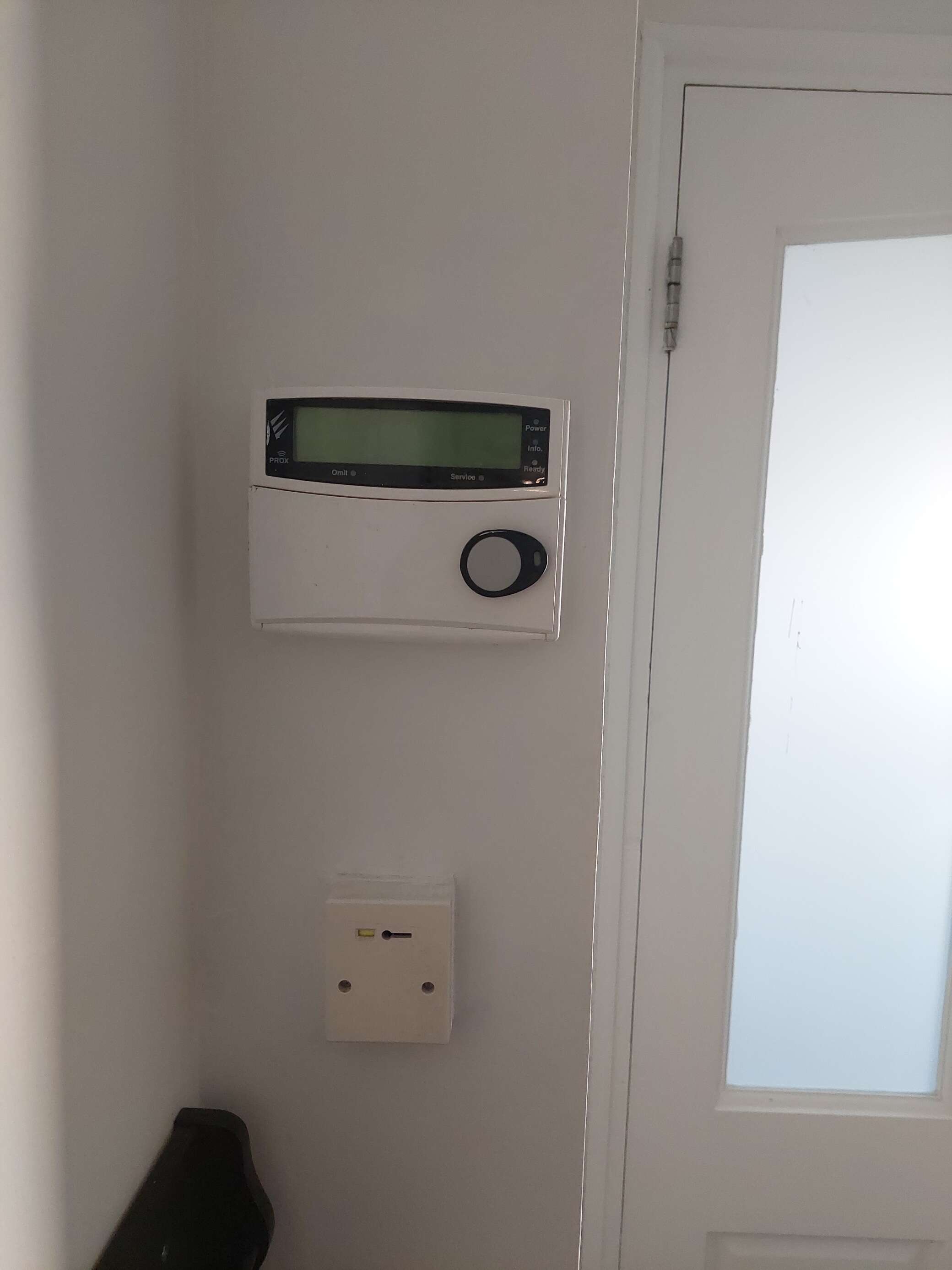
Hi, Apologies in advance for my complete lack of knowledge on this subject! We moved into this house 2 years ago. There is an alarm system installed but the former owners told us they never used it and have no idea how it works. They gave us some manuals and documents they also got from the owners before that. I wasn’t interested either so we just left it alone. See attached photo. Until last night, the power and the ready leds were green and the display would just show the date and time. Last night we were woken up by the alarm sounding . I manged to switch it off using that fob-like thing shown in the photo. There was (and still slightly is) a smell of burnt electricals on the 1st floor around where our hot water tank is. The alarm in the photo is on the ground floor, though. Since then, the Power and Ready buttons are still green but also the service one is now orange. The digital display is blank. From what I gather, this means the alarm is broken and needs a reset/service. The booklet I have says to call the company that services these but I don’t have a service contract and no number to call. I guess I am just looking for advice. What should we do? Can we just ignore it or could this become a bigger issue? I a. Worried about the burning smell but i cant find exactly where it comes from Would an electrician know where to look/what to do? Thank you!